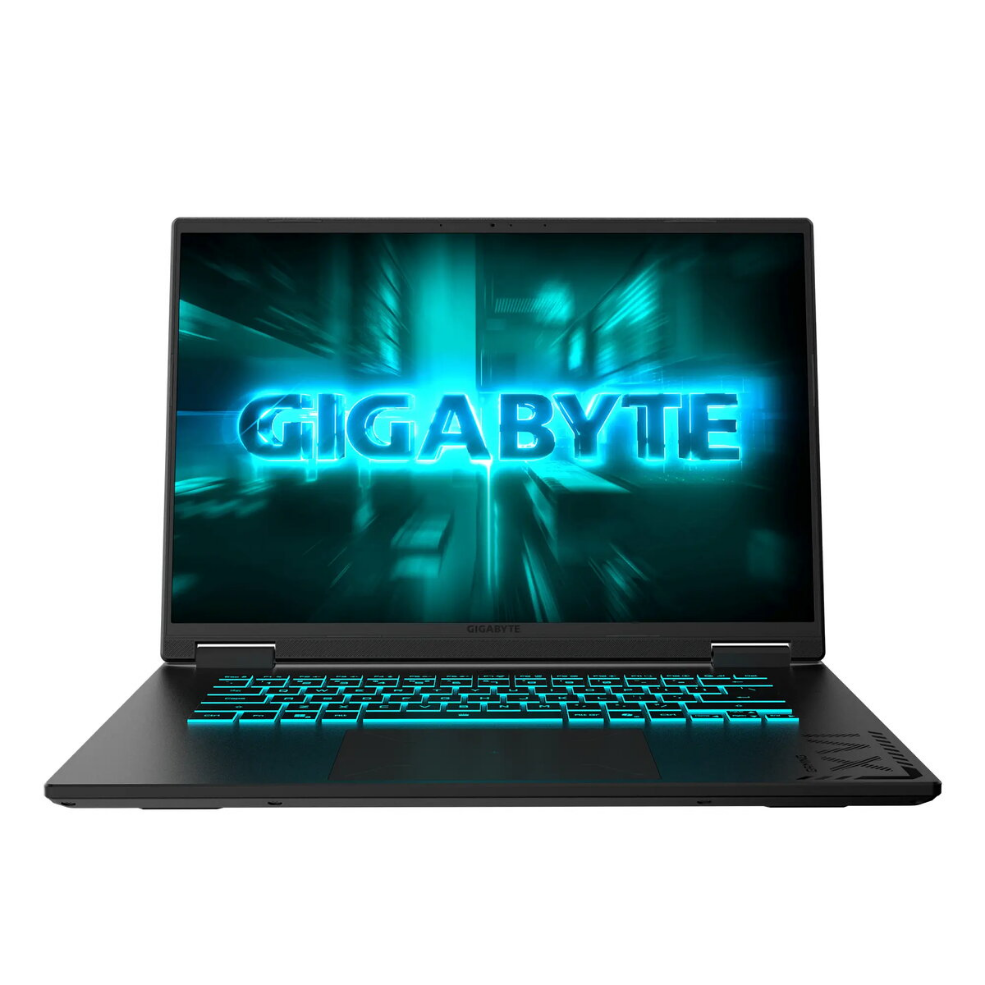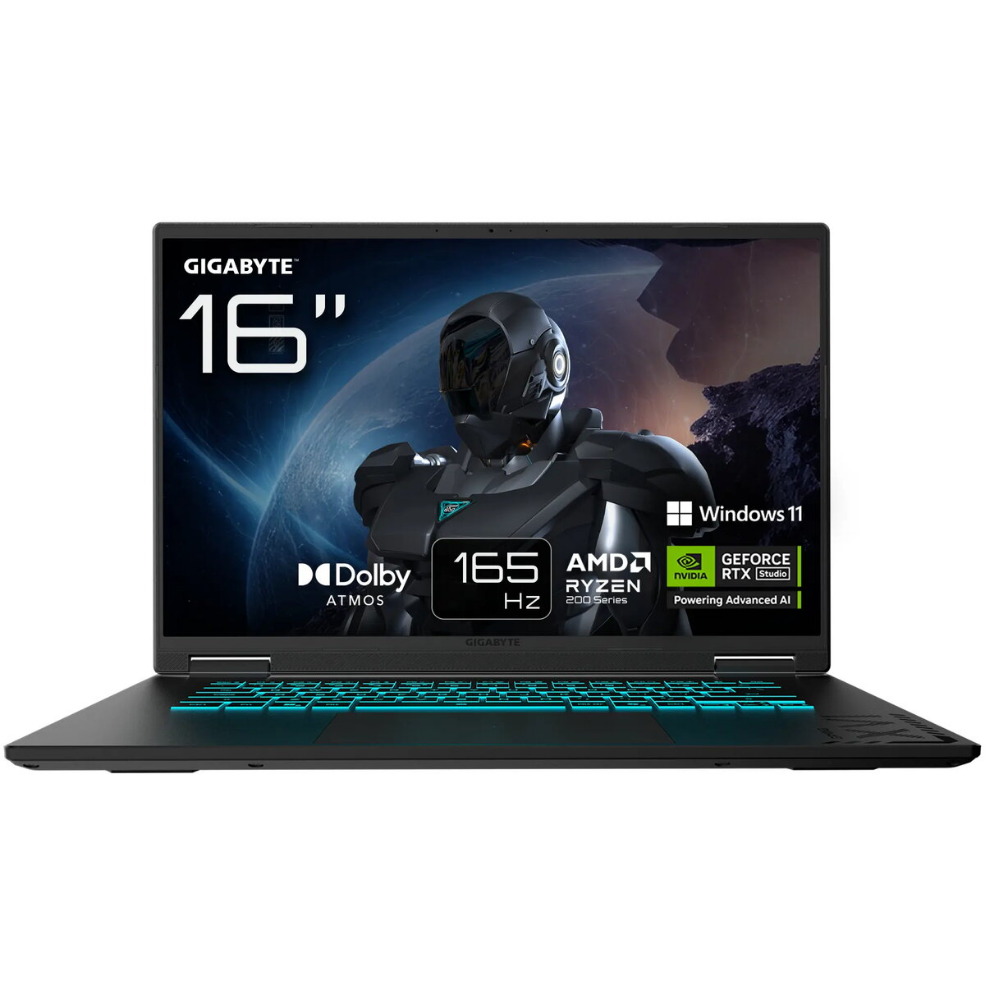
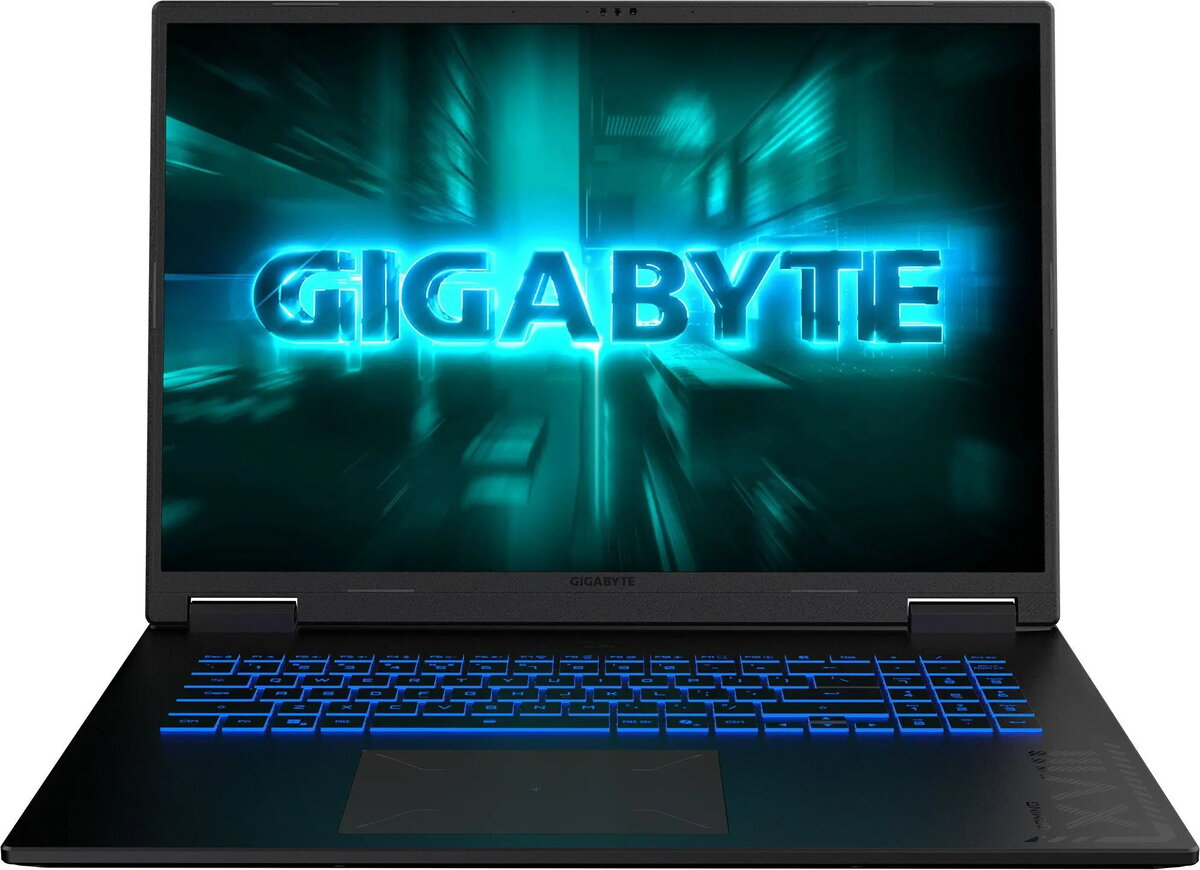
Laptop GIGABYTE GAMING A16 3WH-K3EE894SH — 16″ FHD+ 165Hz, AMD Ryzen 7, 16GB DDR5, 1TB SSD, NVIDIA GeForce RTX 5070 8GB, Windows 11 Home, English backlit keyboard

SKU: 11567995

Apple Shopping Event

Hurry and get discounts on all Apple devices up to 20%

Sale_coupon_20

1.718,99 

  • Free shipping €100
  • 30 day return
  • Warranty 1 year

Description

GIGABYTE GAMING A16 3WH-K3EE894SH is a 16″ gaming laptop with FHD+ display and a 165 Hz refresh rate. It is powered by an AMD Ryzen 7 260 processor with 8 cores, 16 GB DDR5 memory (1x16GB), and a 1 TB SSD. The system includes an NVIDIA GeForce RTX 5070 discrete GPU with 8 GB GDDR7 memory, runs Windows 11 Home, and features an English backlit keyboard. The laptop has an embedded rechargeable battery and comes with a 24-month warranty.

Advantages

The laptop combines a high-refresh FHD+ display with a powerful CPU and modern DDR5 memory for smooth gaming and multitasking. A dedicated NVIDIA GeForce RTX 5070 with GDDR7 memory provides hardware-accelerated graphics performance for games and creative applications. A 1 TB SSD ensures fast boot and load times while maintaining ample storage. Built-in Wi‑Fi and Bluetooth provide wireless connectivity, and the backlit keyboard supports use in low-light conditions.

Suitable for

  • Gaming at high frame rates and competitive play
  • Content creation and video/photo editing
  • Multitasking and productivity workloads
  • Media consumption and general home use

Key specifications

  • Brand: GIGABYTE
  • Model: GAMING A16 (3WH-K3EE894SH)
  • Display: 16″ FHD+ with 165 Hz refresh rate
  • Processor: AMD Ryzen 7 260, 8 cores
  • Memory: 16 GB DDR5 (1x16GB)
  • Graphics: NVIDIA GeForce RTX 5070, 8 GB GDDR7
  • Storage: 1000 GB SSD
  • Operating system: Windows 11 Home
  • Keyboard: English, backlit
  • Warranty: 24 months
  • Embedded battery: Yes

How to use

Unpack the laptop and connect the power adapter before first use to ensure the battery is charged. Follow the Windows 11 Home initial setup prompts to create a user account and configure network settings. Install necessary drivers and updates from the GIGABYTE support site if required. Use the NVIDIA control panel to adjust graphics settings for games or applications to balance performance and battery life. Store the laptop on a stable, flat surface with adequate ventilation during operation.

Usage recommendations

For optimal gaming performance, keep graphics drivers up to date, use a cooling-friendly surface or a laptop cooling pad during extended gaming sessions, and consider BIOS or firmware updates from the manufacturer. Regularly back up important data stored on the 1 TB SSD.

Overview