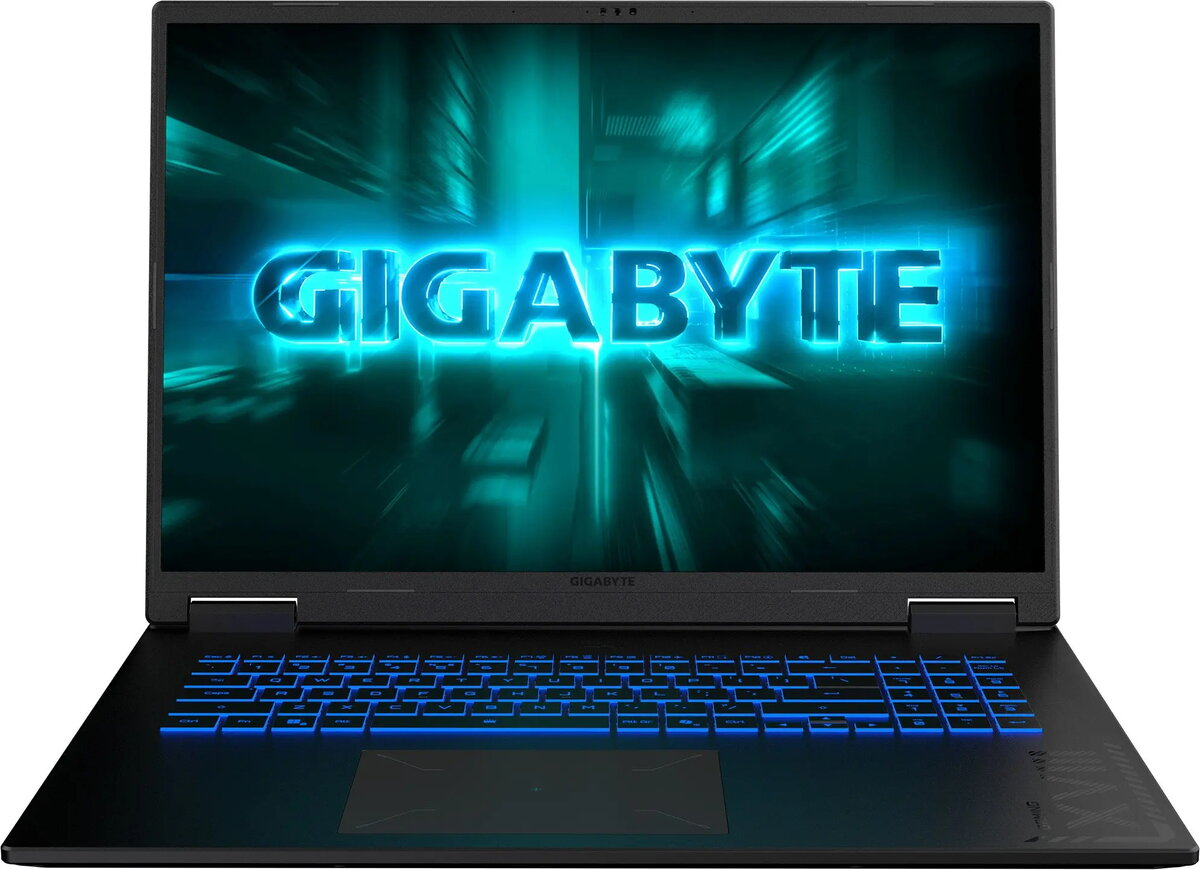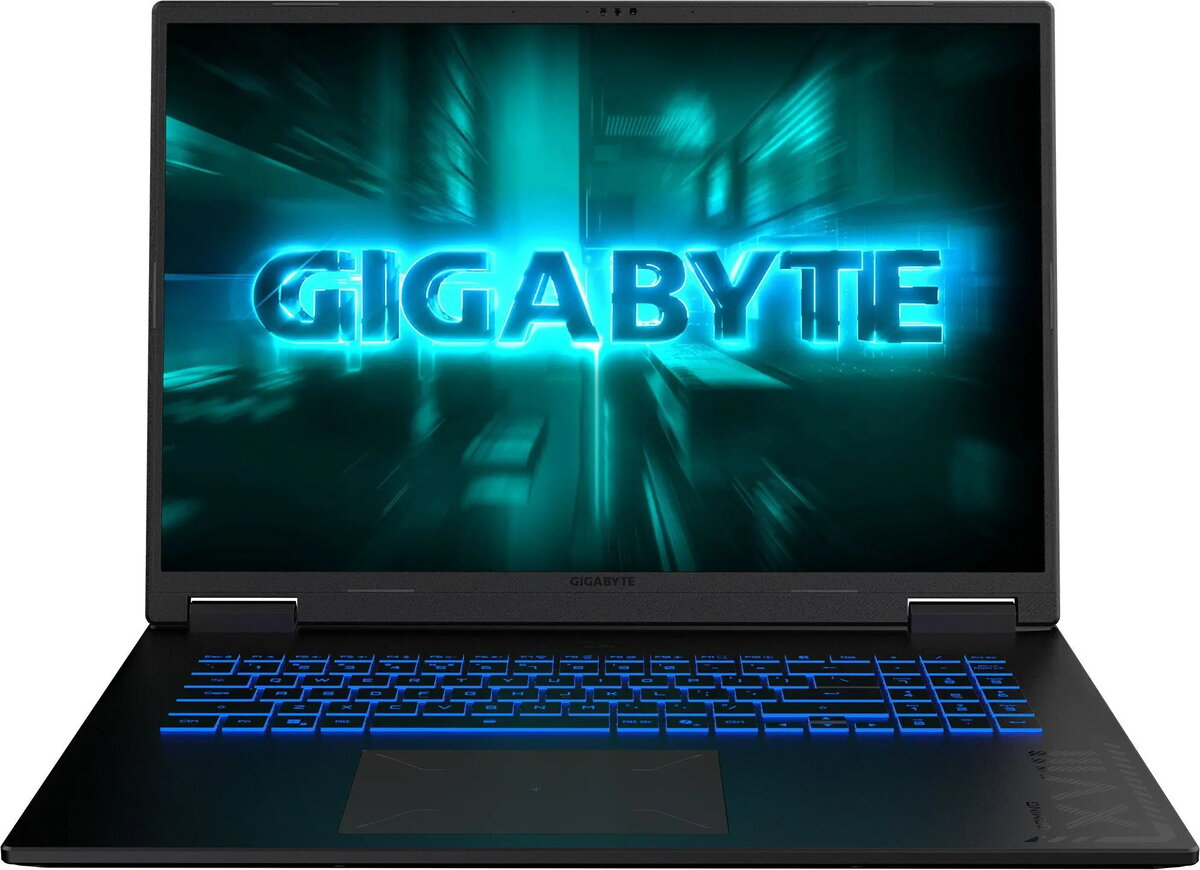
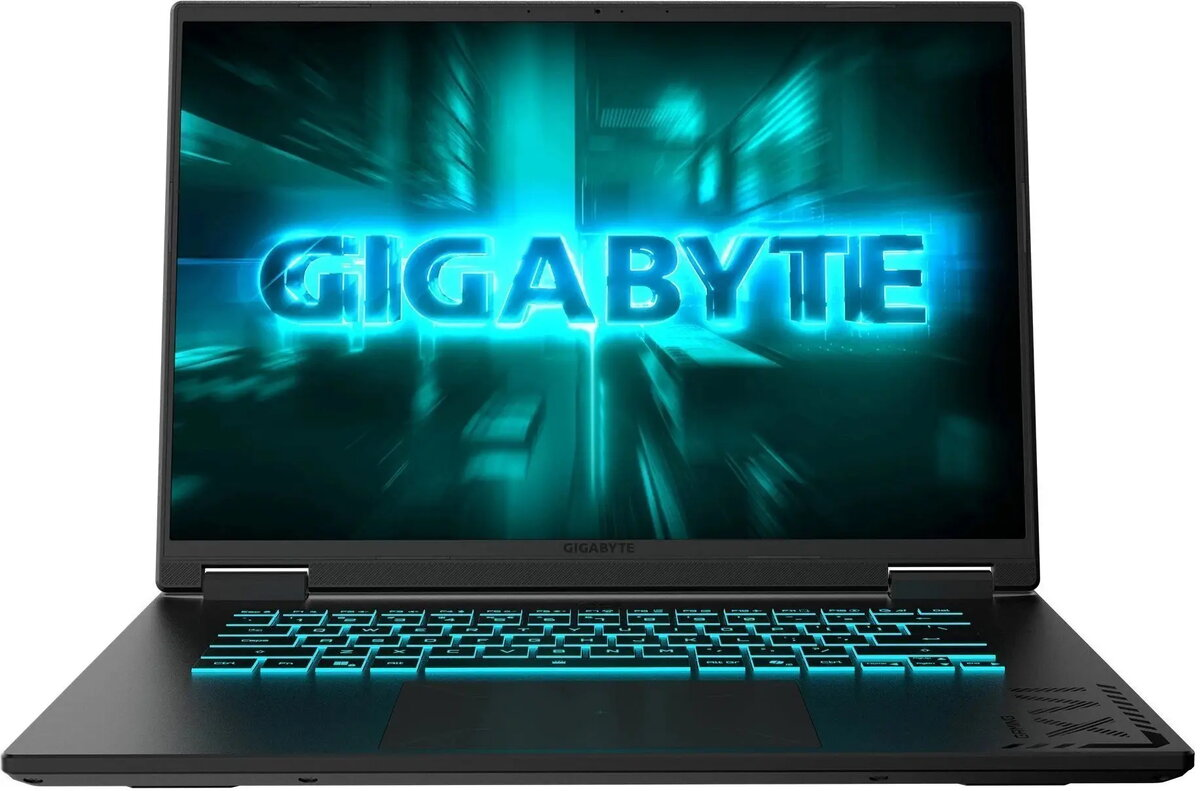
Laptop Gigabyte Gaming A18 3WH Ryzen 7 260 16 GB 1 TB RTX 5070 Windows

SKU: 11601614

Apple Shopping Event

Hurry and get discounts on all Apple devices up to 20%

Sale_coupon_20

1.355,99 

  • Free shipping €100
  • 30 day return
  • Warranty 1 year

Description

The Gigabyte Gaming A18 3WH Ryzen 7 260 16 GB 1 TB RTX 5070 Windows is a high-performance 18-inch laptop engineered for gaming and demanding professional tasks. Equipped with an AMD Ryzen 7 260 processor, 16 GB of system memory and a 1 TB solid-state drive, this model delivers fast boot times, responsive multitasking and ample local storage. The dedicated NVIDIA RTX 5070 graphics card combined with an IPS display supporting a 165 Hz refresh rate provides smooth visuals and low-latency rendering for modern games and graphics workloads. Windows is preinstalled for immediate productivity and compatibility with common applications.

Advantages

This laptop combines a multi-core Ryzen processor and a discrete RTX 5070 GPU to handle gaming, 3D rendering and video editing with consistent frame rates. The 16 GB RAM supports multitasking between games, streaming and content creation, while the 1 TB SSD reduces load and installation times. The 165 Hz display enhances motion clarity and reduces perceived input lag during fast-paced gameplay. The cooling and chassis design are optimized for sustained performance under load.

Suitable for

  • Playing modern AAA and esports titles at high settings
  • Video editing and 3D content rendering
  • Software development and virtual machines
  • Live streaming and multitasking with multiple applications
  • General productivity with large file storage and fast access

Key specifications

  • Processor type: AMD Ryzen 7 (multi-core consumer CPU)
  • System memory: 16 GB RAM
  • Storage: 1 TB solid-state drive (SSD)
  • Graphics: NVIDIA GeForce RTX 5070 discrete GPU
  • Display: 18-inch panel with 165 Hz refresh rate
  • Operating system: Microsoft Windows preinstalled
  • Connectivity: multiple modern ports and wireless networking (Wi‑Fi and Bluetooth)

How to use

Unpack the laptop, connect the power adapter and perform the initial Windows setup following the on-screen prompts. Install the latest graphics and chipset drivers from the manufacturer or NVIDIA to ensure optimal GPU performance. Use the operating system’s built-in update tools to apply Windows updates, and configure power and performance profiles depending on whether priority is battery life or maximum performance. For large game libraries and professional projects, organize files on the SSD and consider backing up critical data to external storage or cloud services.

Usage recommendations

For sustained gaming sessions and heavy workloads, use a flat, hard surface to ensure adequate airflow to the cooling vents. Keep system drivers and game clients updated, monitor temperatures during intensive use, and use performance tuning settings in Windows or dedicated utilities to balance noise and thermal output versus frame rate. Regularly create backups of important work and consider adding external storage or network backups if large media projects are frequent.

Overview