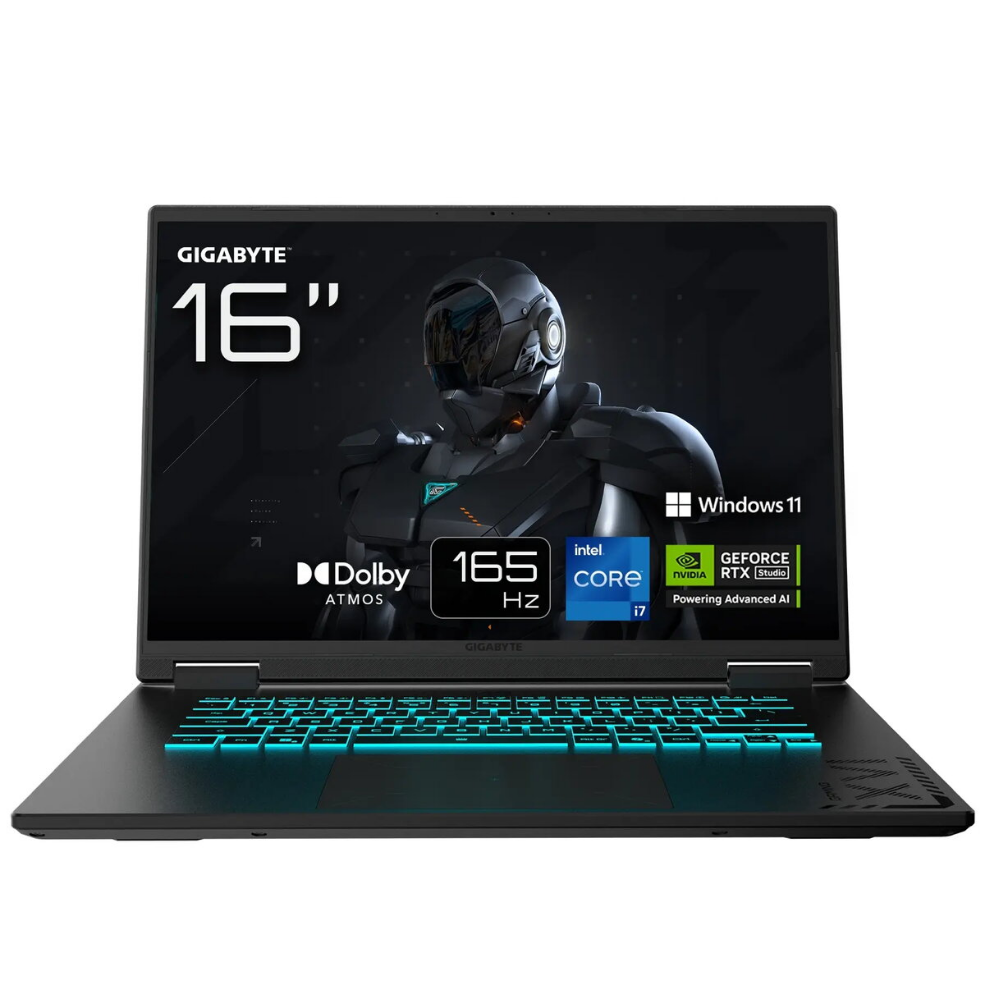

Laptop Gigabyte GAMING A16 PRO DXHG4CZCC4SH 16″ 7-240H 32GB 1TB RTX 5070Ti W11H

SKU: 11634995

Apple Shopping Event

Hurry and get discounts on all Apple devices up to 20%

Sale_coupon_20

1.925,99 

  • Free shipping €100
  • 30 day return
  • Warranty 1 year

Description

The Gigabyte GAMING A16 PRO DXHG4CZCC4SH is a high-performance 16″ laptop engineered for gaming and demanding workloads. It comes equipped with a 2560×1600 display, an AMD Ryzen 7-240H processor, 32GB of RAM and a 1TB SSD, and includes an NVIDIA RTX 5070 Ti graphics card and Windows 11 Home. This configuration balances CPU power, large memory capacity and fast storage to support smooth gameplay, application multitasking and content creation.

Advantages

The combination of an AMD Ryzen 7-240H processor and NVIDIA RTX 5070 Ti delivers strong frame rates and responsive system performance for modern games and GPU-accelerated tasks. A 2560×1600 16″ panel offers increased screen real estate and sharper visuals compared with standard 1080p displays. With 32GB of RAM and a 1TB SSD, the laptop provides ample memory for multitasking and quick access to large files, while Windows 11 Home ensures compatibility with current software and gaming platforms.

Suitable for

  • Playing modern AAA and esports titles at high settings
  • Video editing, 3D rendering and GPU-accelerated workflows
  • Software development, virtual machines and heavy multitasking
  • Content creation and streaming

Key specifications

  • Display: 16-inch, 2560×1600 resolution
  • Processor: AMD Ryzen 7-240H
  • Memory: 32GB RAM
  • Storage: 1TB solid-state drive (SSD)
  • Graphics: NVIDIA RTX 5070 Ti
  • Operating system: Windows 11 Home

How to use

Set up the laptop on a stable surface and complete the initial Windows 11 Home setup, including user account and network configuration. Install the latest NVIDIA and AMD chipset drivers from the manufacturer to ensure optimal graphics and system performance. Use the system settings to adjust display brightness, power profiles and performance modes according to your tasks: select higher-performance profiles for gaming or rendering and balanced profiles for everyday use to conserve power. Store large project files on the internal 1TB SSD for fast access, and consider using external backup solutions for long-term storage.

Usage recommendations

For sustained gaming or rendering sessions, ensure adequate ventilation and avoid blocking air vents. Keep graphics drivers and Windows updates current to benefit from performance improvements and security patches. If planning to run multiple virtual machines or extremely large datasets, verify that software requirements match the 32GB memory and adjust virtual memory settings if necessary.

Overview