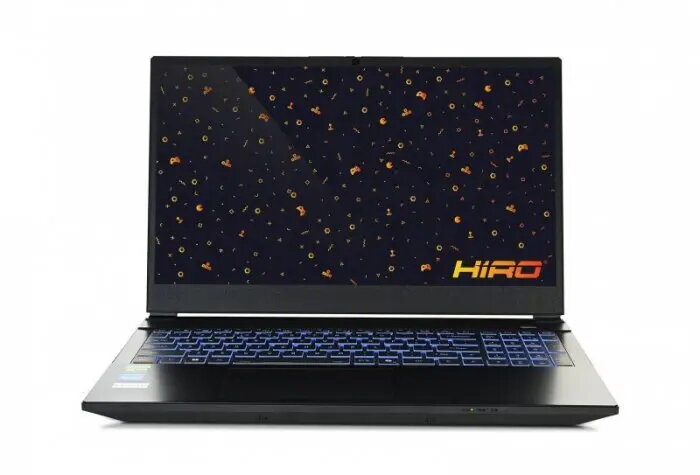
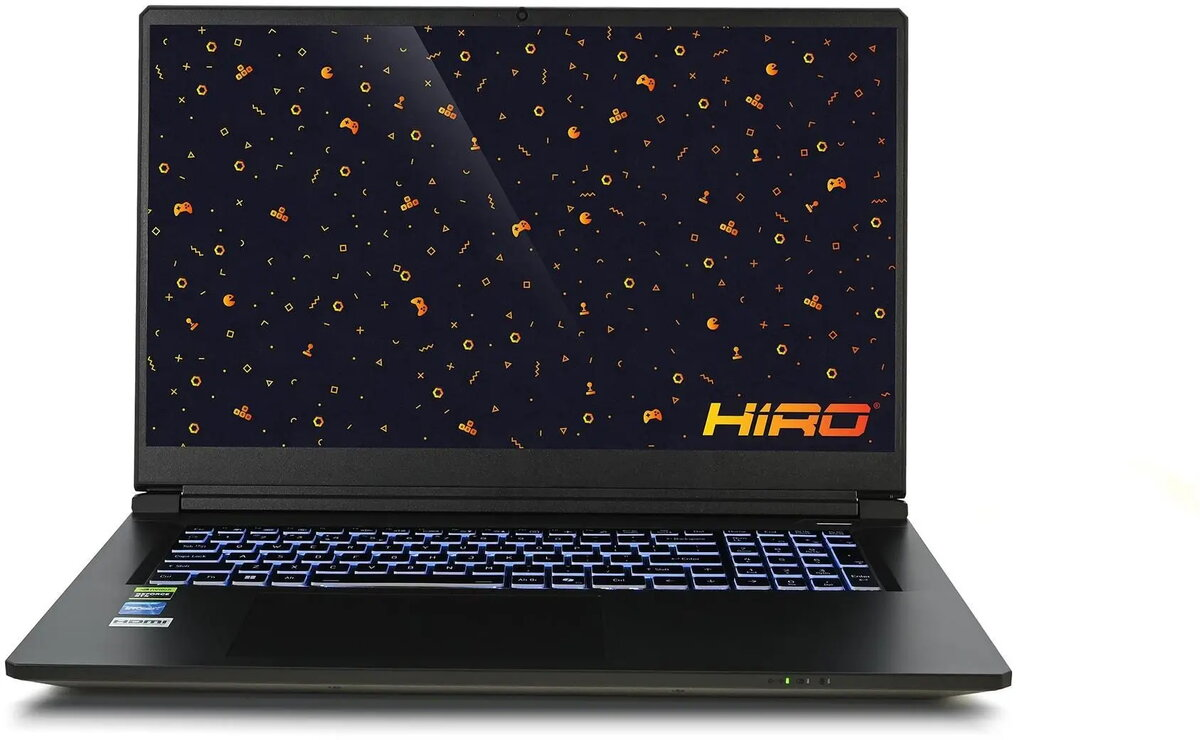
Gaming laptop HIRO Y560 15.6″ 144Hz, Intel Core i7-13620H, NVIDIA RTX 5060 8GB, 64GB RAM, 2TB SSD, Windows 11 Home

SKU: 11974234

Apple Shopping Event

Hurry and get discounts on all Apple devices up to 20%

Sale_coupon_20

2.016,99 

  • Free shipping €100
  • 30 day return
  • Warranty 1 year

Description

HIRO Y560 is a 15.6″ gaming laptop with a 144Hz display designed to deliver smooth motion and responsive visuals for gameplay and multimedia. Equipped with an Intel Core i7-13620H processor and NVIDIA RTX 5060 8GB graphics, this configuration supports modern AAA gaming, video editing and other graphics-intensive tasks. With 64GB of system memory and a 2TB M.2 SSD, the system provides ample capacity for large game libraries and fast application load times. The laptop ships with Windows 11 Home for familiar desktop functionality and modern security features.

Advantages

The combination of a high-refresh 144Hz 15.6″ display and a high-performance CPU/GPU pair enables fluid frame rates and reduced motion blur during fast-paced gaming. A large 64GB RAM configuration supports extensive multitasking and professional applications without frequent swapping. The 2TB NVMe M.2 SSD offers high sustained throughput and low latency for quick boot times and rapid asset streaming. Built-in Windows 11 Home ensures up-to-date OS features and driver compatibility for gaming peripherals and software.

Suitable for

  • Playing modern AAA games at high detail settings
  • Real-time streaming and content creation workflows
  • 3D rendering and GPU-accelerated compute tasks
  • Multitasking with numerous applications and browser tabs
  • Mobile workstation use for on-site productivity

Key specifications

  • Display: 15.6″ diagonal, 144Hz refresh rate
  • Processor: Intel Core i7-13620H (mobile high-performance CPU)
  • Graphics: NVIDIA RTX 5060 with 8GB dedicated VRAM
  • Memory: 64GB system RAM
  • Storage: 2TB M.2 NVMe SSD
  • Operating system: Windows 11 Home

How to use

Set up the laptop on a stable surface and connect the included power adapter before first use to ensure the battery is charged. Complete Windows 11 Home initial setup and install GPU drivers from the official NVIDIA and Intel sources to ensure optimal performance. Use the display settings to select the 144Hz refresh rate in the operating system and in games or applications that support higher refresh rates. Store large game installs and active projects on the 2TB SSD for best load times, and configure virtual memory or scratch locations as needed for content-creation software.

Usage recommendations

For sustained high-performance gaming or heavy rendering sessions, use the laptop connected to mains power and ensure adequate ventilation. Keep graphics drivers and Windows updates current, use game or application-specific profiles to optimize performance versus power, and consider external storage or backups for long-term archive of large files.

Overview