
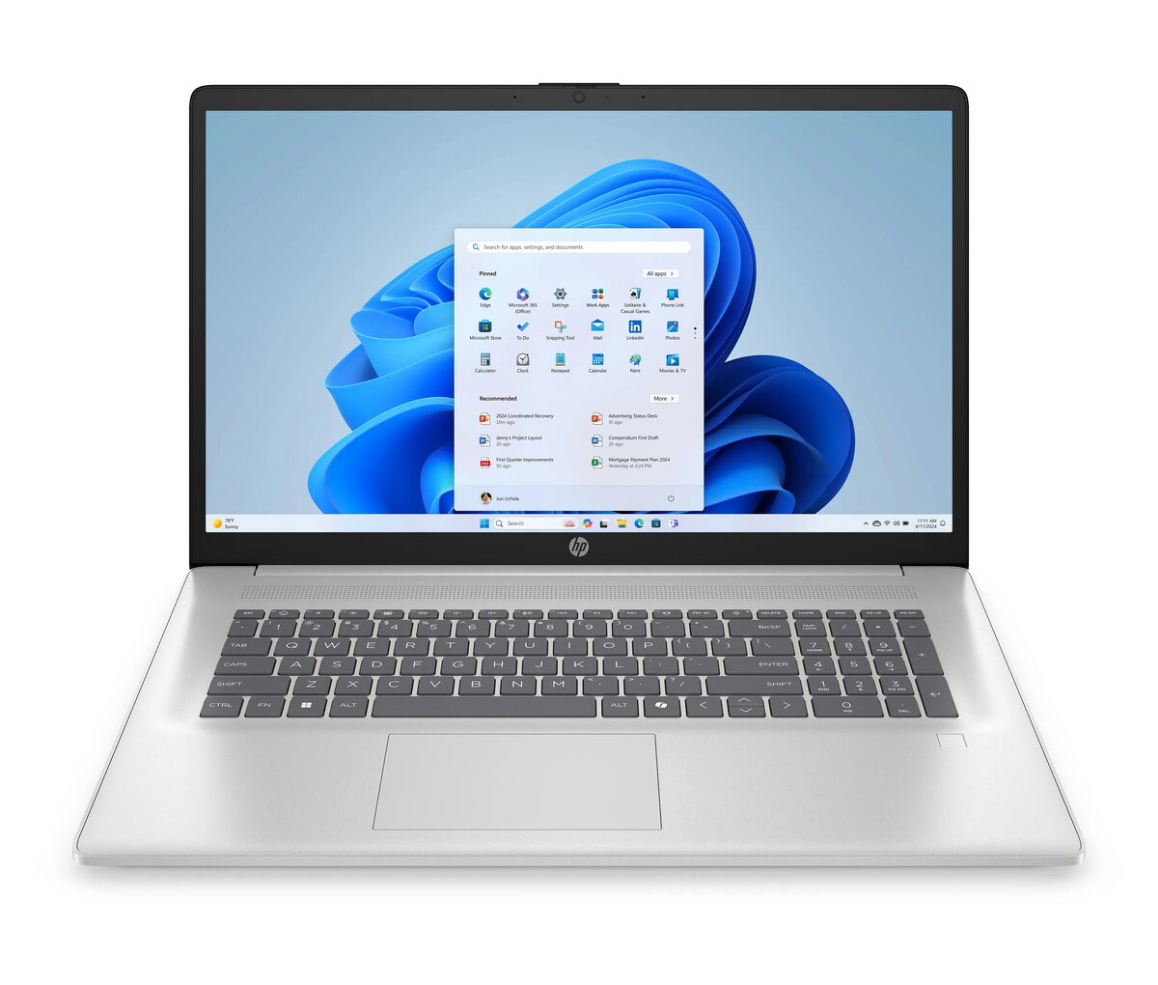
Laptop HP OmniBook 7 AI 14-fr0217nw 14″ 2K OLED 16GB RAM 512GB SSD

SKU: 11637795

Apple Shopping Event

Hurry and get discounts on all Apple devices up to 20%

Sale_coupon_20

1.002,99 

  • Free shipping €100
  • 30 day return
  • Warranty 1 year

Description

The HP OmniBook 7 AI 14-fr0217nw is a compact laptop built around a 14″ 2K OLED display that delivers high-contrast visuals and rich colors in a slim, portable chassis. Equipped with 16GB of RAM and a 512GB solid-state drive, this model is intended to balance responsive everyday performance with sufficient local storage for documents, media and applications. Its design emphasizes mobility for work, study and multimedia use while offering a premium screen and modern connectivity suited to mixed use between home and remote locations.

Advantages

The 14″ 2K OLED panel provides deep blacks, excellent color reproduction and wide viewing angles, improving readability and media playback. With 16GB of RAM, the system handles multiple browser tabs, office software and light content-creation tasks without frequent slowing. The 512GB SSD ensures fast system boot and application launch times while offering room for files and projects. The laptop’s lightweight form factor and battery-optimized components support extended use away from a desk.

Suitable for

  • Everyday office work and productivity applications
  • Students and remote learning with multimedia content
  • Business travel requiring a lightweight, high-resolution display
  • Media consumption, photo review and light video playback

Key specifications

  • Display: 14-inch 2K (2560×1600) OLED panel with vivid color and high contrast
  • Memory: 16 GB RAM for multitasking and smooth application switching
  • Storage: 512 GB solid-state drive (SSD) for fast boot and file access
  • Form factor: Slim and lightweight design for portability
  • Battery and power: Optimized for extended mobile use (actual life varies by workload)

How to use

Set up the laptop by following the on-screen setup assistant after first boot to configure user accounts, language and network settings. Install necessary productivity and security software, then migrate personal files to the SSD or configure cloud synchronization. Adjust display brightness and power settings for a balance between battery life and visual comfort. Use the included system tools to check for firmware and driver updates periodically to maintain stability and performance.

Usage recommendations

For best results when editing photos or streaming video, use the OLED panel at moderate brightness and ensure the system is on a stable surface to allow adequate ventilation. Keep critical data backed up to cloud storage or external drives, and enable automatic updates for the operating system and drivers to ensure compatibility and security.

Overview
