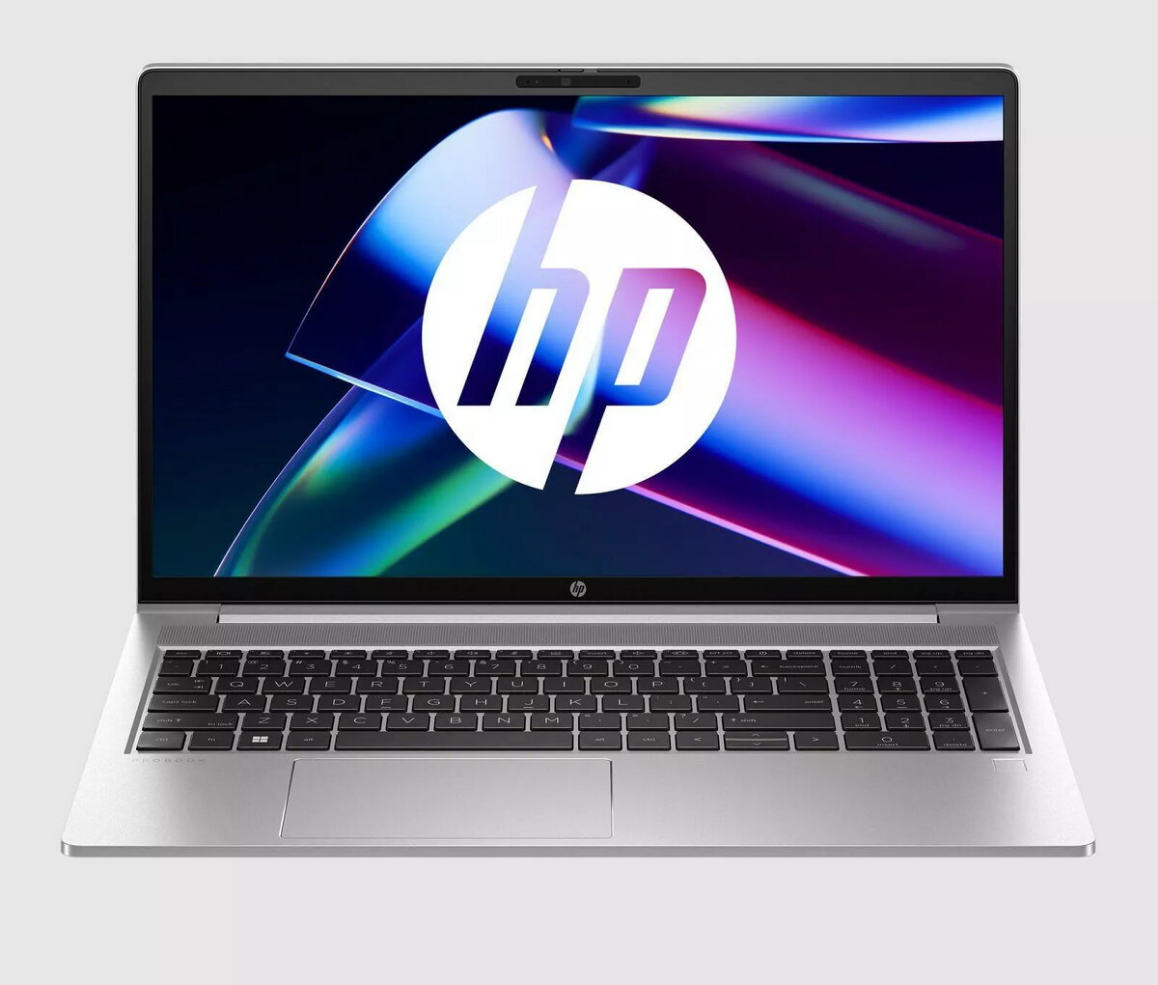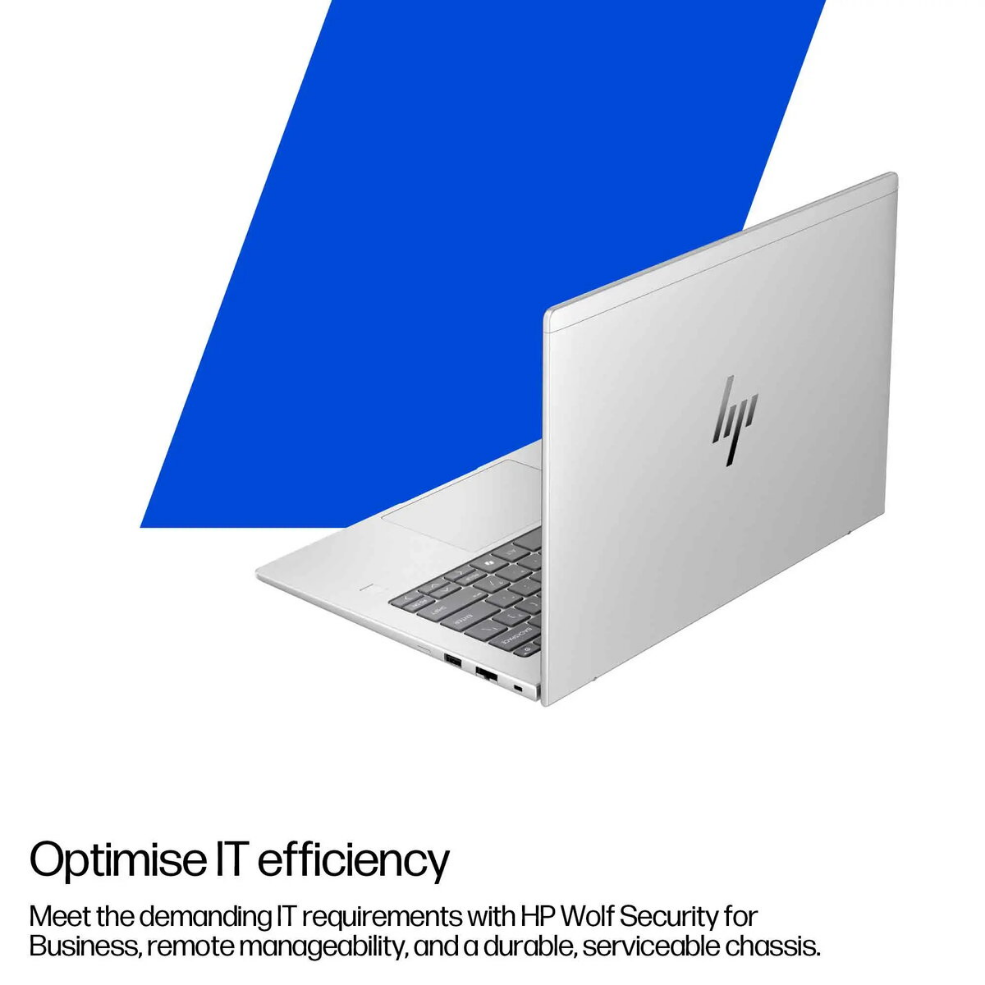

Notebook HP ProBook 450 G10 15.6″ Intel Core i3-1315U 16GB RAM 256GB SSD FreeDOS

SKU: 11278140

Apple Shopping Event

Hurry and get discounts on all Apple devices up to 20%

Sale_coupon_20

Original price was: 639,99 €.Current price is: 613,99 €.

  • Free shipping €100
  • 30 day return
  • Warranty 1 year

Description

The HP ProBook 450 G10 is a 15.6-inch laptop designed for everyday business and study tasks. It features a Full HD display and is powered by an Intel Core i3-1315U processor paired with 16GB of RAM and a 256GB solid-state drive. The system ships with FreeDOS, enabling users to install their preferred operating system. The chassis combines a professional appearance with build quality intended for regular mobile use.

Advantages

The combination of an Intel Core i3-1315U and 16GB of RAM provides responsive multitasking for common office applications, web browsing and media playback. A 256GB SSD delivers faster boot and application load times compared with traditional hard drives. The 15.6-inch Full HD screen offers clear text and sharper visuals for documents and presentations. FreeDOS gives flexibility to install Windows or a Linux distribution according to user needs.

Suitable for

  • Office productivity: word processing, spreadsheets, email
  • Remote work and video conferencing
  • Student use: online classes, research, assignments
  • Web browsing, media streaming and light multitasking

Key specifications

  • Display: 15.6-inch Full HD (1920 × 1080)
  • Processor: Intel Core i3-1315U
  • Memory: 16GB RAM
  • Storage: 256GB solid-state drive (SSD)
  • Operating system: FreeDOS (no preinstalled OS)
  • Connectivity: Wi‑Fi and Bluetooth support (details depend on configuration)
  • Form factor: portable 15.6-inch notebook with durable chassis

How to use

Unpack the laptop and connect the power adapter to charge the battery before first use. If you require a graphical operating system, install your preferred OS following the vendor or distribution instructions; ensure drivers for display, networking and input devices are installed after the OS setup. Configure user accounts, connect to a Wi‑Fi network, and perform system updates to maintain security and functionality. Use power management settings to balance performance and battery life during mobile use.

Usage recommendations

For reliable daily performance, install an operating system that matches your software needs and enable updates. Keep the SSD with adequate free space for system processes (recommended at least 10–15% free). Use a protective sleeve during transport and apply regular backups for important data.

Overview