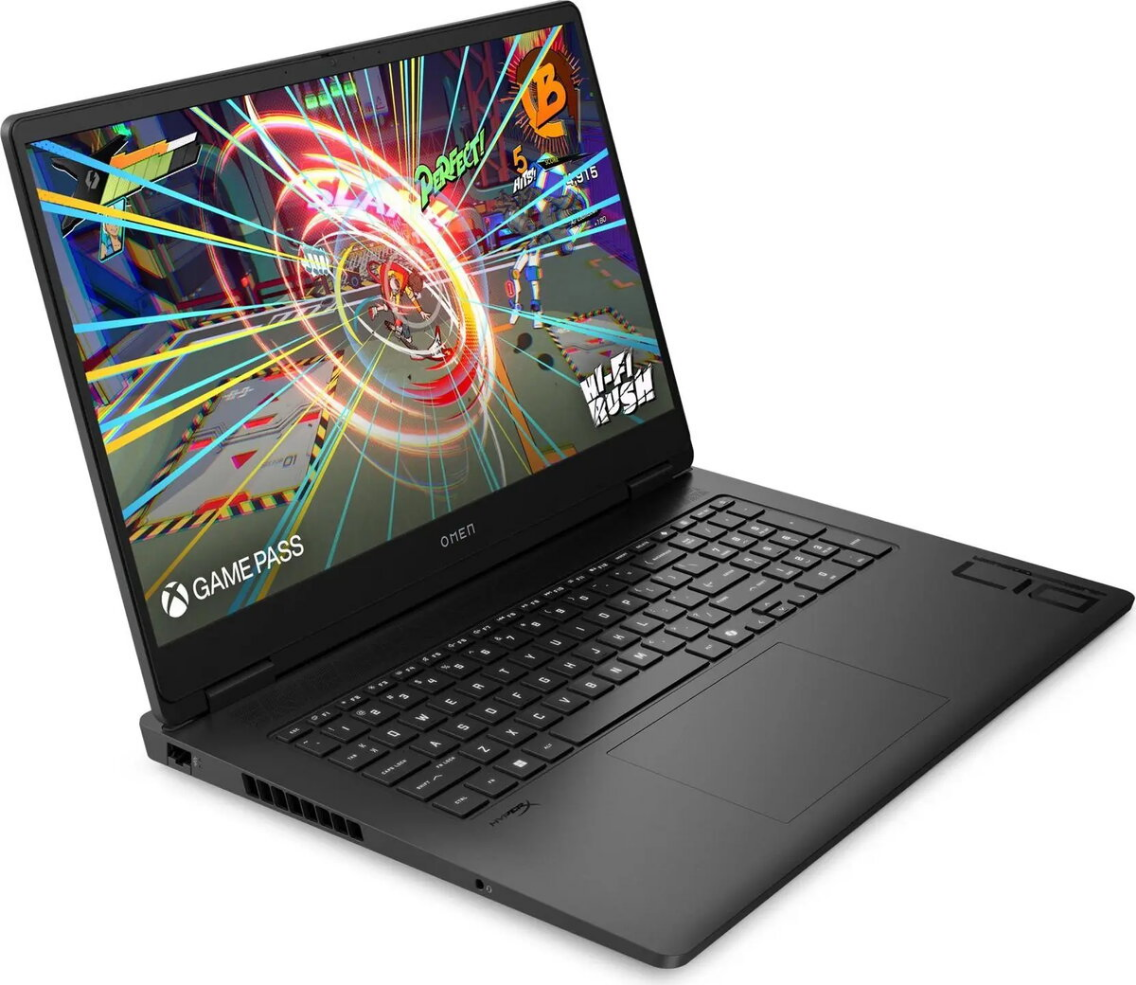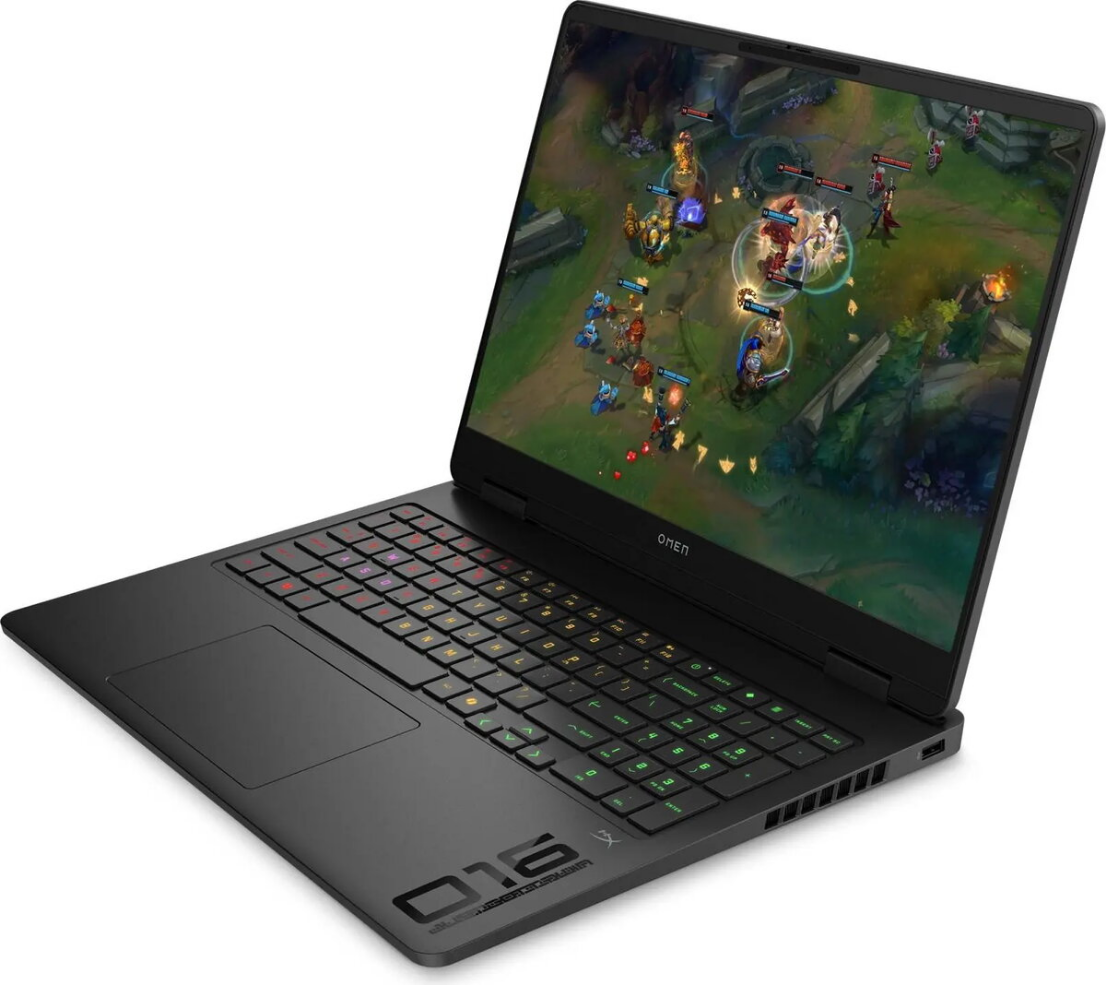
Laptop HP OMEN Gaming Laptop 17.3″ Ryzen AI 9 365 32GB 1TB RTX 5060 nOS

SKU: 11566677

Apple Shopping Event

Hurry and get discounts on all Apple devices up to 20%

Sale_coupon_20

Original price was: 1.806,99 €.Current price is: 1.695,99 €.

  • Free shipping €100
  • 30 day return
  • Warranty 1 year

Description

The HP OMEN Gaming Laptop 17.3″ Ryzen AI 9 365 is a high-performance portable PC with a 17.3-inch WQHD (2560×1440) IPS display and a 240 Hz refresh rate. It is built around an AMD Ryzen AI 9 365 processor with 10 cores, complemented by an NVIDIA GeForce RTX 5060 GPU with 8 GB VRAM, 32 GB RAM and a 1 TB SSD. The laptop ships without an operating system and offers connectivity options including Wi‑Fi 6, one HDMI port and four USB 3.0 ports. Battery life is rated up to 6.5 hours and the device weighs approximately 2.95 kg.

Advantages

The combination of a 10-core Ryzen AI 9 365 CPU and GeForce RTX 5060 GPU delivers strong CPU and GPU performance for gaming and content creation. The 17.3″ WQHD IPS panel with 240 Hz provides high resolution and fast refresh for smooth motion. A 1 TB SSD offers fast storage and quick system responsiveness, while 32 GB of RAM supports multitasking and demanding applications. Modern connectivity includes Wi‑Fi 6, HDMI output and multiple USB 3.0 ports.

Suitable for

  • Gaming at high settings and competitive play
  • Video editing and 3D rendering workloads
  • Multitasking with many applications and browser tabs
  • Portable workstation use for creators and power users

Key specifications

  • Processor: AMD Ryzen AI 9 365, 10 cores, up to 5.00 GHz
  • Display: 17.3″ WQHD IPS (2560×1440), 240 Hz
  • Graphics: NVIDIA GeForce RTX 5060 with 8 GB VRAM
  • Memory: 32 GB RAM
  • Storage: 1 TB SSD
  • Connectivity: Wi‑Fi 6, 1× HDMI, 4× USB 3.0
  • Operating system: None included (no OS)
  • Battery life: up to 6.5 hours
  • Weight: approx. 2.95 kg

How to use

Install your preferred operating system and drivers, including the latest NVIDIA GeForce drivers and chipset software, to ensure full performance and compatibility. Use the laptop on a stable surface with good ventilation to maintain cooling under heavy load. Connect external displays or peripherals via HDMI and USB 3.0 ports as needed. For gaming, select appropriate in-game graphics settings to balance visuals and frame rate on the 240 Hz panel.

Usage recommendations

For extended gaming or rendering sessions, connect the laptop to AC power and ensure vents are unobstructed; regular driver updates and periodic cleaning of air intakes will help maintain performance and longevity.

Overview