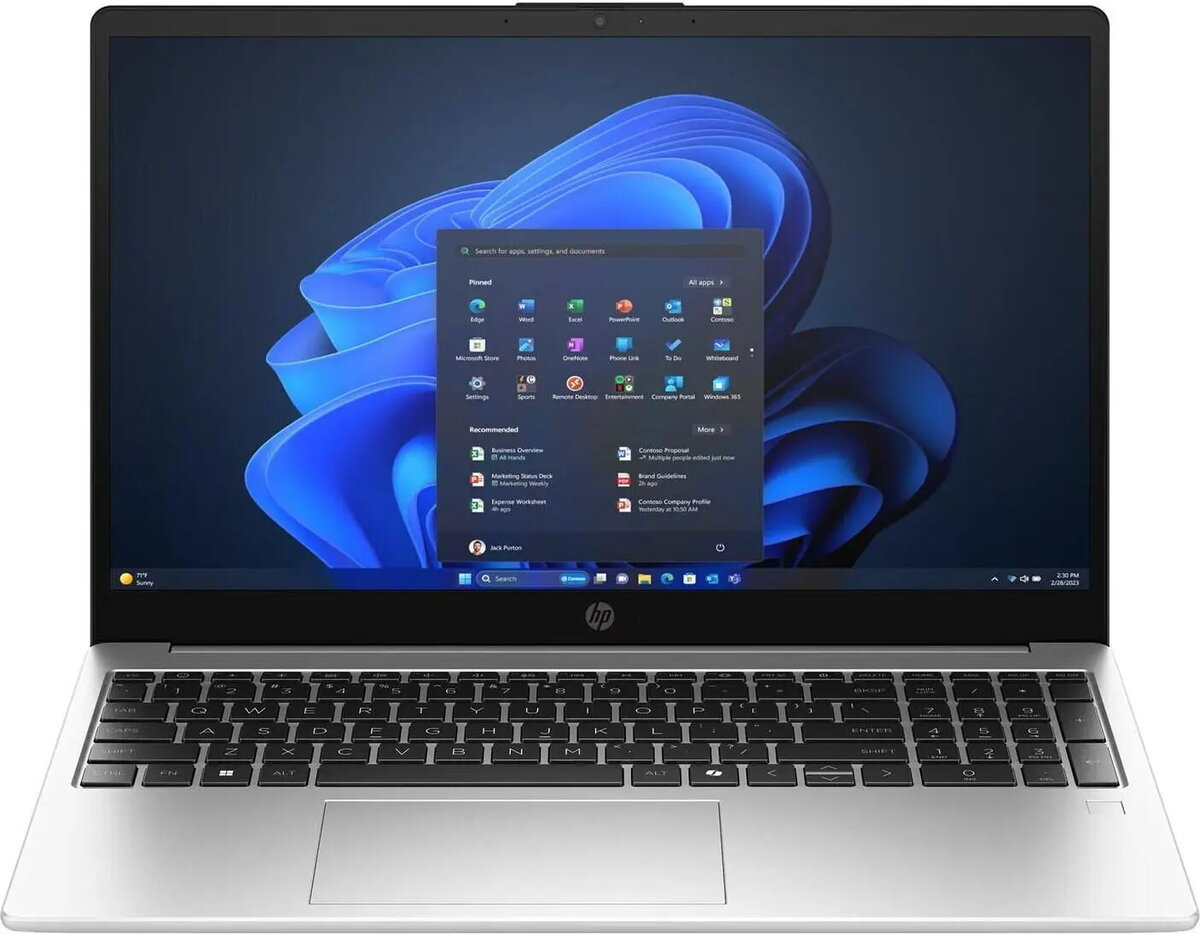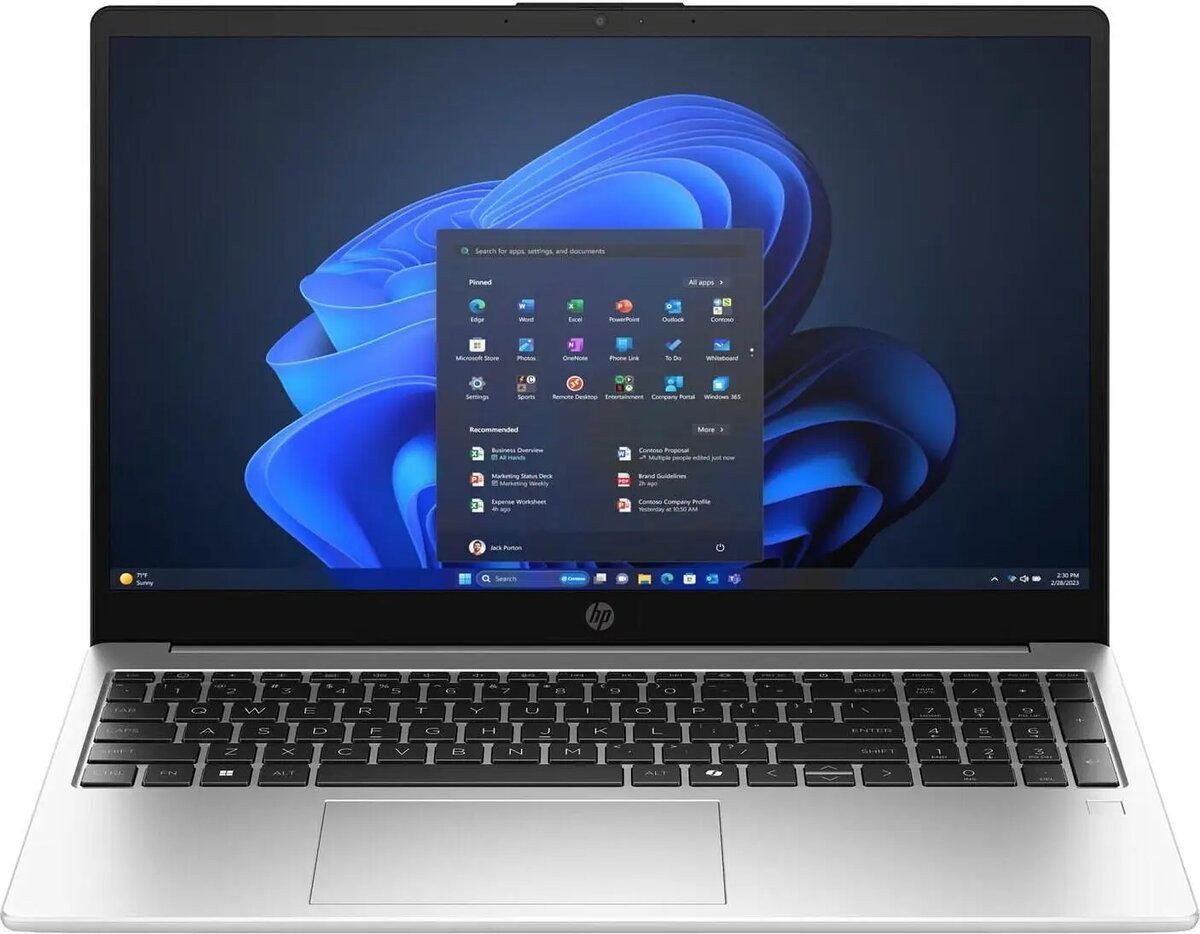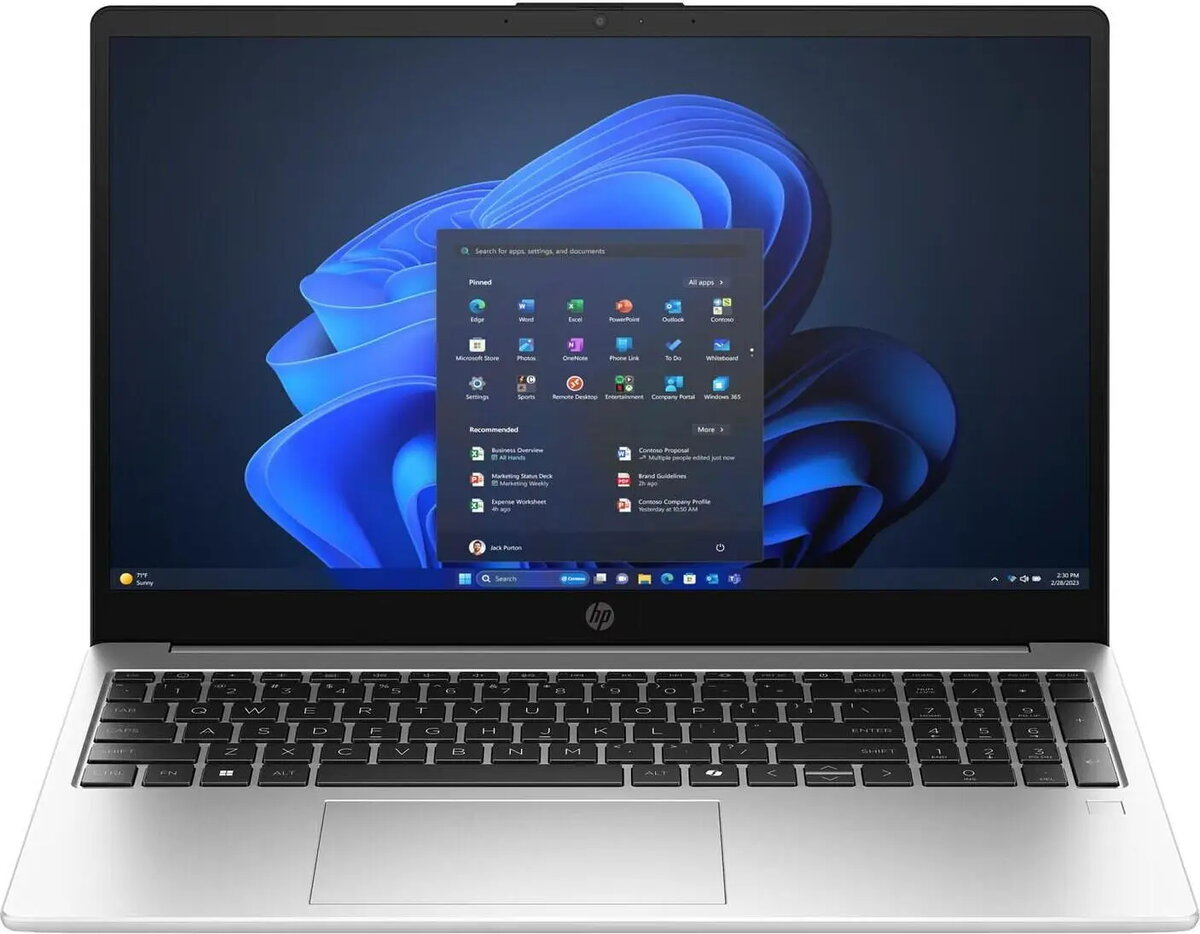
Laptop HP 250R G10 15.6″ FHD IPS, Intel Core i3-100U, 8GB RAM, 512GB SSD, Windows 11 Pro

SKU: 11686538

Apple Shopping Event

Hurry and get discounts on all Apple devices up to 20%

Sale_coupon_20

570,99 

  • Free shipping €100
  • 30 day return
  • Warranty 1 year

Description

HP 250R G10 is a 15.6-inch laptop featuring a Full HD IPS display and an Intel Core i3-100U processor. Equipped with 8GB of RAM and a 512GB solid-state drive, and running Windows 11 Pro, this model is engineered for everyday productivity, web browsing and multimedia playback. The IPS panel delivers wide viewing angles and consistent color reproduction, while the fast NVMe storage and energy-efficient CPU provide responsive system performance and quick application loading.

Advantages

The laptop combines a widescreen FHD IPS display with a compact chassis to balance viewing comfort and portability. Solid-state storage ensures faster boot and file access times compared with traditional hard drives. With 8GB of RAM and an Intel Core i3-100U, the system supports common office applications, multiple browser tabs and video streaming without unnecessary delays. Preinstalled Windows 11 Pro offers business-oriented features and security updates for managed work environments.

Suitable for

  • Office productivity and document editing
  • Web browsing, email and online conferencing
  • Multimedia playback and light photo viewing
  • Remote and hybrid work setups
  • Students needing a reliable everyday laptop

Key specifications

  • Display: 15.6″ Full HD (1920×1080) IPS panel
  • Processor: Intel Core i3-100U (energy-efficient dual-core design)
  • Memory: 8GB RAM (soldered or onboard as per configuration)
  • Storage: 512GB SSD (solid-state drive for fast read/write)
  • Operating system: Windows 11 Pro
  • Connectivity: integrated Wi‑Fi and Bluetooth (wireless standards depend on exact configuration)
  • Audio and webcam: integrated stereo speakers and front-facing camera for video calls
  • Physical: 15.6″ chassis with typical laptop I/O (HDMI, USB ports and audio jack depending on model variant)

How to use

Unpack the laptop and connect the power adapter before first use to ensure the battery is charged. Follow the on-screen Windows 11 Pro setup prompts to configure user accounts, network access and privacy settings. Install required productivity software and apply Windows updates to keep the system current. Use File Explorer and included Windows tools to transfer files to the 512GB SSD and organize documents. Adjust display brightness and power settings through Windows to balance battery life and performance for your workflow.

Usage recommendations

For stable day-to-day performance, keep the operating system and drivers updated and avoid running many heavy background tasks simultaneously. Use a reliable external backup or cloud service for important files stored on the 512GB SSD. When working on battery power, enable power-saving profiles to extend runtime; connect to AC power for long video conferencing sessions or when performing larger file transfers.

Overview