Wireless DECT Headset Poly Savi 8210 UC Microsoft Teams Certified, 1880–1900 MHz, USB-A, 180 m, Supraaural, Black

SKU: 11865264

Apple Shopping Event

Hurry and get discounts on all Apple devices up to 20%

Sale_coupon_20

Original price was: 187,99 €.Current price is: 175,99 €.

  • Free shipping €100
  • 30 day return
  • Warranty 1 year

Description

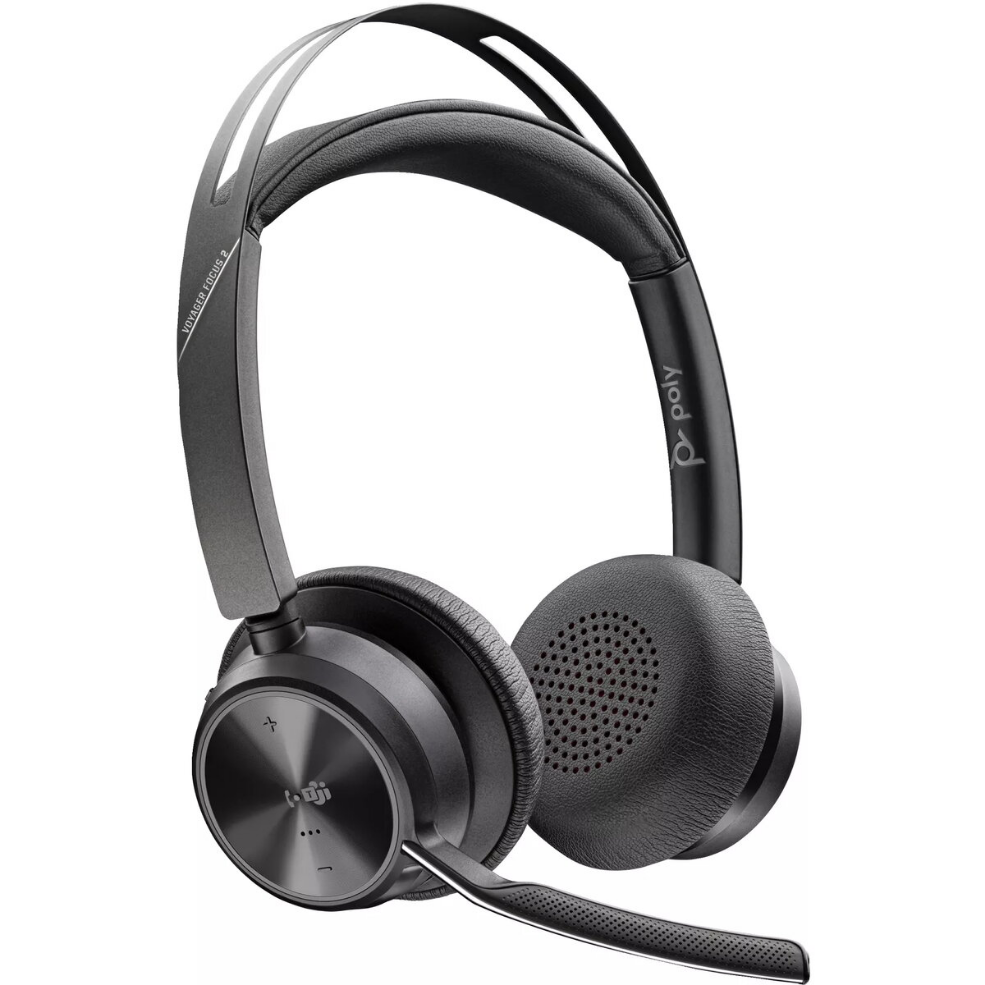
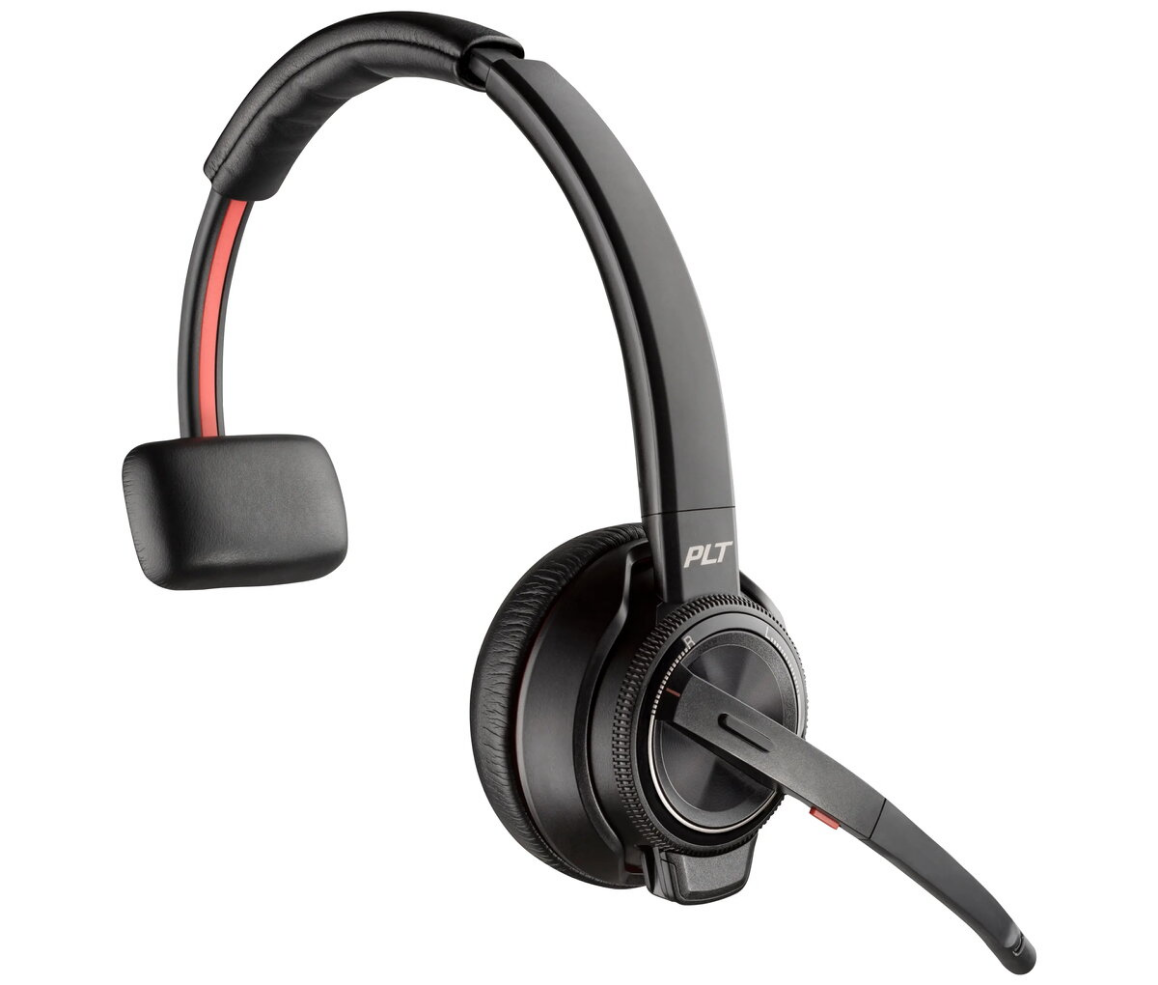
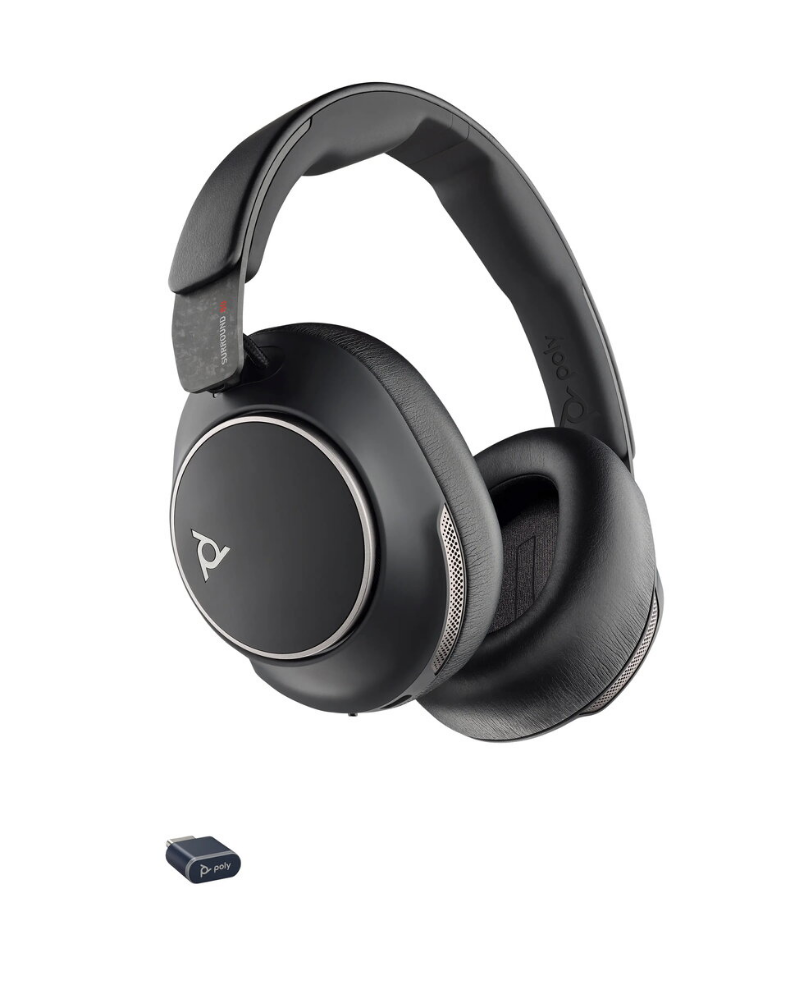
Poly Savi 8210 UC Microsoft Teams Certified wireless DECT headset provides a professional communications solution for office and call-centre environments. Operating on the 1880–1900 MHz DECT band, it delivers interference-free wireless audio with a range up to 180 m and connects via USB-A with additional Bluetooth support. The headset uses a supra-aural ear coupling and a head-band wearing style to combine stable fit and lightweight comfort for long shifts. Acoustic characteristics support voice frequencies from 20 to 20,000 Hz, and the product colour is black.

Advantages

The Savi 8210 UC offers certified compatibility with Microsoft Teams and unified communications platforms, enabling straightforward integration with softphone applications. DECT wireless technology reduces interference for clear voice calls across a wide range, while USB-A plug-and-play connectivity simplifies setup. The supra-aural design and head-band style keep the headset lightweight and comfortable during extended use, and the built-in microphone is tuned for voice communications in office and contact-centre settings.

Suitable for

  • Office professionals using Microsoft Teams and other UC clients
  • Call-centre agents requiring reliable wireless voice communication
  • Hybrid workers who need mobility around the workspace
  • Environments where interference-free DECT range is desired

Key specifications

  • Wireless technology: DECT (1880–1900 MHz) with Bluetooth support
  • Wireless range: up to 180 m
  • Connectivity: USB-A and wireless
  • Ear coupling: Supraaural
  • Wearing style: Head-band
  • Frequency response: 20–20,000 Hz
  • Weight: 0.115 kg
  • Colour: Black

How to use

Plug the USB-A adapter into a compatible computer USB port and follow any on-screen prompts for Microsoft Teams or your chosen UC client. Power on the headset and allow it to pair with the USB-A DECT adapter or via Bluetooth if supported by your device. Position the head-band so the supra-aural ear pads sit comfortably over the ears and adjust for a secure fit. Use the in-line or on-ear controls (if present) to answer calls, adjust volume, and mute the microphone during conversations.

Usage recommendations

For best call quality, ensure the DECT base/USB-A adapter has clear line-of-sight to the headset and avoid placing large metal objects between the headset and adapter. Keep headset firmware and Microsoft Teams or UC client software up to date. Store and charge the headset in a dry, moderate-temperature environment to preserve battery life and performance.

Overview

Product colour:Black
Weight:0.115 kg
Ear coupling:Supraaural
Connectivity technology:Wireless
Wearing style:Head-band