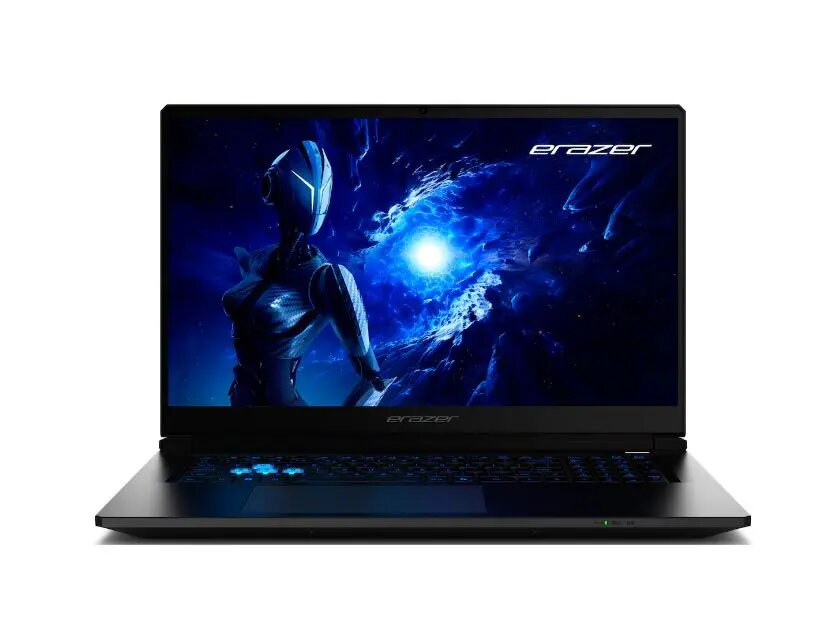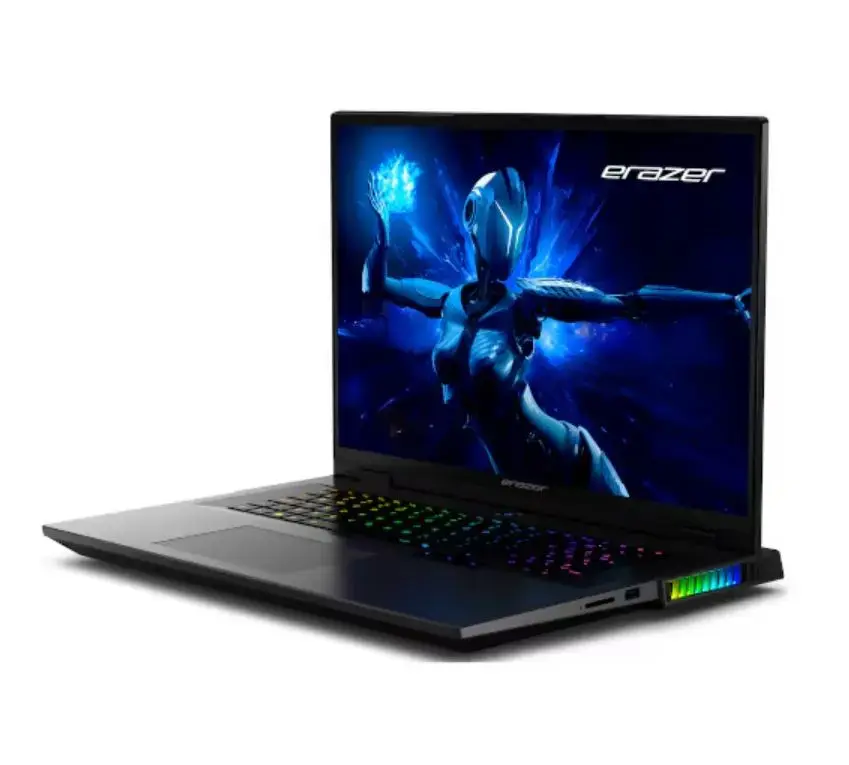
Laptop Medion 30039763 15.6″ Intel Core i5 8GB 512GB SSD NVIDIA Windows 10

SKU: 11522684

Apple Shopping Event

Hurry and get discounts on all Apple devices up to 20%

Sale_coupon_20

1.401,99 

  • Free shipping €100
  • 30 day return
  • Warranty 1 year

Description

The Medion 30039763 laptop features a 15.6″ display, an Intel Core i5 processor, 8GB of RAM and a 512GB SSD, combined with NVIDIA graphics and Windows 10. This configuration provides a balance of responsive everyday performance and improved visual capability for multimedia, office tasks and light creative work. The laptop’s storage and memory support faster start-up and application loading compared with traditional hard drives, while the dedicated NVIDIA graphics help with video playback and graphical interfaces.

Advantages

The Intel Core i5 processor delivers solid multi-tasking performance for typical productivity applications. 8GB of RAM allows multiple browser tabs and office programs to run smoothly. A 512GB SSD offers ample capacity for files and quick system responsiveness. NVIDIA graphics provide improved rendering over integrated chips, beneficial for media playback and visual tasks. Windows 10 ensures compatibility with a wide range of software and peripherals.

Suitable for

  • Office work and productivity applications
  • Web browsing, email and video conferencing
  • Media playback and casual photo/video editing
  • Remote learning and general-purpose home use

Key specifications

  • Display size: 15.6 inches
  • Processor: Intel Core i5
  • Memory: 8GB RAM
  • Storage: 512GB solid-state drive (SSD)
  • Graphics: NVIDIA dedicated graphics
  • Operating system: Windows 10

How to use

Unpack the laptop and connect the power adapter to charge the battery before first use. Follow the on-screen Windows 10 setup to create or sign in with a user account, set regional preferences and install necessary updates. Use File Explorer to transfer personal files to the 512GB SSD and configure display and power settings via Windows Settings. Install productivity applications, antivirus software and any specific drivers recommended by MEDION or hardware vendors for peripheral devices.

Usage recommendations

For consistent performance, keep Windows 10 and device drivers up to date, avoid filling the SSD to maximum capacity, and periodically back up important data. Use power profiles to balance battery life and performance when on the go, and ensure adequate ventilation during extended workloads.

Overview