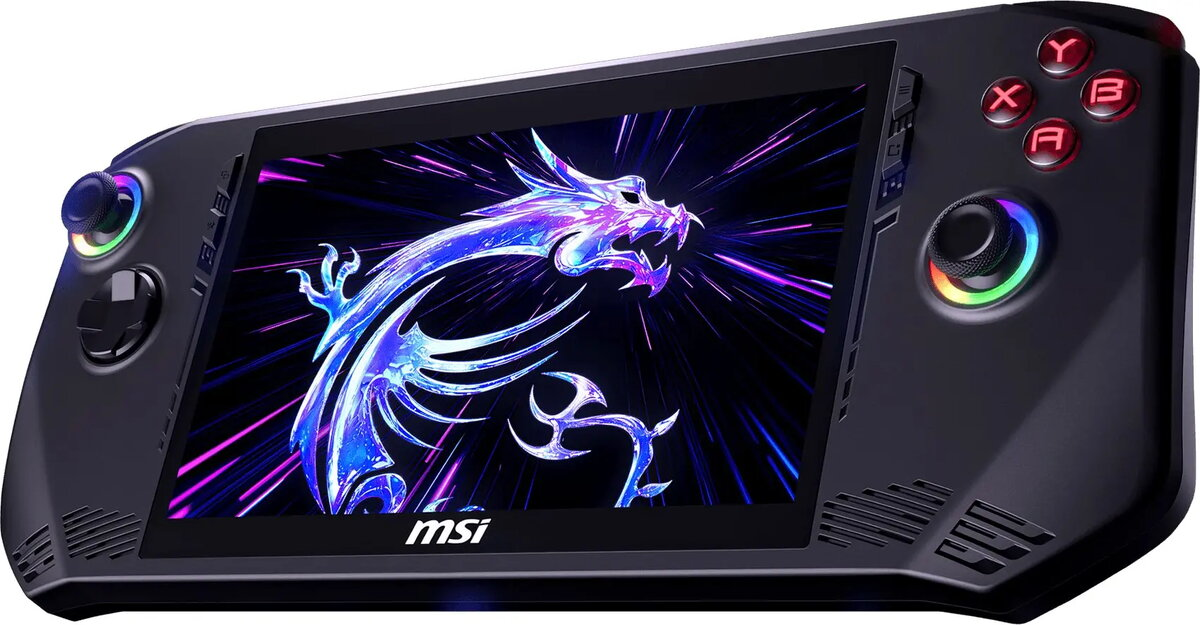
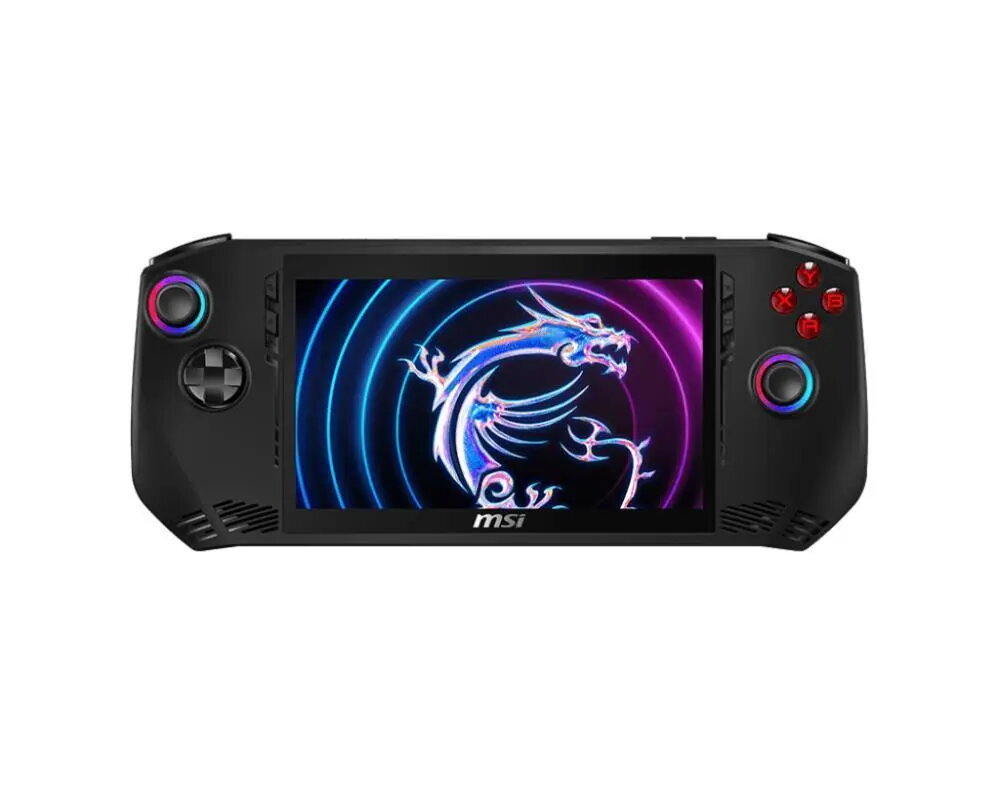
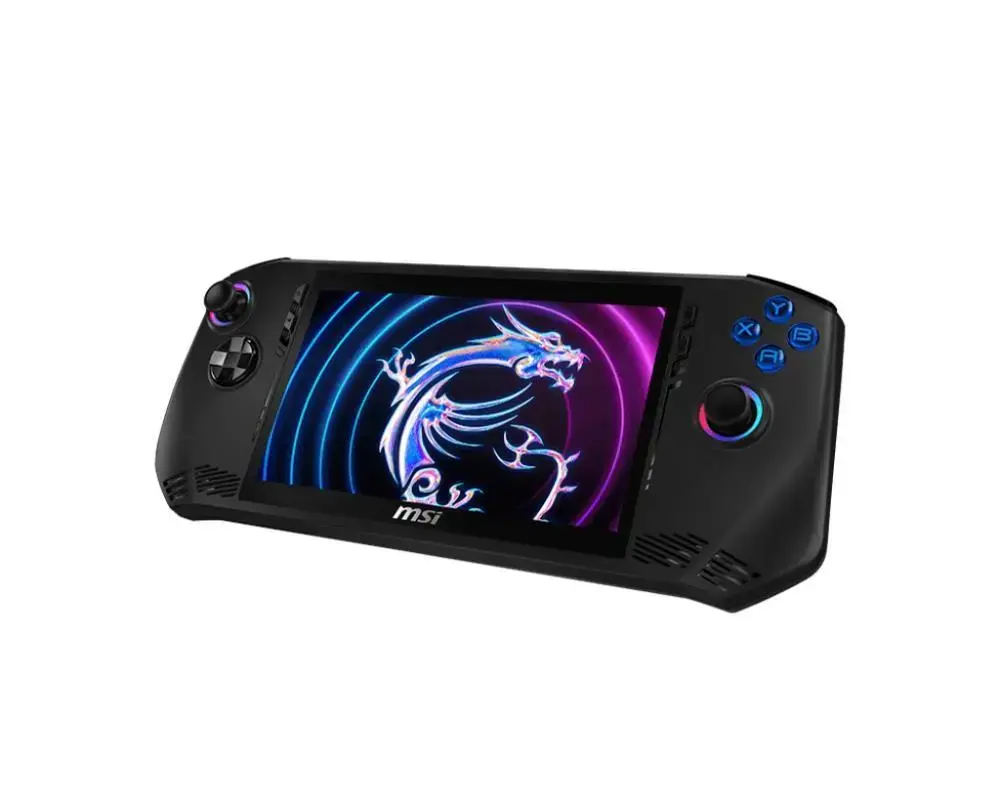
MSI Claw A1M is a compact handheld gaming console powered by an Intel Core Ultra 7 155H processor, with 16 GB of RAM and 512 GB of internal storage. The device runs Windows 11, features a 7-inch 1920×1080 touchscreen and Intel XeSS support to enable smooth gameplay on demanding titles. Built-in speakers, Bluetooth and WLAN connectivity, a MicroSD slot and a USB-C port with Thunderbolt support provide flexible connectivity for gaming and multimedia use.
Advantages
The MSI Claw A1M combines a high-performance Intel Core Ultra 7 CPU with 16 GB RAM and 512 GB storage in a portable form factor, delivering PC-level gaming capabilities in a 7-inch handheld. A Full HD touchscreen and Intel XeSS help maintain good visual quality and framerates, while integrated speakers, fingerprint sensor and Thunderbolt-capable USB-C expand usability for gaming, streaming and everyday applications.
Suitable for
- Portable PC gaming on AAA and indie titles
- Streaming and media playback in living-room or on the go
- Installing and running Windows 11 games and applications
- Emulation and handheld productivity tasks
Key specifications
- Model: Claw A1M (MPN: CLAW A1M-242NL, EAN: 4711377335959)
- CPU: Intel Core Ultra 7 155H
- Memory: 16 GB RAM
- Storage: 512 GB internal
- Display: 7″ touchscreen, 1920 × 1080 native resolution
- Operating system: Windows 11
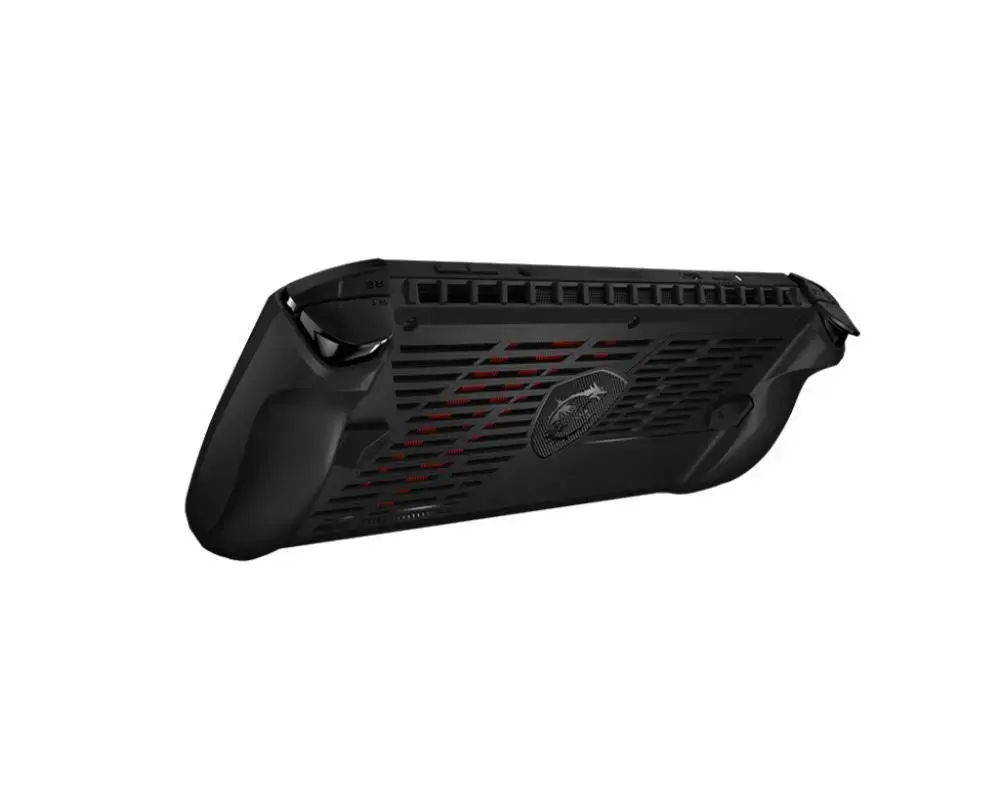
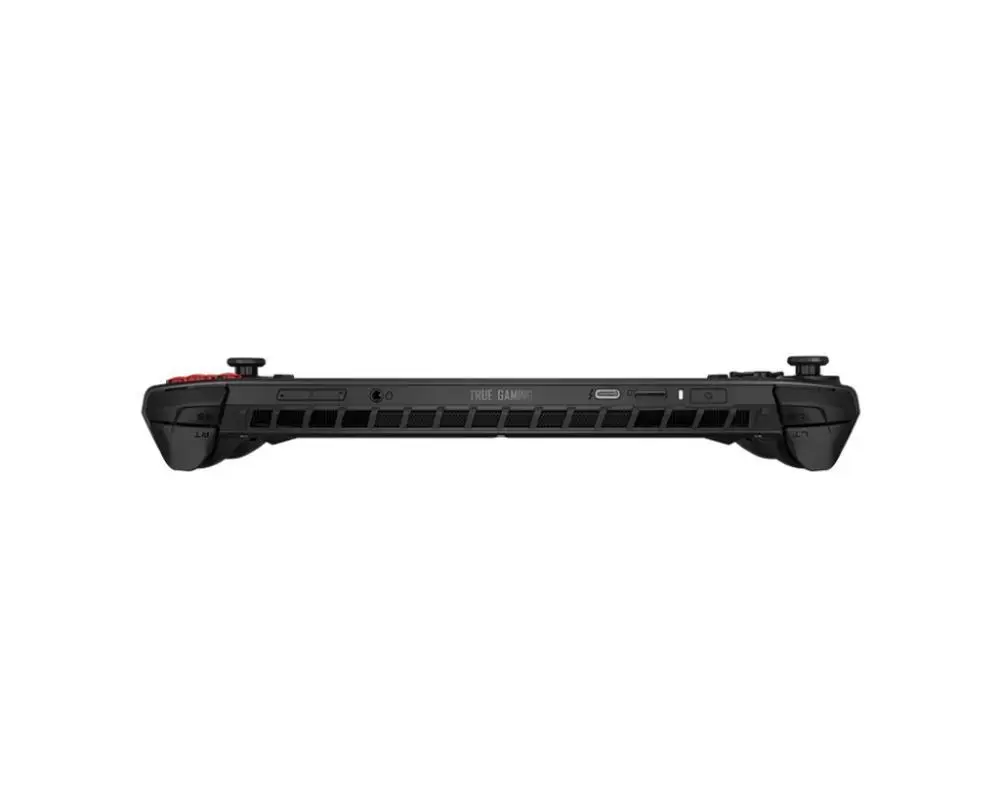
- Connectivity: Bluetooth, WLAN, USB-C with Thunderbolt, MicroSD slot, 1x audio-out
- Extras: Built-in speakers, fingerprint sensor
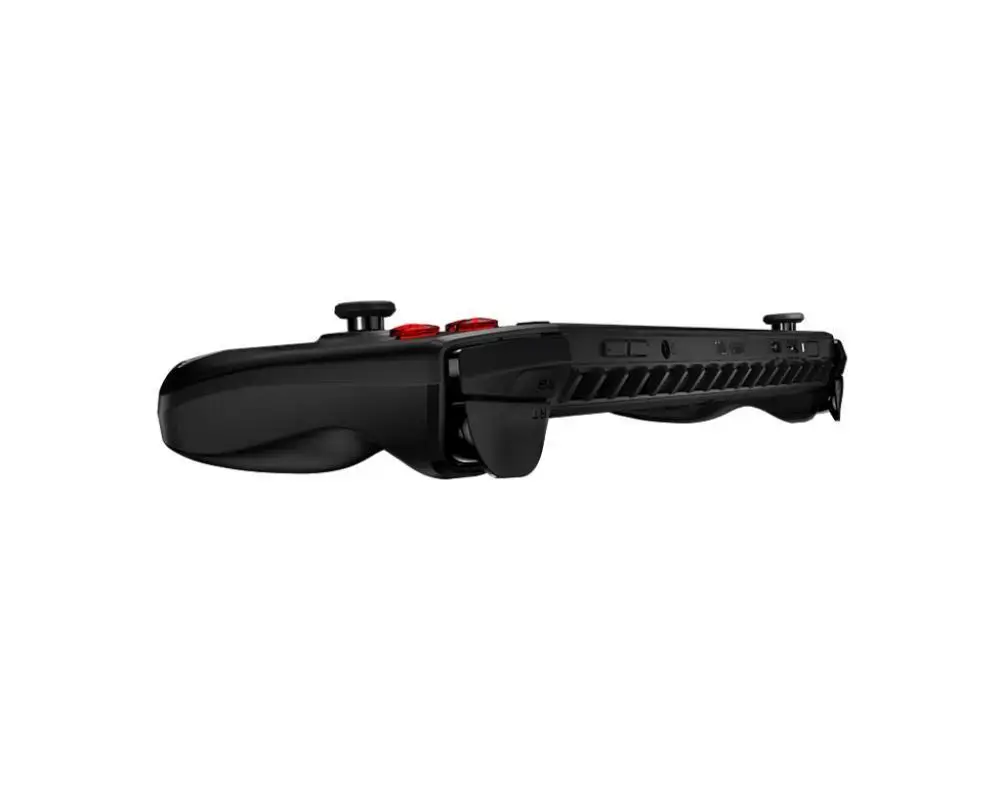
- Dimensions: 294 × 117 × 21.2 mm; Net weight: 0.675 kg; Colour: Black
How to use
Charge the device before first use and install any Windows updates. Sign in to your Microsoft account to access the Microsoft Store and game libraries, or install PC game clients (Steam, Epic Games Store, etc.) as needed. Insert a MicroSD card for additional storage if required, connect controllers or headsets via Bluetooth or the USB-C port, and adjust display and power settings in Windows 11 for optimal performance versus battery life.
Usage recommendations
For best performance in AAA games, keep drivers and Windows updated, ensure adequate ventilation during extended sessions, and consider using a high-speed MicroSD or external NVMe enclosure via Thunderbolt for additional fast storage.





 Free shipping €100
 30 day return
 Warranty 1 year
