Back to products
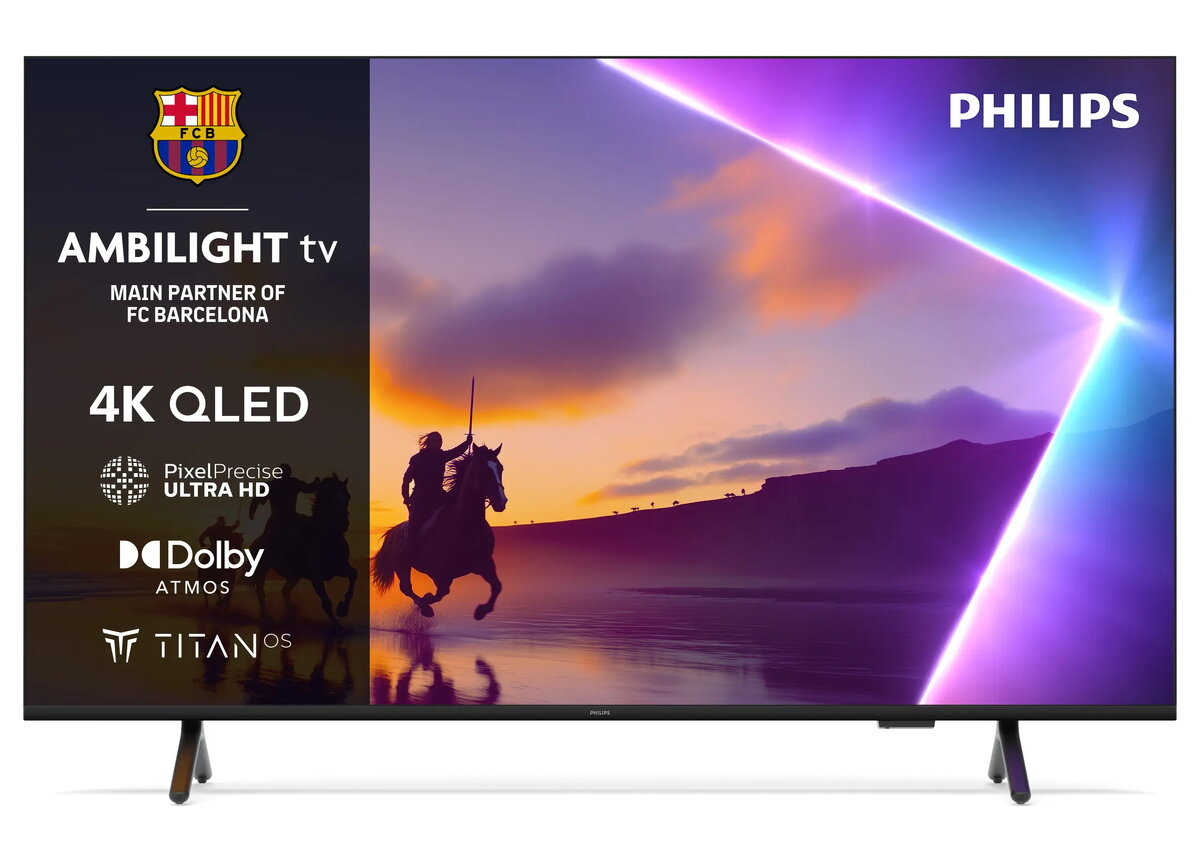
TV Philips 55PUS8500/12 55" 4K Ultra HD QLED 3840 x 2160
TV Philips 55PUS8500/12 55" 4K Ultra HD QLED 3840 x 2160 Original price was: 570,99 €.Current price is: 485,99 €.

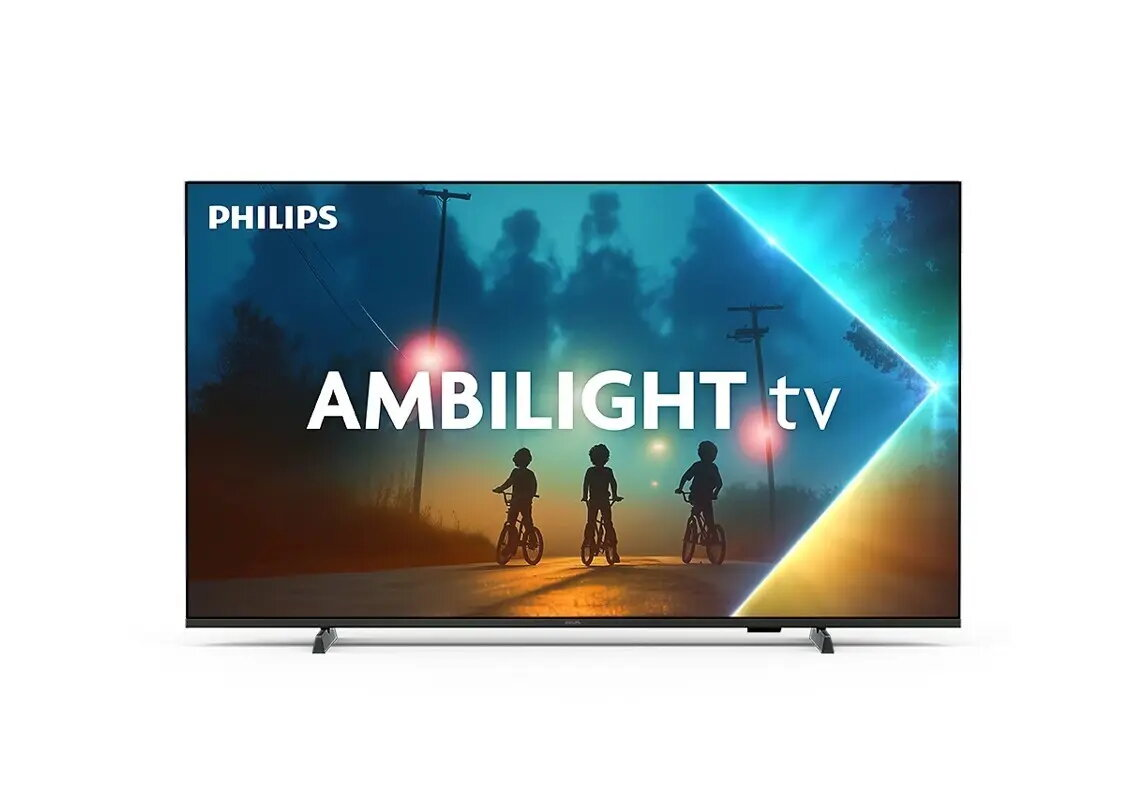
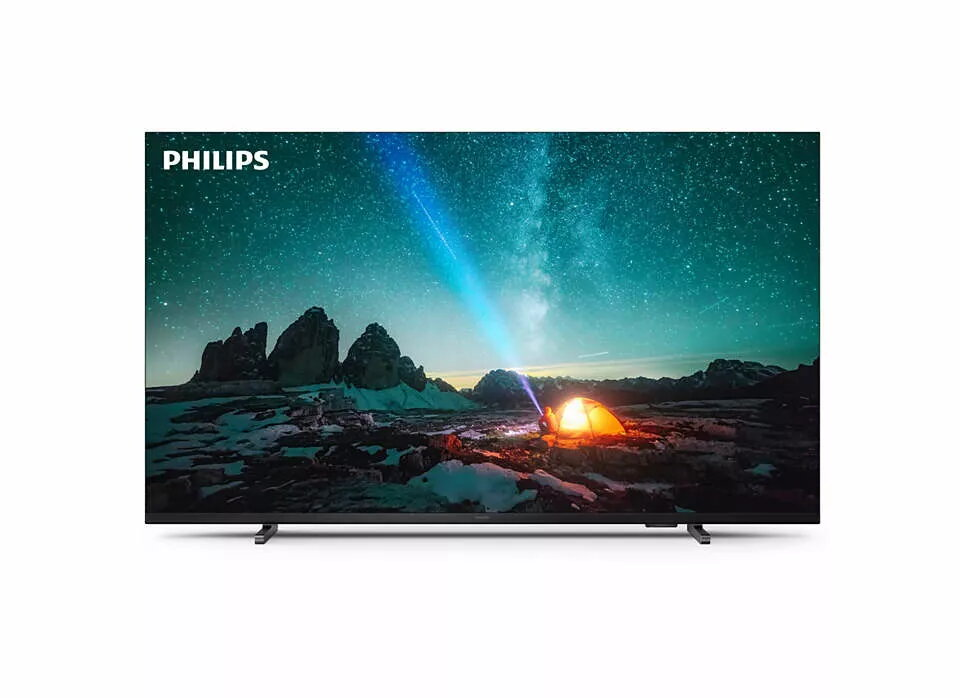
LED TV Philips 55PUS8100/12 55 inches, LED panel, Energy class E

SKU: 11617606

Apple Shopping Event

Hurry and get discounts on all Apple devices up to 20%

Sale_coupon_20

Original price was: 446,99 €.Current price is: 382,99 €.

  • Free shipping €100
  • 30 day return
  • Warranty 1 year

Description

Philips 55-inch 55PUS8100/12 LED TV delivers a large 55-inch screen with LED backlighting and Philips image processing technologies designed for clear picture reproduction and comfortable viewing. The display offers typical modern smart TV features and connectivity expected in the Philips range, while the compact design fits living rooms and media setups that require a sizeable but unobtrusive television. Energy efficiency is rated class E.

Advantages

The 55-inch LED panel provides expansive viewing area suitable for movies, sports and gaming with consistent brightness across the screen. Philips image tuning and motion handling are implemented to reduce blur and improve clarity in fast scenes. The set includes typical smart platform capabilities and multiple inputs for connection to set-top boxes, game consoles and external media players. Energy class E gives a clear indication of power consumption for planning daily use.

Подходит для

  • Просмотра фильмов и сериалов в гостиной
  • Просмотра спортивных трансляций и событий в большом формате
  • Игровых консолей и интерактивных приложений
  • Просмотра потокового контента и онлайн-платформ

Key specifications

  • Screen size: 55 inches diagonal
  • Display type: LED backlit panel
  • Energy efficiency class: E
  • Typical smart TV platform and network connectivity (Wi‑Fi/Ethernet)
  • Multiple HDMI and USB inputs for external devices
  • Aspect ratio: 16:9
  • Wall mount compatible with standard VESA patterns

How to use

Place the TV on a stable stand or mount it on a compatible wall bracket following the display’s VESA pattern. Connect power and then attach external sources via HDMI or USB as required. Use the on-screen setup wizard to configure language, network connection and input management. Navigate apps and content with the supplied remote control or any compatible input device; adjust picture and sound settings through the menu to suit viewing distance and room lighting.

Usage recommendations

Position the screen so that ambient light does not create strong reflections; for best image quality, calibrate basic picture modes (brightness, contrast, backlight) according to room conditions. When using the TV for long gaming or viewing sessions, consider enabling any energy-saving or low-brightness modes to reduce power consumption consistent with the energy class rating.

Overview

Energy efficiency class:E