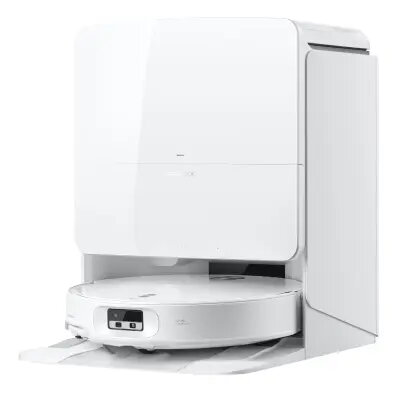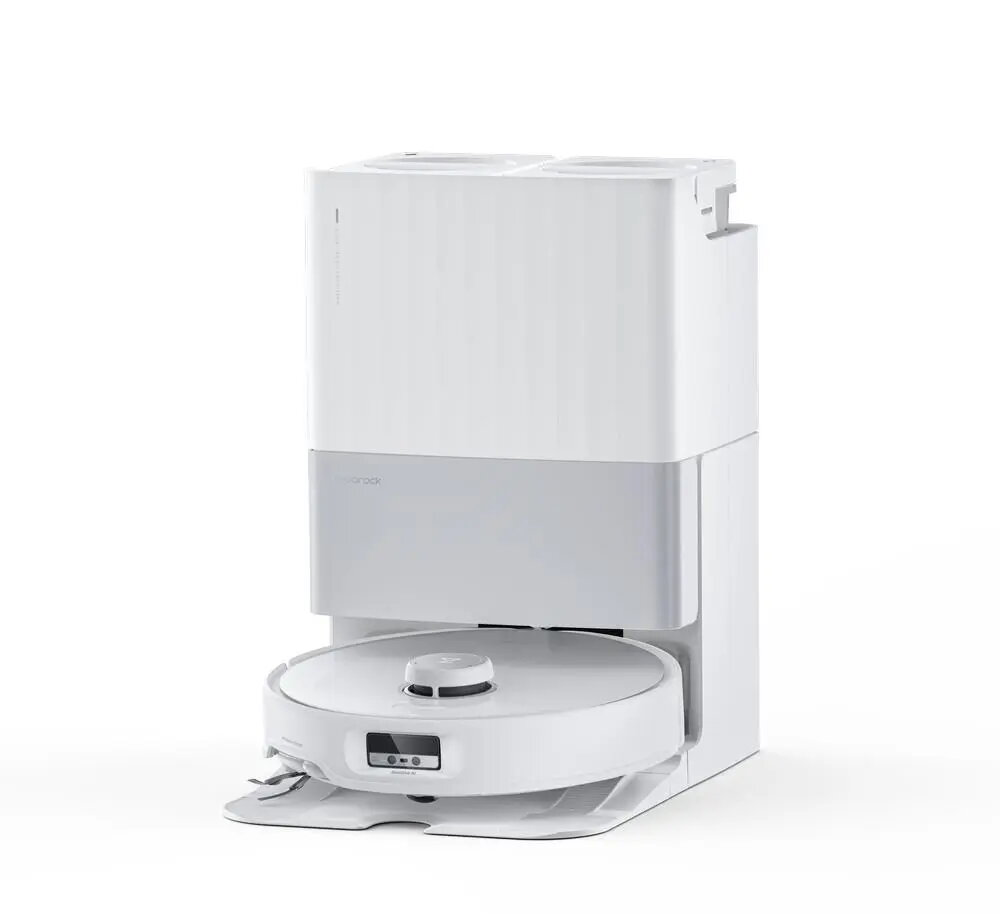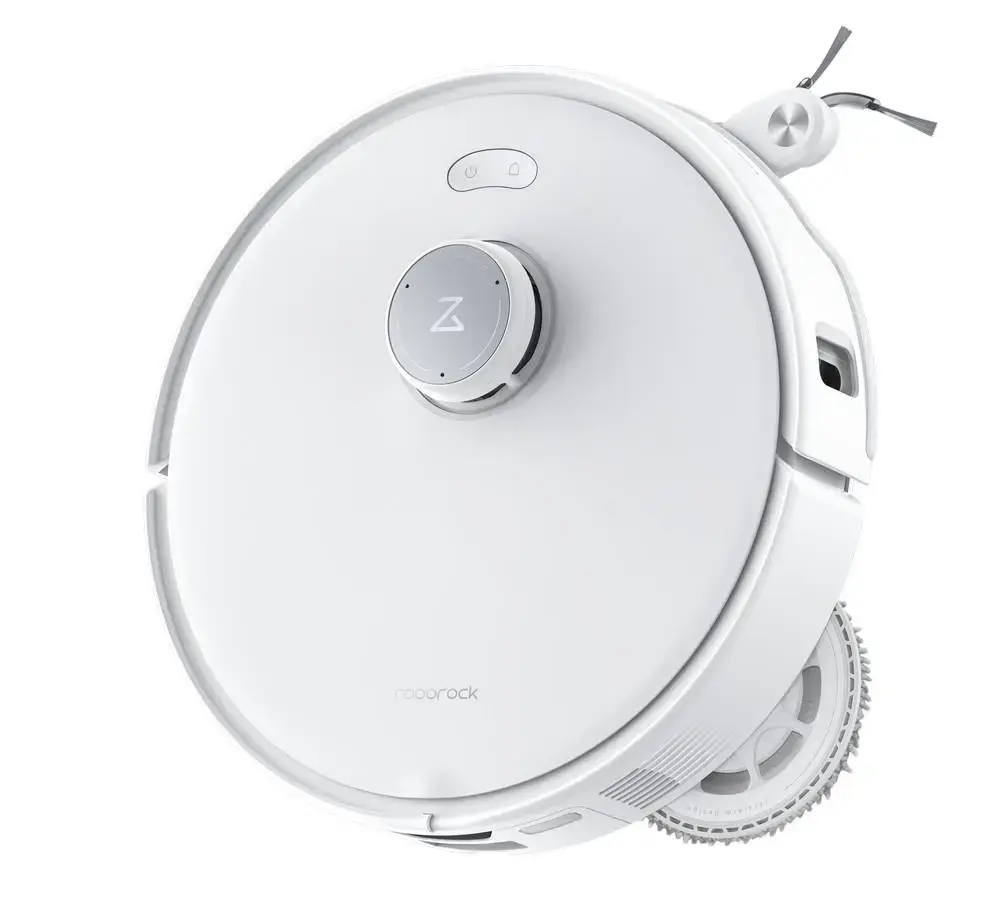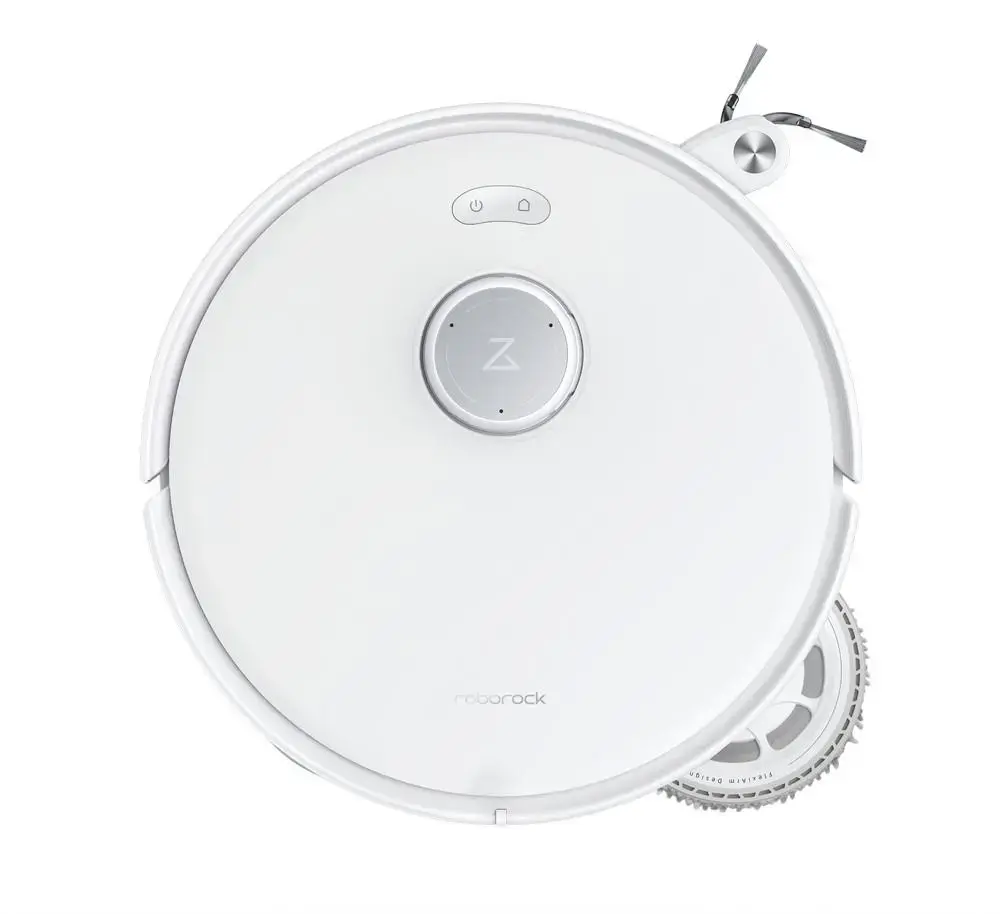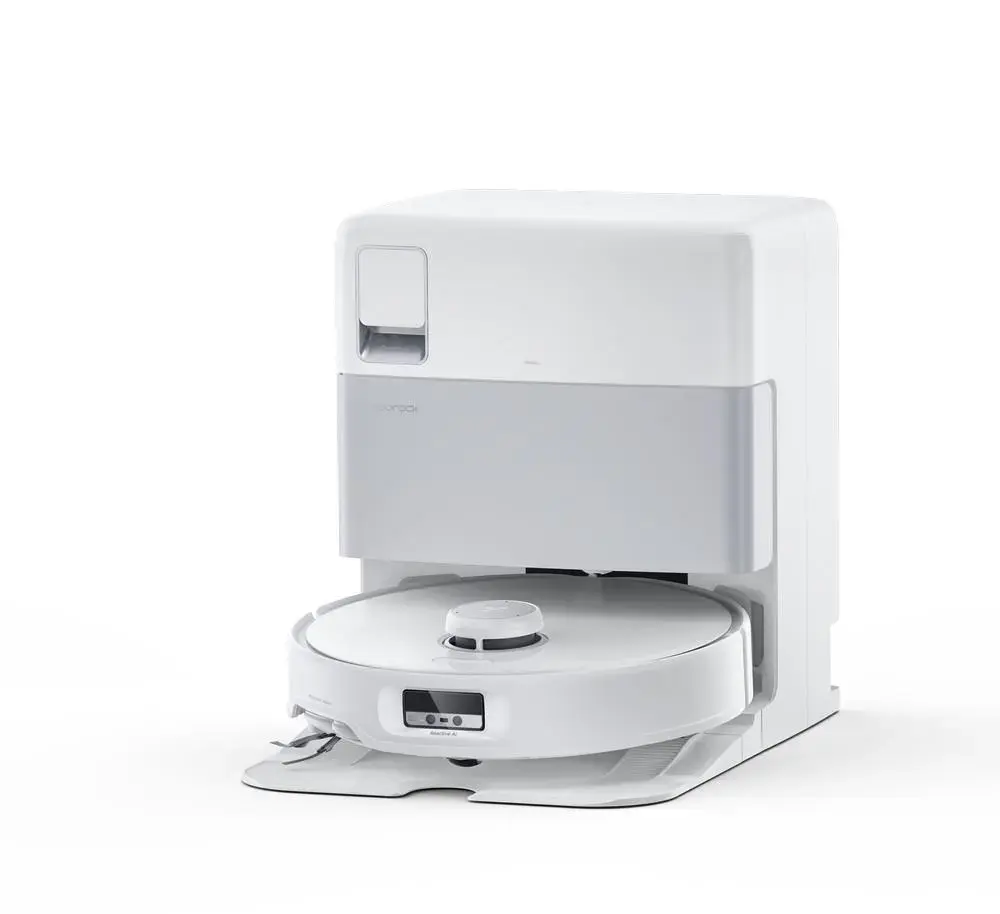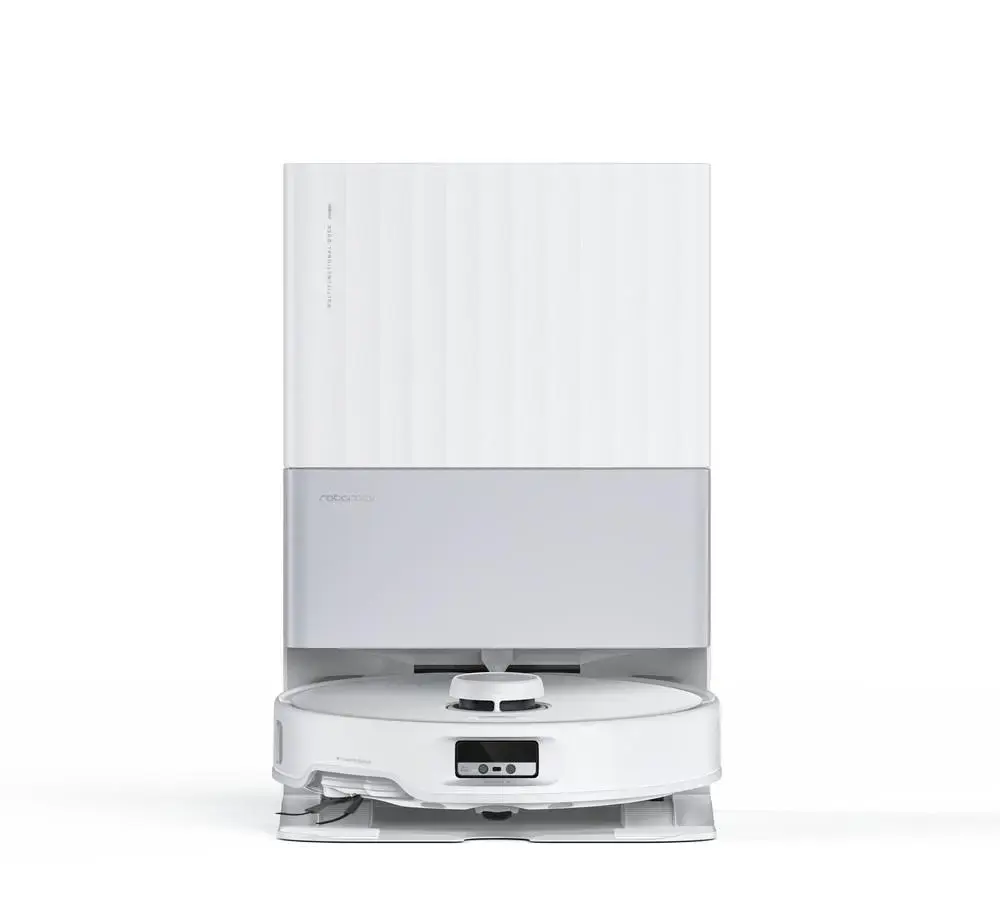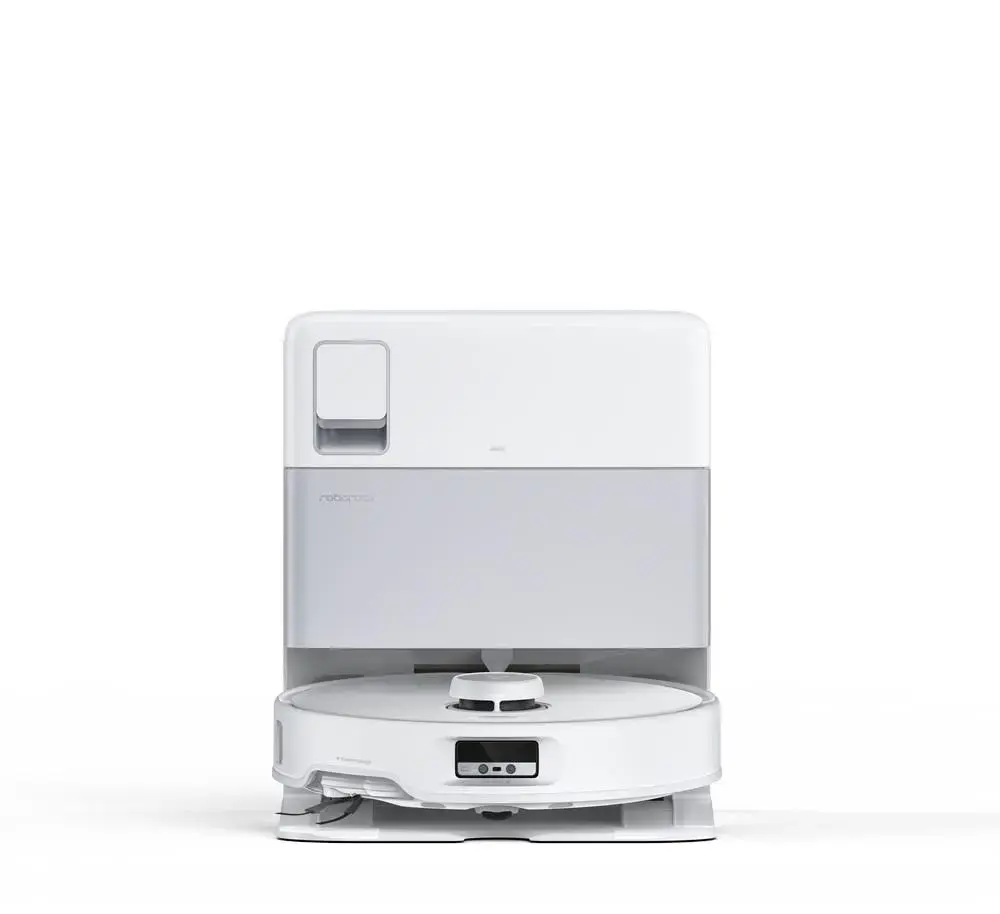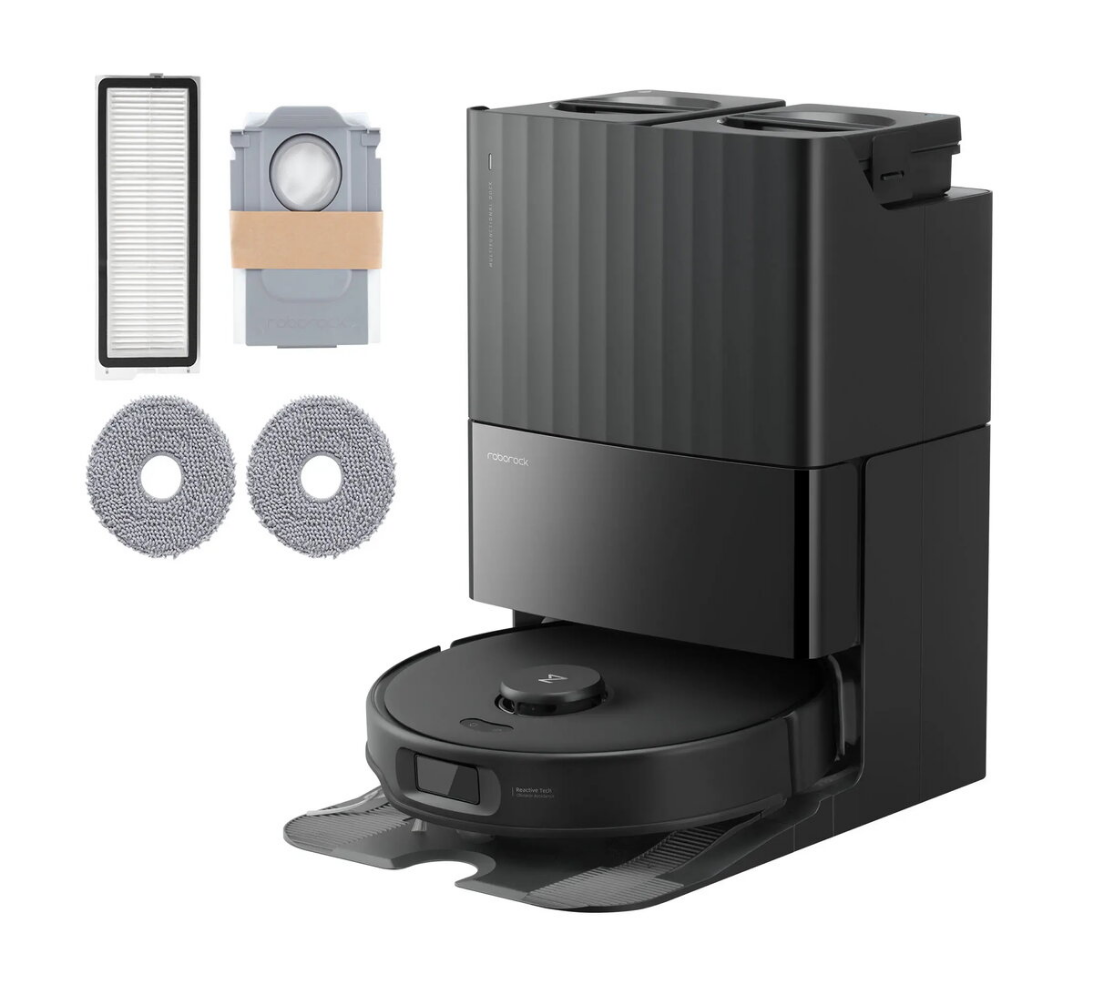
Robot vacuum cleaner Roborock Qrevo Edge white QRE02-00

SKU: 11256659

Apple Shopping Event

Hurry and get discounts on all Apple devices up to 20%

Sale_coupon_20

959,99 

  • Free shipping €100
  • 30 day return
  • Warranty 1 year

Description

The Roborock Qrevo Edge white QRE02-00 is a robot vacuum cleaner designed for automated everyday floor care. It combines advanced navigation and mapping with strong suction and a high-capacity rechargeable battery to perform extended cleaning cycles on hard floors and carpets. App control and voice assistant compatibility allow scheduling and mode changes from a smartphone or smart speaker.

Advantages

The device features a high-capacity 6400 mAh lithium-ion battery that supports longer cleaning sessions without frequent recharging. Integrated smart mapping and navigation help the robot plan efficient cleaning paths and avoid obstacles. The white finish and compact footprint make it suitable for various interiors, and multiple control options (app and voice) provide convenience for routine use.

Suitable for

  • Regular daily or weekly cleaning of hard floors such as tile, laminate, and hardwood
  • Maintaining low- to medium-pile carpets and rugs
  • Homes where app scheduling and voice control are preferred for hands-free operation
  • Multi-room apartments and houses requiring automatic mapping and zone cleaning

When it may not be suitable

This robot vacuum is not intended to replace deep-cleaning methods such as steam cleaning or professional carpet shampooing for heavily soiled textiles. While effective on many floor types, it may struggle with very high-pile carpets or with picking up large debris that requires a full-size upright vacuum.

Key specifications

  • Battery type: Rechargeable lithium-ion
  • Battery capacity: 6400 mAh
  • Net product weight: 13 kg
  • Color: White
  • Suitable surfaces: Hard floors and low- to medium-pile carpets

How to use

Place the Roborock Qrevo Edge white on its charging dock and complete the initial setup using the manufacturer app. Use the app to create maps, set cleaning schedules, and select cleaning modes. For routine operation, ensure the dustbin and filters are emptied and cleaned as recommended, remove obstacles from the floor, and allow the robot to complete its run. Return the robot to the dock for automatic charging between sessions.

What to consider before purchase

  • Verify that your flooring includes primarily hard floors or low- to medium-pile carpets for best results
  • Consider space and doorway widths to ensure the robot can access required areas
  • Check compatibility with your smart home ecosystem if voice assistant integration is required
  • Plan for routine maintenance: filter replacements, brush cleaning, and emptying the dustbin

Usage recommendations

Charge the battery fully before first use and maintain regular charging between sessions. Keep floors free of loose cords and small objects to allow uninterrupted mapping and cleaning. Empty the dustbin after each full cleaning cycle and clean brushes and filters according to the manufacturer’s guidance to maintain suction performance.

Overview