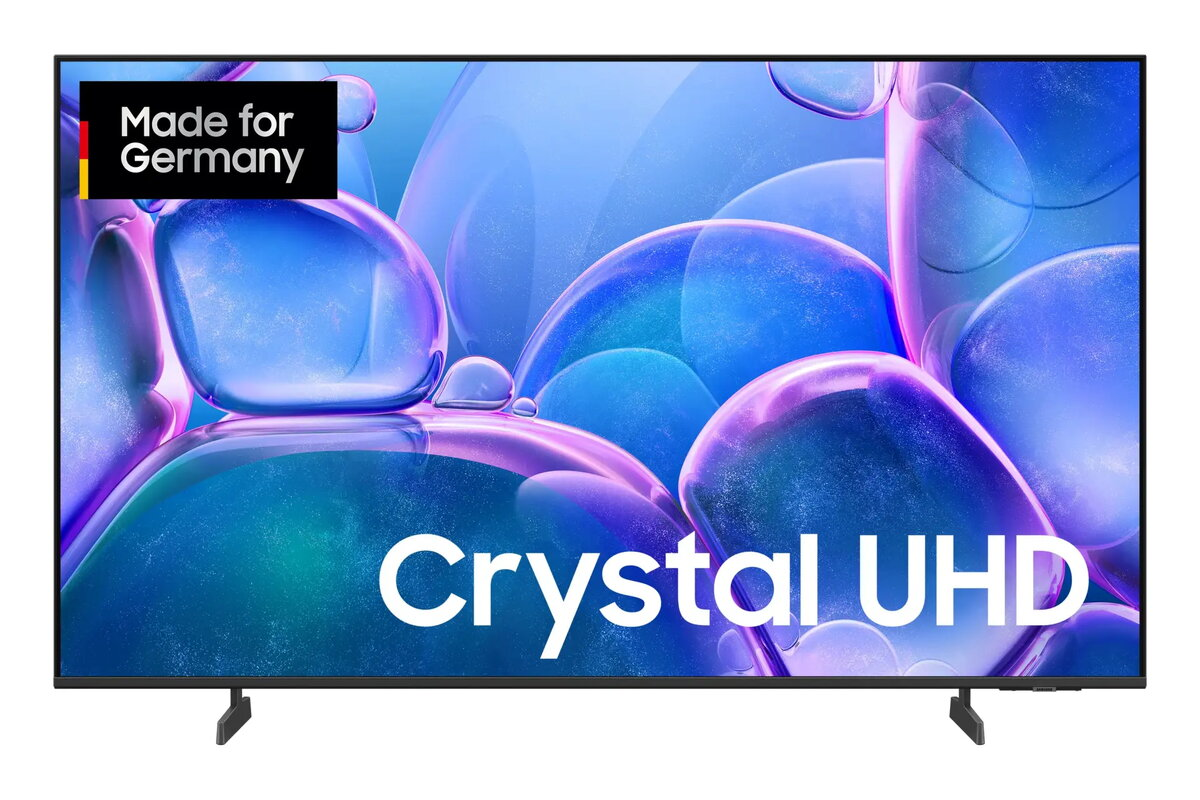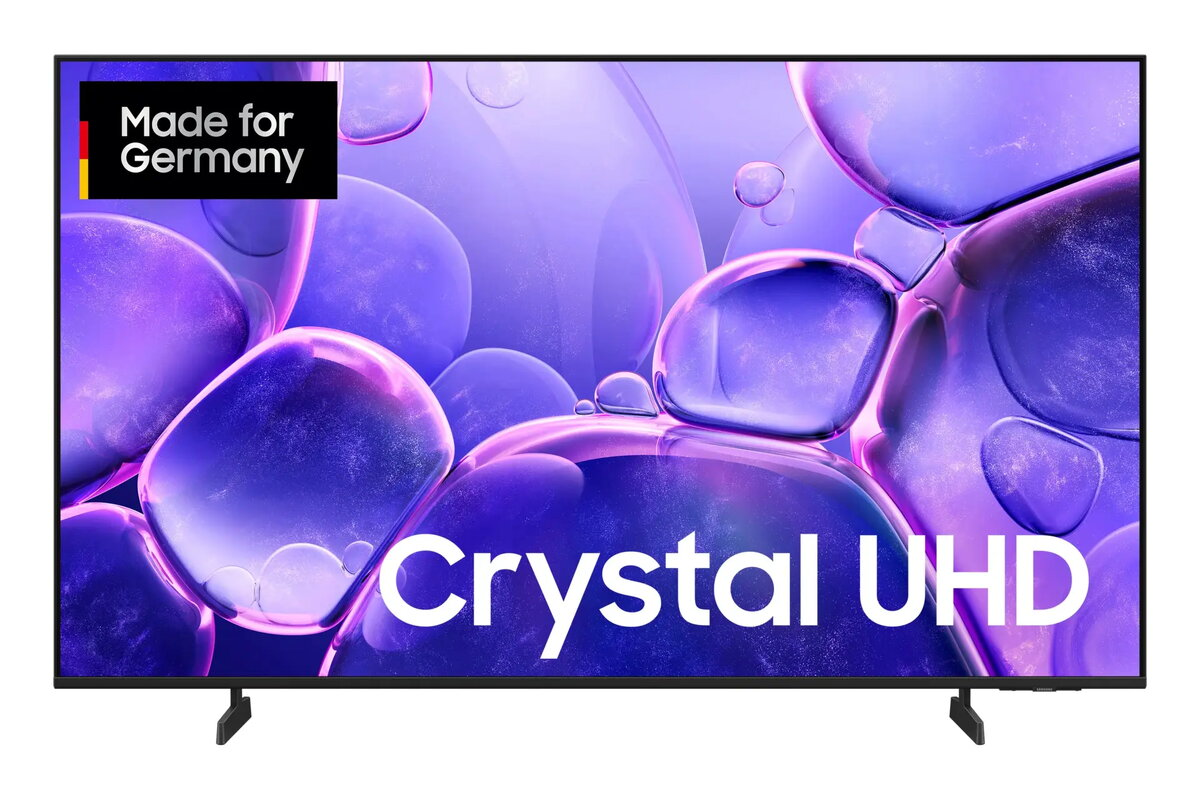
Television Samsung GU55U7099FU 55″ 4K Ultra HD LED 3840×2160

SKU: 11559152

Apple Shopping Event

Hurry and get discounts on all Apple devices up to 20%

Sale_coupon_20

480,99 

  • Free shipping €100
  • 30 day return
  • Warranty 1 year

Description

The Samsung GU55U7099FU is a 55″ 4K Ultra HD LED television with a resolution of 3840 x 2160 pixels and a slim black cabinet. Designed for living rooms and shared spaces, this model runs the Tizen operating system and provides smart TV features with Wi‑Fi and Ethernet LAN connectivity. It supports common digital broadcast standards including DVB‑C, DVB‑S2 and DVB‑T2 and includes Motion Xcelerator technology to reduce motion blur in fast scenes.

Advantages

This 55″ 4K Ultra HD LED TV offers high pixel density for clear details and natural image rendering at 3840 x 2160 resolution. The built‑in Tizen platform provides access to streaming apps and network services while both Wi‑Fi and Ethernet LAN options allow stable internet connection. Motion Xcelerator technology improves motion clarity for sports and action content. The black finish and slim profile make the set suitable for wall mounting or placement on a media unit.

Suitable for

  • Watching 4K movies and streaming services
  • Live TV via DVB‑T2, DVB‑C or DVB‑S2 broadcasts
  • Gaming on consoles with improved motion handling
  • Everyday family viewing in living rooms and bedrooms

Key specifications

  • Display diagonal: 55″ (138 cm)
  • Display technology: LED
  • Resolution: 3840 x 2160 (4K Ultra HD)
  • Operating system: Tizen
  • Motion technology: Motion Xcelerator
  • Network: Wi‑Fi and Ethernet LAN
  • Supported digital signals: DVB‑C, DVB‑S2, DVB‑T2
  • Colour: Black
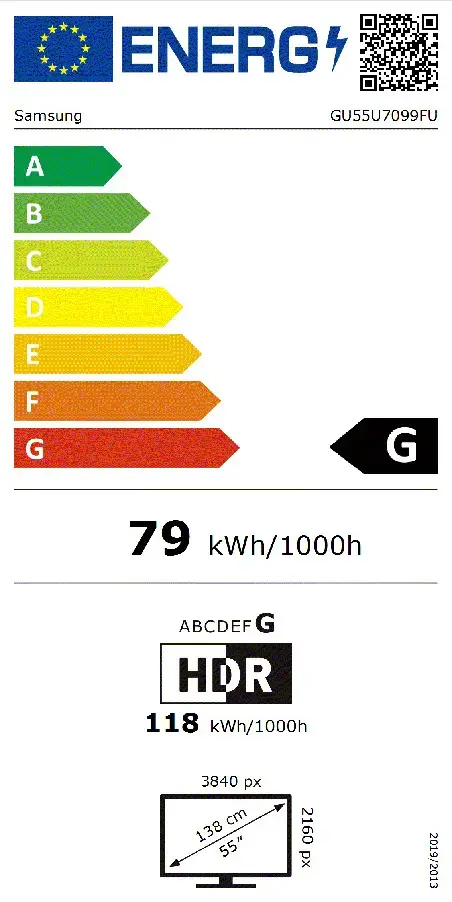
  • Energy class (SDR/HDR): G / G
  • Energy consumption per 1000 h (SDR/HDR): 79 kWh / 118 kWh

How to use

Place the TV on a stable surface or mount it on a compatible wall bracket following the manufacturer’s mounting instructions. Connect external devices such as a set‑top box, game console or Blu‑ray player via HDMI ports and configure antenna or cable input to receive DVB‑T2/DVB‑C/DVB‑S2 signals. Use the initial Tizen setup to connect the TV to your Wi‑Fi network or Ethernet LAN, sign in to any streaming services, and perform channel tuning. Adjust picture settings and enable Motion Xcelerator if smoother motion is desired for sports or gaming.

Usage recommendations

For best picture quality, view native 4K content and use an HDMI cable that supports the necessary bandwidth. Position the TV to avoid direct sunlight on the screen, and update the Tizen system software when updates are available to ensure access to the latest apps and stability improvements.

Overview

Display diagonal:55 “
Display resolution:3840 x 2160
Operating system installed:Tizen
Product colour:Black
Wi-Fi:Yes
HD type:4K Ultra HD
Display technology:LED
Energy efficiency class (SDR):G
Display diagonal (metric):138 cm
Energy efficiency class (HDR):G
Energy consumption (SDR) per 1000 hours:79 kWh
Energy consumption (HDR) per 1000 hours:118 kWh