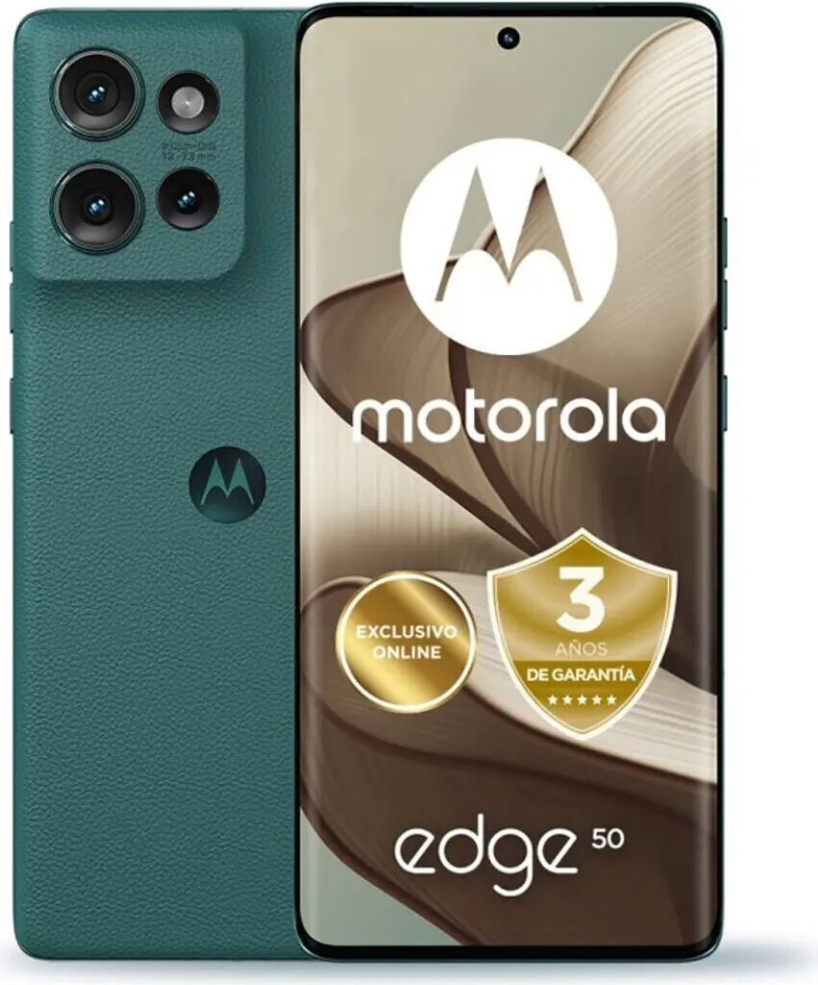
The Smartphone Motorola XT2407-01 6.6″ 12GB RAM 512GB Green (Moto Edge 50 5G) combines a large 6.6-inch display with 12GB of RAM and 512GB of built-in storage to support smooth multitasking and ample space for media. This model provides high-speed 5G connectivity and a contemporary slim design in green, making it suitable for everyday use, streaming, and productivity tasks.
Advantages
The Motorola XT2407-01 features a sizable 6.6″ screen that improves readability and media playback. With 12GB RAM the device handles multiple apps and browser tabs concurrently, while 512GB internal storage allows long-term retention of photos, videos and documents without immediate need for external storage. Native 5G support delivers faster download and upload speeds where networks are available, and the phone’s modern green finish offers a distinctive, understated appearance.
Suitable for
- Multitasking with several apps open at once
- Streaming video and playing media on a large display
- Storing large libraries of photos, videos and files
- Mobile internet use and fast downloads via 5G networks
- Everyday communication, navigation and productivity
Key specifications
- Display size: 6.6 inches
- System memory (RAM): 12 GB
- Internal storage: 512 GB
- Network: 5G connectivity
- Color: Green
How to use
Power on the Smartphone Motorola XT2407-01 by pressing and holding the side power button. Complete the initial setup by following on-screen prompts to configure language, Wi‑Fi or mobile network, and your Google account. Install or update apps from the official app store for your needs. Use the large 6.6″ display for browsing, streaming and document editing; switch between apps using the system navigation gestures or buttons. Manage storage by moving rarely used files to cloud services if desired, and enable 5G in network settings where available to take advantage of higher speeds.
Usage recommendations
For best day-to-day performance, keep the device software up to date, avoid installing apps from untrusted sources, and regularly back up important data. When relying on 5G for heavy downloads, monitor data usage according to your mobile plan.





 Free shipping €100
 30 day return
 Warranty 1 year

 Overview