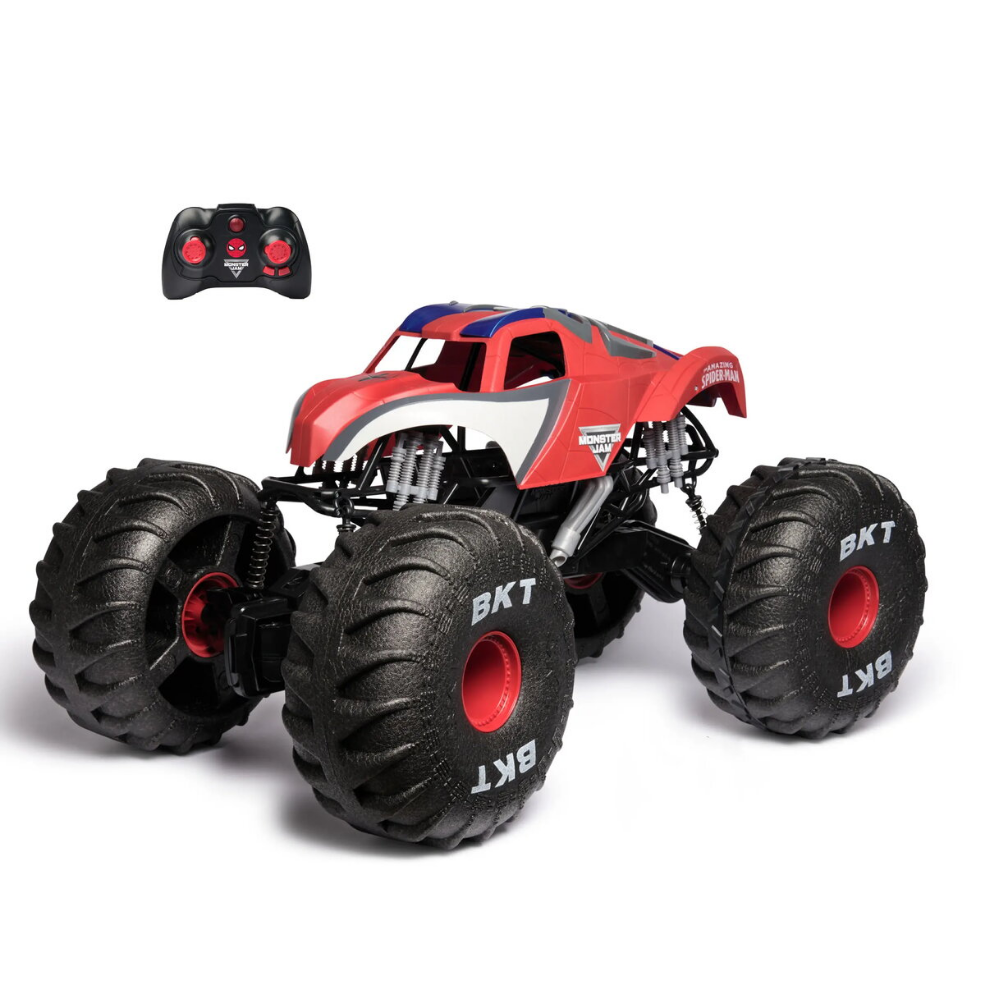
Loader Siku 6792 Remote Controlled Toy
Loader Siku 6792 Remote Controlled Toy Original price was: 147,99 €.Current price is: 145,99 €.
Back to products

Robot Ball Sphero BOLT K002ROW

SKU: 976824

Apple Shopping Event

Hurry and get discounts on all Apple devices up to 20%

Sale_coupon_20

267,99 

  • Free shipping €100
  • 30 day return
  • Warranty 1 year

Description

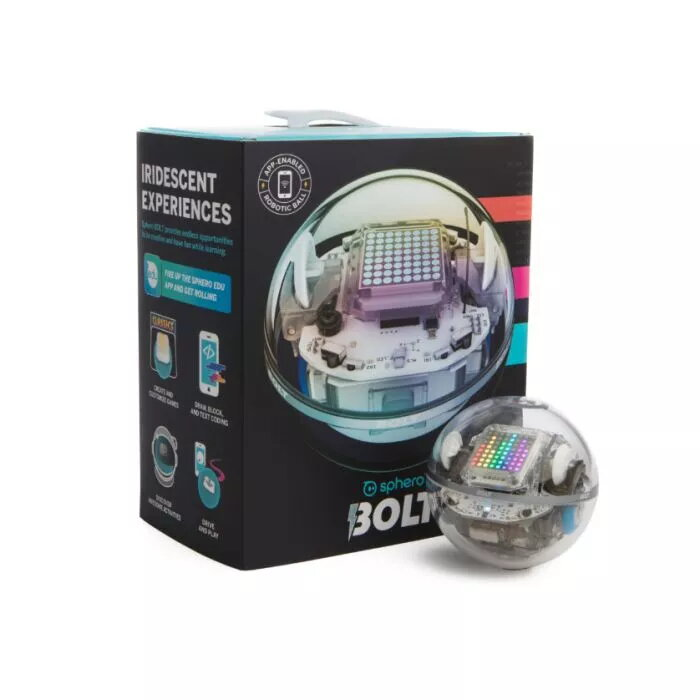
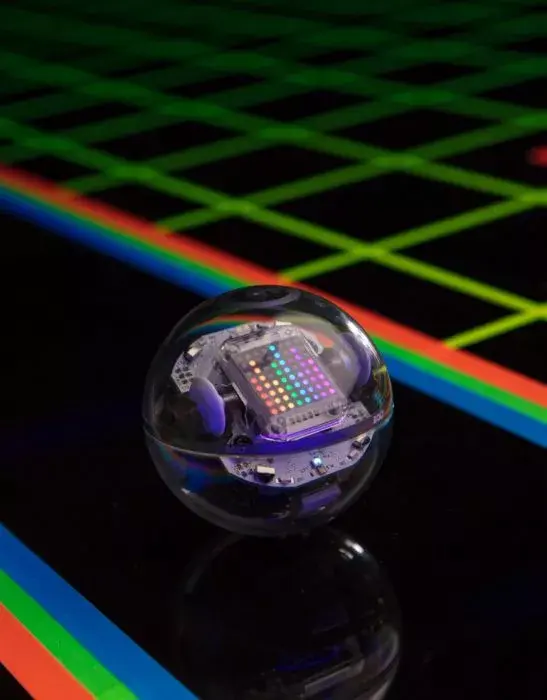
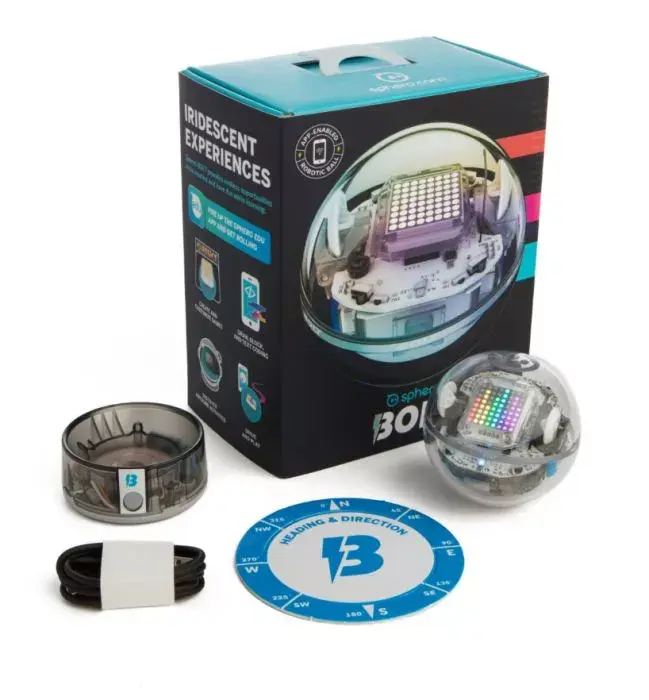
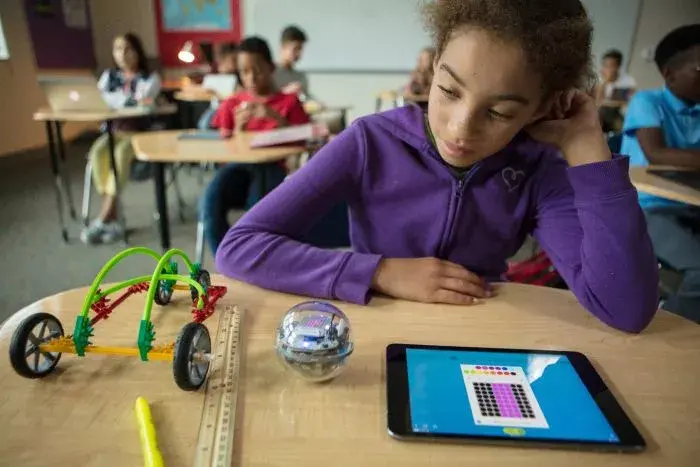
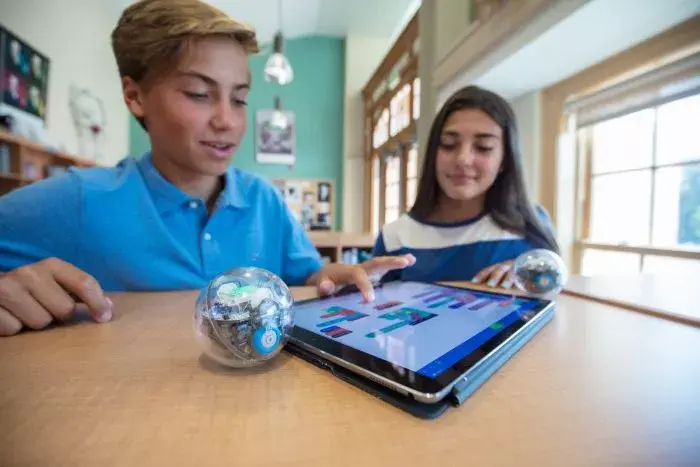
The Sphero BOLT is an app-controlled robotic ball that combines durable construction with programmable sensors and an 8×8 LED matrix for visual feedback and displays. It connects via Bluetooth to smartphones and tablets and is designed to support learning activities in coding and robotics while remaining suitable for play and creative projects.

Advantages

Sphero BOLT features an eye-catching, programmable 8×8 LED matrix for animations and real-time data display, built-in sensors to monitor speed, acceleration and direction, a compass for drive-without-aim control, and infrared communication for robot-to-robot interaction. The unit has Bluetooth SMART connectivity and a scratch-resistant shell that provides durability during use. Cross-platform Sphero Edu apps enable progressive learning from basic commands to advanced coding and collaborative STEAM activities.

Suitable for

  • Introductory and intermediate coding lessons
  • STEM/STEAM classroom activities and group projects
  • Interactive play and creative robotics experiments
  • Demonstrations of sensors, motion and data visualization

Key specifications

  • Programmable 8×8 LED matrix for animations and data display
  • Built-in sensors for speed, acceleration and direction tracking
  • Digital compass for heading-aware control
  • Infrared communication for inter-robot interaction
  • Bluetooth SMART wireless connectivity for app control
  • Transparent, scratch-resistant outer shell

How to use

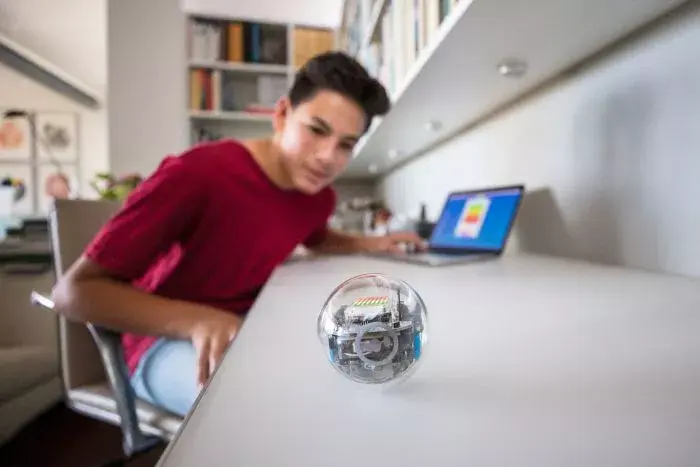
Charge the Sphero BOLT, install the Sphero Edu or companion app on a compatible smartphone or tablet, and connect via Bluetooth. Use the app to drive the robot manually, program behaviors using block-based or text-based coding tools, display custom graphics or data on the LED matrix, and configure sensor-based interactions or infrared messaging between robots. Follow on-screen instructions in the app to access lessons and activities.

Usage recommendations

Use Sphero BOLT on flat, even surfaces for best motion performance; avoid deep water and rough terrain. Keep the shell clean and charge regularly. For classroom use, pair several units to explore infrared communication and collaborative coding exercises through the Sphero Edu platform.

Overview

Product colour:Transparent