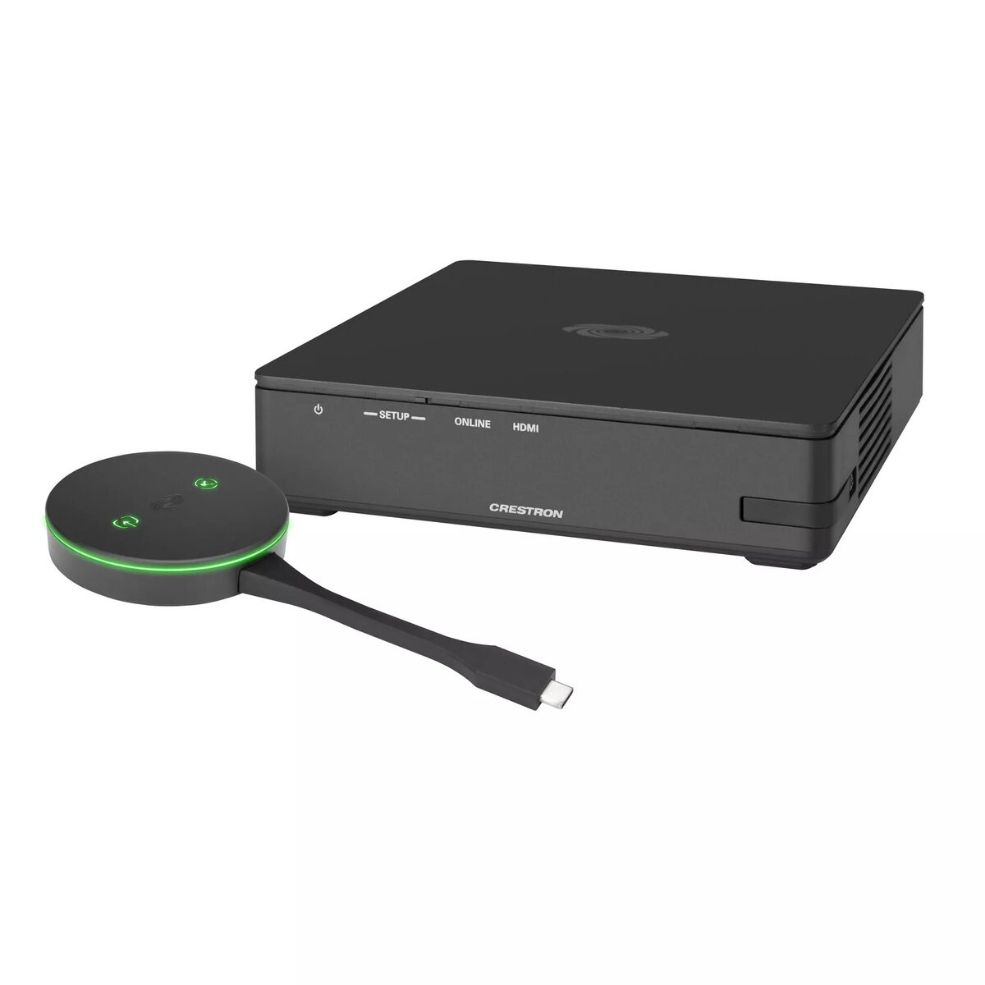
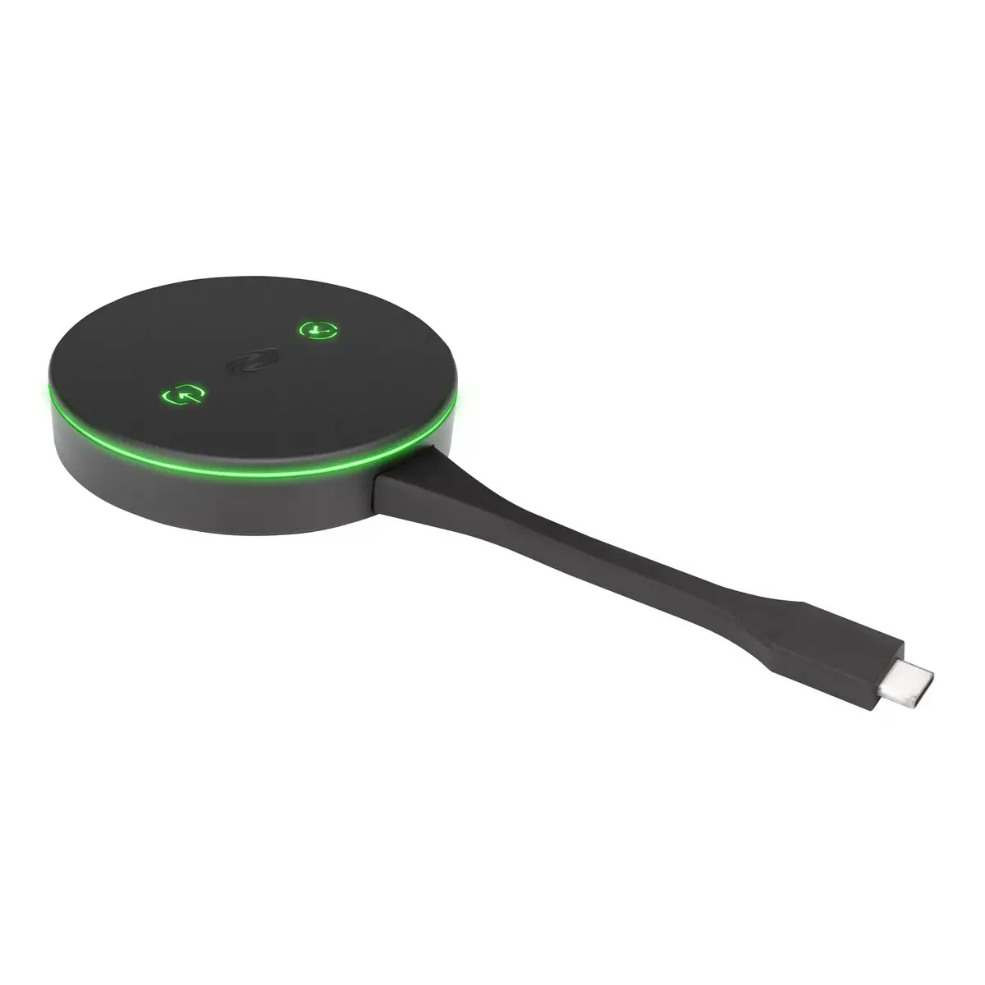
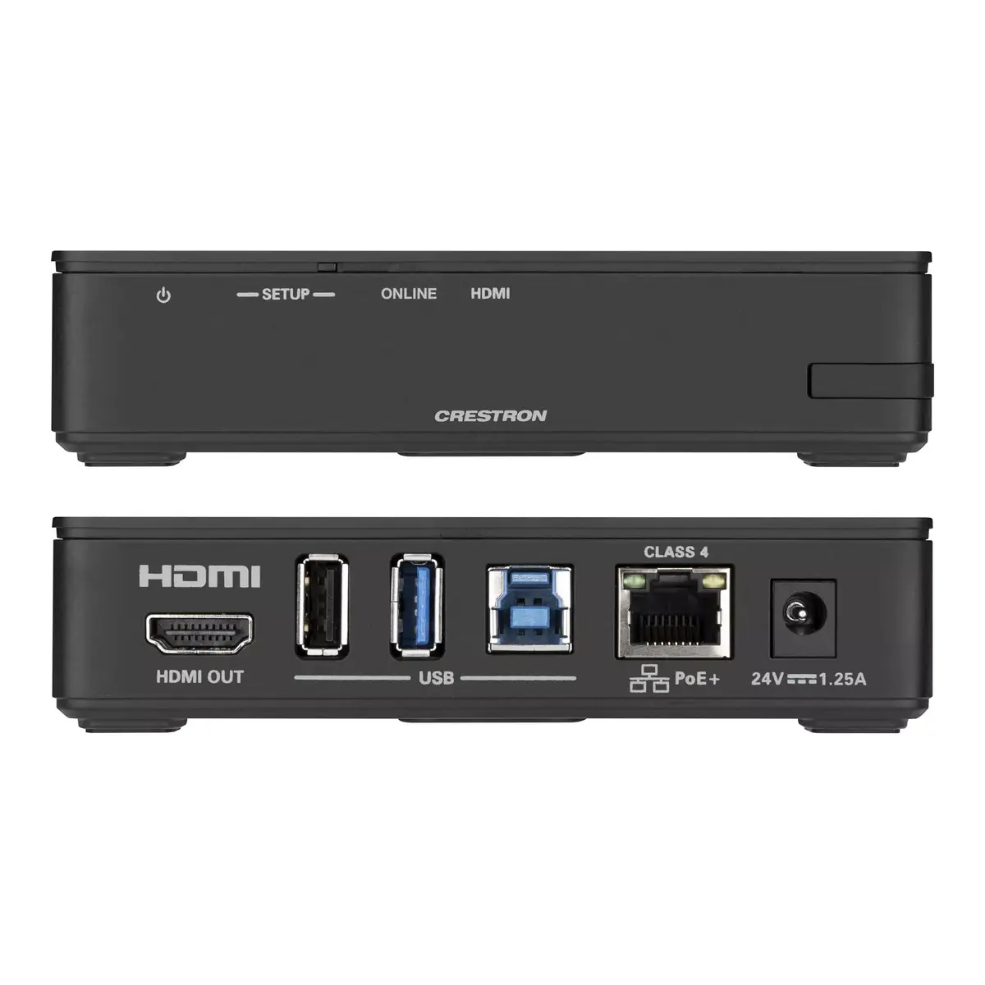
The Crestron AirMedia Series 3 Kit (AM3-111-I KIT) provides a wired-display solution for wireless collaboration in meeting rooms and shared workspaces. The kit includes an AirMedia Series 3 Receiver (AM-3100-WF-I) and an AirMedia Connect Adaptor (AM‑TX3‑100‑I). The receiver connects to a display via HDMI (up to 4K) and supports Wi‑Fi 6 on 2.4 and 5 GHz bands to enable wireless presentation from laptops, smartphones, and tablets or via the included USB‑C AirMedia Connect Adaptor.
Vorteile
The system supports multi-source presentation with AirMedia Canvas for up to four simultaneous sources and automatically arranges optimal layouts. It enables wireless conferencing by exposing connected peripherals (cameras, soundbars, speakerphones) to a user’s laptop for use with conferencing apps. Management and provisioning are simplified through XiO Cloud and Crestron Fusion, while enterprise-grade security features such as 802.1x, Active Directory authentication, and AES content encryption help meet corporate IT requirements.
Geeignet für
- Conference rooms and huddle rooms
- Lobbies, lounges, and shared collaboration spaces
- Meeting spaces requiring wireless presentation and room scheduling
Wichtige technische Daten
- Includes: AM-3100-WF-I Receiver and AM‑TX3‑100‑I Connect Adaptor
- Maximum HDMI output resolution: 3840 x 2160 (4K)
- Wireless: Wi‑Fi 6 (2.4 / 5 GHz)
- Multi-source presentation: up to 4 simultaneous sources (AirMedia Canvas)
- Security: 802.1x, Active Directory authentication, AES content encryption
- Color: Black
Anleitung
Install the AirMedia Receiver near the display and connect its HDMI output to the display’s HDMI input. Configure the receiver on the local network or through XiO Cloud/Crestron Fusion for centralized management. Presenters can connect via the AirMedia app, the AirMedia Chrome extension, Miracast (Windows 10), or by plugging the AirMedia Connect Adaptor into a device’s USB‑C port. Use the app or a compatible touch screen to manage sources, layouts, and conferencing peripherals.
Anwendungsempfehlungen
For best performance, connect the receiver to a display that supports 4K resolution when presenting high-resolution content, ensure the local Wi‑Fi network provides sufficient bandwidth for multiple simultaneous streams, and use XiO Cloud or Crestron Fusion for large-scale deployments and firmware updates.




 Free shipping €100
 30 day return
 Warranty 1 year


 Overview