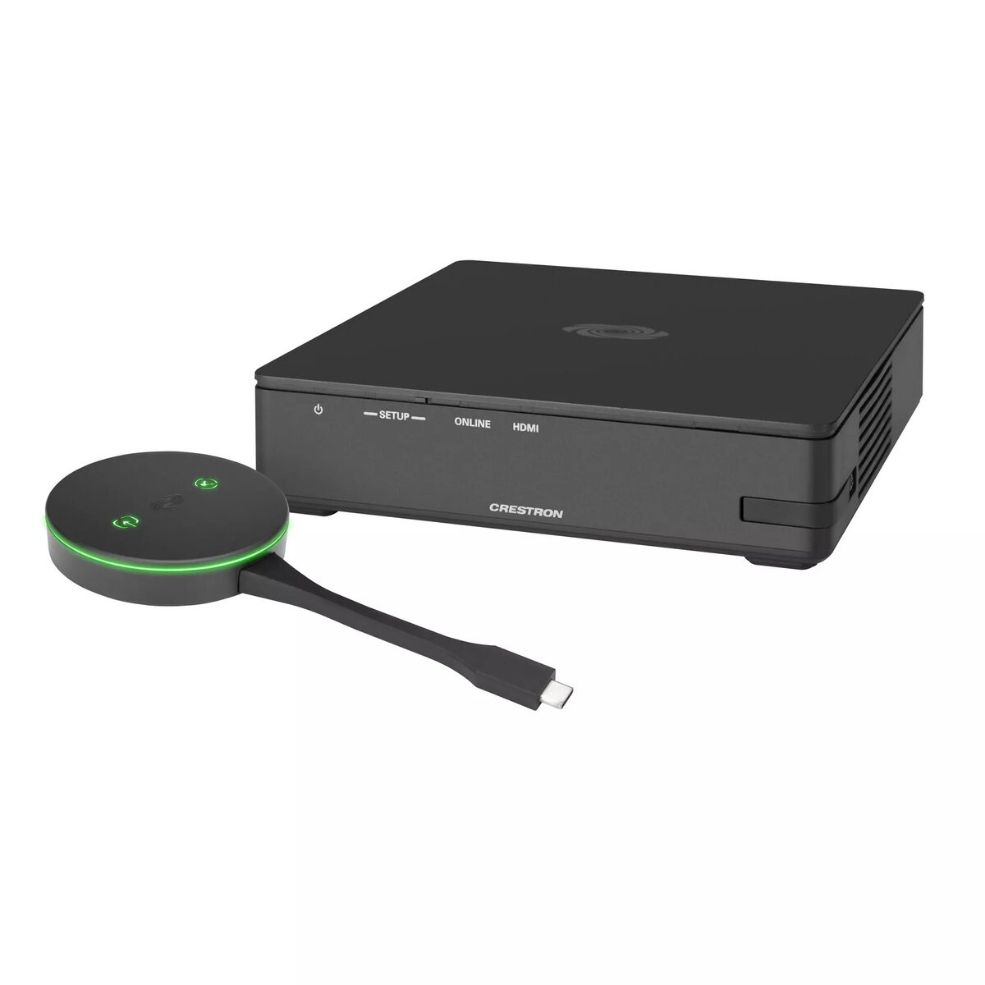
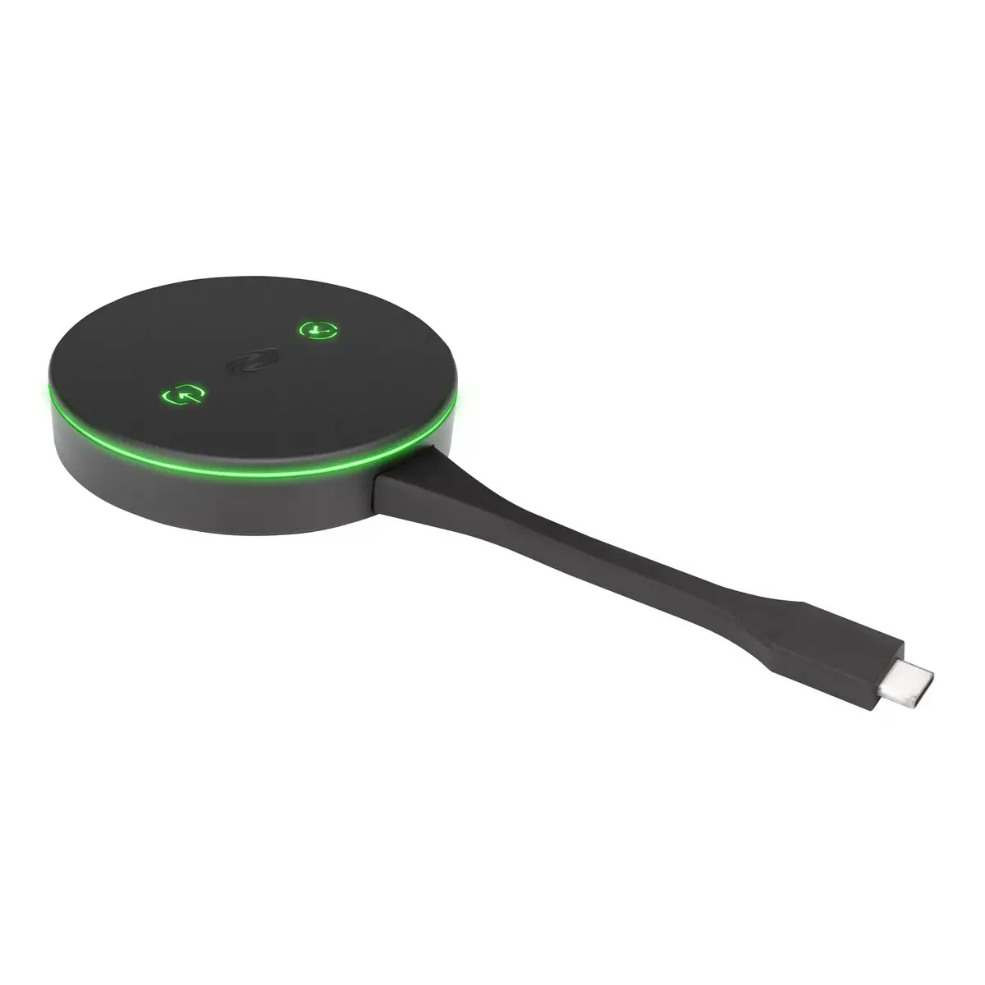
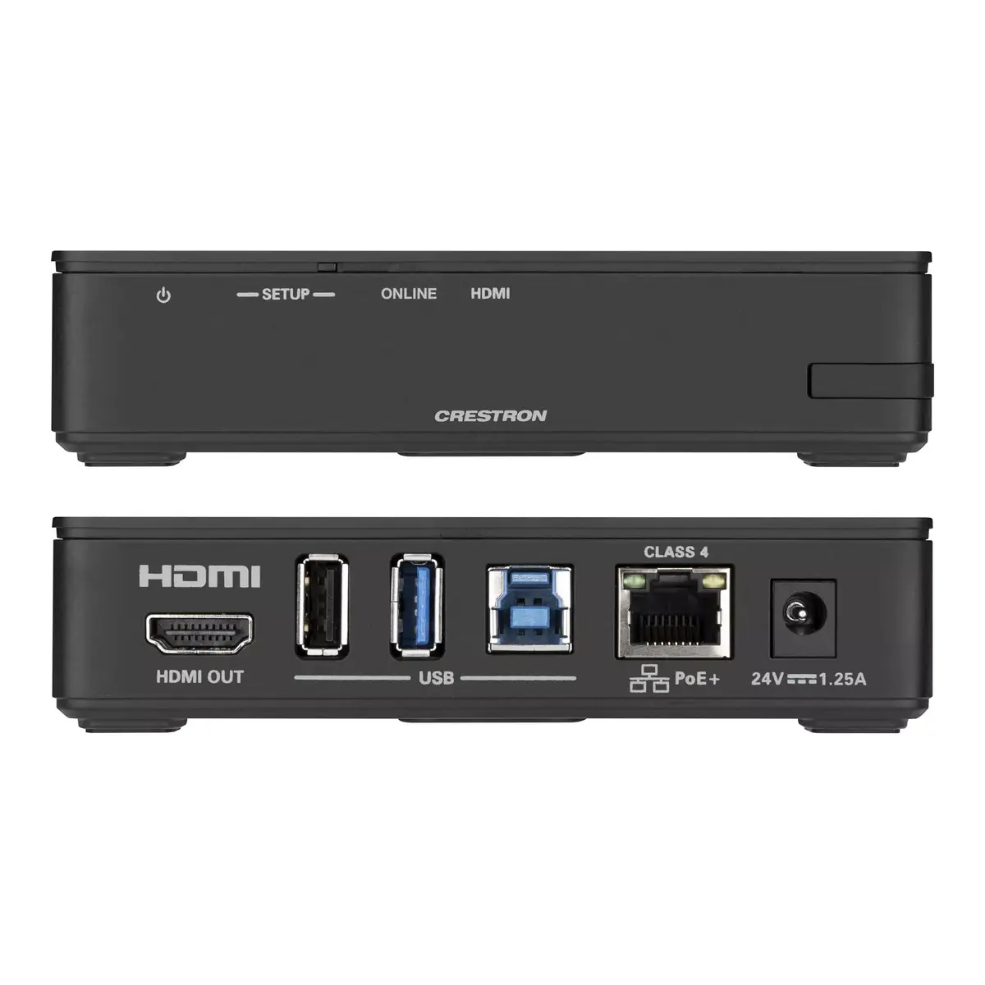
The Crestron AirMedia Series 3 Kit (AM3-111-I KIT) provides a wired-display solution for wireless collaboration in meeting rooms and shared workspaces. The kit includes an AirMedia Series 3 Receiver (AM-3100-WF-I) and an AirMedia Connect Adaptor (AM‑TX3‑100‑I). The receiver connects to a display via HDMI (up to 4K) and supports Wi‑Fi 6 on 2.4 and 5 GHz bands to enable wireless presentation from laptops, smartphones, and tablets or via the included USB‑C AirMedia Connect Adaptor.
Advantages
The system supports multi-source presentation with AirMedia Canvas for up to four simultaneous sources and automatically arranges optimal layouts. It enables wireless conferencing by exposing connected peripherals (cameras, soundbars, speakerphones) to a user’s laptop for use with conferencing apps. Management and provisioning are simplified through XiO Cloud and Crestron Fusion, while enterprise-grade security features such as 802.1x, Active Directory authentication, and AES content encryption help meet corporate IT requirements.
Suitable for
- Conference rooms and huddle rooms
- Lobbies, lounges, and shared collaboration spaces
- Meeting spaces requiring wireless presentation and room scheduling
Key specifications
- Includes: AM-3100-WF-I Receiver and AM‑TX3‑100‑I Connect Adaptor
- Maximum HDMI output resolution: 3840 x 2160 (4K)
- Wireless: Wi‑Fi 6 (2.4 / 5 GHz)
- Multi-source presentation: up to 4 simultaneous sources (AirMedia Canvas)
- Security: 802.1x, Active Directory authentication, AES content encryption
- Color: Black
How to use
Install the AirMedia Receiver near the display and connect its HDMI output to the display’s HDMI input. Configure the receiver on the local network or through XiO Cloud/Crestron Fusion for centralized management. Presenters can connect via the AirMedia app, the AirMedia Chrome extension, Miracast (Windows 10), or by plugging the AirMedia Connect Adaptor into a device’s USB‑C port. Use the app or a compatible touch screen to manage sources, layouts, and conferencing peripherals.
Usage recommendations
For best performance, connect the receiver to a display that supports 4K resolution when presenting high-resolution content, ensure the local Wi‑Fi network provides sufficient bandwidth for multiple simultaneous streams, and use XiO Cloud or Crestron Fusion for large-scale deployments and firmware updates.




 Free shipping €100
 30 day return
 Warranty 1 year



 Overview
Reviews
Clear filtersThere are no reviews yet.