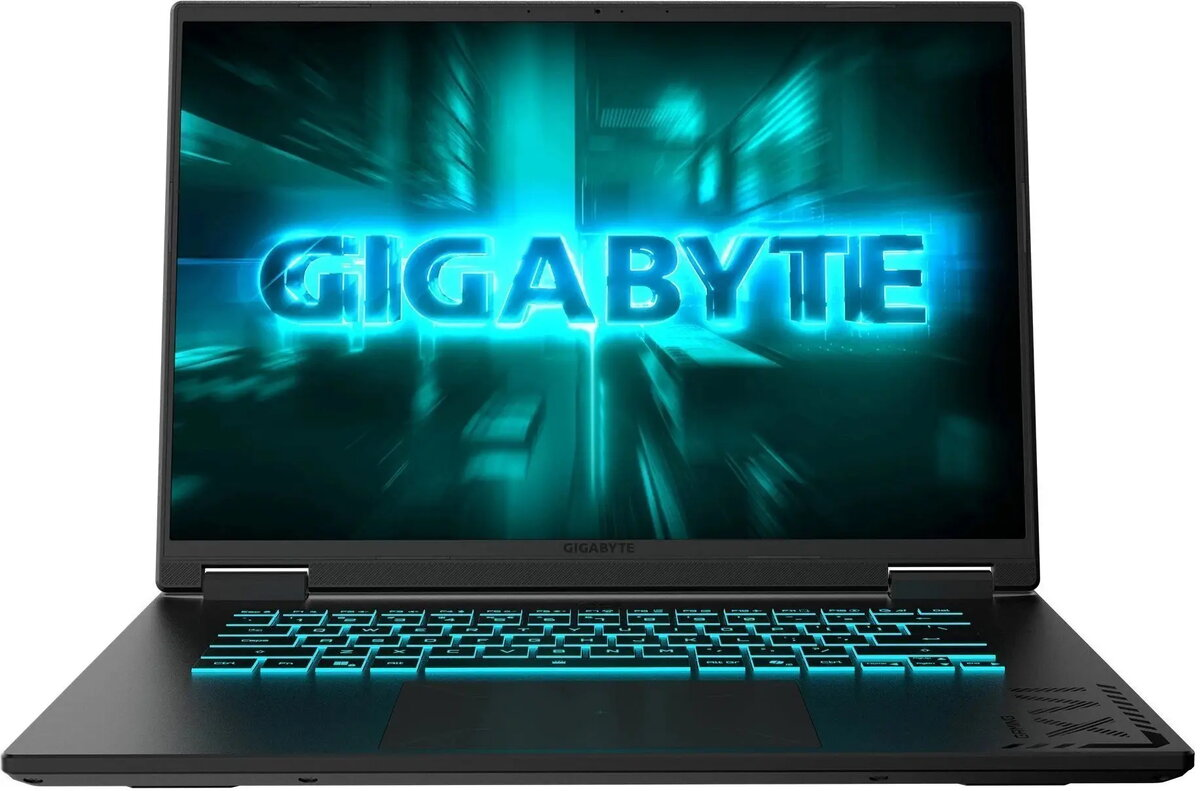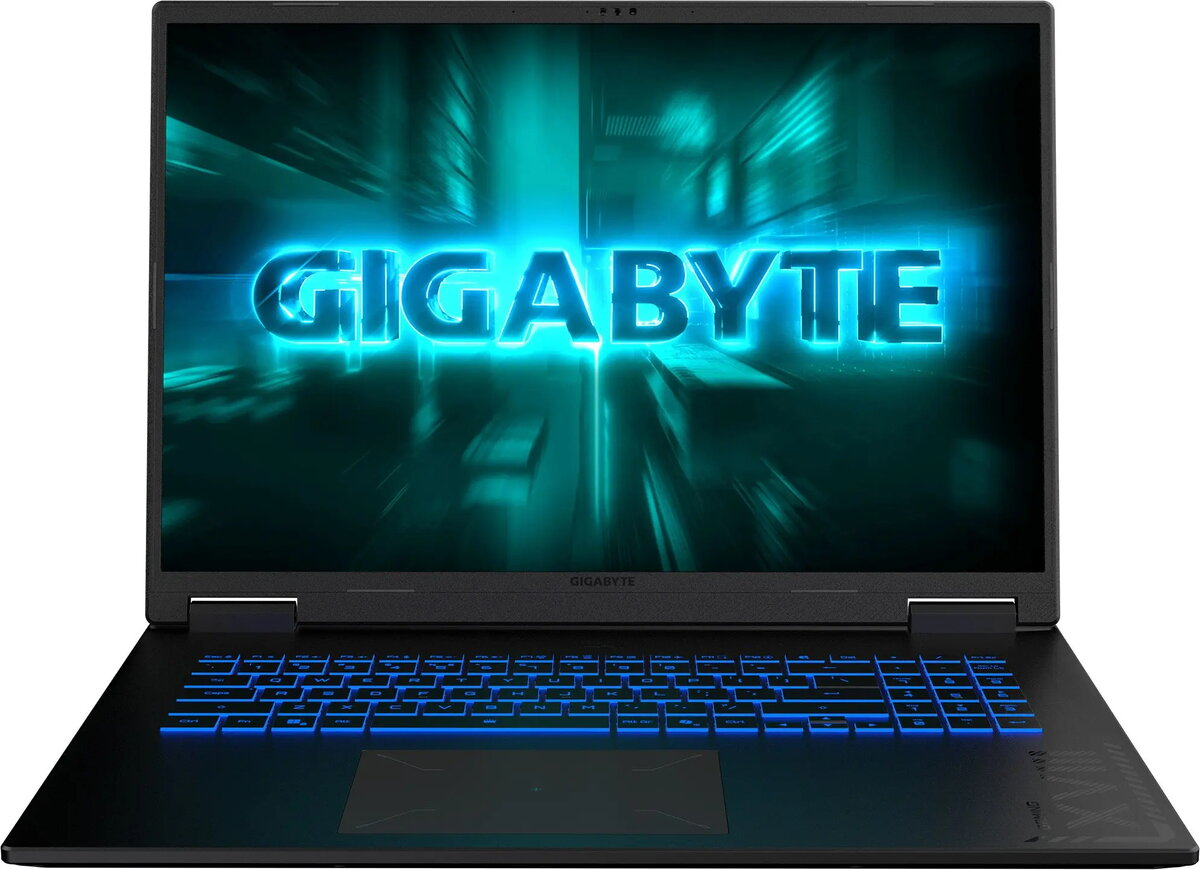
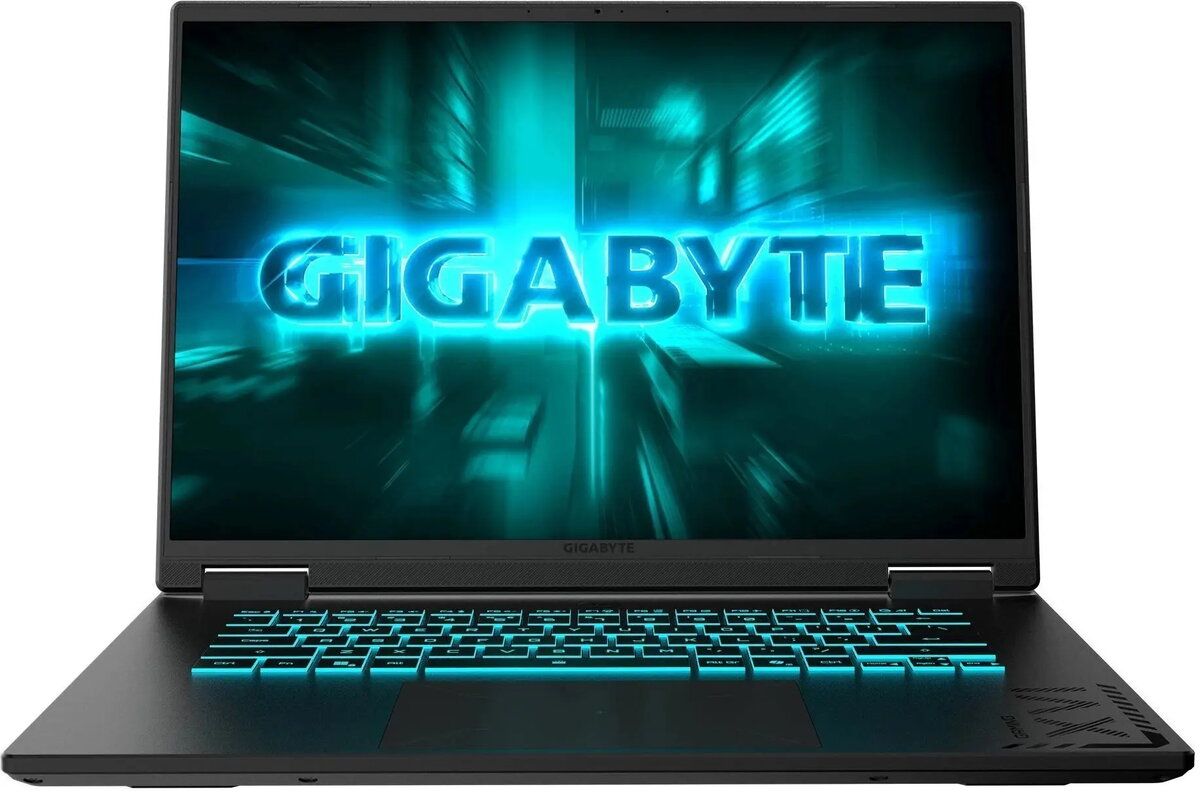
Laptop GIGABYTE Gaming A16 5VH — Ryzen 7 170, 16 GB RAM, 512 GB SSD, NVIDIA RTX 5060, 165 Hz display

SKU: 11974451

Apple Shopping Event

Hurry and get discounts on all Apple devices up to 20%

Sale_coupon_20

1.074,99 

  • Free shipping €100
  • 30 day return
  • Warranty 1 year

Description

GIGABYTE Gaming A16 5VH is a 16-inch gaming laptop powered by an AMD Ryzen 7 170 processor, 16 GB of system memory and a 512 GB solid-state drive. It combines an NVIDIA RTX 5060 graphics card with a 165 Hz display to provide responsive frame rates and reduced motion blur for gaming and multimedia. The configuration targets users who need a balanced combination of CPU performance, discrete GPU acceleration and fast NVMe storage in a portable chassis.

Advantages

The laptop offers a multi-core Ryzen CPU suitable for gaming and productivity workloads, supported by 16 GB of RAM that enables smooth multitasking. The NVIDIA RTX 5060 GPU delivers hardware-accelerated graphics and ray-tracing support for modern titles and creative applications. A 512 GB SSD provides quick boot times and fast application loading, while the 165 Hz panel improves perceived responsiveness during gameplay and fast-moving visuals.

Suitable for

  • Playing modern AAA and esports titles at playable settings
  • Photo and video editing workflows that benefit from GPU acceleration
  • Multitasking and simultaneous productivity applications
  • On-the-go content creation and streaming

Key specifications

  • Processor: AMD Ryzen 7 170 — multi-core performance for gaming and productivity
  • Memory: 16 GB system RAM for smooth multitasking and application switching
  • Storage: 512 GB SSD for fast boot times and application loading
  • Graphics: NVIDIA RTX 5060 for hardware-accelerated rendering and ray tracing
  • Display: 165 Hz refresh rate for reduced motion blur and smoother visuals
  • Form factor: 16-inch laptop chassis optimized for cooling and portability

How to use

Set up the laptop on a stable surface, connect the power adapter for initial charging and perform the operating system updates to ensure drivers and firmware are current. Install gaming platforms, creative software or productivity tools as required. Use the system settings to configure display refresh rate, power plans and GPU preferences depending on whether you prioritize battery life or maximum performance. Regularly back up important files from the 512 GB SSD to external storage or cloud services.

Usage recommendations

For best gaming performance, ensure the GPU drivers are updated and use the 165 Hz refresh rate in supported games. When performing demanding rendering or editing tasks, connect the laptop to mains power and select a high-performance power profile to allow sustained CPU and GPU clocks. Maintain airflow around cooling vents and periodically clean dust to preserve thermal performance.

Overview