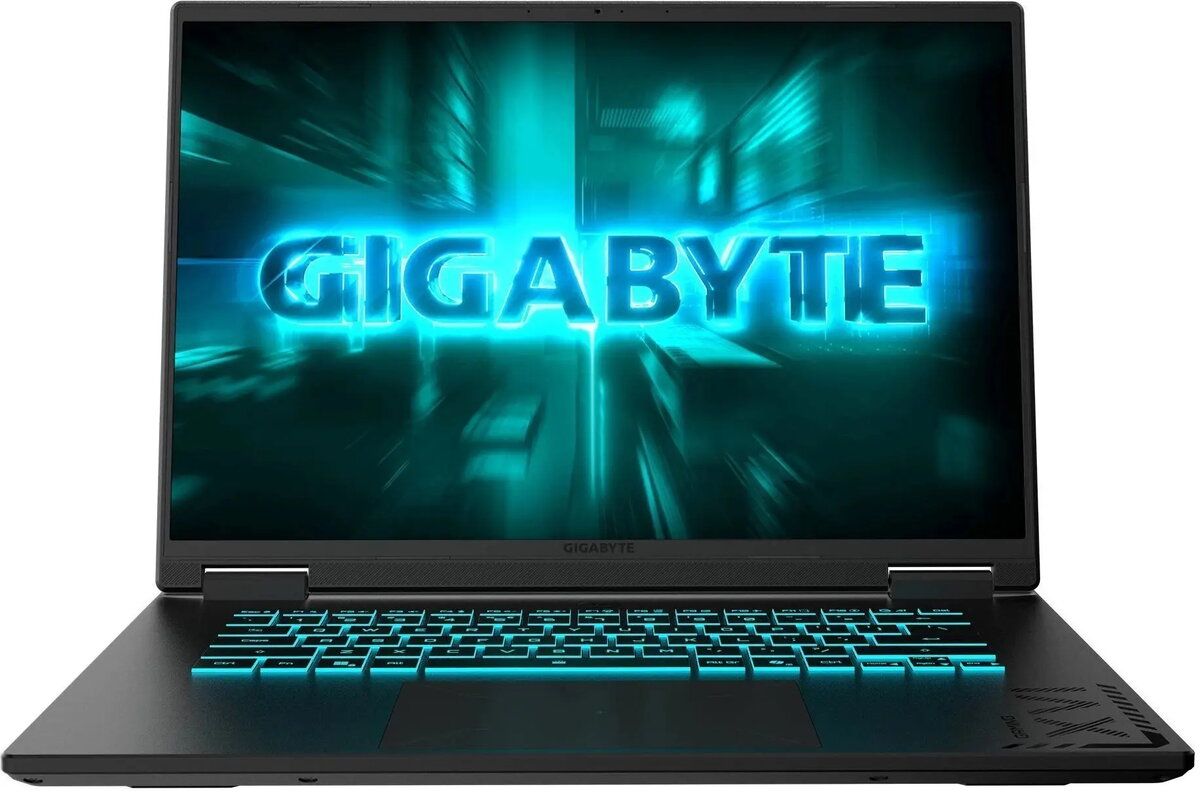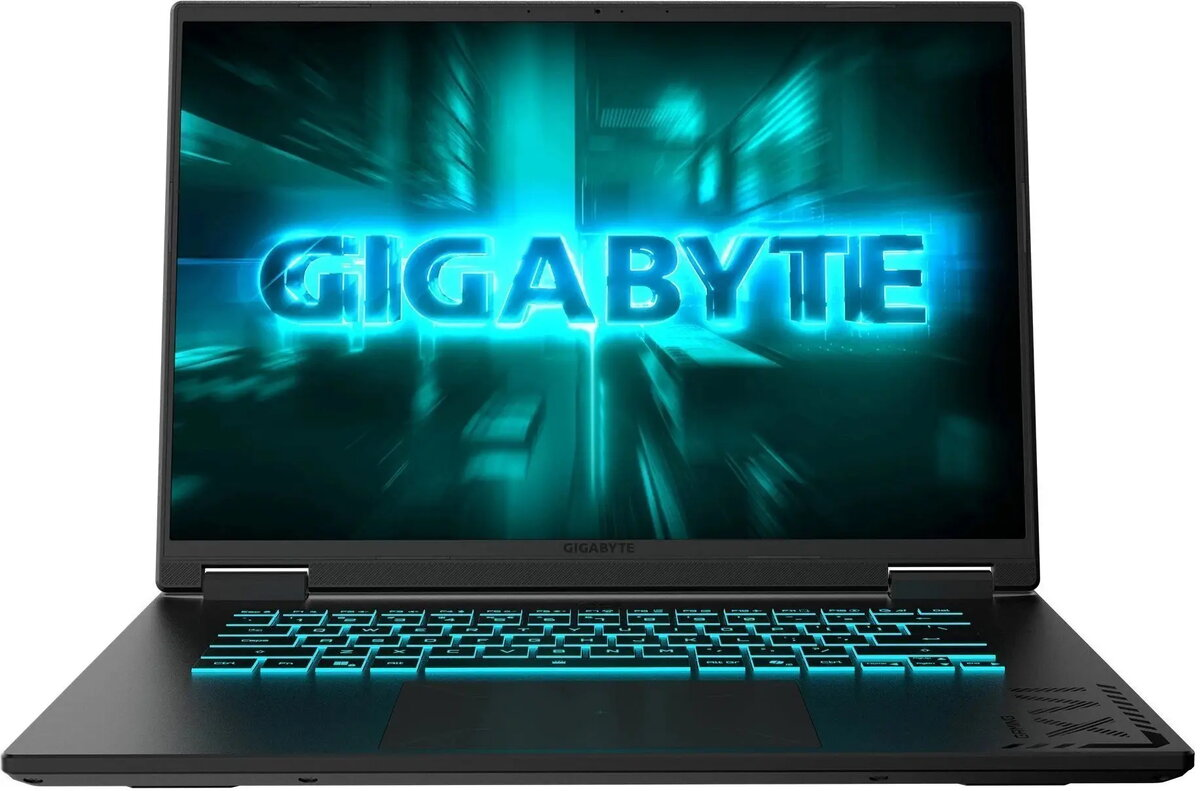
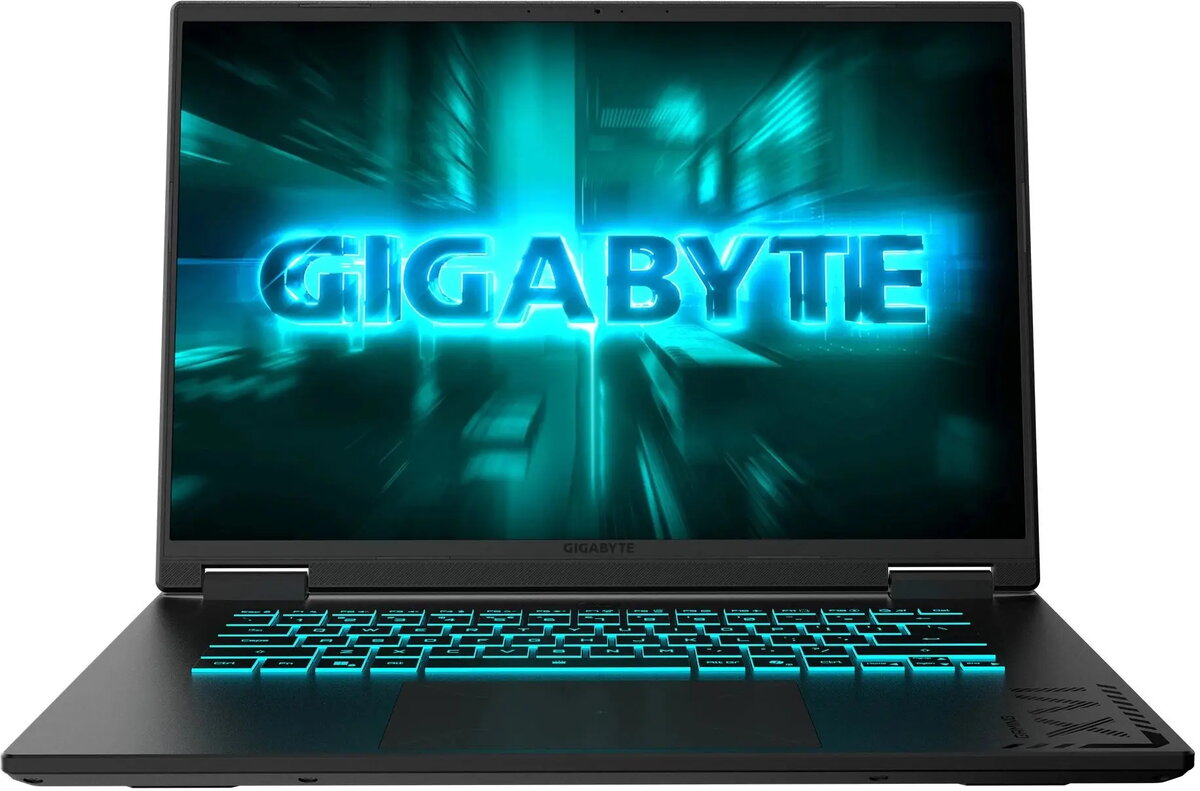
Laptop GIGABYTE Gaming A16 5VH — Ryzen 7 170, 16 GB RAM, 512 GB SSD, Windows 11, NVIDIA RTX 5060, 165 Hz

SKU: 11974177

Apple Shopping Event

Hurry and get discounts on all Apple devices up to 20%

Sale_coupon_20

1.168,99 

  • Free shipping €100
  • 30 day return
  • Warranty 1 year

Description

The GIGABYTE Gaming A16 5VH combines mobile performance and a high-refresh display in a compact laptop tailored for demanding tasks. Powered by an AMD Ryzen 7 170 processor, 16 GB of system memory and a 512 GB solid-state drive, this model runs Windows 11 and includes an NVIDIA RTX 5060 graphics card alongside a 165 Hz screen. The hardware balance supports smooth gameplay at high frame rates, accelerated content creation and responsive multitasking while keeping storage and system responsiveness at modern standards.

Advantages

The Ryzen 7 processor delivers multi-core performance for gaming and creative workloads, while 16 GB of RAM enables fluid switching between applications. The 512 GB SSD provides fast boot times and quick access to games and projects. A dedicated NVIDIA RTX 5060 GPU adds hardware-accelerated ray tracing and GPU-accelerated rendering for video or 3D tasks. The 165 Hz display reduces motion blur and input lag, improving visual clarity in fast-paced titles and competitive play.

Suitable for

  • Playing AAA and eSports titles at high frame rates
  • Live streaming and content creation (video editing, rendering)
  • Running GPU-accelerated applications and creative software
  • Multitasking business workflows and productivity applications

Key specifications

  • Processor: AMD Ryzen 7 170 — multi-core mobile CPU performance
  • Memory: 16 GB RAM — supports multitasking and moderate content workflows
  • Storage: 512 GB solid-state drive — fast system and application load times
  • Graphics: NVIDIA RTX 5060 — dedicated GPU for gaming and GPU-accelerated tasks
  • Display: 165 Hz — high refresh rate for reduced motion blur and smoother visuals
  • Operating system: Windows 11 — modern OS with updated security and compatibility

How to use

Set up the laptop by completing Windows 11 initial configuration and installing the latest drivers from GIGABYTE and NVIDIA to ensure optimal performance. Use system settings or manufacturer software to configure performance modes, display refresh rate and power profiles according to your needs. Install your games, creative applications or productivity tools on the SSD for fastest load times; consider adding external storage for large media libraries if needed.

Usage recommendations

For sustained gaming or rendering sessions, select a higher performance power profile and ensure adequate ventilation. Keep graphics drivers and Windows updates current to benefit from performance improvements and stability fixes. If you plan to run large-scale video projects or extensive multitasking, consider upgrading storage or using external drives for archiving.

Overview