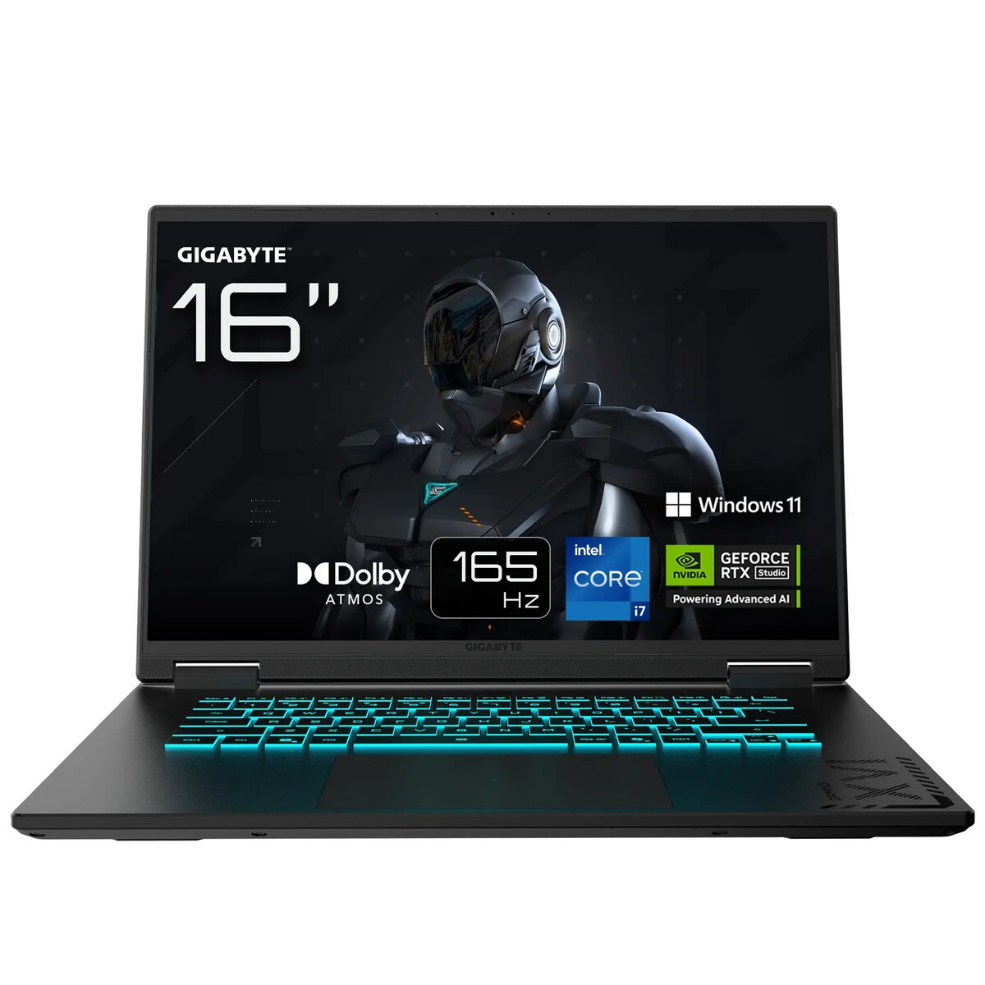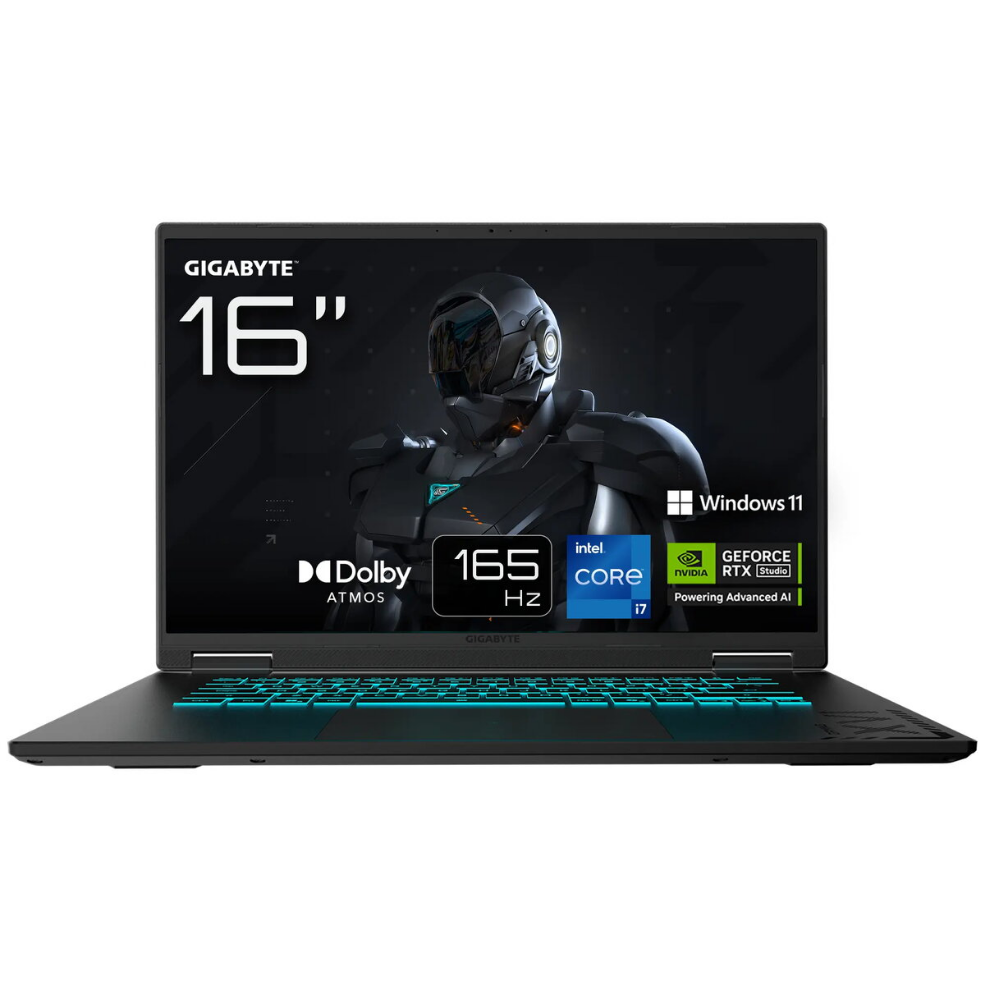
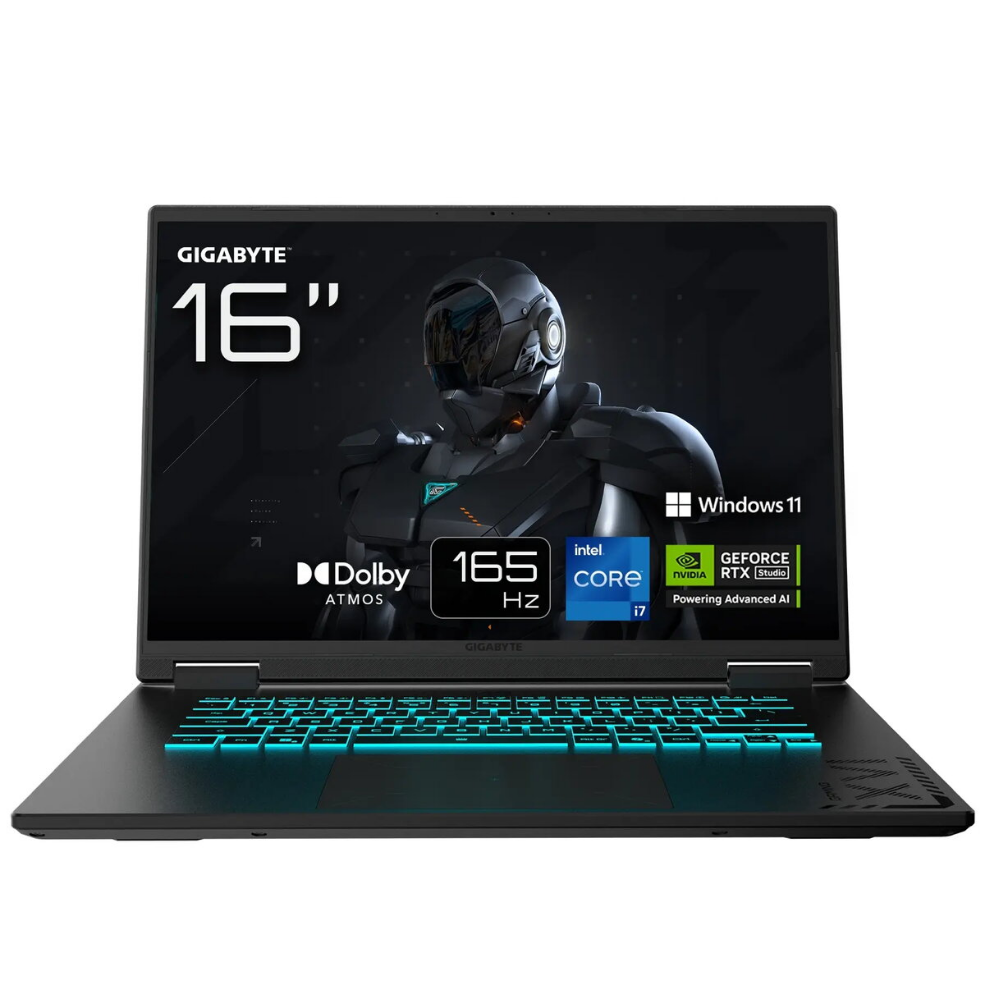
Laptop Gigabyte GAMING A16 CWHI3CZ894SH 16″ i7-13620H 16GB 1TB RTX 5070 W11H Black 2R

SKU: 11498157

Apple Shopping Event

Hurry and get discounts on all Apple devices up to 20%

Sale_coupon_20

1.470,99 

  • Free shipping €100
  • 30 day return
  • Warranty 1 year

Description

The Gigabyte GAMING A16 CWHI3CZ894SH is a high-performance 16-inch gaming laptop designed to balance raw processing power and portable design. It features a 16″ WUXGA display, an Intel Core i7-13620H processor, 16 GB of system memory and a 1 TB solid-state drive. The NVIDIA RTX 5070 graphics delivers hardware-accelerated ray tracing and high frame rates for modern games and graphics applications. Windows 11 Home is preinstalled for immediate use, and the chassis comes in a matte black finish that fits both gaming and productivity environments.

Advantages

The laptop combines a multicore Intel i7 CPU and a dedicated NVIDIA RTX 5070 GPU to provide strong single-thread and multi-thread performance for gaming, streaming and content creation. A 1 TB NVMe SSD offers fast boot times, rapid application loading and ample storage for games and media. The 16″ WUXGA display provides a clear, wide viewing area suitable for gaming and multitasking, while 16 GB of RAM enables smooth multitasking and responsive system performance. The preinstalled Windows 11 Home ensures driver and feature compatibility out of the box.

Suitable for

  • Playing modern AAA and esports titles at high settings
  • Video editing, 3D rendering and content creation workflows
  • Live streaming and multitasking with multiple apps
  • Portable workstations for students and professionals who need GPU acceleration

Key specifications

  • Display: 16″ WUXGA (wide 16:10 area implied) with pixel resolution suitable for sharp visuals
  • Processor: Intel Core i7-13620H, multicore mobile CPU for high-performance tasks
  • Memory: 16 GB RAM for multitasking and gaming stability
  • Storage: 1 TB NVMe solid-state drive for fast system and application access
  • Graphics: NVIDIA RTX 5070 discrete GPU with dedicated video memory and RTX features
  • Operating system: Windows 11 Home preinstalled
  • Color and chassis: matte black portable laptop design

How to use

Connect the laptop to mains power for charging the battery before extended gaming sessions. Use Windows 11 Home for initial setup, create or sign in with a Microsoft account, and install game clients or productivity applications as required. Adjust display and graphics settings via the NVIDIA control panel and Windows display settings to achieve preferred performance or battery life balance. Regularly update drivers and Windows updates to maintain compatibility and stability.

Usage recommendations

For optimal gaming performance, use a high-quality cooling surface or elevate the rear of the laptop slightly to improve airflow, and keep graphics drivers up to date. When editing video or rendering 3D content, consider closing non-essential background applications to allocate more CPU and GPU resources to the active workload.

Overview