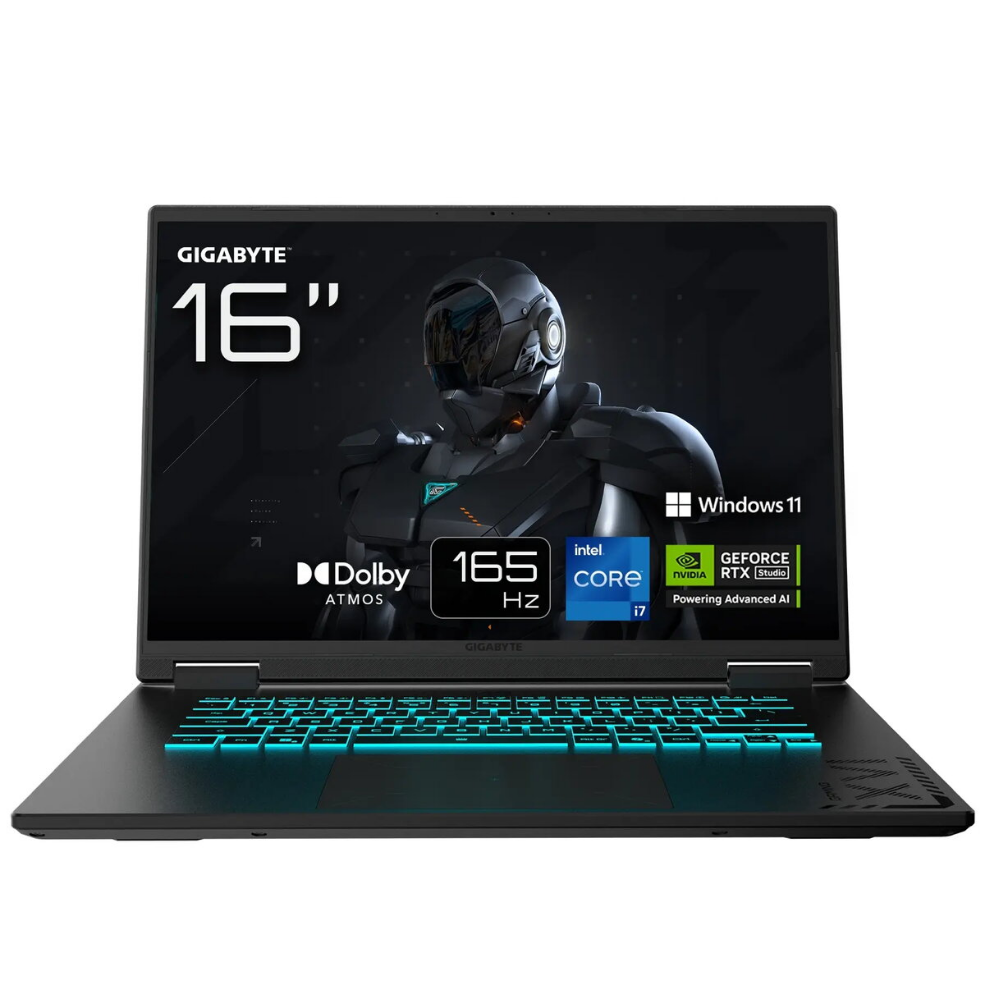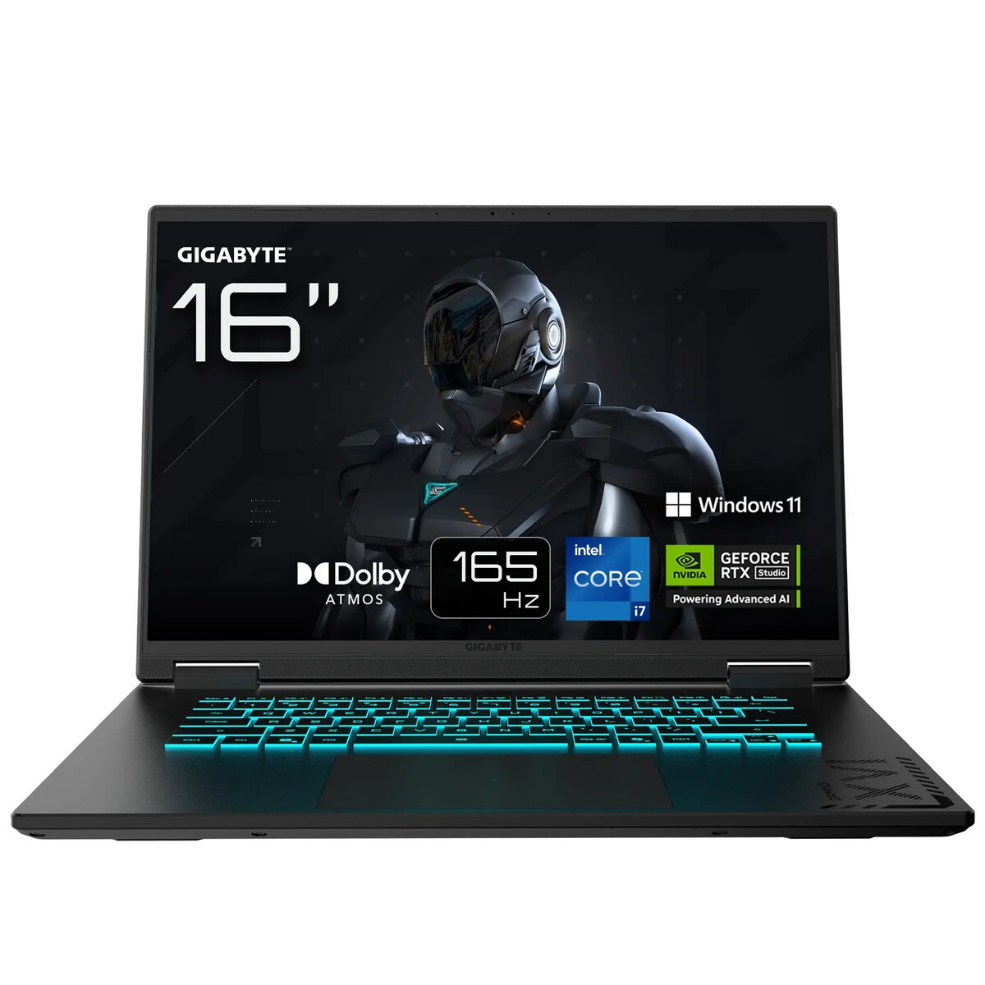

Laptop Gigabyte GAMING A16 CWHI3CZC94SH 16″ i7-13620H 16GB 1TB RTX 5070 W11H Black 2R

SKU: 11507031

Apple Shopping Event

Hurry and get discounts on all Apple devices up to 20%

Sale_coupon_20

1.385,99 

  • Free shipping €100
  • 30 day return
  • Warranty 1 year

Description

The Gigabyte GAMING A16 CWHI3CZC94SH is a 16″ gaming laptop built for high-performance computing and graphics-intensive tasks. It features a 2560×1600 display, an Intel i7-13620H processor, 16GB of system memory and 1TB of storage, paired with an NVIDIA RTX 5070 graphics solution and Windows 11 Home. The combination of a high-resolution screen, a multi-core CPU and a dedicated GPU supports smooth gameplay, creative workflows and demanding multitasking in a compact black chassis.

Advantages

The laptop offers a high-resolution 16″ display that balances detail and workspace, a modern Intel i7 mobile processor for responsive performance, and 16GB of RAM that enables stable multitasking. The dedicated NVIDIA RTX 5070 delivers accelerated graphics and hardware-accelerated ray tracing for games and visual applications. A 1TB internal drive provides ample space for games, projects and media while Windows 11 Home offers modern security and productivity features.

Suitable for

  • AAA and esports gaming at high settings
  • 3D modelling, rendering and GPU-accelerated creative software
  • Multitasking with virtual machines, development environments and office suites
  • Video editing, colour grading and media playback at high resolution

Key specifications

  • Display: 16-inch, 2560 × 1600 resolution
  • Processor: Intel Core i7-13620H (mobile high-performance CPU)
  • Memory: 16 GB RAM
  • Storage: 1 TB internal SSD
  • Graphics: NVIDIA RTX 5070 dedicated GPU
  • Operating system: Windows 11 Home
  • Chassis colour: Black

How to use

Set up the laptop on a stable surface and connect the included power adapter for initial configuration. Follow on-screen instructions to complete Windows 11 Home setup and sign into your Microsoft account if desired. Install device drivers and the latest GPU drivers from the official NVIDIA or Gigabyte support pages to ensure optimal performance. Use the system settings to adjust display scaling, power profiles and fan modes according to workload. Store large projects on the internal SSD or connect external drives for additional capacity.

Usage recommendations

For gaming, select a performance power profile and update GPU drivers regularly. For creative workloads, enable the high-performance mode and use external cooling or a laptop stand during prolonged rendering sessions. Keep the system firmware and Windows updates current and maintain backups of important data to the internal or external storage.

Overview