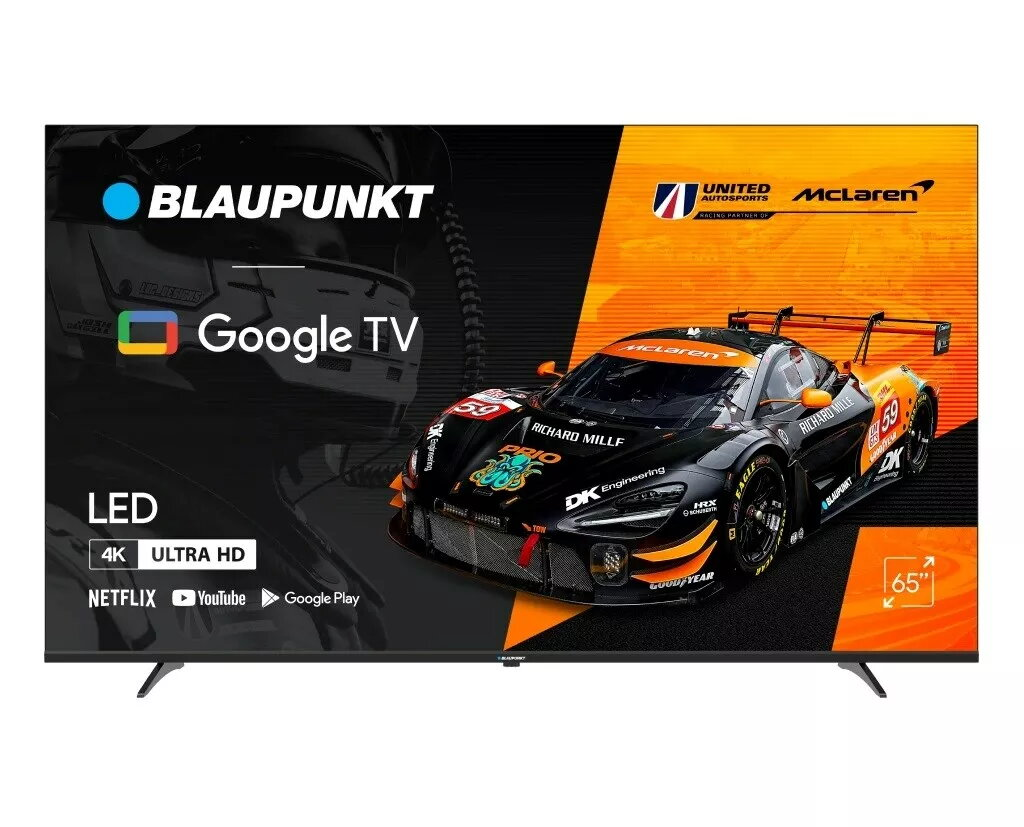
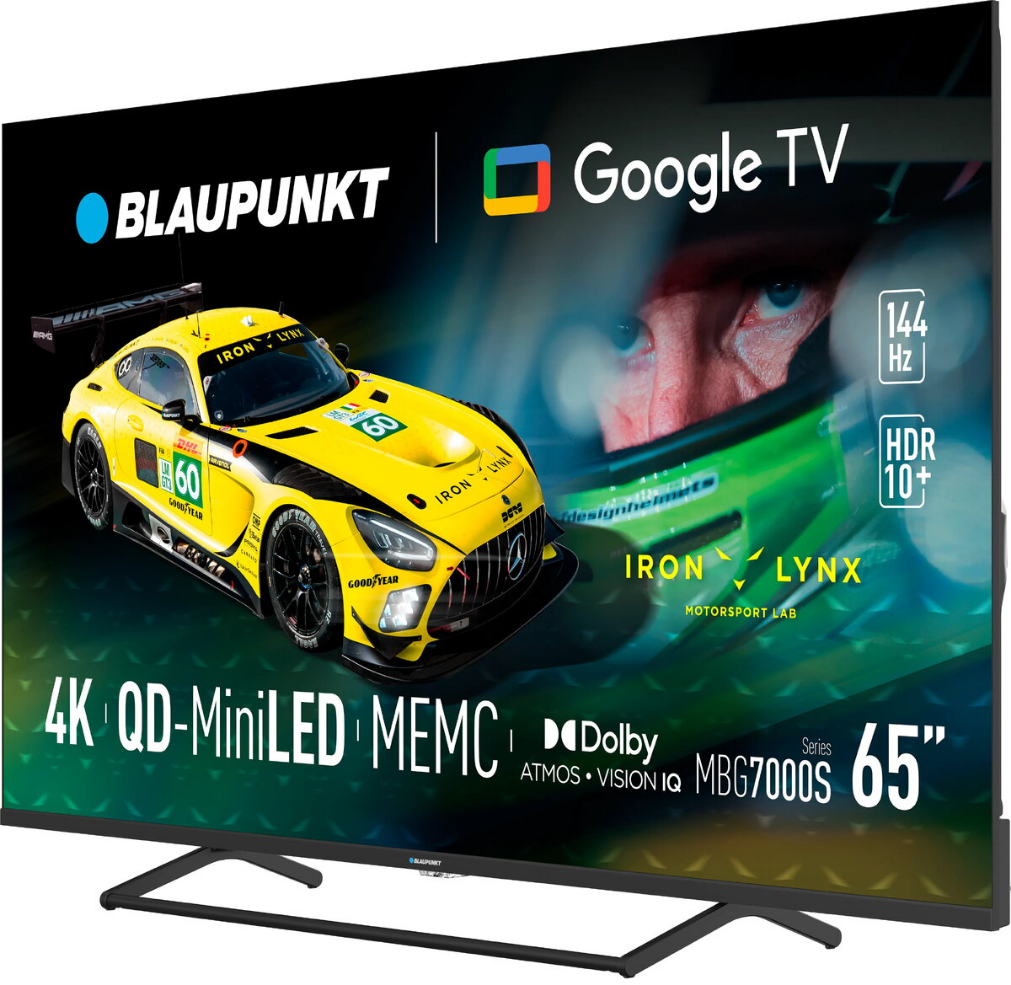
The Blaupunkt 65MBG7000S is a 65-inch Mini LED Smart TV with 4K (3840 x 2160) resolution and Google TV operating system. The set comes in black finish and supports common connectivity options including HDMI, USB, RF antenna input, CI+ and LAN. Built-in Wi‑Fi and DVB-T/T2/C/S2 digital tuner provide access to broadcast channels and streaming services. The TV ships without an embedded battery, includes WEEE classification CL109:2:2017-04-01, and is covered by a 24-month warranty.
Advantages
The Mini LED panel delivers 4K resolution on a 65-inch (164 cm) diagonal for detailed picture quality, while Google TV offers an intuitive smart-TV interface and access to apps. Multiple wired and wireless connectivity options (HDMI, USB, LAN, Wi‑Fi, RF, CI+) support external devices and networks. The product is relatively lightweight for its size with a net weight of 16.20 kg and includes standard environmental compliance (WEEE).
Suitable for
- Living rooms and home theaters requiring a large 4K display
- Smart TV streaming and app-based entertainment via Google TV
- Connecting set-top boxes, gaming consoles, Blu‑ray players or external media via HDMI/USB
- Homes using terrestrial, cable or satellite broadcast standards (DVB‑T/T2/C/S2)
Key specifications
- Model: Blaupunkt 65MBG7000S
- Display: 65″ (164 cm) Mini LED, 3840 x 2160 (4K)
- Operating system: Google TV (Smart TV)
- Connectivity: HDMI, USB, RF, CI+, LAN, Wi‑Fi
- Dimensions with stand: 1445.3 x 309 x 887.6 mm
- Net weight: 16.20 kg · Gross weight: 21.20 kg · Tare weight: 5.00 kg
- Package volume: 0.22 m³ · Palette quantity: 8 pcs · Packing quantity: 1 pc
- Energy efficiency class: G
- WEEE: Yes · WEE classification: CL109:2:2017-04-01
- Warranty: 24 months
How to use
Place the TV on a stable surface or mount it according to the manufacturer’s instructions. Connect power and attach any external devices via HDMI, USB or LAN as needed. Use the RF input or CI+ slot for receiving broadcast channels and complete initial setup through the Google TV on‑screen guide to configure Wi‑Fi, sign in to accounts and install apps.
Usage recommendations
For optimal picture and long-term performance, ensure adequate ventilation around the TV, avoid prolonged exposure to direct sunlight, and follow Blaupunkt’s setup and safety instructions included with the product. Use compatible HDMI cables for 4K signals and keep the firmware updated via Google TV.




 Free shipping €100
 30 day return
 Warranty 1 year

 Overview