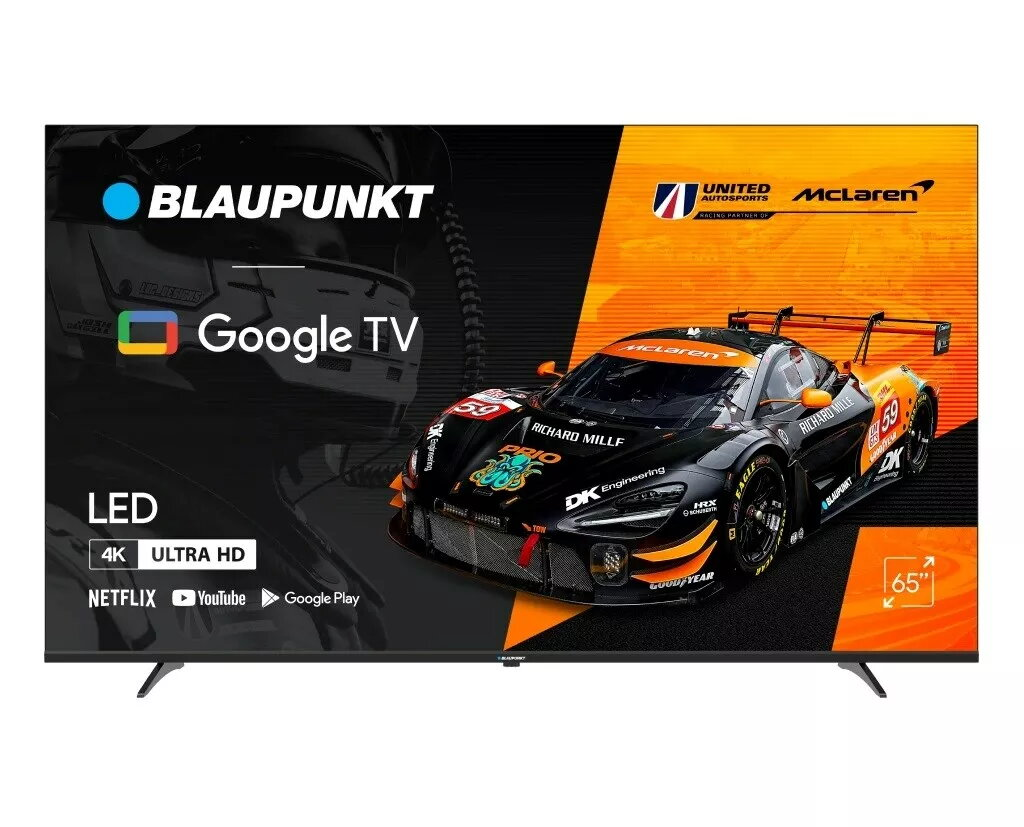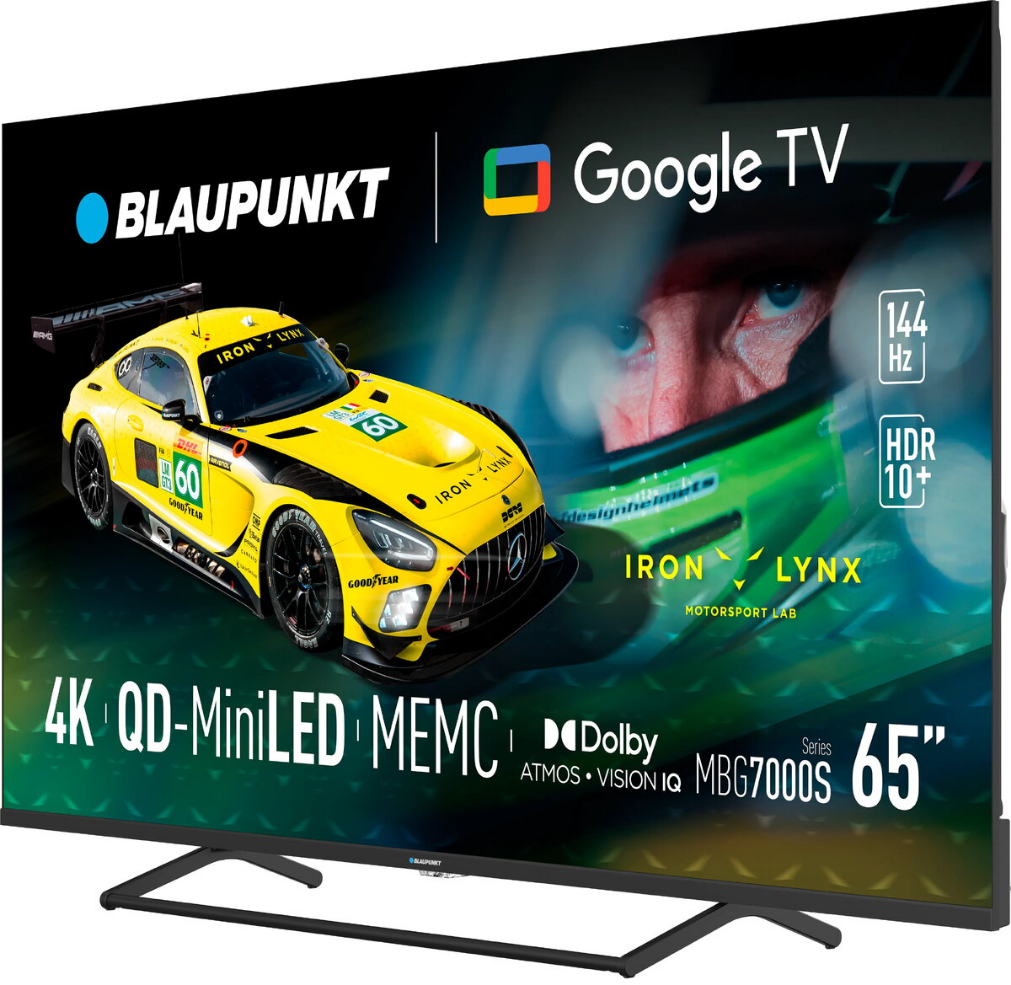
LED LCD television BLAUPUNKT 65UGC5500S 65″ 4K, energy class G

SKU: 11204547

Apple Shopping Event

Hurry and get discounts on all Apple devices up to 20%

Sale_coupon_20

Original price was: 392,99 €.Current price is: 281,99 €.

  • Free shipping €100
  • 30 day return
  • Warranty 1 year

Description

The BLAUPUNKT 65UGC5500S is a 65″ LED LCD television with native 4K resolution designed to deliver sharp detail and wide color reproduction on a large screen. The set integrates smart TV functions that provide access to common streaming services and apps, while a slim, contemporary chassis fits typical living room installations. Energy efficiency is classified as G.

Advantages

The 65″ panel and 4K native resolution provide a high level of image detail suitable for films, series and gaming. LED LCD backlighting ensures uniform brightness across the screen and stable color rendering. Built-in smart TV functionality enables straightforward access to online streaming platforms and applications without additional hardware. A slim profile and minimal bezel design reduce visual distraction and simplify wall mounting or placement on a TV stand.

Suitable for

  • Watching 4K movies and TV series
  • Console and casual gaming on a large screen
  • Streaming apps and internet multimedia playback
  • Use in living rooms, media rooms and larger spaces

Key specifications

  • Screen size: 65 inches (diagonal)
  • Display type: LED LCD with native 4K resolution
  • Resolution: 4K (3840 x 2160) native
  • Smart TV: integrated smart platform for streaming apps
  • Design: slim chassis with narrow bezels
  • Energy efficiency: class G

How to use

Place the television on a suitable stand or mount it on a wall according to the instructions supplied with the product. Connect a power cable and follow the on-screen setup to configure language, network connection and system updates. Use the built-in smart TV menu to sign in to streaming services and install available applications. Connect external devices such as set-top boxes, game consoles or Blu-ray players via the available HDMI and USB ports to access high-resolution content. Adjust picture and sound settings from the on-screen menu to match the viewing environment and content type.

Usage recommendations

Position the TV at eye level when seated and allow a small distance between the screen and surrounding furniture to ensure adequate ventilation. For the best picture quality, use high-quality 4K sources and HDMI cables rated for 4K transmission. Regularly check for firmware updates through the smart TV settings to maintain app compatibility and system performance.

Overview

Energy efficiency class:G