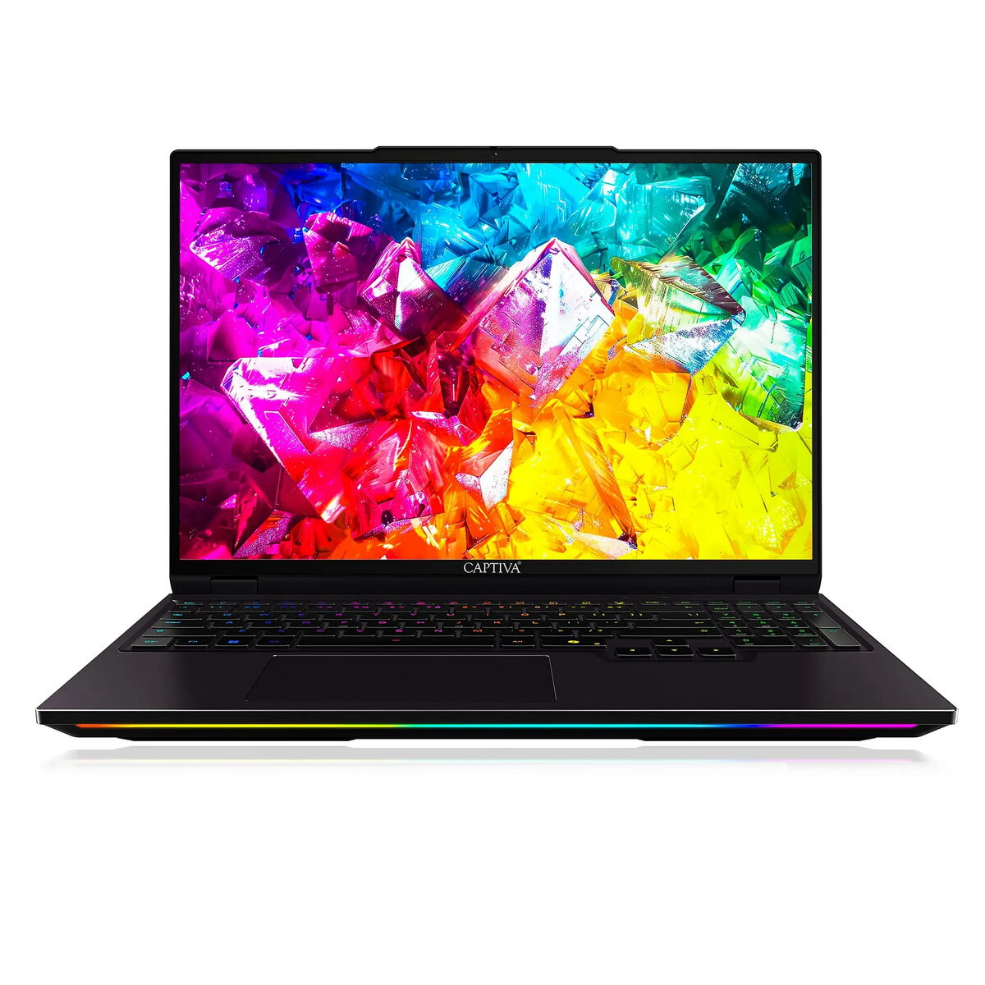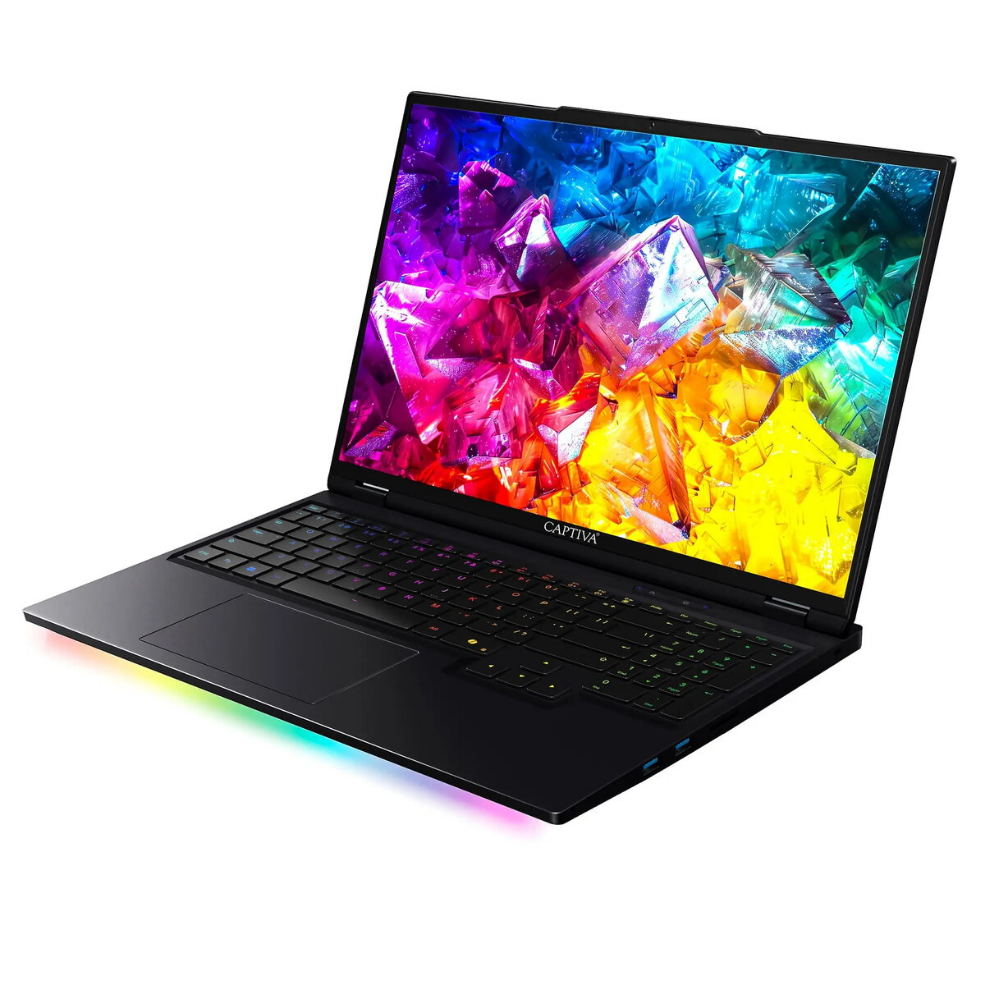
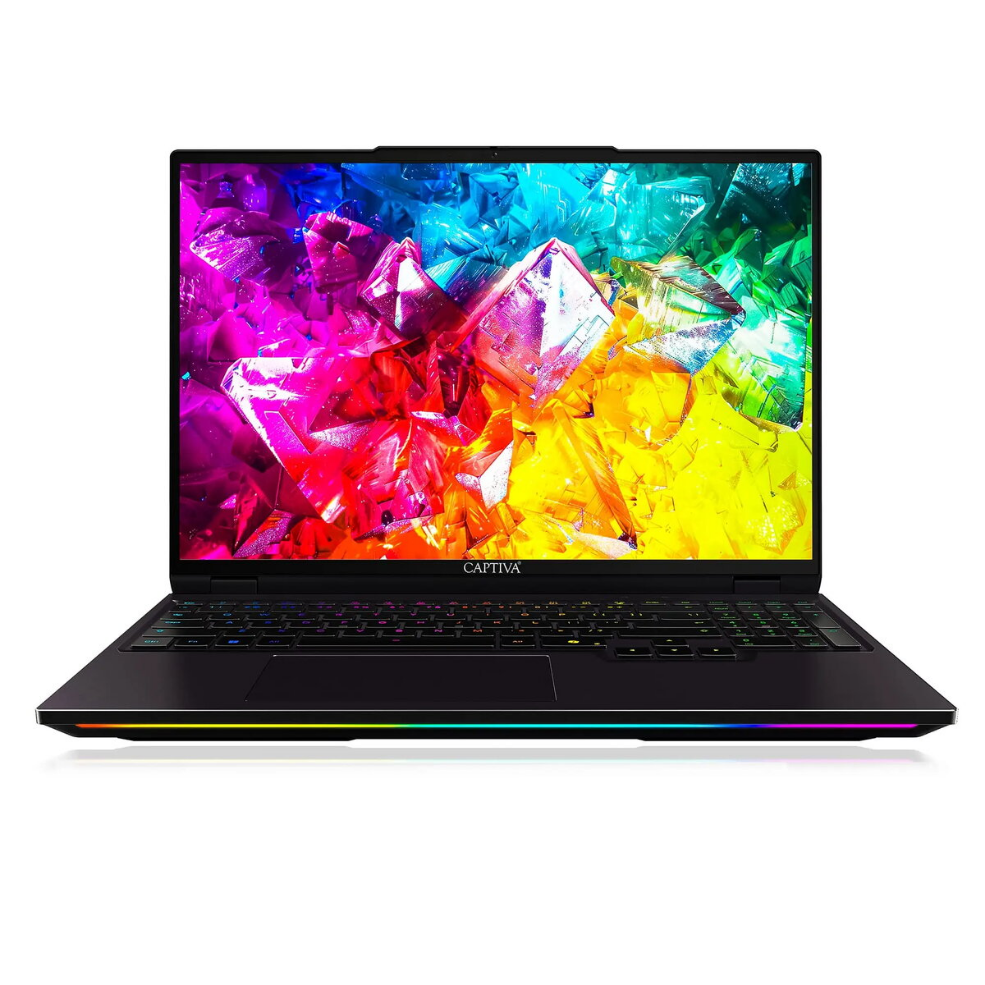
Laptop Captiva Notebook Ultimate Gaming R92-211 16.0 Ryzen 9 9955HX 8GB 500GB SSD GeForce RTX5090 24GB Win 11 Home

SKU: 11548100

Apple Shopping Event

Hurry and get discounts on all Apple devices up to 20%

Sale_coupon_20

3.875,99 

  • Free shipping €100
  • 30 day return
  • Warranty 1 year

Description

The Captiva Notebook Ultimate Gaming R92-211 is a gaming laptop with a 16.0″ display designed to deliver high-performance computing for gaming and demanding applications. It is powered by an AMD Ryzen 9 9955HX processor, equipped with 8GB of system memory and a 500GB solid-state drive for storage. Graphics are handled by an NVIDIA GeForce RTX5090 with 24GB of dedicated memory. The device runs Windows 11 Home and targets users who require strong CPU and GPU performance in a portable form factor.

Advantages

The combination of a Ryzen 9 9955HX CPU and a GeForce RTX5090 GPU provides significant processing and graphics capability suitable for modern games and content creation workflows. The 500GB SSD offers faster boot and load times compared with traditional hard drives, and the 24GB of graphics memory supports high-resolution textures and complex graphical workloads. Running Windows 11 Home ensures compatibility with current gaming platforms and software ecosystems.

Suitable for

  • Playing modern and graphically intensive PC games
  • 3D rendering and GPU-accelerated creative applications
  • Video editing and real-time previewing of high-resolution footage
  • Multitasking between gaming, streaming and productivity applications

Key specifications

  • Display size: 16.0 inches
  • Processor: AMD Ryzen 9 9955HX
  • System memory: 8GB RAM
  • Storage: 500GB solid-state drive (SSD)
  • Graphics: NVIDIA GeForce RTX5090 with 24GB dedicated memory
  • Operating system: Windows 11 Home

How to use

Unpack the laptop and connect the power adapter before first use to ensure the battery is charged. Follow the on-screen Windows 11 Home setup to create a user account and install necessary drivers and updates. Install required gaming platforms or creative software, and adjust power and graphics settings within Windows and GPU control panels to balance performance and battery life depending on your use case.

Usage recommendations

For sustained gaming sessions and demanding workloads, use the laptop while connected to mains power and ensure adequate ventilation. Keep GPU and system drivers up to date, and consider increasing system memory if heavy multitasking or very large projects cause slowdowns. Regularly back up important data stored on the 500GB SSD.

Overview