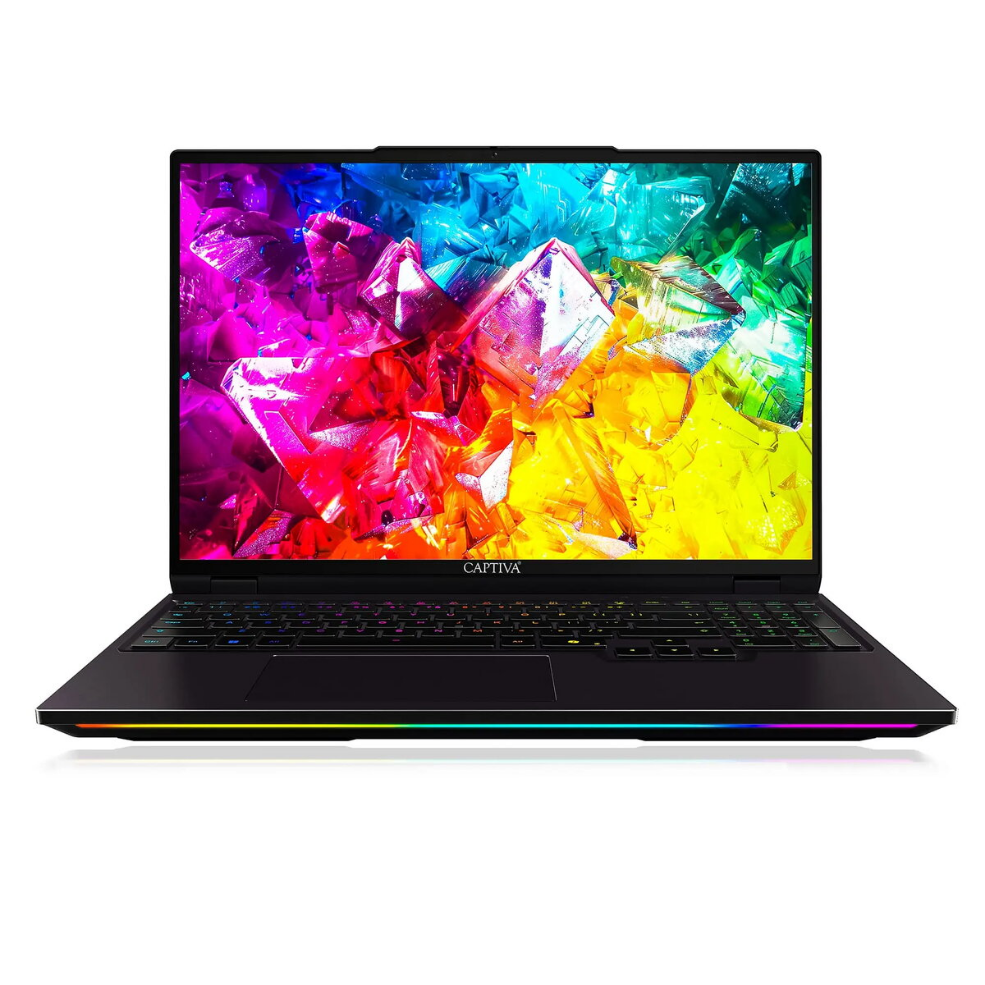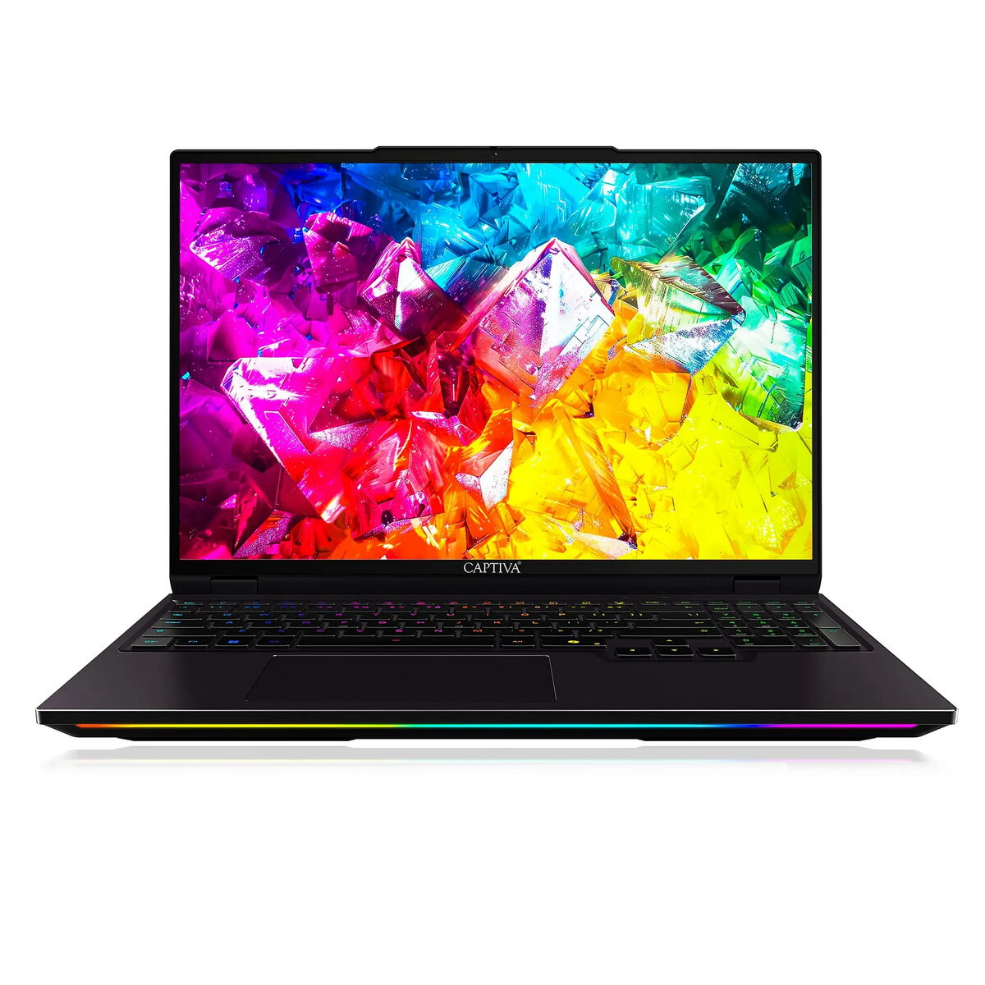
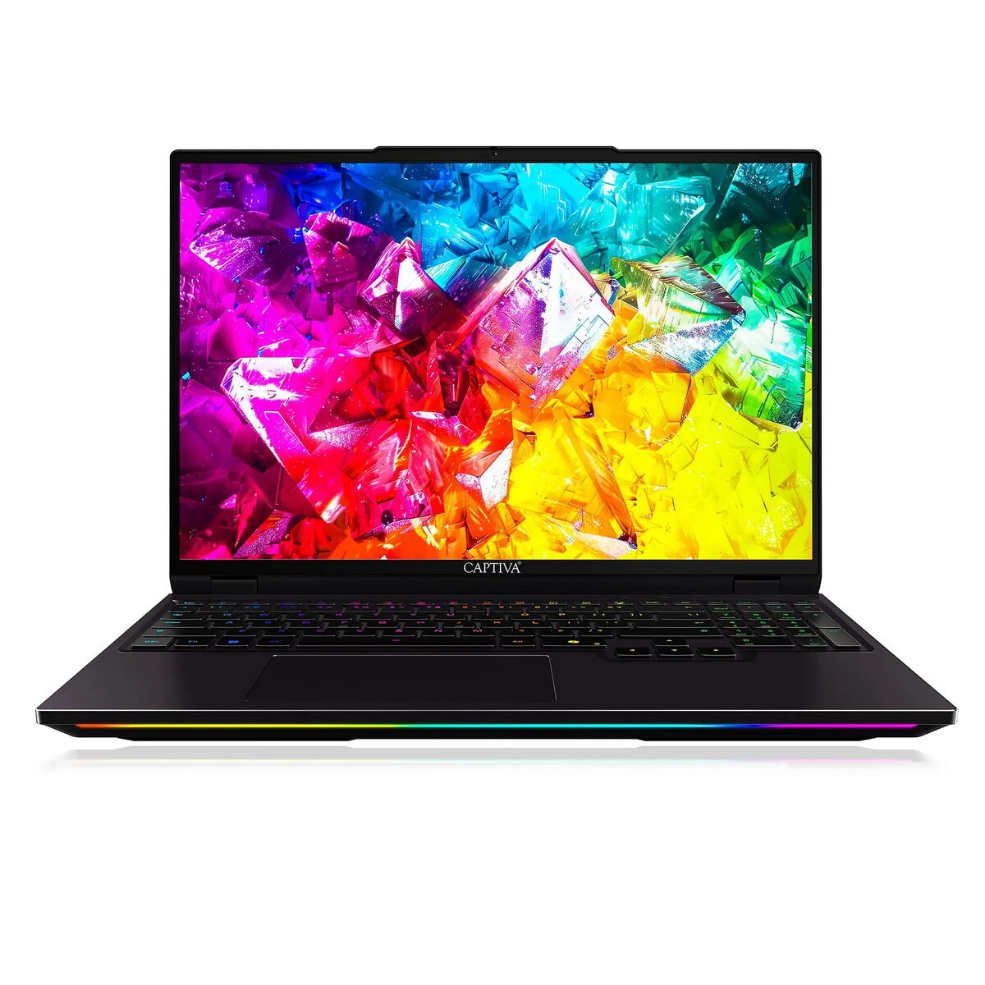
Laptop Captiva Notebook Ultimate Gaming R92-212 16.0 Ryzen 9 9955HX 8GB 500GB SSD GeForce RTX5090 24GB Win 11 Pro

SKU: 11548101

Apple Shopping Event

Hurry and get discounts on all Apple devices up to 20%

Sale_coupon_20

3.497,99 

  • Free shipping €100
  • 30 day return
  • Warranty 1 year

Description

The Captiva Notebook Ultimate Gaming R92-212 is a 16.0-inch gaming laptop built around an AMD Ryzen 9 9955HX processor, 8GB of system memory and a 500GB solid-state drive. It includes a high-performance NVIDIA GeForce RTX5090 graphics subsystem with 24GB of dedicated video memory and ships with Windows 11 Pro. The combination of a large display, a high-end CPU and a powerful GPU targets demanding real-time graphics, content creation and multitasking workflows.

Advantages

This laptop pairs a mobile Ryzen 9 9955HX CPU with a GeForce RTX5090 GPU to deliver high single-thread and multi-thread processing together with accelerated ray tracing and shader performance for modern games and graphics workloads. A 500GB SSD provides fast boot and application load times while the 24GB of GPU memory supports high-resolution textures and complex rendering tasks. Windows 11 Pro provides system management and security features suited to professional and gaming use.

Suitable for

  • High-end gaming at high settings and resolutions
  • 3D rendering and GPU-accelerated content creation
  • Video editing and real-time playback of high-resolution footage
  • Multitasking and running demanding productivity applications

Key specifications

  • Display size: 16.0 inches
  • Processor: AMD Ryzen 9 9955HX
  • System memory: 8GB RAM
  • Internal storage: 500GB solid-state drive (SSD)
  • Graphics: NVIDIA GeForce RTX5090 with 24GB dedicated memory
  • Operating system: Windows 11 Pro

How to use

Start by completing the Windows 11 Pro initial setup and installing the latest drivers from the system settings or the manufacturer’s support site to ensure the Ryzen CPU and GeForce RTX5090 GPU operate with current firmware and GPU drivers. Use the included storage for the operating system and applications; consider adding external or internal additional storage if you need more space for large game installs or media projects. Configure power and performance profiles in Windows to balance battery life and performance depending on whether you are gaming, creating content, or working on office tasks.

Usage recommendations

For consistent high performance, keep GPU and chipset drivers up to date, maintain adequate airflow around the laptop during intensive tasks, and monitor system temperatures. If you plan extended gaming or rendering sessions, use a stable power source and consider external cooling or a laptop stand to improve ventilation.

Overview