Smartphone Energizer U652SEU
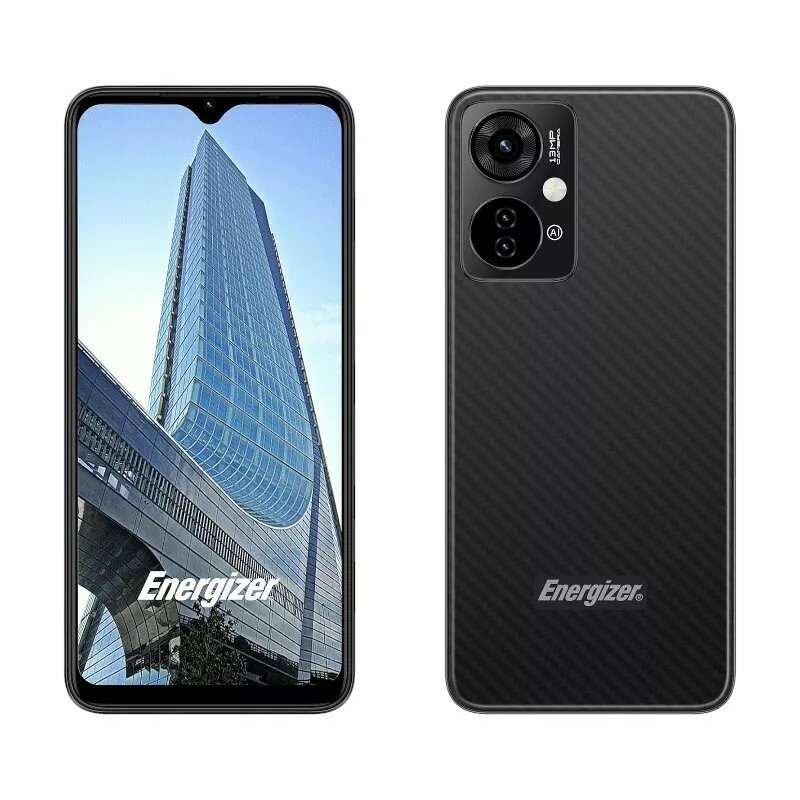
Smartphone Energizer U652SEU, 6.51" display, 64GB memory, black Original price was: 99,99 €.Current price is: 84,99 €.
Back to products
Smartphone FOSSiBOT F109 black — F109 black CH model
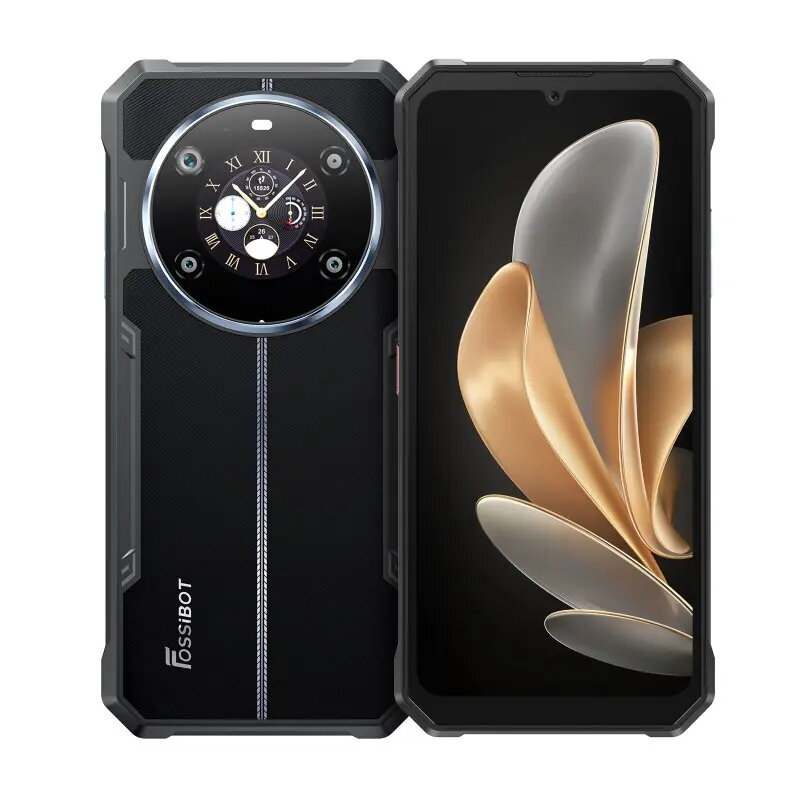
Smartphone FOSSiBOT F109 black — F109 black CH model Original price was: 241,99 €.Current price is: 194,99 €.

Smartphone Energizer UPENH620S 6.1″ 4GB RAM, black

SKU: 10721924

Apple Shopping Event

Hurry and get discounts on all Apple devices up to 20%

Sale_coupon_20

240,99 

  • Free shipping €100
  • 30 day return
  • Warranty 1 year

Description

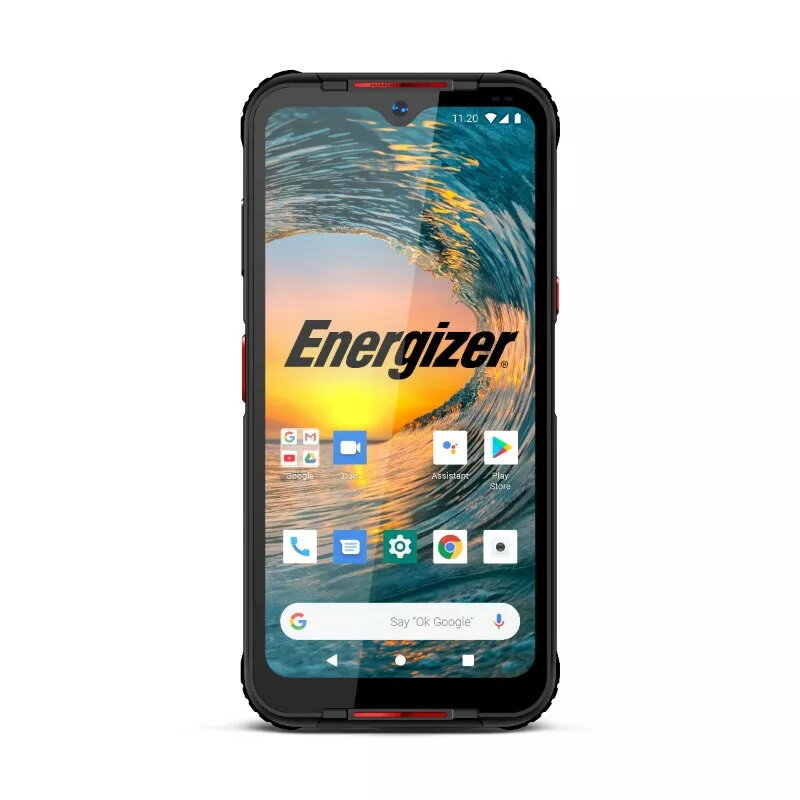
The Energizer UPENH620S is a smartphone with a 6.1-inch display, 4GB of RAM and 64GB of internal storage. It runs on the Android operating system and supports Dual SIM functionality. The device is equipped with a 13MP main camera and a 5MP front camera, and is powered by a 3000mAh battery. The model is offered in black and combines essential hardware for everyday communication, media consumption and basic photography.

Advantages

The 6.1″ display provides a balance between screen area and one-handed usability, while 4GB of RAM supports smooth multitasking for common apps. 64GB of internal storage allows room for apps, photos and media, and Dual SIM capability enables separation of work and personal numbers or the use of local and roaming SIMs. The 13MP rear camera captures standard daytime photos and the 5MP front camera is suitable for video calls and selfies. The 3000mAh battery delivers extended daily usage under typical conditions.

Suitable for

  • Daily communication: calls, messaging and email
  • Web browsing and social media
  • Streaming video and casual media consumption
  • Everyday photography and video calls
  • Using two SIM cards for work and personal lines

Key specifications

  • Display size: 6.1 inches
  • Memory: 4GB RAM
  • Internal storage: 64GB
  • Cameras: 13MP main, 5MP front
  • Battery capacity: 3000mAh
  • Operating system: Android
  • SIM: Dual SIM support
  • Color: Black

How to use

Set up the Energizer UPENH620S by inserting one or two compatible SIM cards and completing the Android initial setup. Use the Settings menu to connect to Wi‑Fi, sign in with a Google account and configure accounts and app permissions. Install required apps from the Google Play Store, manage storage within the Storage settings, and use the camera app for photos and video calls. Charge the device with the provided charger and follow standard battery care to maintain capacity.

Usage recommendations

For reliable daily performance, keep the operating system and apps updated, periodically clear app caches if storage becomes limited, and use a protective case and screen protector to prevent physical damage. When travelling with two SIMs, configure mobile data preferences to control which SIM handles data to avoid unexpected roaming charges.

Overview