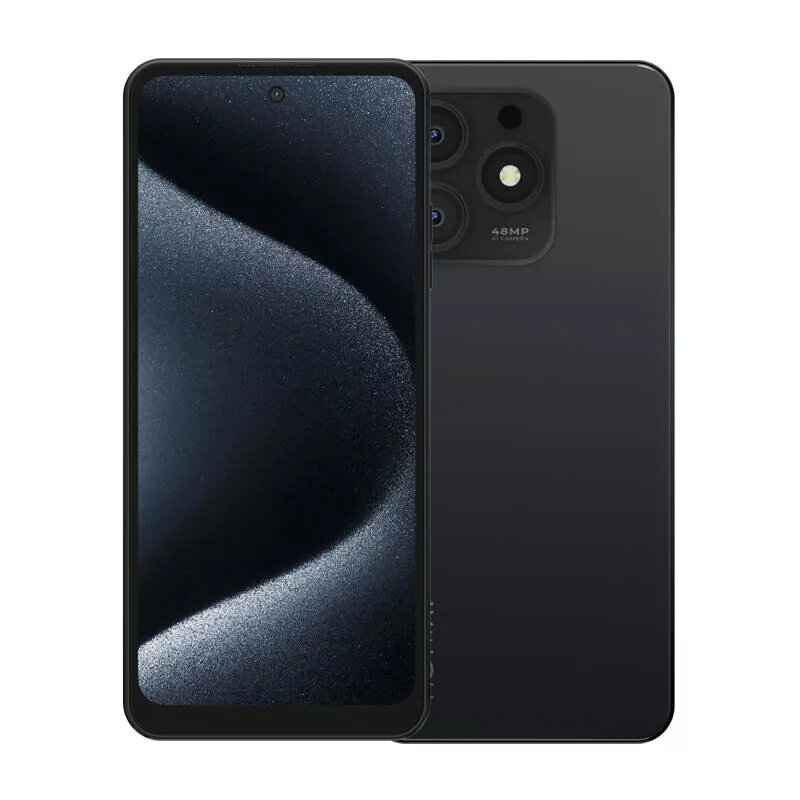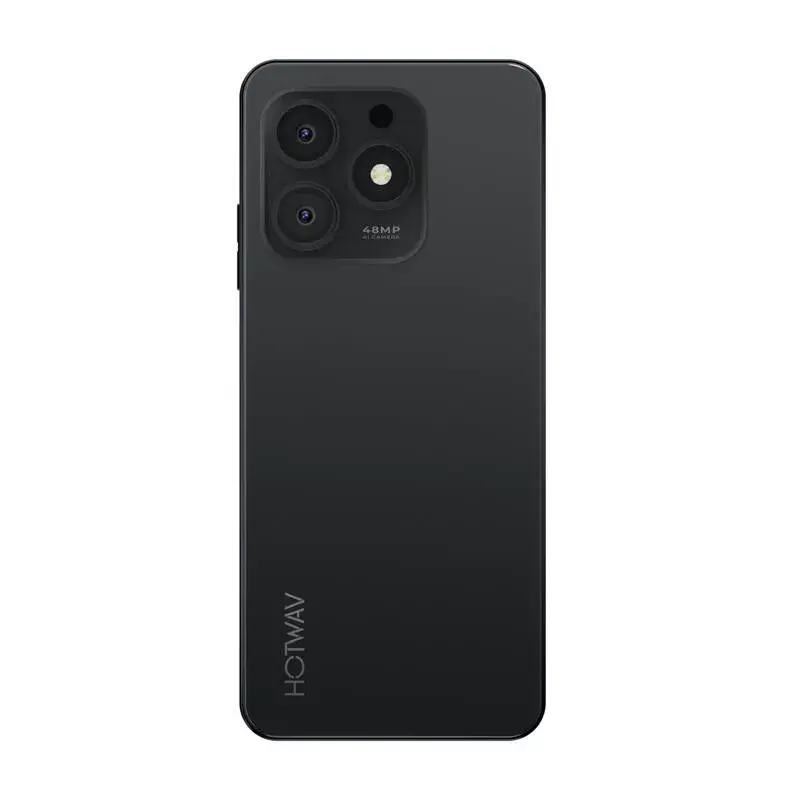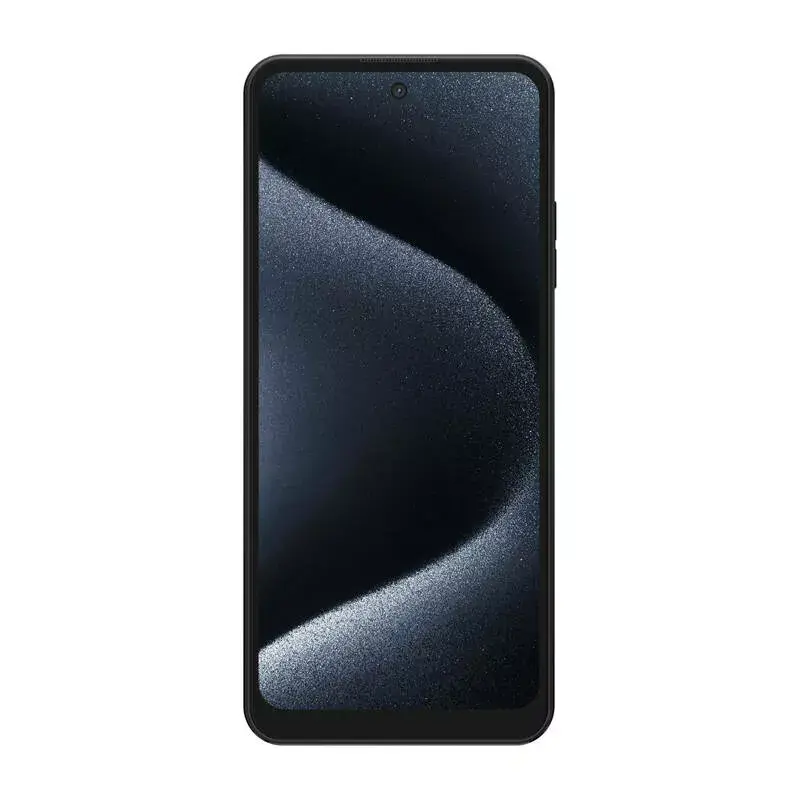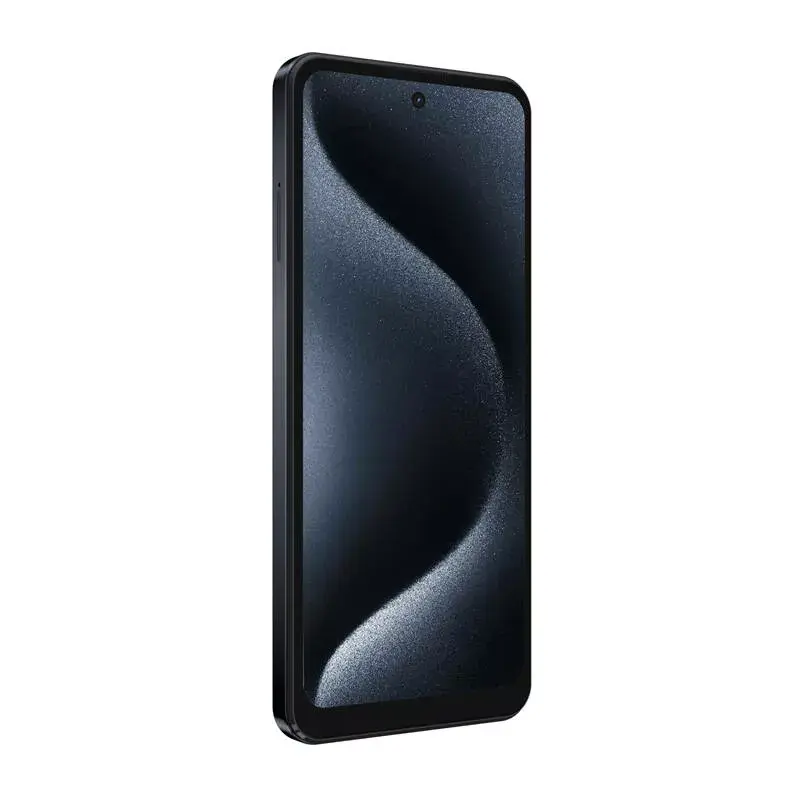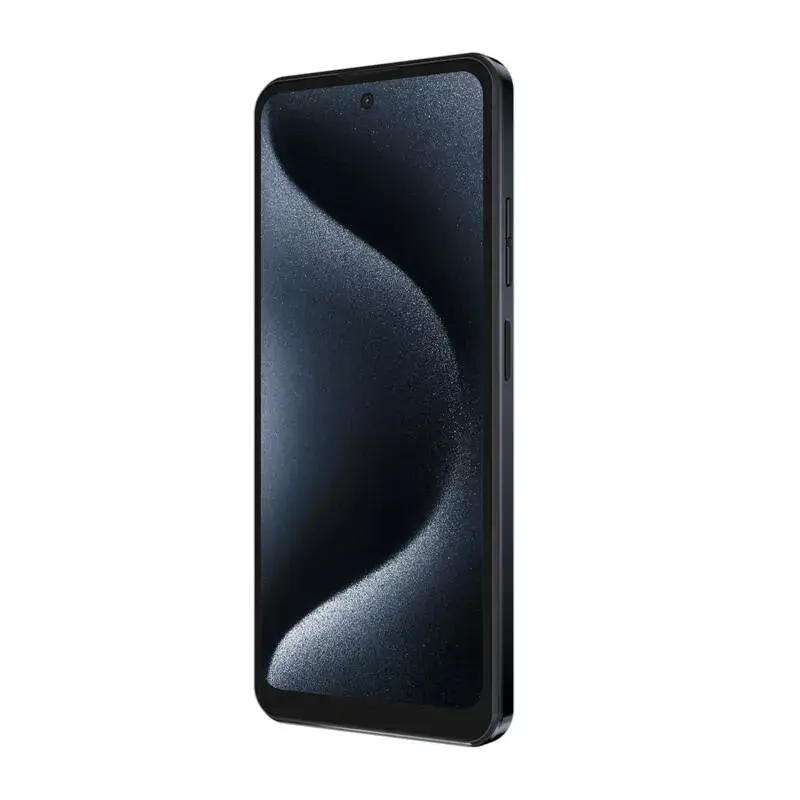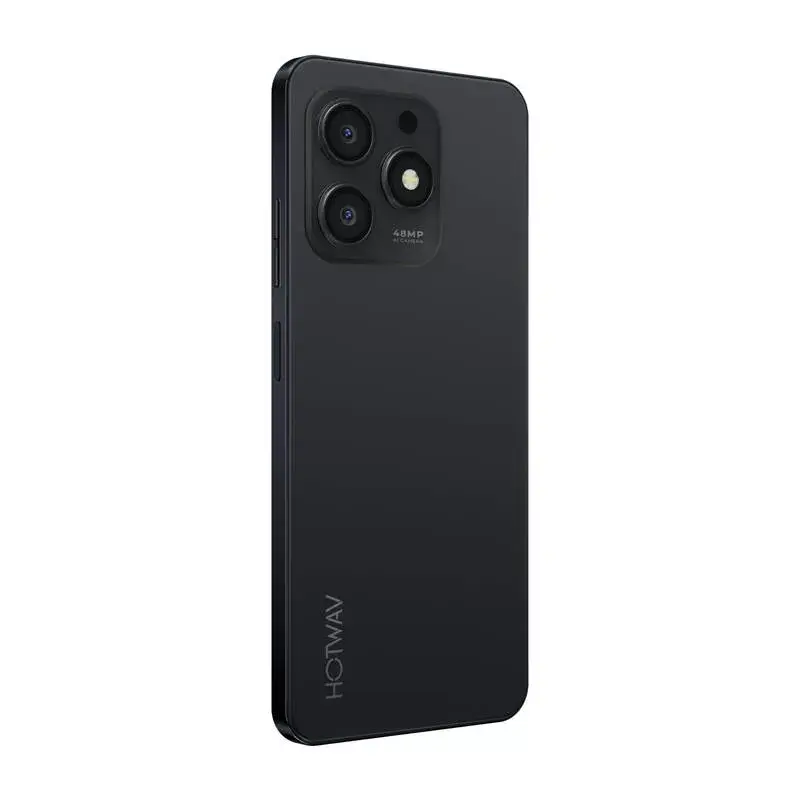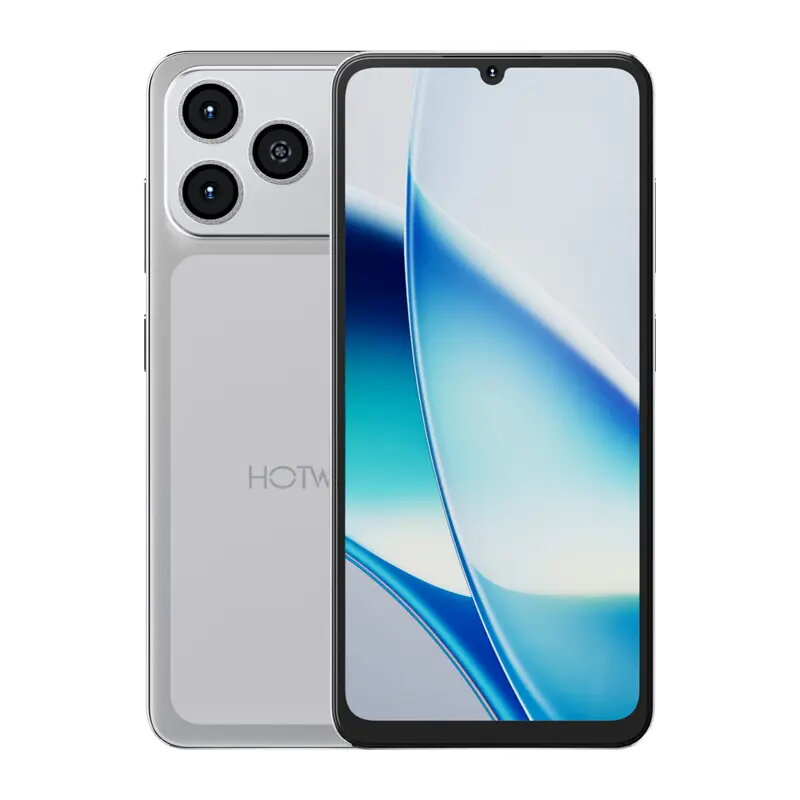
Smartphone HOTWAV Note 13 Max – 6.8” 6+10/256GB Black

SKU: 11190625

Apple Shopping Event

Hurry and get discounts on all Apple devices up to 20%

Sale_coupon_20

100,99 

  • Free shipping €100
  • 30 day return
  • Warranty 1 year

Description

HOTWAV Note 13 Max is a smartphone with a 6.8-inch INCELL display and HD+ 720×1640 resolution. It runs Android 14 and combines a mid-range octa‑core chipset with 6 GB of physical RAM plus an additional 10 GB virtual memory option and 256 GB internal storage. The device has a 48 MP main rear camera, a 16 MP front camera, a 5160 mAh battery and a Type‑C charger. Its dimensions are 173.0 × 78.0 × 9.2 mm and it supports common 2G/3G/4G bands, Bluetooth 5.0 and OTG.

Advantages

The large 6.8″ INCELL display with HD+ resolution provides clear images and wide viewing angles for video playback and browsing. Memory configuration of 6 GB RAM plus 10 GB virtual memory improves multitasking and responsiveness, while 256 GB internal storage offers space for apps and media. A 5160 mAh battery delivers extended runtime between charges. The phone includes a 48 MP rear camera and a 16 MP front camera for detailed photos, and it runs Android 14 for modern app compatibility and security updates.

Suitable for

  • Watching videos and general multimedia consumption
  • Everyday multitasking and social media apps
  • Photography with a high‑resolution main and front camera
  • Users who need large internal storage and long battery life

Key specifications

  • Display: 6.8″ INCELL, HD+ 720×1640, 20:9, Panda Glass
  • Chipset: UMS9230 (T606) octa‑core up to 1.6 GHz, 12 nm
  • Memory: 6 GB RAM + 10 GB virtual memory, 256 GB internal (expandable up to 1 TB via TF)
  • Battery: 5160 mAh
  • Cameras: Rear main 48 MP, front 16 MP
  • Operating system: Android 14.0
  • Connectivity: 4G/3G/2G support, Bluetooth 5.0, OTG
  • SIM: Dual Nano SIM (or 1 Nano + TF card)
  • Charger: USB Type‑C, 5V/2A
  • Dimensions: 173.0 × 78.0 × 9.2 mm

How to use

Power on the device by pressing and holding the side power button. Complete the Android 14 setup by connecting to Wi‑Fi, signing in with your Google account and configuring security (PIN, pattern or biometrics if available). Install apps from the Play Store and transfer media to the internal storage or a TF card. Use the Settings app to enable virtual memory if required and to configure network, display and battery options. Charge the phone with the supplied Type‑C charger and avoid using unofficial chargers to preserve battery health.

Usage recommendations

For optimal performance, keep the system updated via OTA, limit background apps when running demanding games and use the TF card for additional media storage rather than installing apps on external storage. Regularly back up important data and charge the battery before it drops below 20% to prolong battery life.

Overview