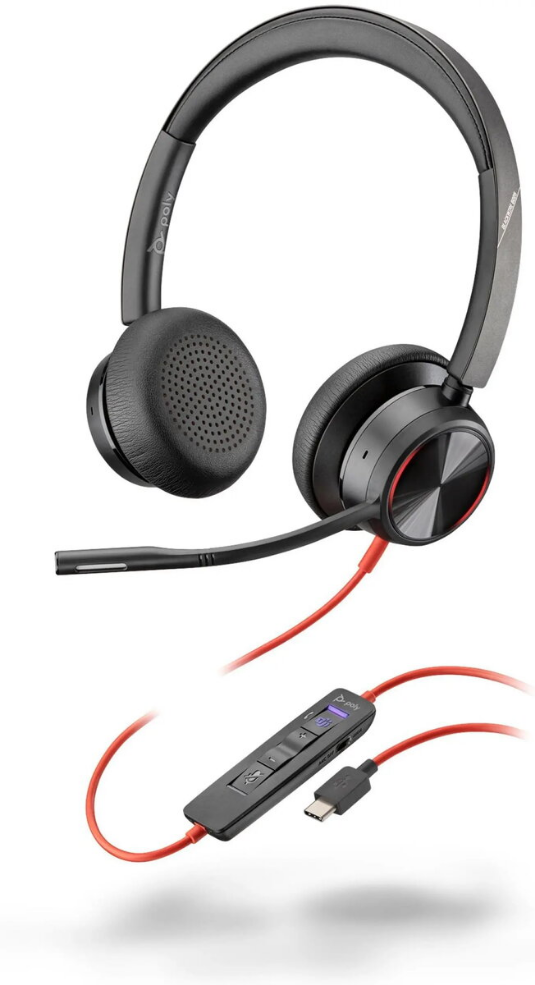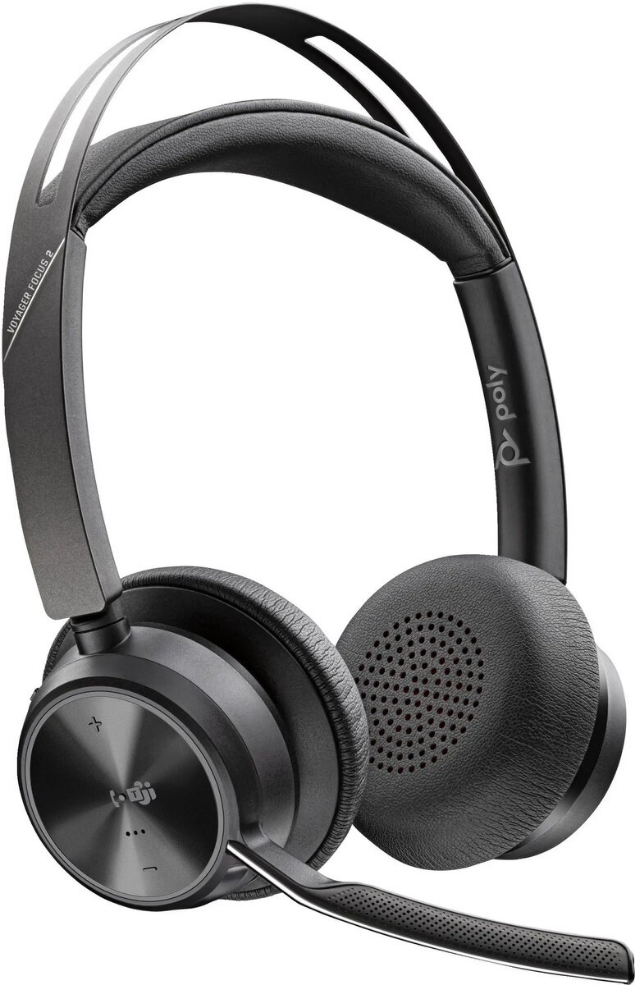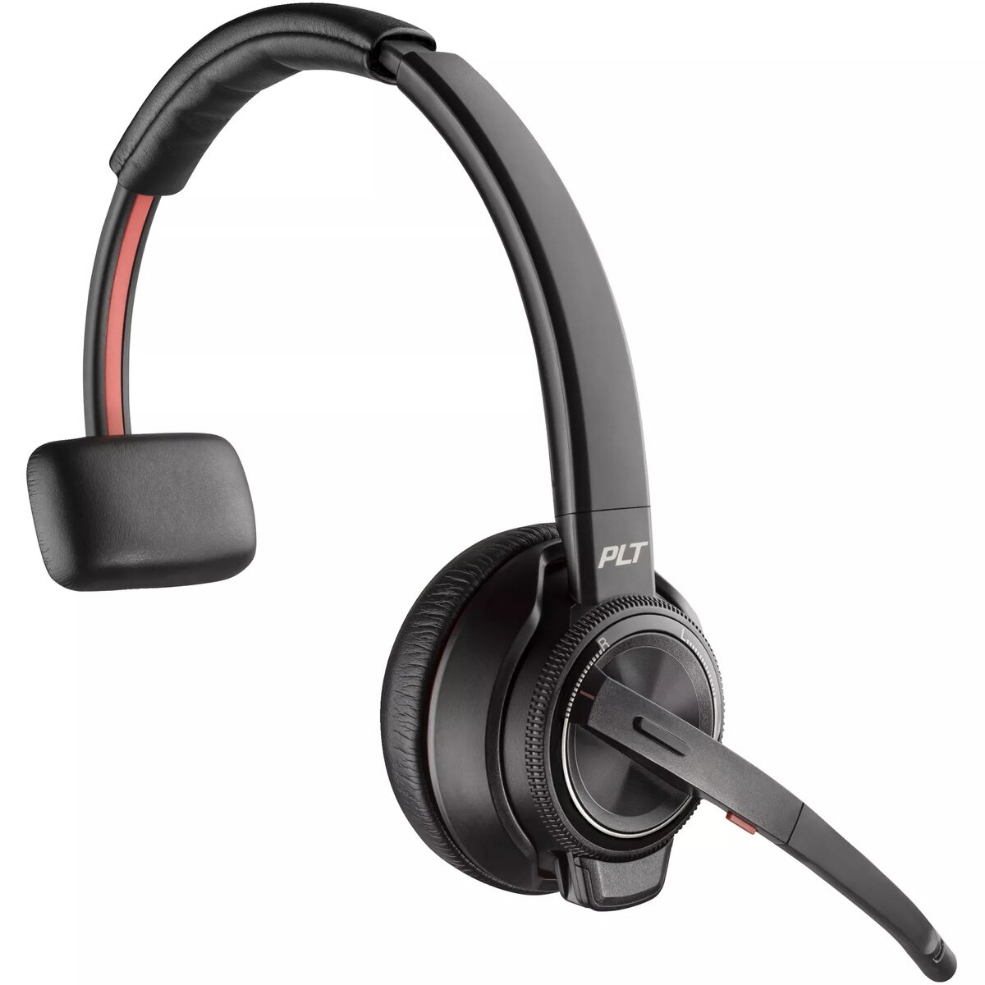
Wireless Headset HP POLY Voyager Focus 2 with active noise cancellation and USB-C dongle

SKU: 11682566

Apple Shopping Event

Hurry and get discounts on all Apple devices up to 20%

Sale_coupon_20

179,99 

  • Free shipping €100
  • 30 day return
  • Warranty 1 year

Description

HP POLY Voyager Focus 2 is a wireless headset designed for professional calls and remote work. It combines active noise cancellation with a boom microphone and a USB-C dongle to provide clear voice capture and reliable wireless connectivity with laptops and desktops. The on-ear cushions and adjustable headband offer comfort for extended use, while the headset’s noise control features help reduce background distractions in busy offices or home environments.

Advantages

The headset delivers focused audio for voice and conferencing through active noise cancellation that reduces ambient noise and enhances speech clarity. A noise-cancelling boom microphone minimizes background sounds and improves microphone pickup for consistent call quality. The included USB-C dongle simplifies pairing and maintains a stable wireless connection with compatible devices. Lightweight construction and soft ear pads support prolonged wear without excessive pressure.

Suitable for

  • Remote work and home office calls
  • Video conferencing and online meetings
  • Customer support and contact center use
  • Open-plan office environments
  • Focused work where background noise needs reduction

Key specifications

  • Connectivity: wireless with USB-C dongle for simple pairing
  • Noise control: active noise cancellation for ambient noise reduction
  • Microphone: boom microphone with noise-cancelling capability for clear voice capture
  • Wearing style: on-ear with adjustable headband and cushioned ear pads
  • Battery and range: designed for extended use and reliable wireless range (actual duration and range depend on usage and environment)

How to use

Attach the USB-C dongle to a compatible laptop or desktop USB-C port and power on the headset to establish a wireless connection. Adjust the headband and ear pads for a comfortable fit and position the boom microphone near the mouth but not touching the lips to ensure optimal voice pickup. Use the headset controls to manage call volume, mute, and answer/end calls. Charge the headset according to the manufacturer’s guidelines before extended use.

Usage recommendations

For best results in busy environments, enable active noise cancellation and position the boom microphone correctly. Keep the USB-C dongle unobstructed and within recommended range of the headset to maintain a stable connection. Regularly recharge the headset and store it in a dry, moderate-temperature location when not in use.

Overview