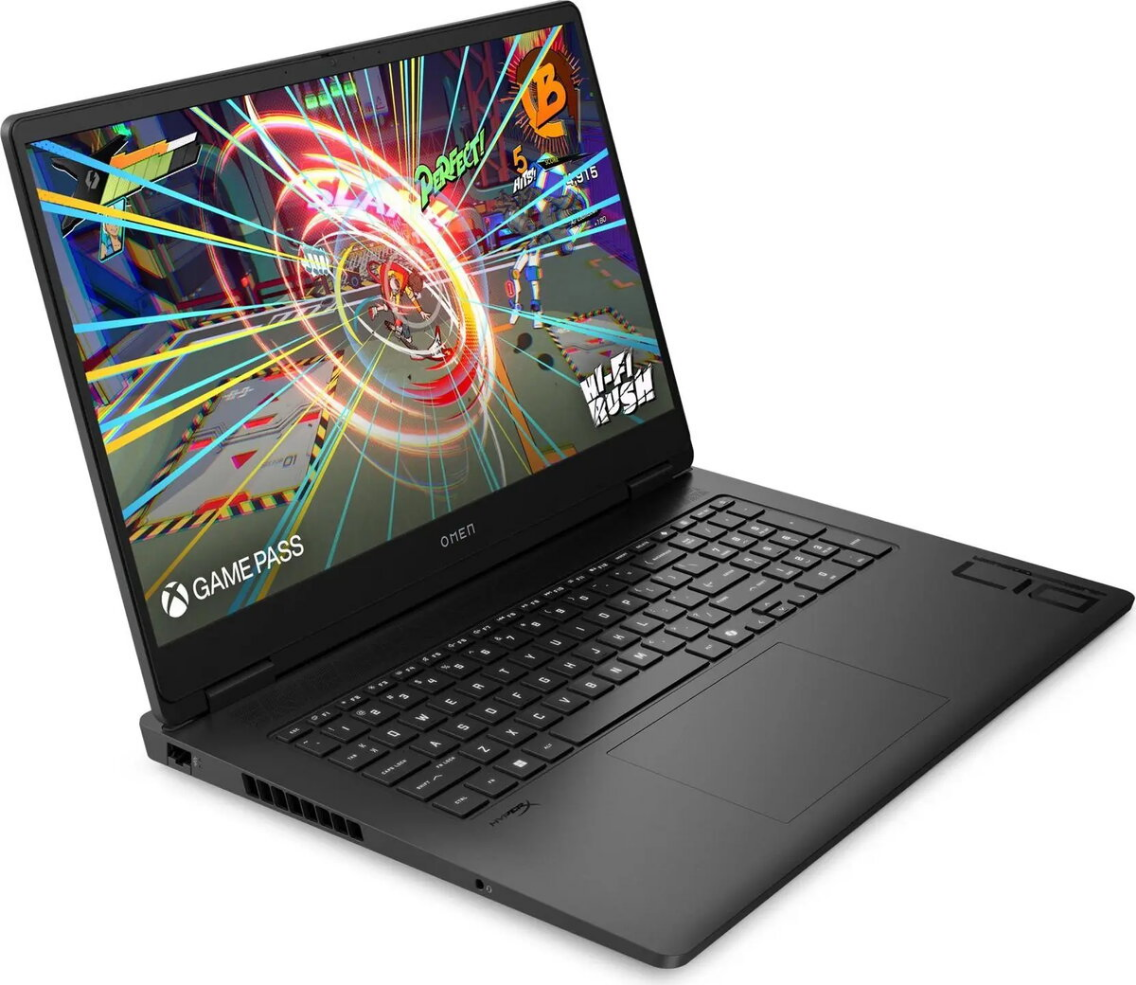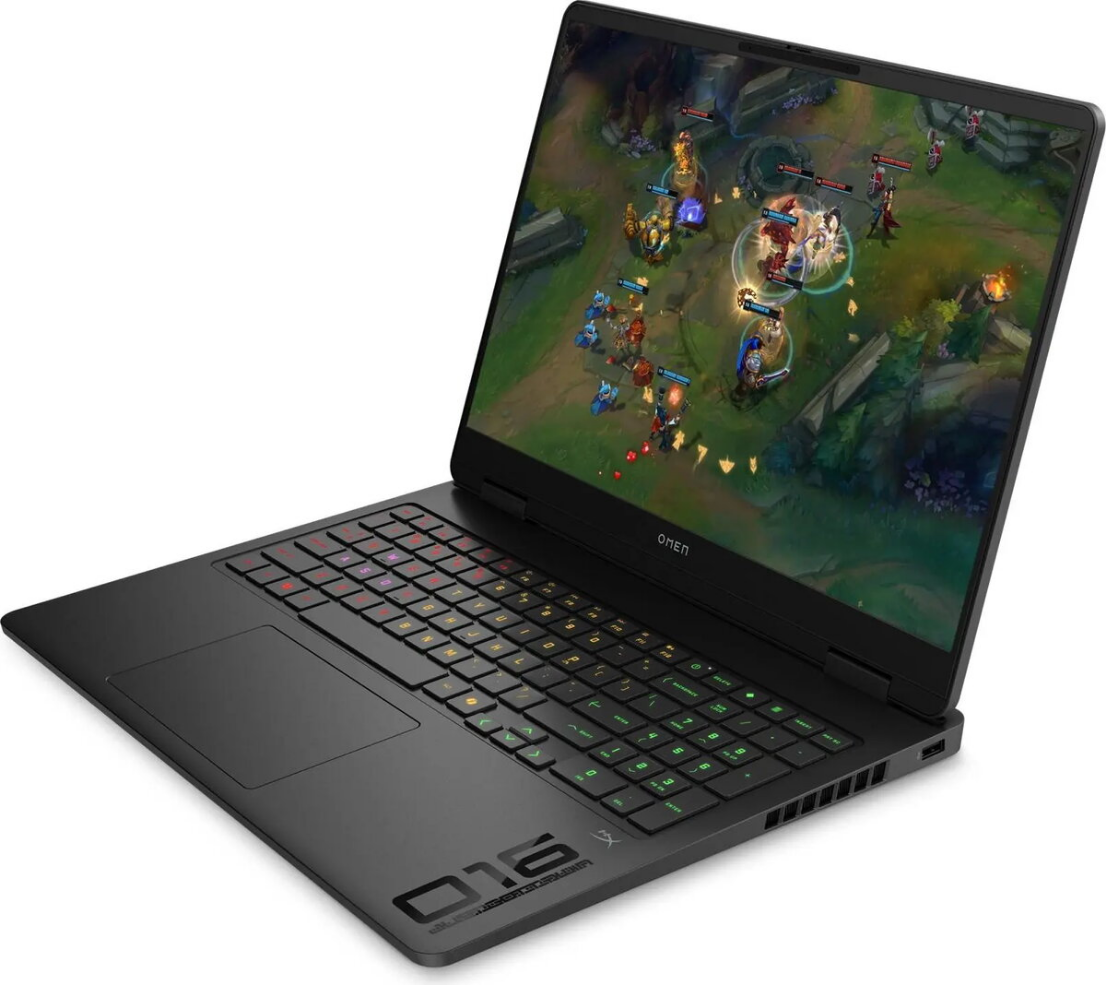
Gaming laptop HP OMEN 16.0″ WQXGA, Ryzen 9 8940HX, 32GB DDR5, 1TB SSD, GeForce RTX 5070 8GB, Windows 11 Home

SKU: 11651414

Apple Shopping Event

Hurry and get discounts on all Apple devices up to 20%

Sale_coupon_20

3.386,99 

  • Free shipping €100
  • 30 day return
  • Warranty 1 year

Description

The HP OMEN 16.0″ with WQXGA display is a high-performance gaming laptop designed for demanding applications and modern games. Powered by an AMD Ryzen 9 8940HX CPU, 32GB of DDR5 memory and a 1TB SSD, it combines responsive multitasking with fast storage. The system includes an NVIDIA GeForce RTX 5070 with 8GB of dedicated memory and runs Windows 11 Home, delivering the hardware foundation for smooth frame rates, accelerated graphics processing and rapid load times.

Advantages

The combination of a high-core-count Ryzen 9 processor and 32GB DDR5 RAM provides consistent performance for gaming, streaming and content creation without frequent memory bottlenecks. The 1TB SSD offers quick system boot and reduced application loading times, while the GeForce RTX 5070 8GB enables hardware-accelerated ray tracing and GPU-accelerated workloads. A WQXGA display increases on-screen detail and workspace compared with standard Full HD panels, and Windows 11 Home ensures compatibility with the latest applications and gaming services.

Suitable for

  • Playing modern AAA and esports titles at high settings
  • Video editing, 3D rendering and graphic design workflows
  • Multitasking with multiple productivity and creative applications
  • Live streaming and content capture while gaming

Key specifications

  • Display: 16.0-inch WQXGA panel (high-resolution gaming display)
  • Processor: AMD Ryzen 9 8940HX (high-performance mobile CPU)
  • Memory: 32GB DDR5 RAM
  • Storage: 1TB solid-state drive (SSD)
  • Graphics: NVIDIA GeForce RTX 5070 with 8GB dedicated video memory
  • Operating system: Windows 11 Home

How to use

Unpack the laptop, connect the included power adapter and perform the initial Windows 11 Home setup following on-screen prompts. Install the latest drivers from the HP support site or via the system’s driver update utility to ensure optimal performance of the Ryzen CPU and NVIDIA GPU. For gaming, adjust graphics settings in each title to balance frame rate and visual quality; enabling or disabling features such as ray tracing or DLSS can improve performance depending on the desired visual fidelity. For content creation workflows, configure scratch disks and cache locations to the internal SSD for faster read/write access.

Usage recommendations

Keep system firmware and GPU drivers up to date, maintain adequate cooling by using the laptop on hard, flat surfaces, and periodically back up important data from the SSD. For sustained heavy workloads, consider using a cooling pad and manage power profiles in Windows to match performance needs.

Overview