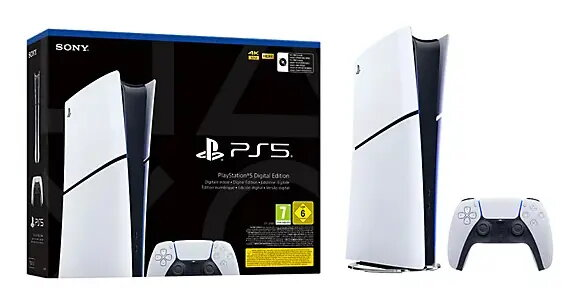
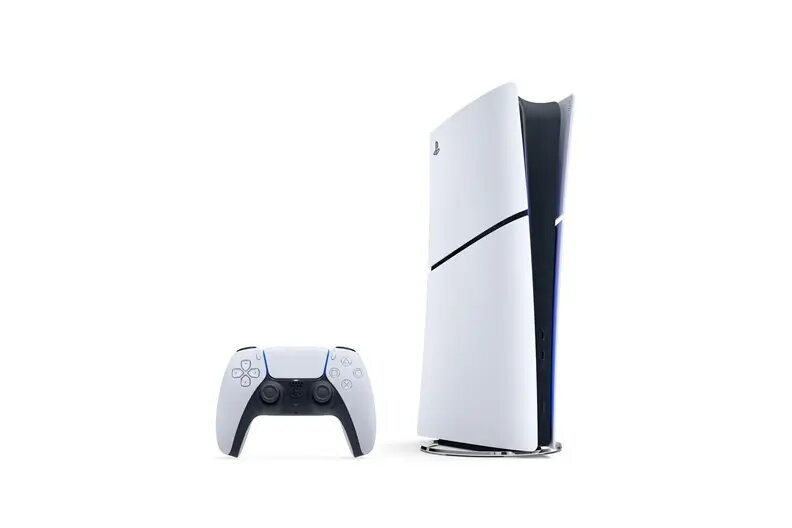
Sony PS5 Digital Slim is the digital-only slim model of the PlayStation 5 console. It provides the same high-performance PlayStation 5 platform without an integrated disc drive, enabling play of digital-format titles, access to the PlayStation Store, and online services. The console maintains compatibility with most PS5 accessories and supports the PS5 software library for players who prefer purchasing and downloading games.
Advantages
The PS5 Digital Slim offers a more compact footprint compared with the standard PS5 model while retaining the core PS5 system performance, controller compatibility, and access to PlayStation Network features. Removing the disc drive reduces physical size and weight, simplifies setup for digital-first gamers, and typically lowers power and cooling demands. The platform supports saved game syncing, online multiplayer, and digital game management through the PlayStation Store.
Suitable for
- Players who purchase and download games from the PlayStation Store
- Homes with limited shelf or entertainment center space
- Users who prefer a quieter, more compact console design
- Gamers who use cloud saves and PlayStation Network services
Key specifications
- Digital-only console without an optical disc drive
- Compact slim chassis designed to reduce footprint
- Supports PS5 digital titles and PlayStation Network services
- Compatibility with DualSense wireless controller and most PS5 accessories
- High-performance CPU and GPU architecture consistent with PS5 platform
- Internal storage expandable via compatible SSD expansion slot (meets PS5 expansion requirements)
- Output up to 4K resolution and variable refresh rates depending on connected display and game
- Network connectivity via Wi‑Fi and Ethernet for online play and digital downloads
How to use
Set the console on a stable, well-ventilated surface and connect it to a compatible display using the supplied HDMI cable. Attach power and network connections, sign in to your PlayStation Network account or create one, then access the PlayStation Store to purchase and download digital games. Pair a DualSense controller via USB or Bluetooth and follow on-screen setup prompts to configure user profiles, network settings, and storage preferences. Manage downloads, updates, and cloud saves through the console UI.
Usage recommendations
Place the console with adequate airflow around all vents, maintain firmware updates for system stability, and use an authorized high-speed SSD if expanding internal storage to ensure game performance meets platform requirements.




 Free shipping €100
 30 day return
 Warranty 1 year

 Overview