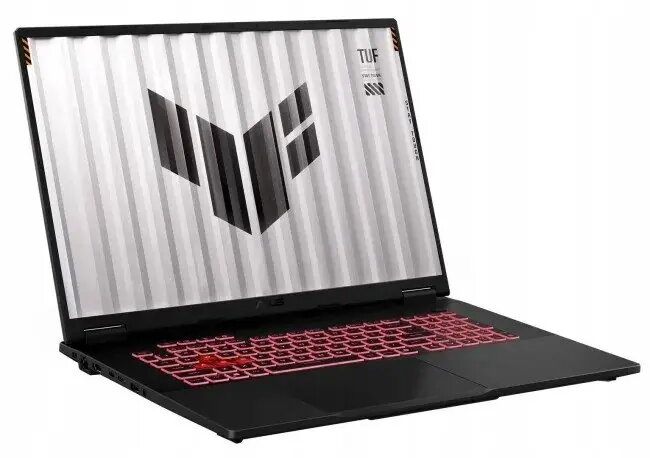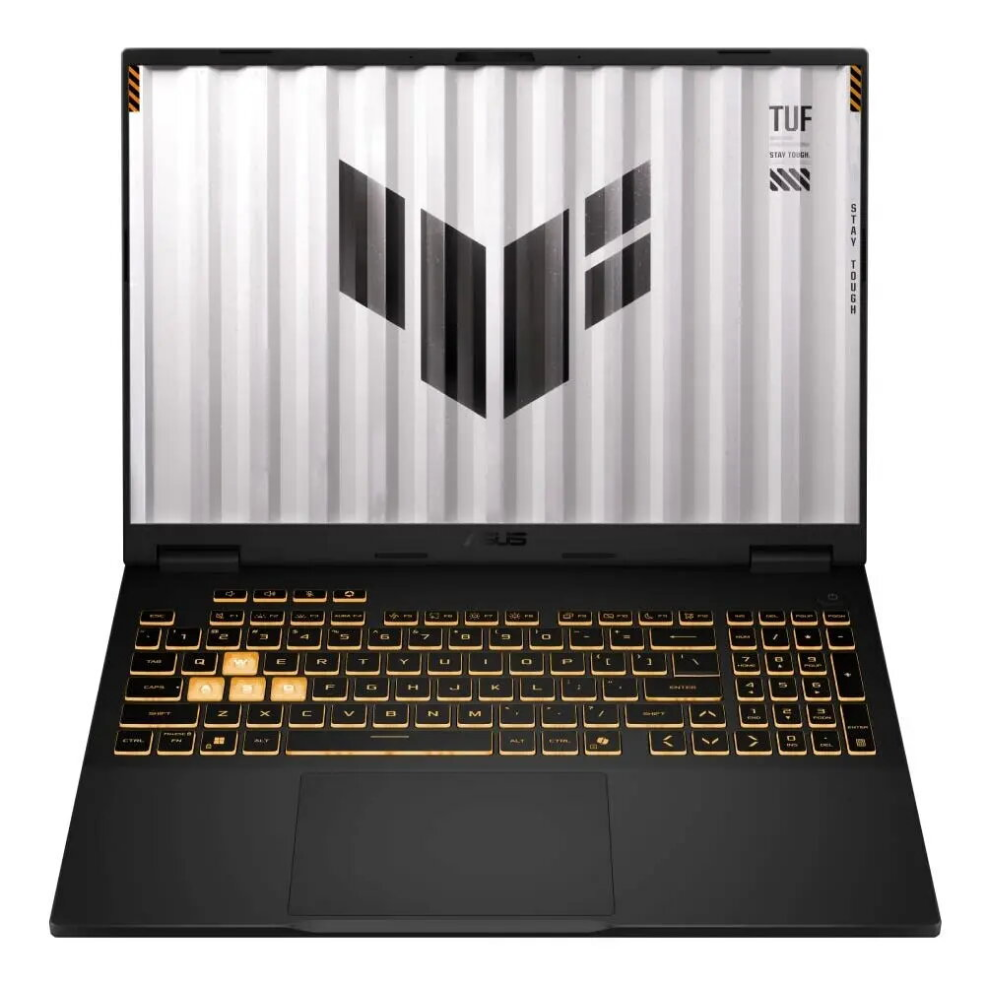
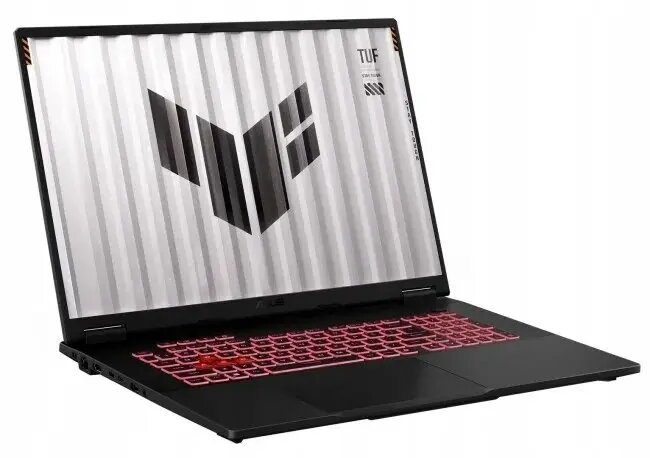
Laptop ASUS TUF Gaming A18 FA808UH-S8013W 18″ Ryzen 7-260 16GB 512GB RTX5050 W11H

SKU: 11581282

Apple Shopping Event

Hurry and get discounts on all Apple devices up to 20%

Sale_coupon_20

1.428,99 

  • Free shipping €100
  • 30 day return
  • Warranty 1 year

Description

The ASUS TUF Gaming A18 FA808UH-S8013W is an 18″ gaming laptop equipped with a Ryzen 7-260 processor, 16GB of RAM and a 512GB solid-state drive. It integrates an RTX5050 graphics card and a 144Hz display panel, and ships with Windows 11 Home. The combination of a large display, capable CPU and dedicated GPU is designed to handle modern games, multimedia tasks and performance-oriented applications while maintaining the durability characteristics associated with the TUF series.

Advantages

This laptop provides a large 18″ screen with a 144Hz refresh rate for smoother motion and reduced visual stutter in fast-paced content. The Ryzen 7-260 processor and 16GB of RAM enable multitasking and responsive system performance for gaming and demanding software. A 512GB SSD offers fast boot and load times while the dedicated RTX5050 graphics card delivers hardware-accelerated rendering and improved frame rates in supported titles. Windows 11 Home ensures compatibility with modern software and security updates.

Suitable for

  • Playing modern and competitive PC games at medium to high settings
  • Content creation workflows that benefit from a dedicated GPU and multi-core CPU
  • Multitasking with productivity and communication applications
  • Watching high-definition video and media playback on a large display

Key specifications

  • Display size: 18 inches
  • Processor family: AMD Ryzen 7
  • Processor model: 260
  • System memory: 16 GB
  • Internal storage: 512 GB SSD
  • Graphics: dedicated RTX5050 GPU
  • Display refresh rate: 144 Hz
  • Operating system: Windows 11 Home

How to use

Set up the laptop on a stable, flat surface and connect the power adapter before first use to ensure the battery is charged. Follow the on-screen Windows 11 Home setup to configure language, user account and network settings. Install drivers and system updates via Windows Update and the manufacturer’s support resources to ensure optimal hardware compatibility. Use the system settings or graphics control panel to adjust display refresh rate and power profiles according to performance or battery life needs. For gaming, install titles through your preferred platform and adjust in-game graphics settings to match the RTX5050 performance and the 144Hz display.

Usage recommendations

For sustained performance, use a balanced or performance power profile while connected to AC power and ensure adequate ventilation around the chassis. Keep drivers and Windows 11 updates current, and store important files on the internal 512GB SSD or an external backup to prevent data loss. When transporting the laptop, use protective casing to reduce the risk of physical damage.

Overview