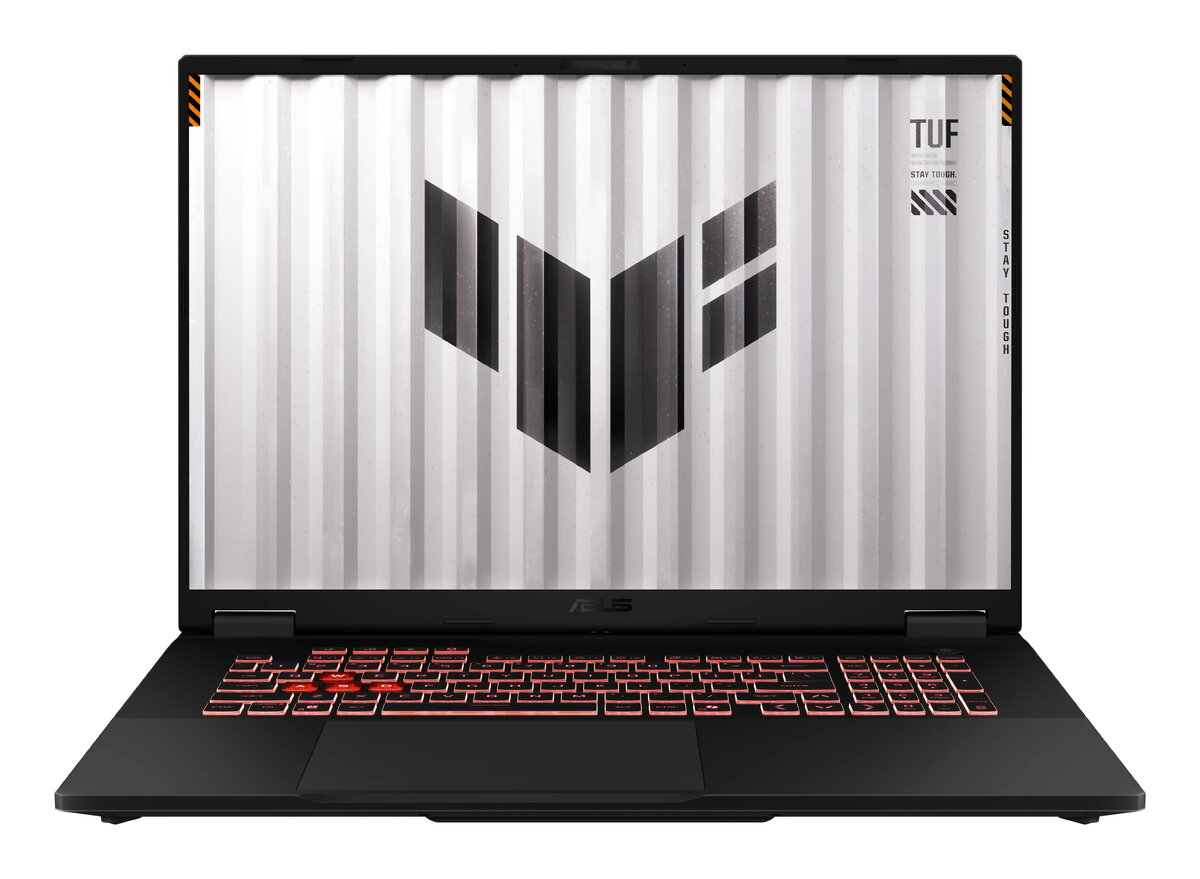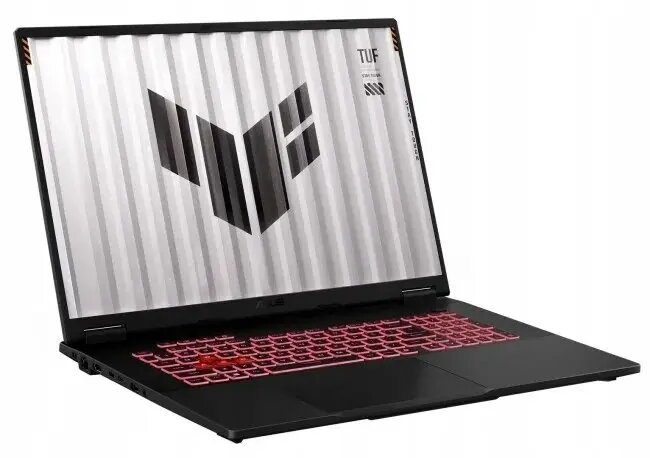
Laptop Asus TUF Gaming A18 FA808UH-S8013W — Ryzen 7-260, 18″ 144Hz, 64GB RAM, 1TB SSD, Windows 11 Home, NVIDIA RTX 5050

SKU: 11673824

Apple Shopping Event

Hurry and get discounts on all Apple devices up to 20%

Sale_coupon_20

1.749,99 

  • Free shipping €100
  • 30 day return
  • Warranty 1 year

Description

The Asus TUF Gaming A18 FA808UH-S8013W is a high-performance gaming laptop equipped with an AMD Ryzen 7-260 CPU and NVIDIA RTX 5050 graphics. It features an 18-inch display with a 144Hz refresh rate, 64GB of system memory and a 1TB solid-state drive, and comes with Windows 11 Home preinstalled. The combination of a large, high-refresh panel and a discrete GPU enables smooth gameplay and responsive frame rates for modern titles while the generous RAM and fast SSD support multitasking and large project workflows for content creation and productivity.

Advantages

The large 18″ 144Hz screen delivers fluid motion and reduced input lag for gaming and fast-paced video work. NVIDIA RTX 5050 graphics provide hardware-accelerated rendering and support for modern graphics features. With 64GB RAM and a 1TB SSD, the system can handle multiple memory-intensive applications and store large libraries of games, media and project files. Windows 11 Home offers native support for the latest software, drivers and gaming features out of the box.

Suitable for

  • Playing modern AAA and esports titles at high frame rates
  • Video editing, 3D modelling and GPU-accelerated content creation
  • Multitasking with large numbers of browser tabs, virtual machines or development tools
  • Storing and running large game libraries, media collections and project files

Key specifications

  • Processor: AMD Ryzen 7-260
  • Graphics: NVIDIA RTX 5050 discrete GPU
  • Display: 18-inch panel, 144Hz refresh rate
  • Memory: 64GB RAM
  • Storage: 1TB solid-state drive (SSD)
  • Operating system: Windows 11 Home

How to use

Set up the laptop on a stable surface and complete the Windows 11 initial configuration following on-screen prompts. Install the latest graphics and chipset drivers from the manufacturer to ensure optimal performance. Use the system settings to configure power and performance profiles depending on whether you prioritise battery life or maximum GPU/CPU performance. Keep the ventilation clear and place the laptop on a hard, flat surface during heavy use to maintain cooling efficiency.

Usage recommendations

For sustained gaming or rendering sessions, connect the laptop to mains power and select a high-performance power plan. Regularly update drivers and Windows to benefit from performance and security improvements. Back up important data from the 1TB SSD to external storage or cloud services. If aiming for the highest stable frame rates, adjust in-game graphics settings to balance visual quality and performance.

Overview