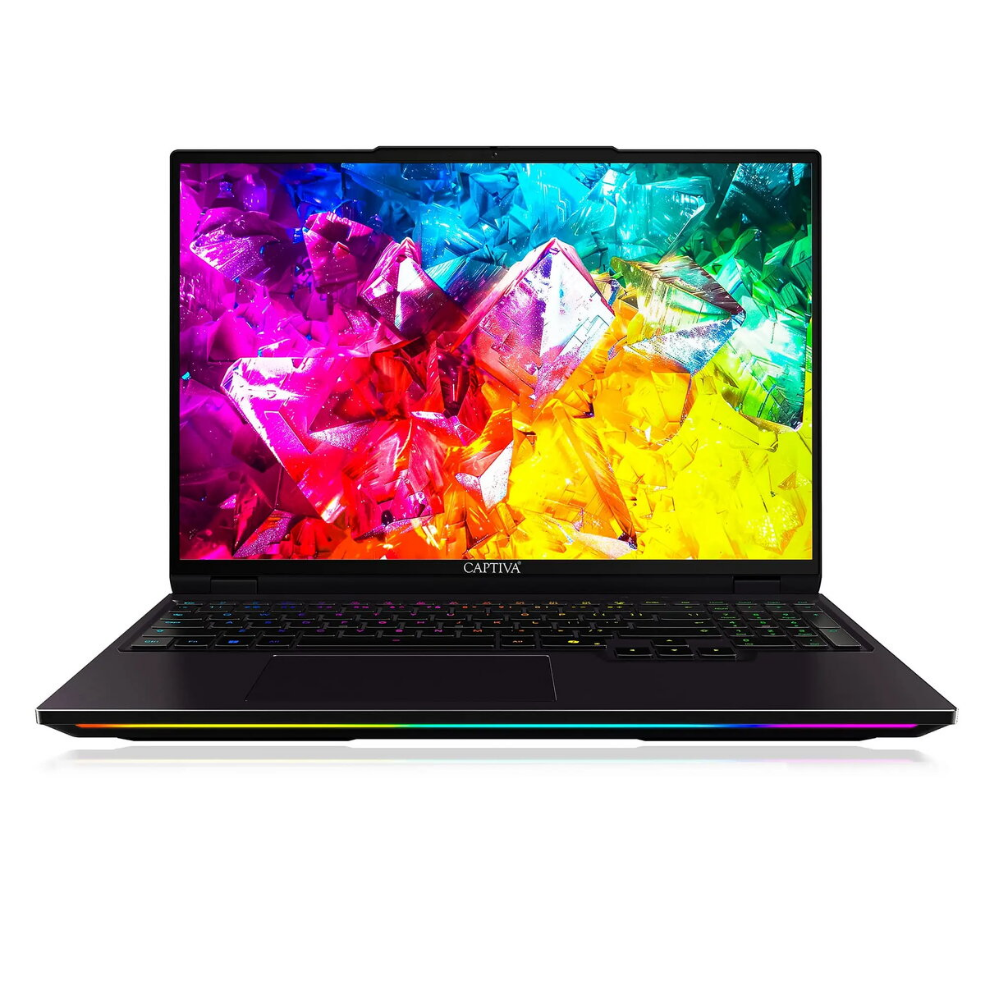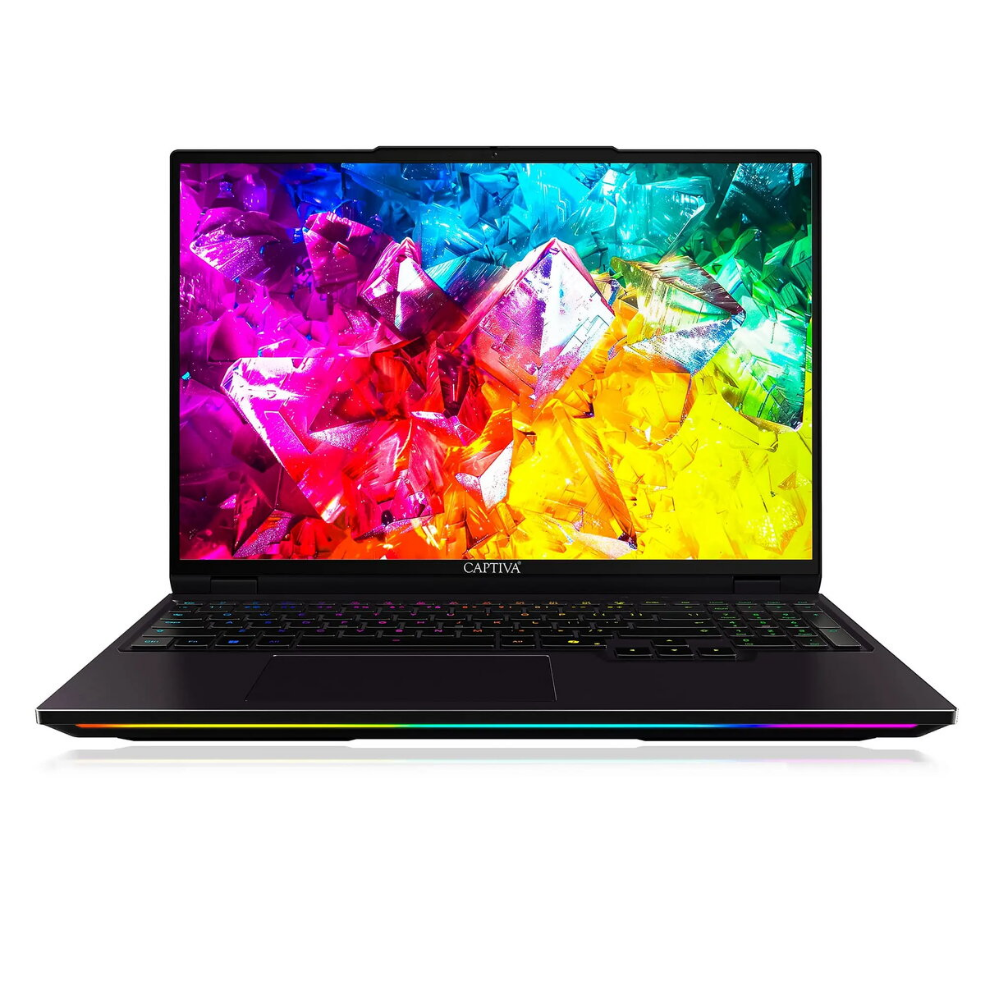
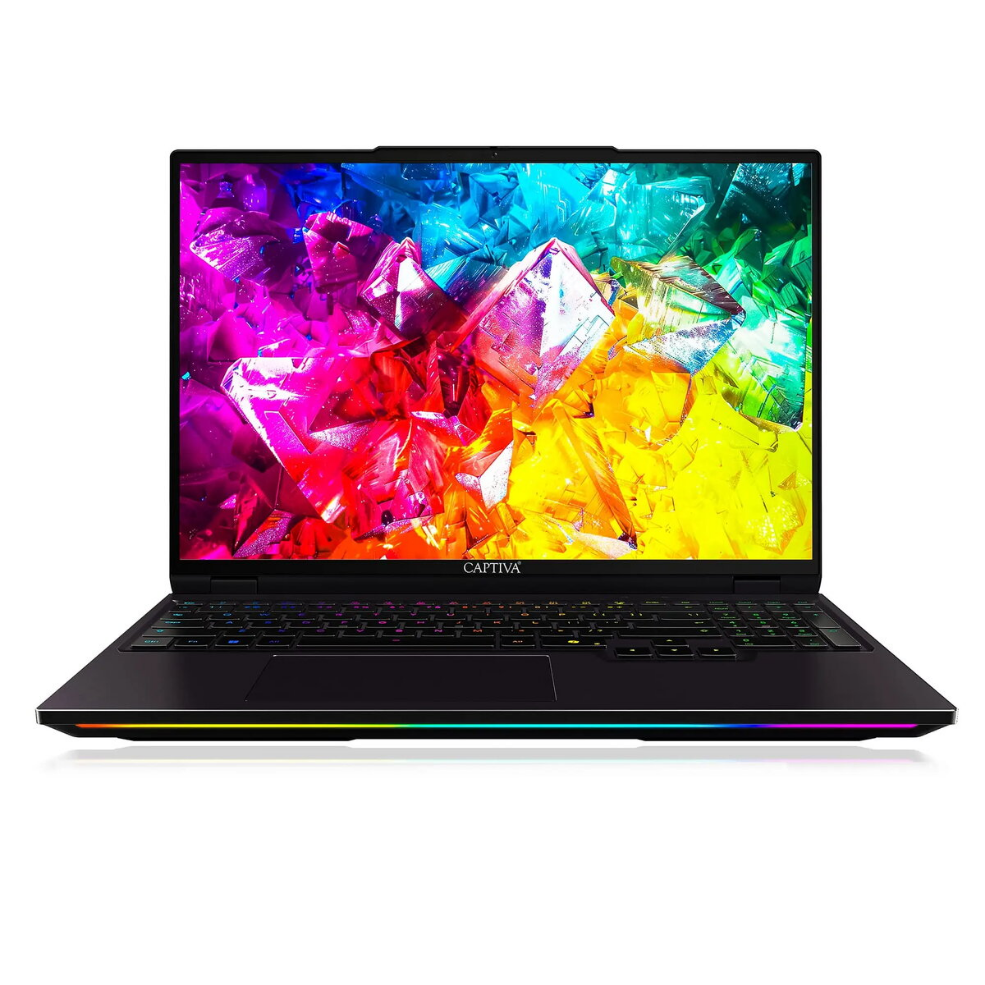
Laptop Captiva Ultimate Gaming I92-044 16″ Intel Core Ultra 9 2.1GHz 16GB RAM 1TB SSD NVIDIA GeForce Windows 11

SKU: 11548115

Apple Shopping Event

Hurry and get discounts on all Apple devices up to 20%

Sale_coupon_20

4.306,99 

  • Free shipping €100
  • 30 day return
  • Warranty 1 year

Description

The Captiva Ultimate Gaming I92-044 is a 16″ laptop configured for gaming and high-performance applications. It is equipped with an Intel Core Ultra 9 processor running at 2.1 GHz, 16GB of RAM for multitasking, a 1TB solid-state drive for fast storage, and an NVIDIA GeForce graphics solution. The system ships with Windows 11 preinstalled and offers a 16-inch display intended to deliver clear visuals for games, media and productivity tasks.

Advantages

This laptop combines a high-performance CPU with a dedicated NVIDIA GeForce graphics card, providing the processing and graphical capabilities required for modern games and graphics-intensive software. The 16GB RAM supports smooth multitasking and reduces loading delays when switching between applications. A 1TB SSD supplies substantial, fast storage for games, large files and software installations while improving system responsiveness. Windows 11 integration ensures compatibility with current applications and system security updates.

Suitable for

  • Playing modern and e-sports titles at competitive settings
  • Video playback and content viewing on a 16-inch screen
  • Multitasking with multiple applications and browser tabs open
  • Storing and launching large game libraries and application suites
  • Everyday productivity, study and remote work tasks that require responsive hardware

Key specifications

  • Processor: Intel Core Ultra 9, 2.1 GHz base frequency
  • Display size: 16 inches
  • Memory: 16 GB RAM
  • Storage: 1 TB solid-state drive (SSD)
  • Graphics: NVIDIA GeForce dedicated graphics
  • Operating system: Windows 11 preinstalled

How to use

Power on the laptop using the dedicated power button and complete the initial Windows 11 setup by following on-screen prompts for region, user account and network connection. Install your preferred games and applications to the 1TB SSD or configure secondary storage if available. Use the operating system’s display and graphics settings to adjust resolution, refresh rate and GPU preferences for individual applications through Windows settings or the NVIDIA control panel. Keep device drivers and Windows updates current to maintain performance and compatibility.

Usage recommendations

For best gaming performance, connect the laptop to mains power and select the high-performance power plan. Ensure adequate ventilation during extended sessions and update graphics drivers regularly. Use Windows 11 update tools to apply system patches and consider backing up important data from the SSD to external storage.

Overview