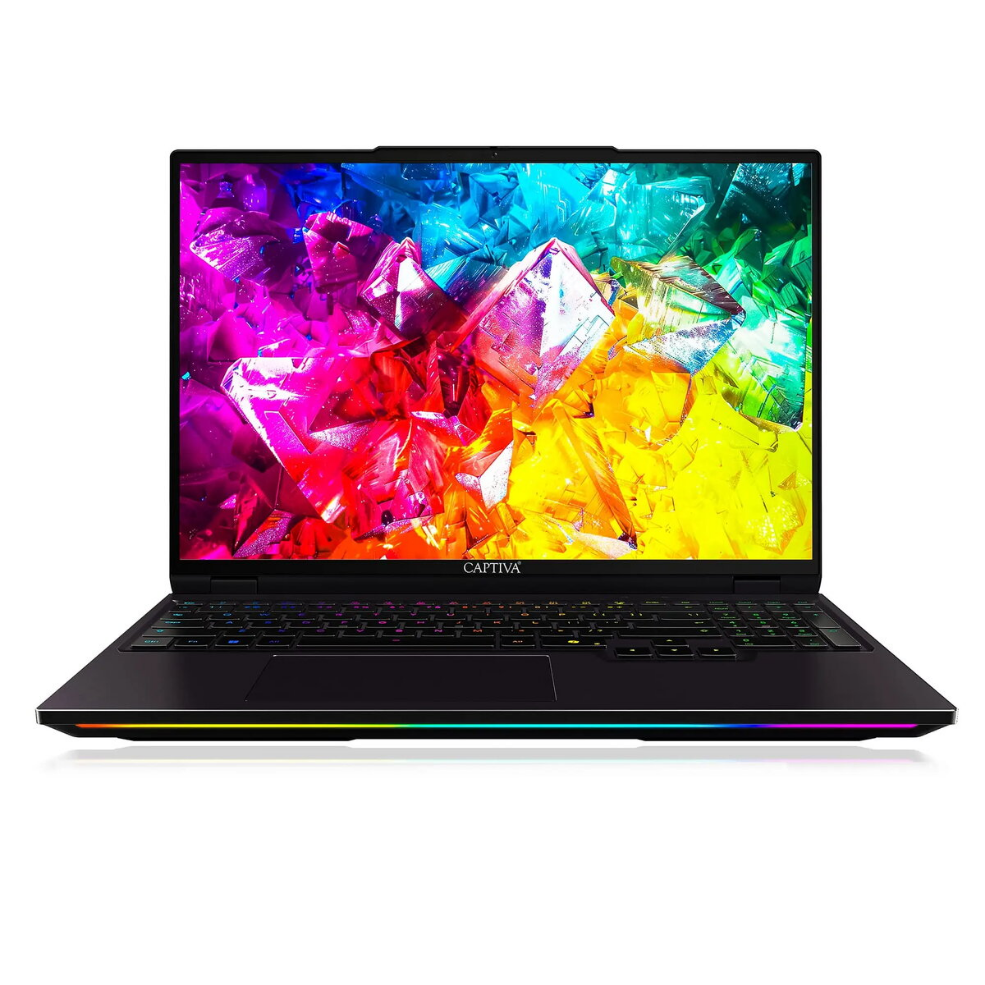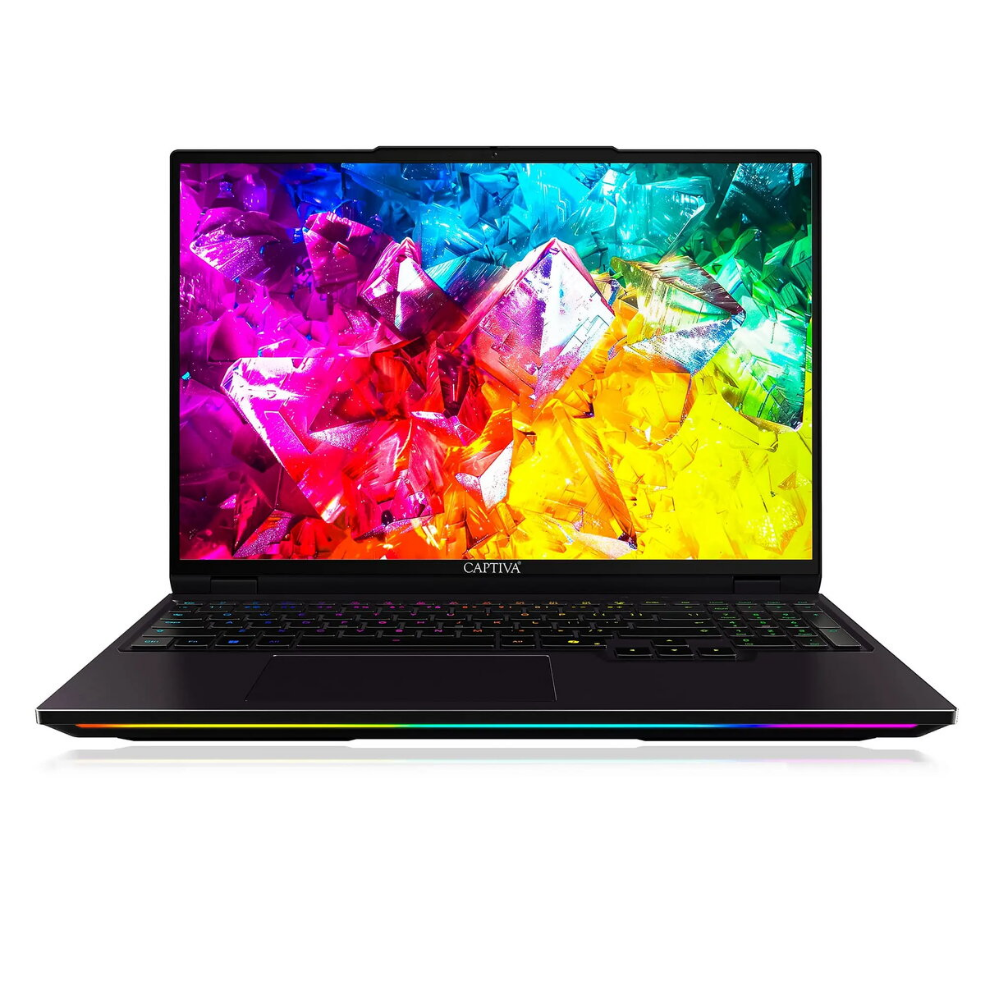
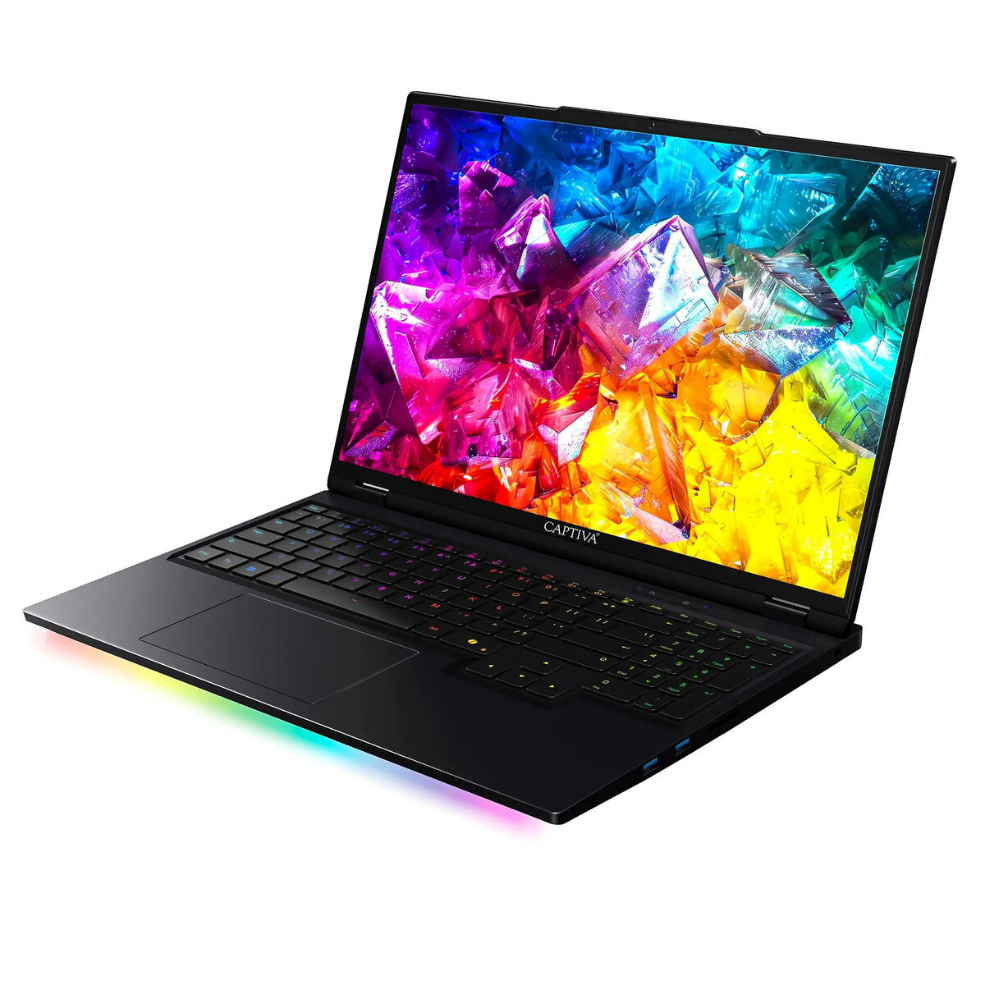
Laptop Captiva Ultimate Gaming I92-045 16″ Intel Core Ultra 9 2.1GHz 32GB 1TB NVIDIA Windows 11

SKU: 11548116

Apple Shopping Event

Hurry and get discounts on all Apple devices up to 20%

Sale_coupon_20

3.850,99 

  • Free shipping €100
  • 30 day return
  • Warranty 1 year

Description

The Captiva Ultimate Gaming I92-045 is a 16″ gaming laptop equipped with an Intel Core Ultra 9 processor running at 2.1 GHz, 32 GB of system memory and a 1 TB solid-state drive. It includes an NVIDIA graphics solution and ships with Windows 11. The combination of a large display, high-capacity RAM and fast NVMe storage provides a platform for modern games, content creation and multitasking while offering the standard connectivity and form factor expected from a portable gaming machine.

Advantages

The high core-count Intel Core Ultra 9 at 2.1 GHz delivers sustained processing power for gaming, streaming and background tasks. A 32 GB memory configuration reduces swapping and supports heavy multitasking or running multiple applications simultaneously. The 1 TB SSD offers fast boot times, quick game loading and ample local storage for large game libraries and media files. The integrated NVIDIA graphics provide improved frame rates and graphical fidelity compared to integrated-only solutions. Windows 11 provides driver support, system updates and a modern interface optimized for laptops.

Suitable for

  • Playing modern AAA and esports titles at laptop-class settings
  • Content creation workflows such as video editing and 3D rendering
  • Multitasking with many open applications and browser tabs
  • Streaming gameplay and running background recording or chat tools

Key specifications

  • Display size: 16 inches
  • Processor: Intel Core Ultra 9, 2.1 GHz
  • Memory: 32 GB RAM
  • Storage: 1 TB solid-state drive (SSD)
  • Graphics: NVIDIA graphics card
  • Operating system: Windows 11

How to use

Set up the Captiva Ultimate Gaming I92-045 by connecting the power adapter and completing the Windows 11 out-of-box setup. Install the latest graphics drivers from the NVIDIA website or through Windows Update to ensure optimal performance. Use built-in settings or manufacturer software to configure power profiles and display options appropriate for gaming or battery life. Store large files and game installations on the 1 TB SSD to benefit from faster load and install times. Regularly update Windows and drivers to maintain system stability and security.

Usage recommendations

For consistent gaming performance, use a high-performance power profile while plugged in, keep graphics drivers up to date, and ensure adequate ventilation during extended sessions. Back up critical files from the SSD to external storage or cloud services to prevent data loss.

Overview