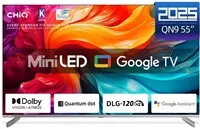
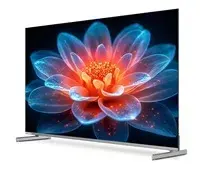
Television CHiQ M55QN9V 55" UHD MiniLED Google TV DLG 120 Hz
Television CHiQ M55QN9V 55" UHD MiniLED Google TV DLG 120 Hz Original price was: 475,99 €.Current price is: 365,99 €.
Back to products
Television CHiQ U50QM8V 50" 4K Ultra HD QLED 3840 x 2160
Television CHiQ U50QM8V 50" 4K Ultra HD QLED 3840 x 2160 Original price was: 392,99 €.Current price is: 304,99 €.

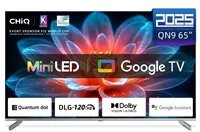
Television CHiQ M65QN9V 65″ MiniLED UHD 120 Hz

SKU: 11366387

Apple Shopping Event

Hurry and get discounts on all Apple devices up to 20%

Sale_coupon_20

Original price was: 604,99 €.Current price is: 541,99 €.

  • Free shipping €100
  • 30 day return
  • Warranty 1 year

Description

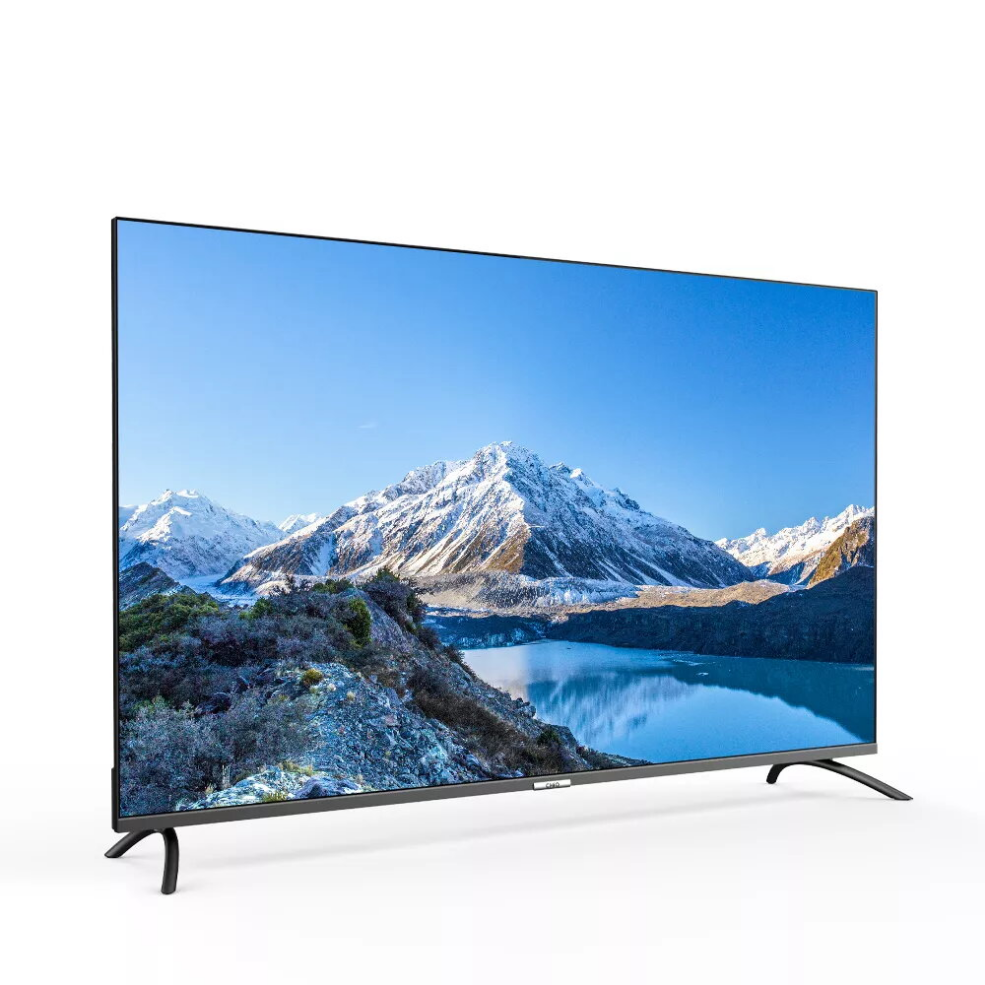
The CHiQ M65QN9V is a 65-inch UHD MiniLED television with Google TV and a 120 Hz refresh rate. It delivers high-resolution images with improved contrast and brightness thanks to MiniLED backlighting, and provides smart TV functionality for easy access to streaming services and apps.

Advantages

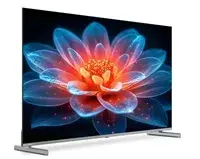
MiniLED technology enhances contrast by producing deeper blacks and brighter highlights, while the 120 Hz refresh rate ensures smoother motion for sports and action content. Integrated Google TV offers app navigation and voice control. The set includes multiple connectivity options such as HDMI and USB ports and features a slim, modern design that fits typical living-room setups.

Suitable for

  • Watching movies and TV series in high resolution
  • Playing console and PC games that benefit from 120 Hz refresh rate
  • Streaming apps and online content via Google TV
  • Integrating into a modern living-room AV setup

Key specifications

  • Screen size: 65 inches
  • Resolution: UHD (4K)
  • Backlight: MiniLED
  • Refresh rate: 120 Hz
  • Smart platform: Google TV
  • Connectivity: HDMI, USB and wireless network support
  • Energy efficiency class: F

How to use

Connect the television to mains power, switch it on and follow the on-screen setup to connect to a Wi‑Fi network and sign in to your Google account. Use the remote control or voice commands to navigate Google TV, install and open streaming apps, and adjust picture and sound settings to your preference.

Usage recommendations

For optimal picture quality, adjust brightness and contrast according to your room lighting and keep the TV firmware up to date to receive performance and feature improvements.

Overview

Energy efficiency class:F