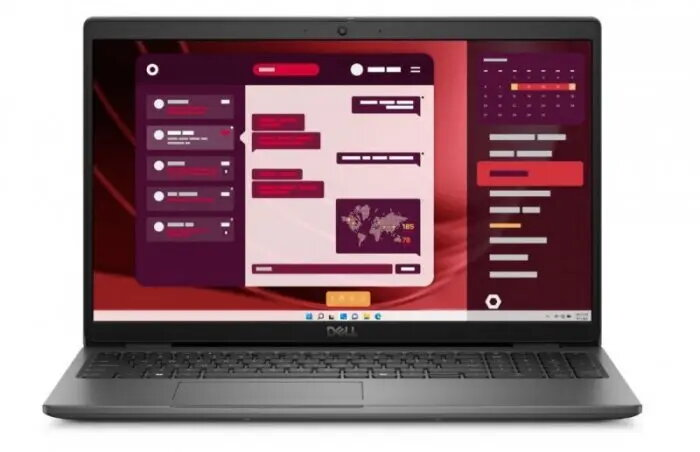
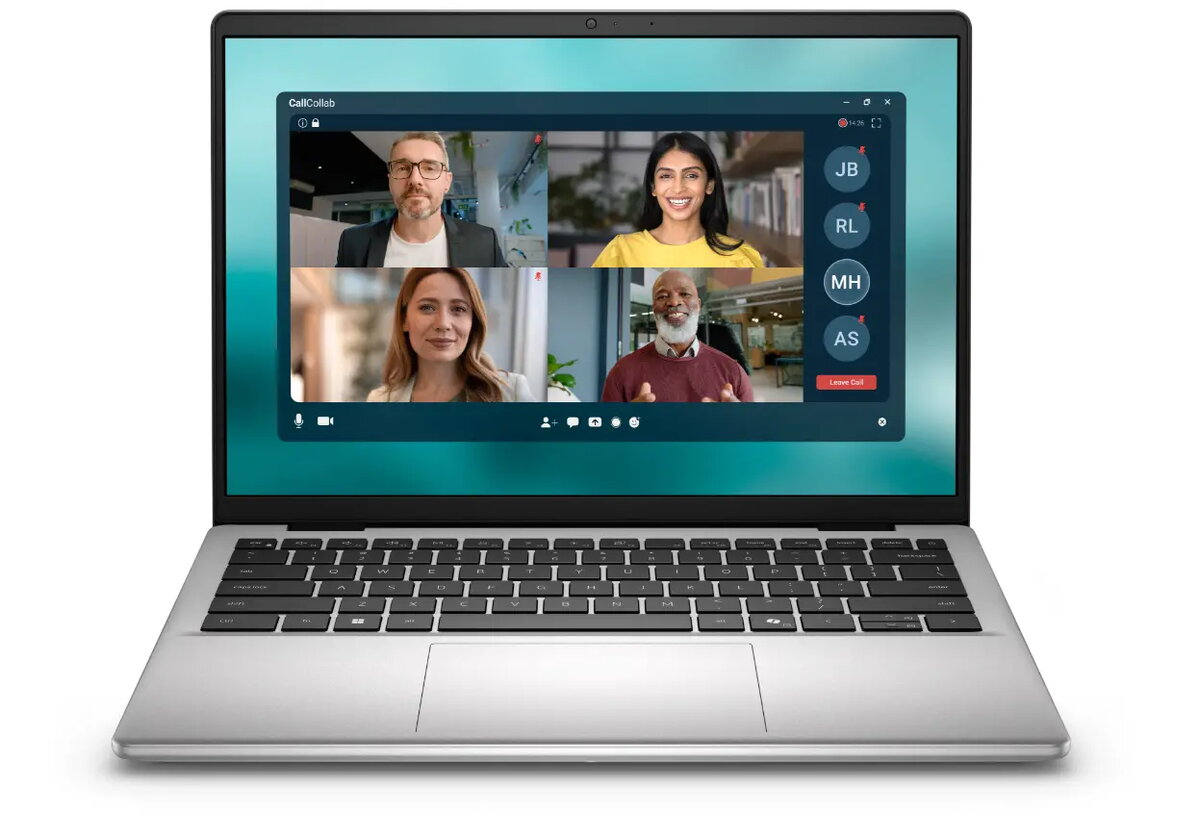
Dell Pro 14 Essential PV14250 is a 14″ laptop with a 2K anti-glare display (1920×1200) and an aluminum finish in Platinum Silver. It is equipped with an Intel Core 3 processor, integrated Intel Graphics, 8 GB of DDR5 memory and a 512 GB solid-state drive. The device runs Windows 11 Home and supports 802.11ax wireless, offering a balance of responsive everyday performance, fast storage and a compact chassis suitable for hybrid work and study.
Advantages
The 2K (1920×1200) anti-glare display provides improved screen clarity and a taller aspect ratio for document editing and side-by-side windows. DDR5 memory and an NVMe SSD deliver responsive multitasking and fast application load times. The aluminum chassis improves durability while keeping the weight and size compact for mobility. Built-in Wi‑Fi 6 (802.11ax) and modern connectivity support reliable network performance for remote collaboration. A three-year limited warranty on the device adds predictable coverage for standard usage.
Suitable for
Everyday office tasks: word processing, spreadsheets and email
Remote and hybrid work with video conferencing and cloud apps
Students needing a portable laptop for study, research and writing
Light content consumption and web browsing
Key specifications
Display: 14″ 2K (1920×1200) anti-glare panel
Processor: Intel Core 3 series (integrated graphics)
Warranty: 36 months on the device, 12 months on the battery
How to use
Power on the laptop using the dedicated power button and complete the Windows 11 Home setup with your Microsoft account or local account. Install required productivity and communication applications, connect to a Wi‑Fi 6 network for best wireless performance, and use cloud storage or the integrated 512 GB SSD for file management. Adjust display brightness and power settings to balance battery life and performance when working on the go. Use the built-in integrated graphics for typical office applications and media playback.
Usage recommendations
For optimal day-to-day performance, keep the operating system and drivers up to date, enable automatic backups for important files, and avoid filling the SSD above 85% capacity to maintain sustained write performance. Use a protective sleeve during transport to prevent cosmetic damage to the aluminum finish.
Set by payment provider stripe.com to process payments
10 years
Statistics cookies collect information anonymously. This information helps us understand how visitors use our website.
SourceBuster is used by WooCommerce for order attribution based on user source.
Name
Description
Duration
sbjs_session
The number of page views in this session and the current page path
30 minutes
sbjs_udata
Information about the visitor’s user agent, such as IP, the browser, and the device type
session
sbjs_first
Traffic origin information for the visitor’s first visit to your store (only applicable if the visitor returns before the session expires)
session
sbjs_current
Traffic origin information for the visitor’s current visit to your store
session
sbjs_first_add
Timestamp, referring URL, and entry page for your visitor’s first visit to your store (only applicable if the visitor returns before the session expires)
session
sbjs_current_add
Timestamp, referring URL, and entry page for your visitor’s current visit to your store
session
sbjs_migrations
Technical data to help with migrations between different versions of the tracking feature






 Free shipping €100
 30 day return
 Warranty 1 year
