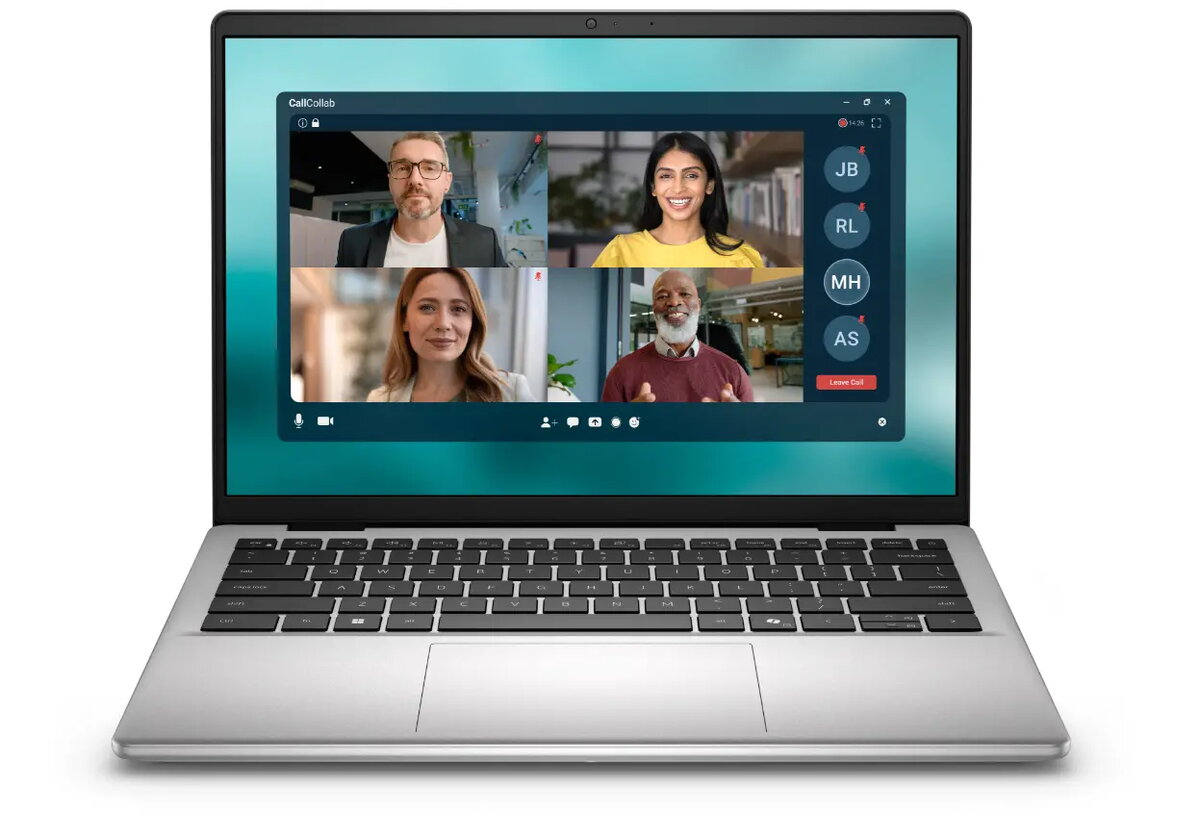
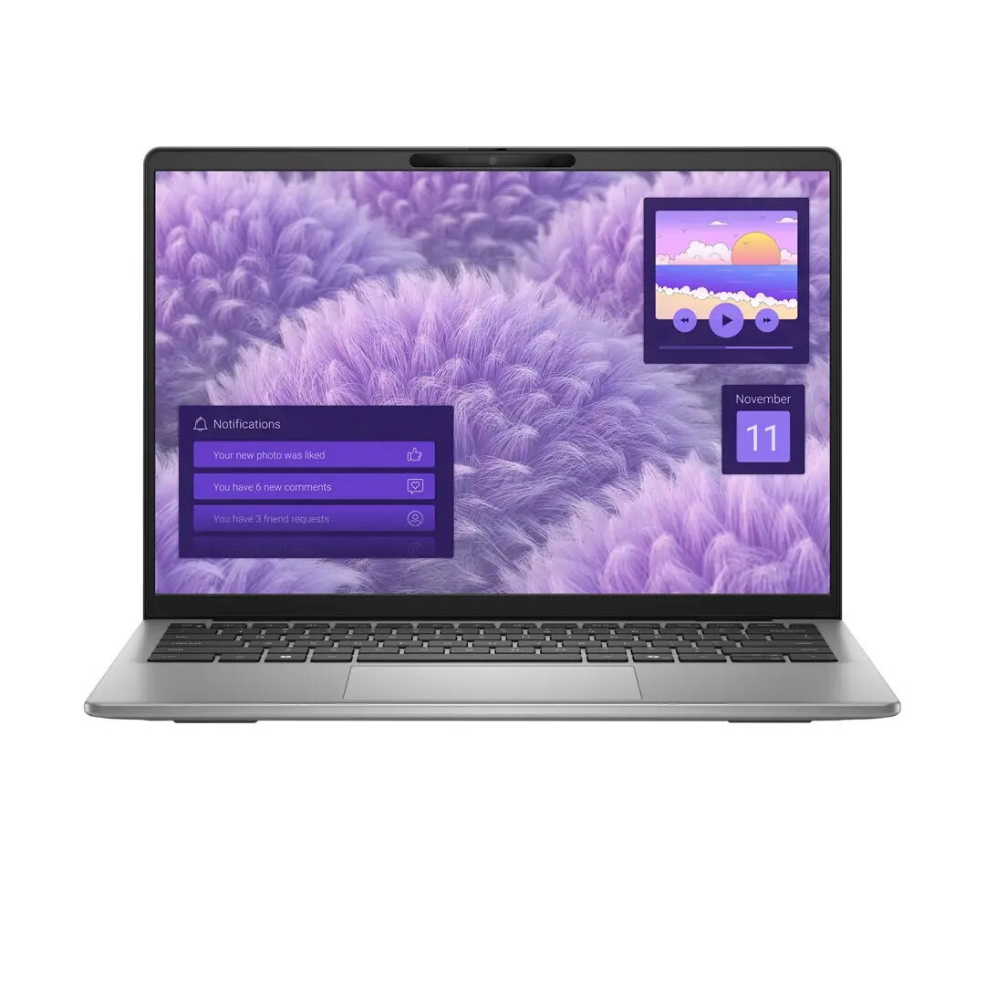
Laptop Dell Pro Essential 15 AG FHD i3-100U 8GB 512GB Intel UHD Windows 11 English keyboard Fingerprint Black 3Y ProSupport NBD Onsite

SKU: 11666106

Apple Shopping Event

Hurry and get discounts on all Apple devices up to 20%

Sale_coupon_20

568,99 

  • Free shipping €100
  • 30 day return
  • Warranty 1 year

Description

Dell Pro Essential 15 AG is a 15-inch Full HD laptop with an Intel Core i3-100U processor, 8GB of RAM, a 512GB SSD and Intel UHD graphics. It runs Windows 11, has an English keyboard and an integrated fingerprint reader. The unit ships with damaged packaging and includes a three-year ProSupport Next Business Day onsite warranty (3Y ProSupport NBD Onsite).

Advantages

The combination of an Intel Core i3-100U CPU, 8GB of memory and a 512GB SSD provides fast boot times and responsive application loading for everyday tasks. The 15-inch FHD display delivers clear text and adequate visual clarity for office work and web browsing. The built-in fingerprint reader enables biometric sign-in and Windows 11 ensures current platform features and compatibility. The included three-year onsite ProSupport NBD warranty covers hardware support with next-business-day onsite service through Dell.

Suitable for

  • Office productivity and document editing
  • Remote work and video conferencing
  • Online learning and research
  • Web browsing and email
  • Light photo viewing and basic multimedia

Key specifications

  • Model: Dell Pro Essential 15 AG
  • Processor: Intel Core i3-100U
  • Memory: 8GB RAM
  • Storage: 512GB SSD
  • Graphics: Intel UHD
  • Display: 15-inch Full HD (FHD)
  • Operating System: Windows 11
  • Keyboard: English layout
  • Security: Fingerprint reader
  • Warranty: 3Y ProSupport NBD Onsite
  • MPN: PV15250_RPLU_004_P_HOM_3YPSNO
  • EAN: 2000001404546
  • Condition note: packaging is damaged

How to use

Unpack the laptop carefully, taking note of the damaged packaging. Turn on the device and follow the Windows 11 initial setup prompts to create or sign in with a Microsoft account, configure network settings and enroll the fingerprint reader via Settings > Accounts > Sign-in options. Install the applications you need for work or study and run Windows Update to apply the latest security and driver updates. Use File Explorer to manage files on the 512GB SSD and enable OneDrive or another cloud service if you want automatic backup and synchronization.

Usage recommendations

Keep Windows and device drivers up to date using Windows Update and Dell Support for reliable day-to-day operation. Use the fingerprint reader for convenient secure access and enable regular backups to protect data on the SSD. For advanced graphics tasks or heavy multitasking, consider a higher-spec model; for standard office, remote work and study tasks, this configuration is appropriate.

Overview