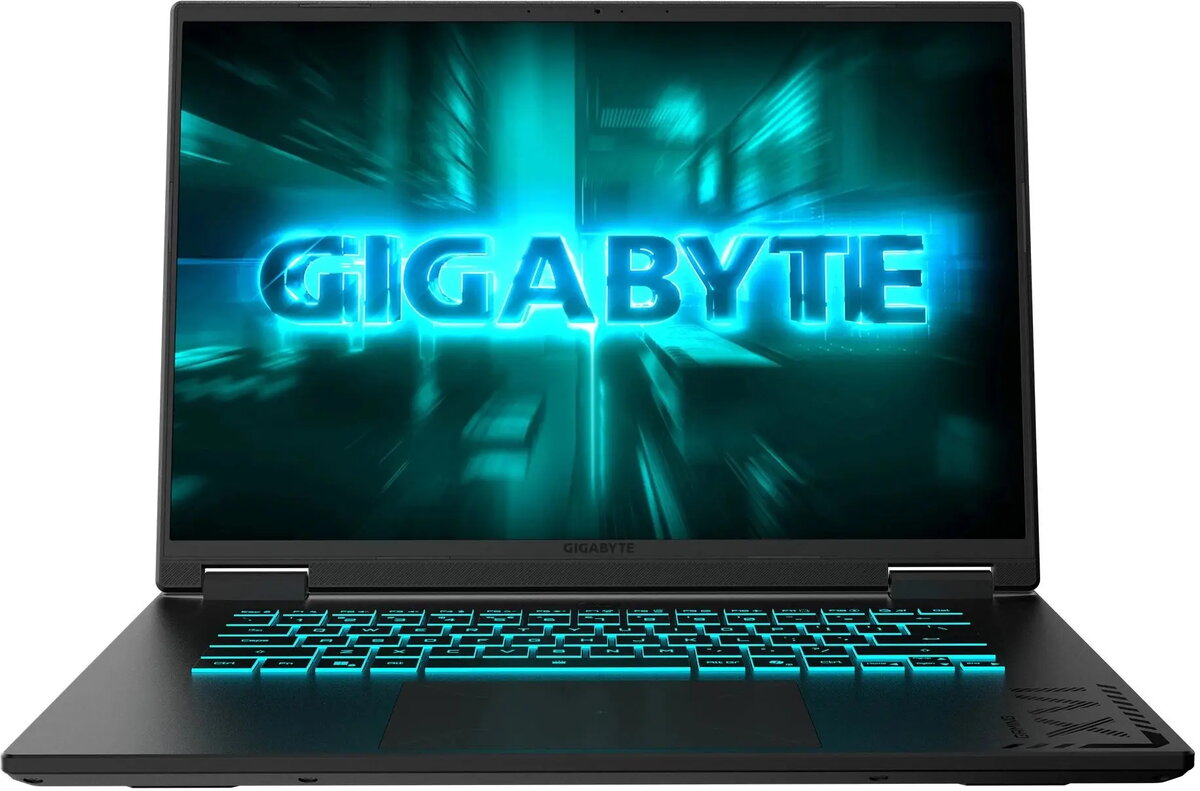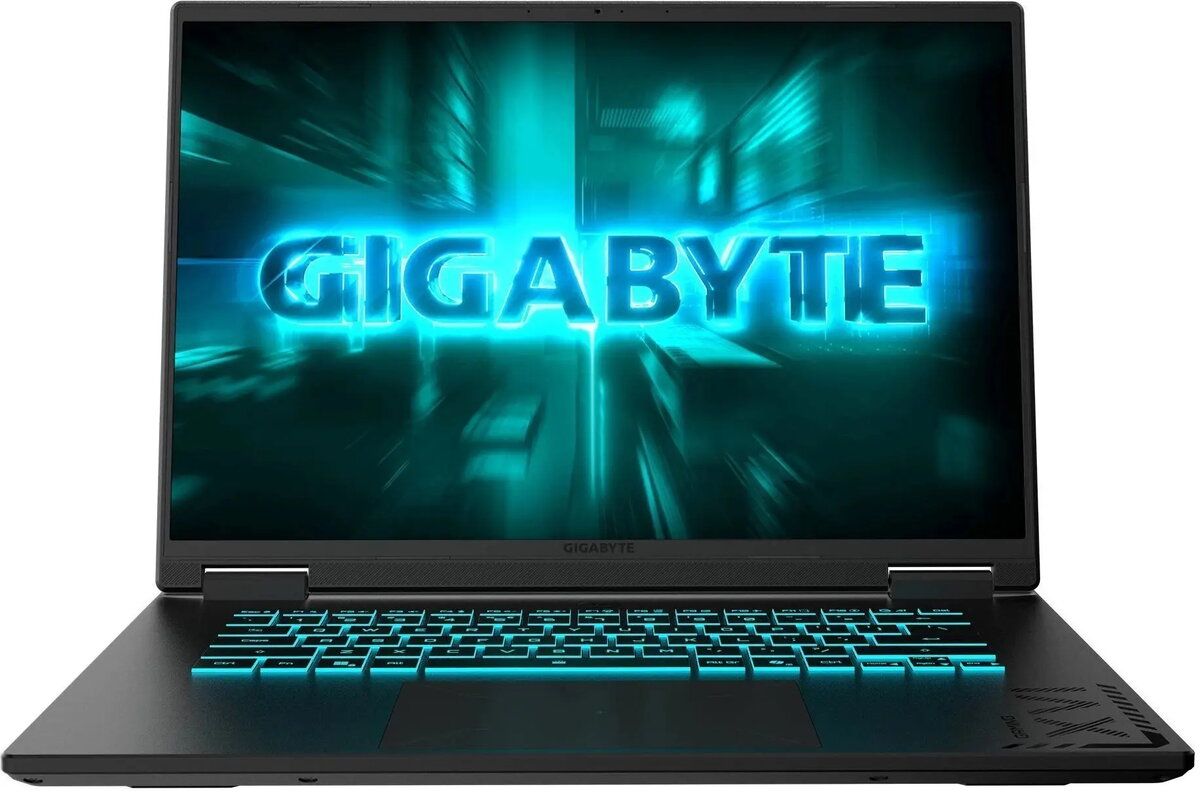
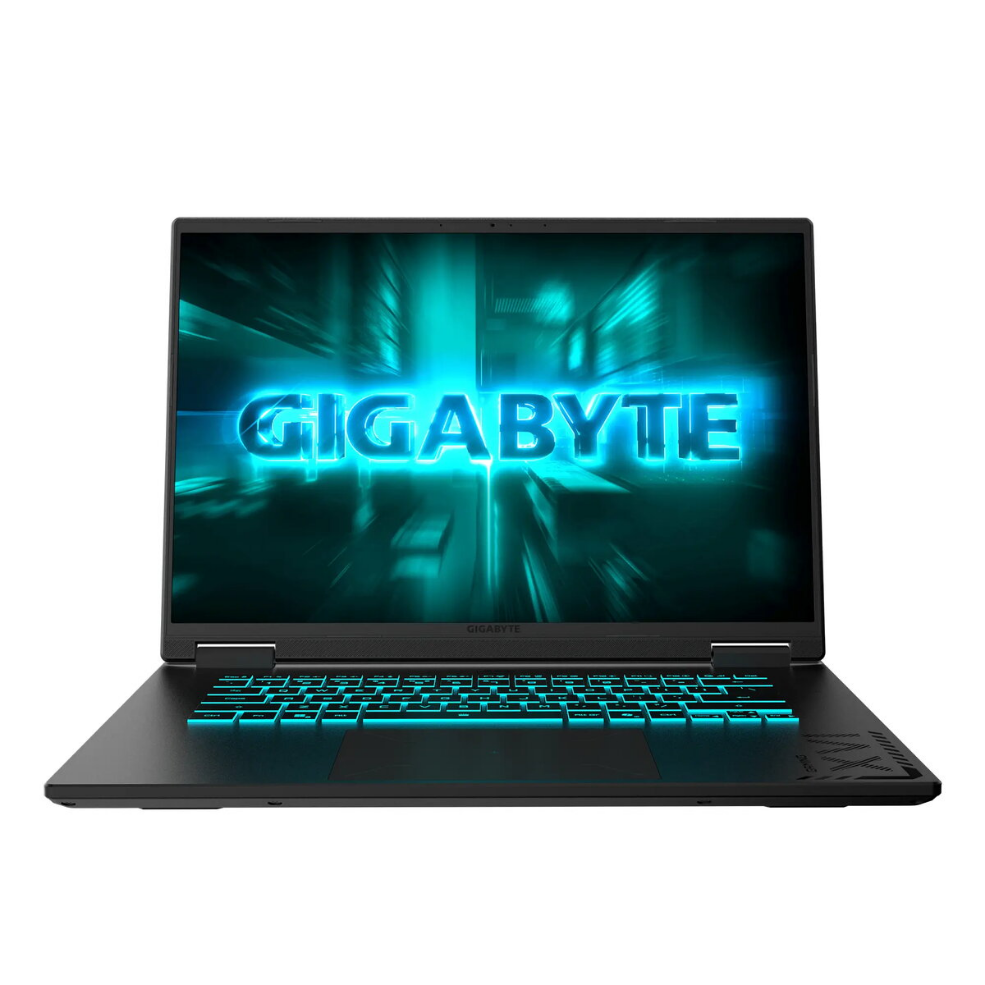
Laptop Gigabyte GAMING A16 CTH-I3EE893SH 16″ FHD+ i7-13620H 16GB 512GB RTX 5050 Win11 Home

SKU: 11509993

Apple Shopping Event

Hurry and get discounts on all Apple devices up to 20%

Sale_coupon_20

1.344,99 

  • Free shipping €100
  • 30 day return
  • Warranty 1 year

Description

The Gigabyte GAMING A16 CTH-I3EE893SH is a 16″ FHD+ laptop featuring an Intel Core i7-13620H processor, 16GB of RAM and a 512GB SSD. Equipped with an NVIDIA GeForce RTX 5050 GPU and Windows 11 Home, this Gigabyte A16 model provides stable performance for gaming, content creation and demanding everyday tasks while offering a clear 16″ FHD+ screen for detailed visuals.

Advantages

The Intel i7-13620H CPU combined with 16GB RAM supports multitasking and compute-heavy applications. The NVIDIA GeForce RTX 5050 accelerates gaming performance and hardware-accelerated workloads such as GPU-assisted rendering and video processing. A 512GB SSD delivers fast system boot and application load times, and Windows 11 Home is preinstalled for immediate use with current security and system features. The 16″ FHD+ display gives a larger workspace compared with standard 15″ panels, suitable for viewing detailed game scenes and editing timelines.

Suitable for

  • Gaming and real-time graphics
  • Video editing and content creation
  • 3D visualization and GPU-accelerated tasks
  • Multitasking and productivity workflows

Key specifications

  • Brand: GIGABYTE
  • Model: GAMING A16 CTH-I3EE893SH
  • Display: 16″ FHD+
  • Processor: Intel Core i7-13620H
  • Memory: 16GB RAM
  • Storage: 512GB SSD
  • Graphics: NVIDIA GeForce RTX 5050
  • Operating System: Windows 11 Home
  • MPN: CTHI3EE893SH
  • EAN: 4719331764968

How to use

Unpack the Gigabyte GAMING A16, connect the power adapter and follow the on-screen Windows 11 Home initial setup. Install the latest drivers from Gigabyte and NVIDIA to ensure optimal GPU and system performance. Use Windows Update to apply system security patches, then install or restore your preferred applications from the Microsoft Store or other verified sources. For gaming, install your game client and adjust in-game graphics settings to match the desired balance of performance and image quality.

Usage recommendations

Keep system and GPU drivers up to date, allow adequate ventilation during extended gaming or rendering sessions, and use an external backup solution for important data stored on the 512GB SSD. Adjust power and graphics settings to balance battery life and performance when using the laptop on the go.

Overview