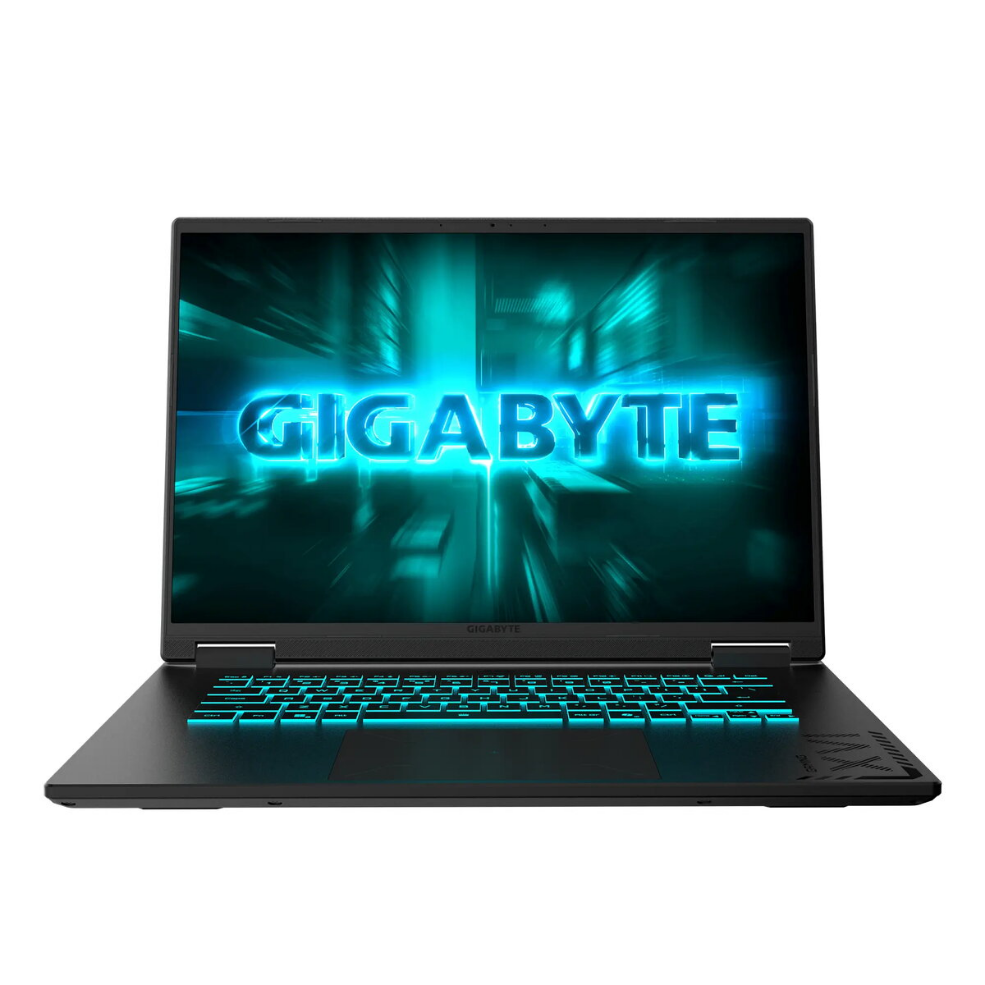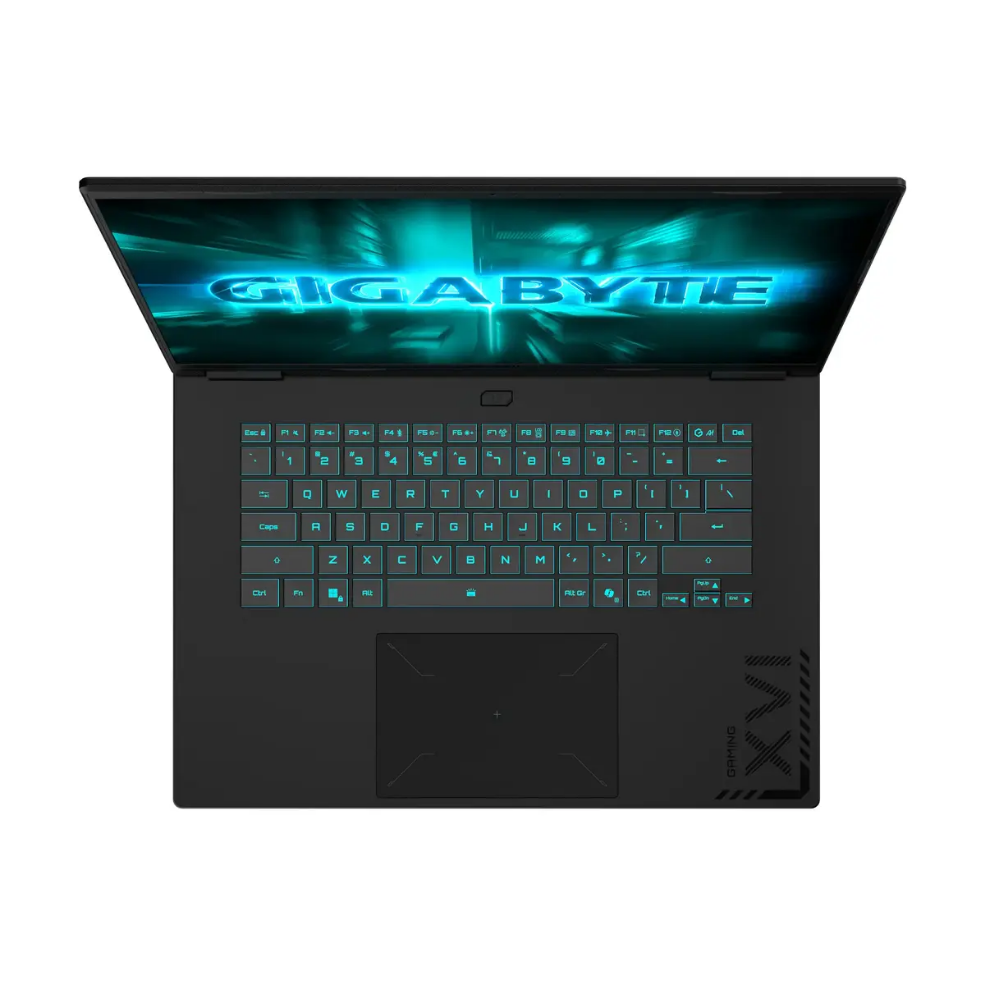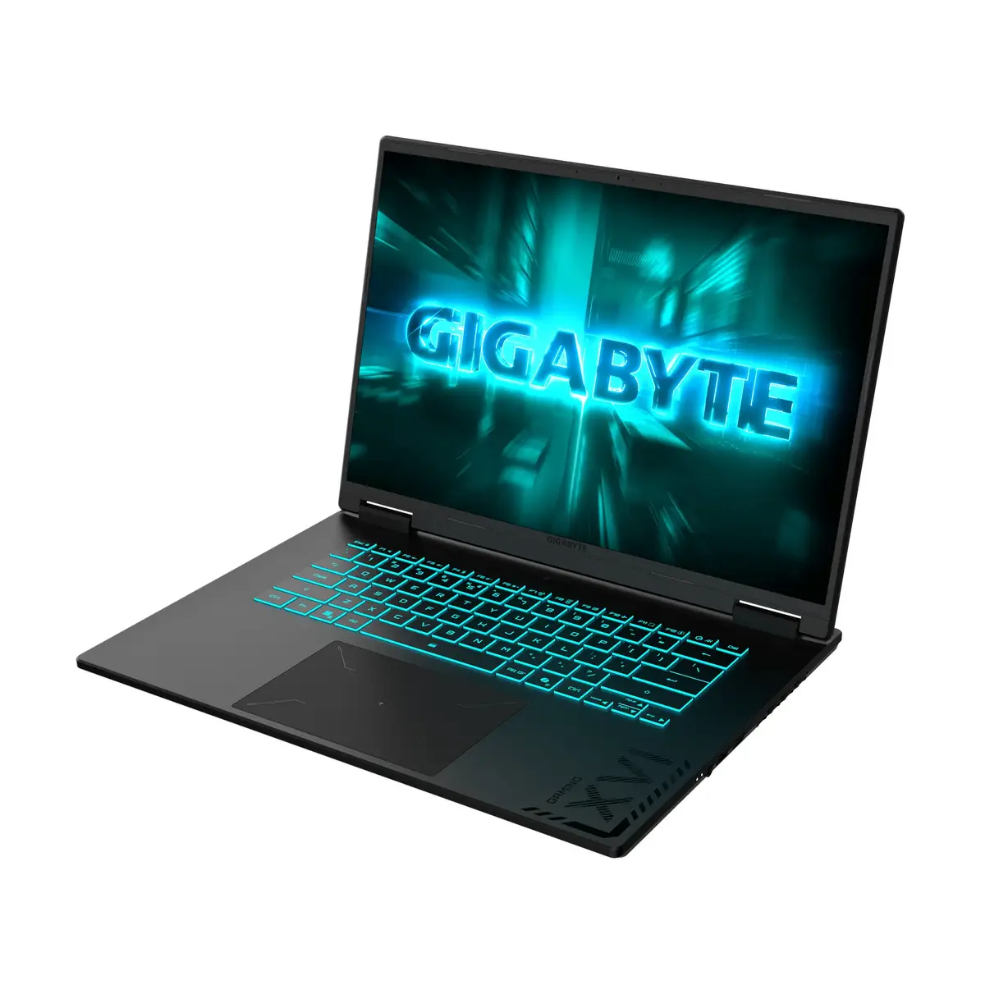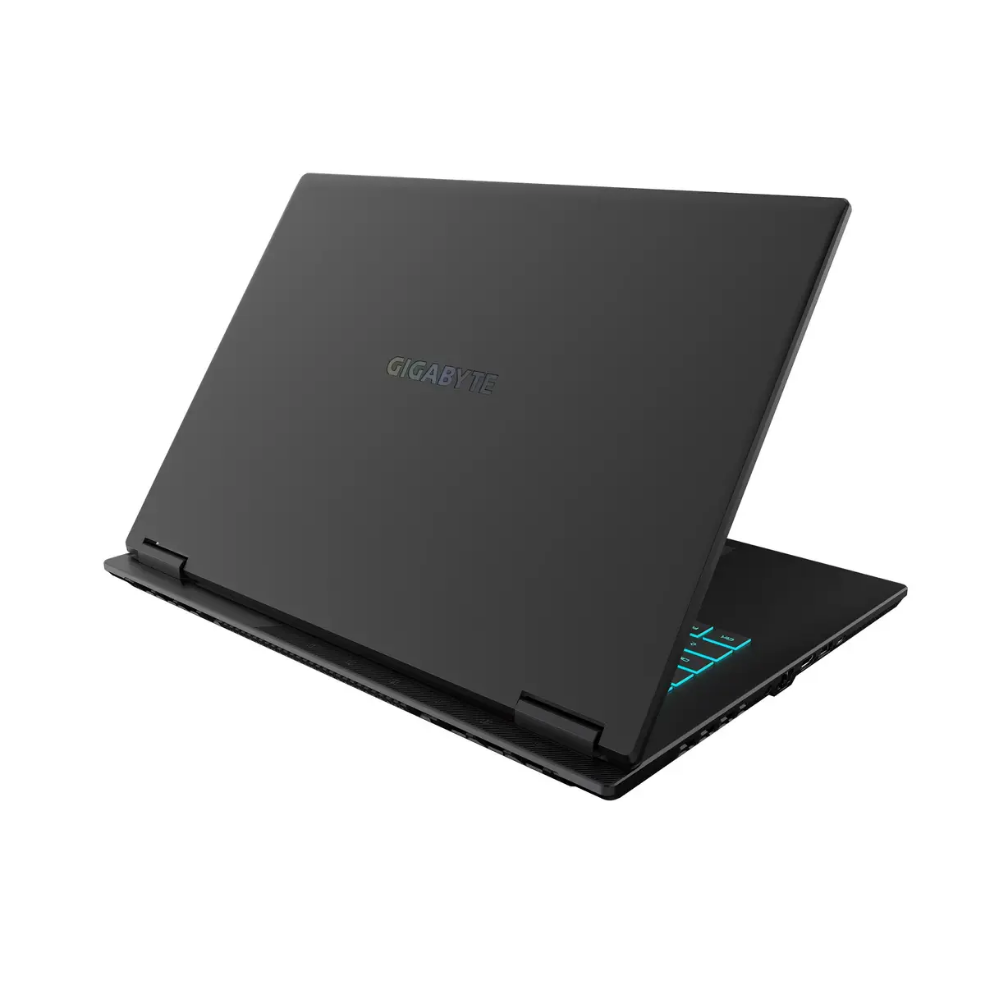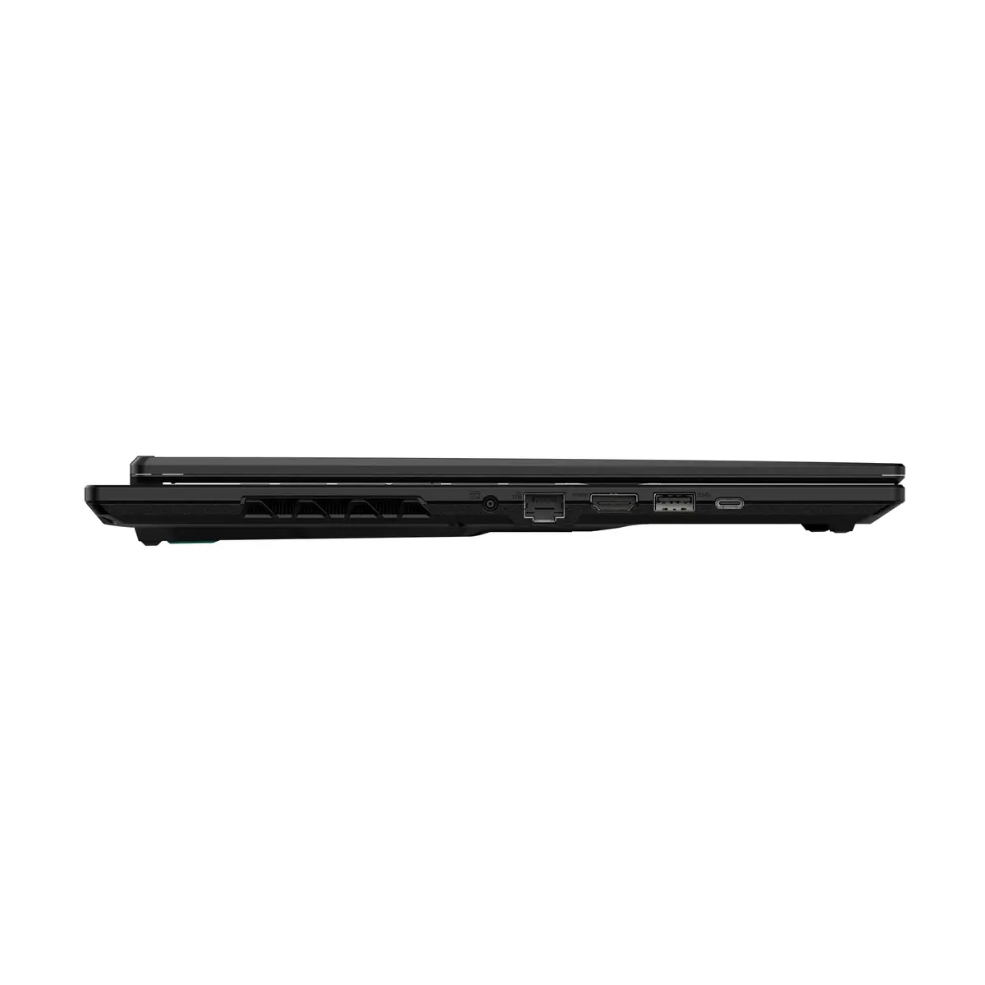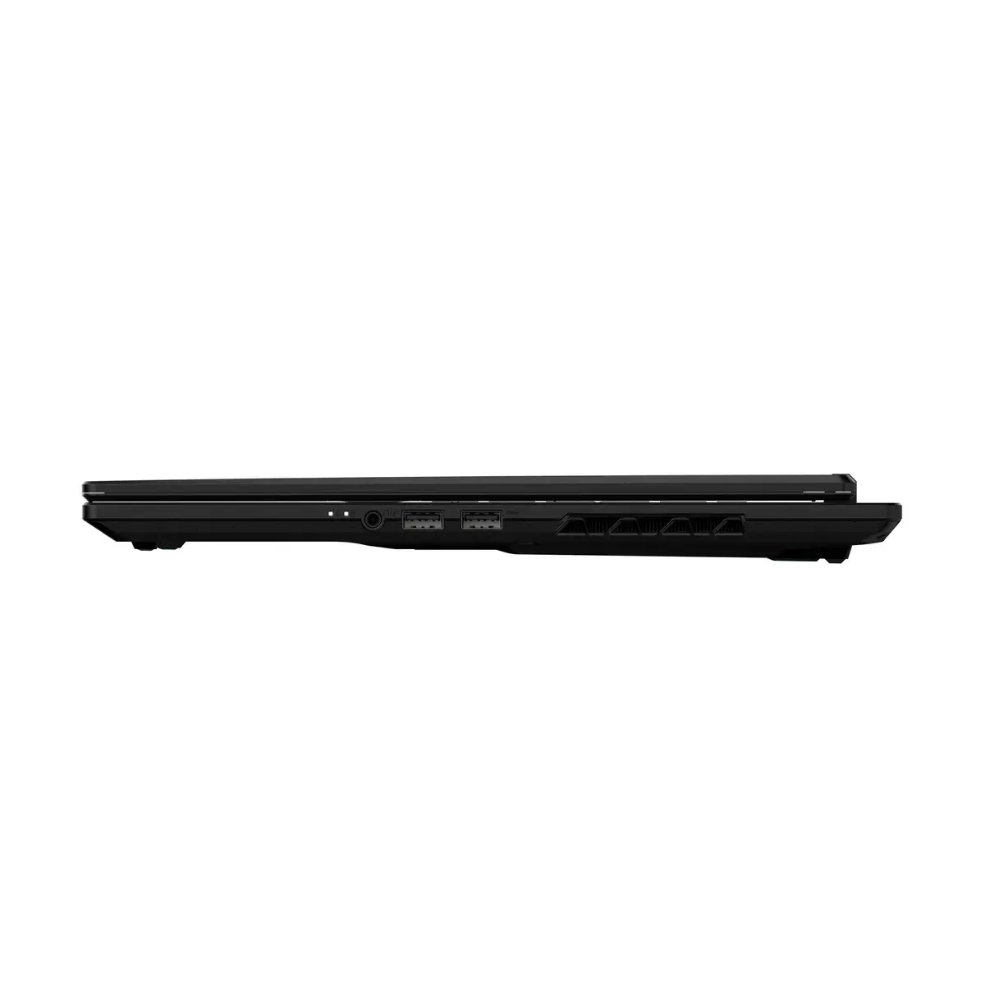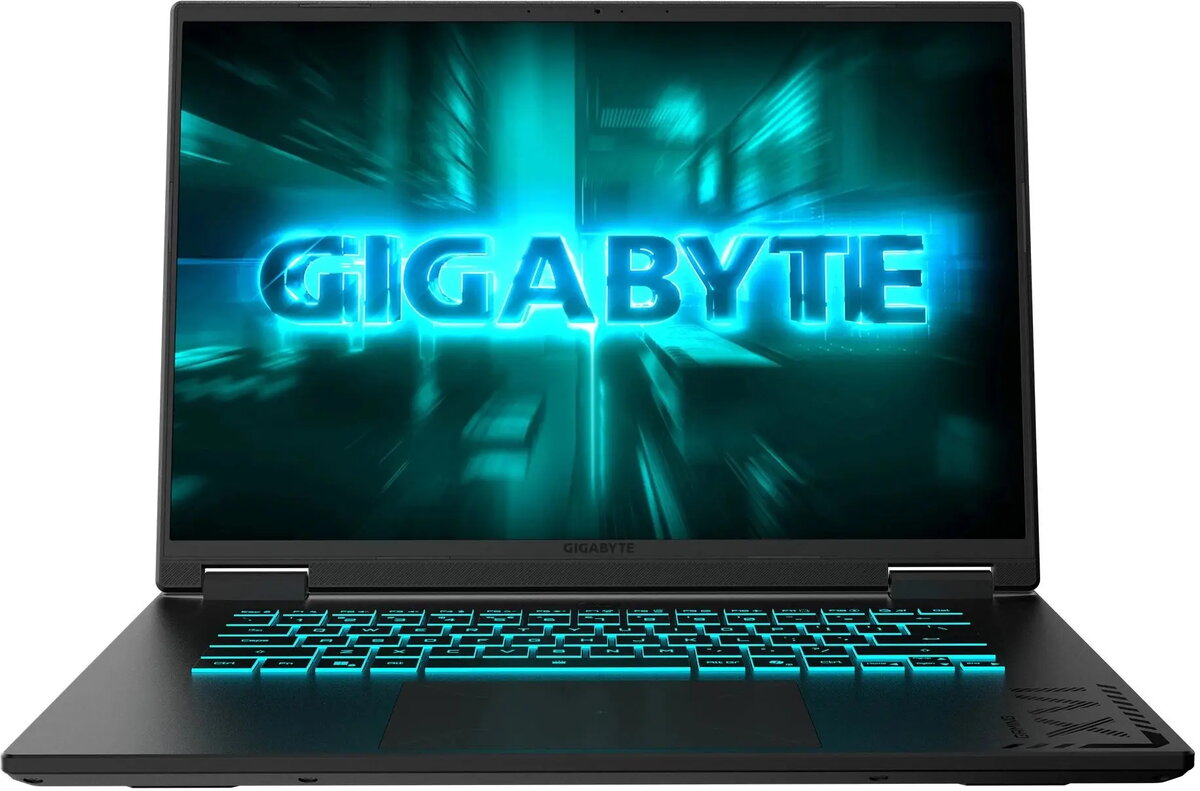
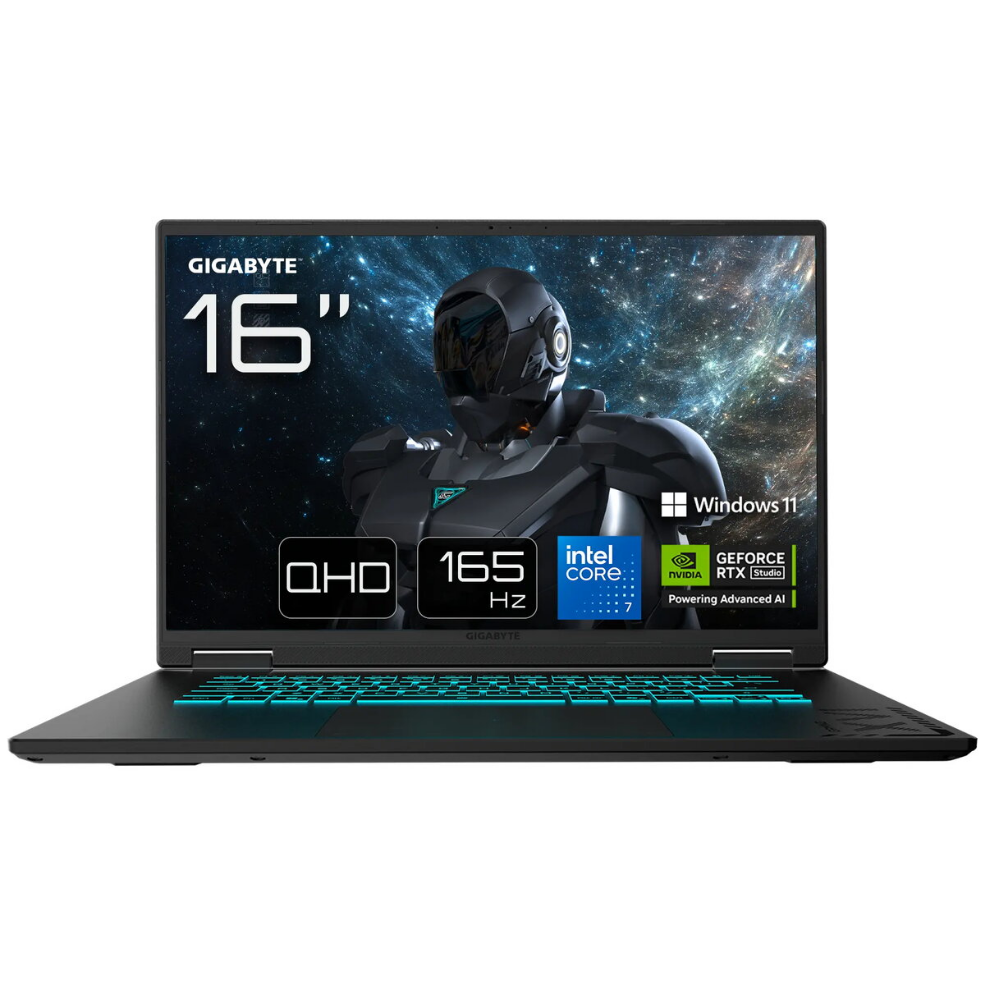
Laptop GIGABYTE GAMING A16 CVH-I3EE894SH 16″ FHD+ i7-13620H 16GB 1TB RTX 5060 Windows 11 Home English keyboard

SKU: 11567117

Apple Shopping Event

Hurry and get discounts on all Apple devices up to 20%

Sale_coupon_20

1.143,99 

  • Free shipping €100
  • 30 day return
  • Warranty 1 year

Description

Gigabyte GAMING A16 CVH-I3EE894SH is a 16″ gaming laptop with a Full HD+ display, Intel Core i7-13620H processor, 16 GB RAM, 1 TB storage and an NVIDIA RTX 5060 graphics card. The laptop ships with Windows 11 Home and an English keyboard. The product includes an embedded rechargeable battery and comes with a two-year warranty from the manufacturer.

Advantages

The combination of Intel i7-13620H CPU, 16 GB memory and RTX 5060 graphics provides balanced performance for gaming and demanding applications. A 1 TB internal drive offers substantial storage space for games and files. The included Windows 11 Home operating system and English keyboard make the laptop ready for immediate use. Manufacturer warranty covers two years.

Suitable for

  • Gaming at high to balanced settings
  • Content creation and video editing
  • Multitasking and productivity
  • Storage of large game libraries and media

Key specifications

  • Display: 16″ Full HD+ (FHD+)
  • Processor: Intel Core i7-13620H
  • Memory: 16 GB RAM
  • Storage: 1 TB internal drive
  • Graphics: NVIDIA RTX 5060
  • Operating system: Windows 11 Home
  • Keyboard layout: English
  • Net weight: 2.20 kg
  • Gross weight (packaged): 2.50 kg
  • Package dimensions (W×H×D): 300 × 380 × 30 mm
  • Packaging materials: paper/pasteboard ~290 g, plastic (non-PET) ~10 g
  • Embedded battery: rechargeable accumulator (embedded)
  • Waste electrical equipment classification and WEEE tax applied
  • Warranty: 24 months

How to use

Unpack the laptop from its packaging, connect the power adapter and charge the embedded battery before first use if indicated. Follow the on-screen Windows 11 Home setup to configure language, user account and network. Install required drivers and updates from the Gigabyte support site for optimal performance. Use the English keyboard layout or change keyboard settings in Windows to a preferred layout.

Usage recommendations

For sustained gaming sessions, ensure adequate ventilation and use a flat, hard surface. Keep system drivers and GPU firmware updated, and use manufacturer-recommended power profiles to balance performance and battery life. Dispose of packaging and electronic waste according to local WEEE regulations.

Overview