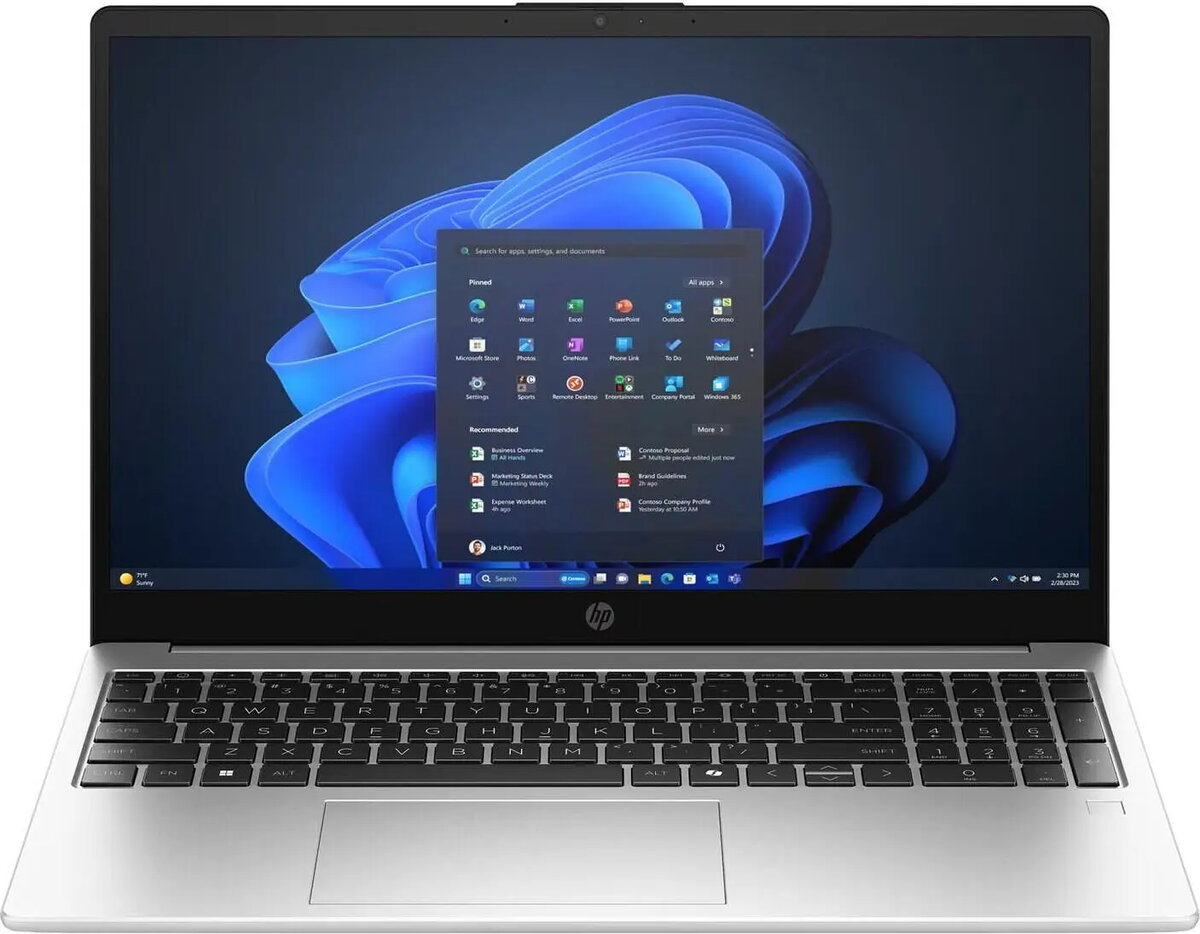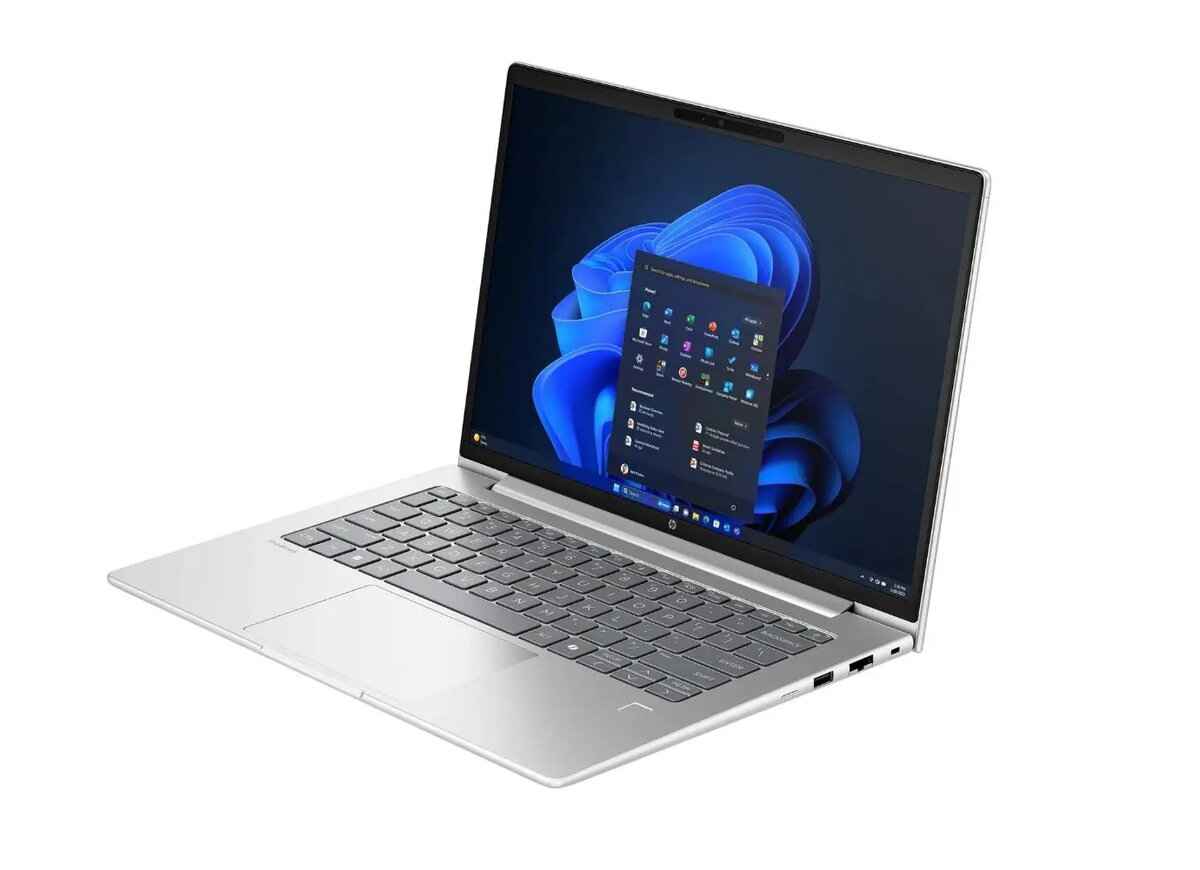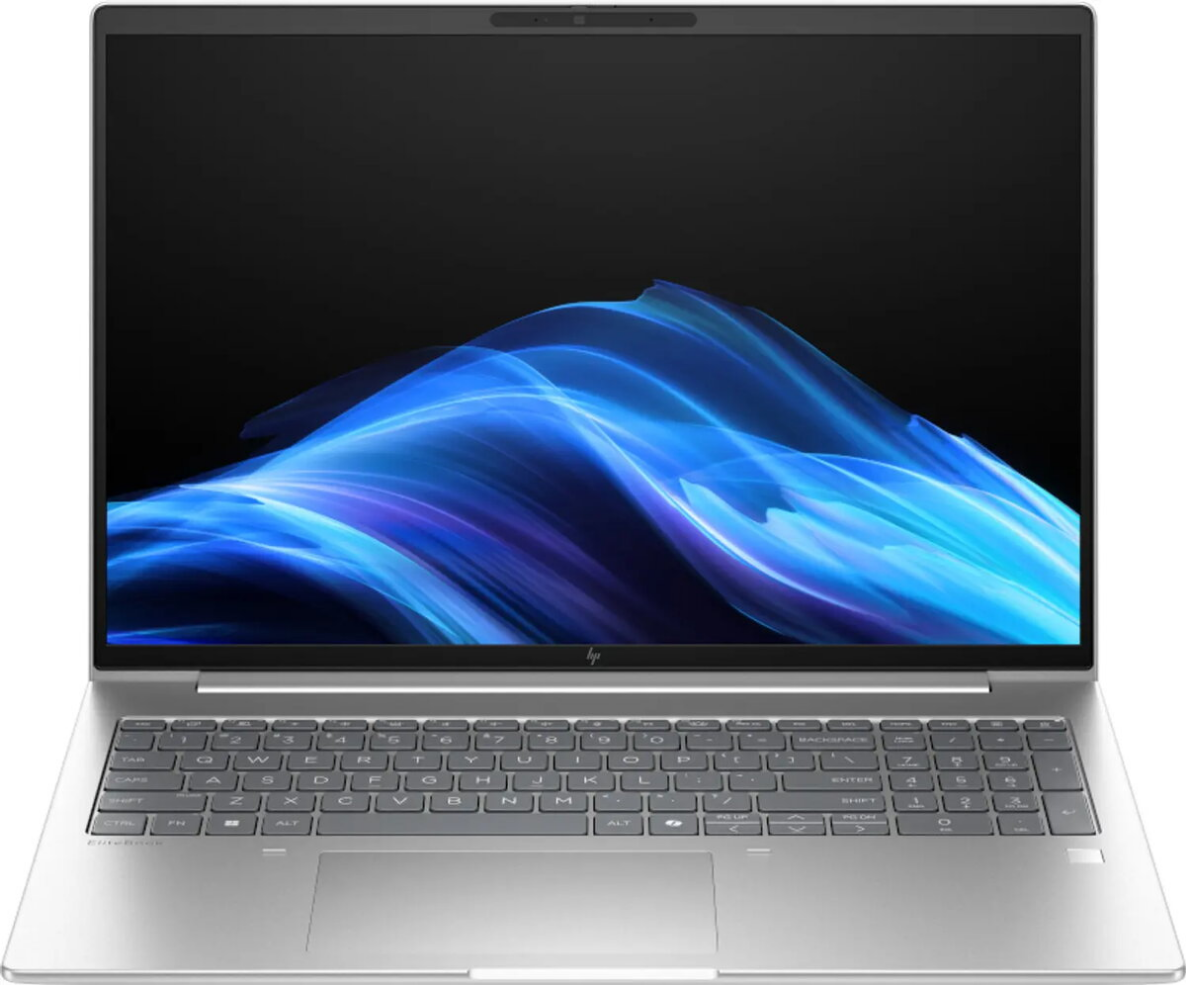
Laptop HP ProBook 4 G1a 14″ WUXGA Ryzen 5 230 16GB RAM 512GB SSD DOS

SKU: 11678217

Apple Shopping Event

Hurry and get discounts on all Apple devices up to 20%

Sale_coupon_20

Original price was: 564,99 €.Current price is: 550,99 €.

  • Free shipping €100
  • 30 day return
  • Warranty 1 year

Description

HP ProBook 4 G1a is a 14-inch WUXGA laptop designed for business and mobile productivity. Equipped with an AMD Ryzen 5 230 processor, 16GB of RAM and a 512GB solid-state drive, this model provides responsive performance for multitasking, fast application start-up and quick file access. The 14″ WUXGA panel delivers clear visuals and sufficient screen space for spreadsheets, documents and web collaboration. The device ships with DOS, allowing IT administrators to install a preferred operating system or to use custom deployment images.

Advantages

The combination of a mid-range Ryzen CPU, 16GB RAM and a 512GB SSD ensures smooth handling of office software, browser-based tasks and virtual meetings while maintaining low latency when switching between applications. The 14″ WUXGA display balances portability and usable workspace. SSD storage improves boot and load times compared with traditional hard drives, and the compact chassis supports frequent travel and remote work scenarios.

Suitable for

  • Office productivity: spreadsheets, documents, email, and calendar management
  • Remote work and web conferencing
  • Everyday multitasking with multiple browser tabs and productivity apps
  • Students requiring a portable laptop for classes and assignments

Key specifications

  • Display: 14-inch WUXGA (1920×1200) screen for sharp text and improved vertical workspace
  • Processor: AMD Ryzen 5 230 for balanced performance in common workloads
  • Memory: 16GB RAM suitable for multitasking and memory-intensive applications
  • Storage: 512GB solid-state drive for fast boot and application load times
  • Operating environment: shipped with DOS, ready for OS installation
  • Form factor: portable 14-inch laptop chassis optimized for mobility

How to use

Install a supported operating system and drivers compatible with the laptop hardware, then configure user accounts and security settings. Use the built-in display and keyboard for everyday tasks, and connect external peripherals or monitors through the available ports when additional screen space or input devices are required. Regularly update system firmware and drivers to ensure stability and security. For better performance, enable power profiles appropriate for your workflow and keep the SSD with at least 10–20% free space for optimal write performance.

Usage recommendations

For business deployments, image the laptop with your standard OS build and management agents before distribution. For individual users, choose an operating system that fits your applications and enable disk encryption and regular backups to protect data.

Overview