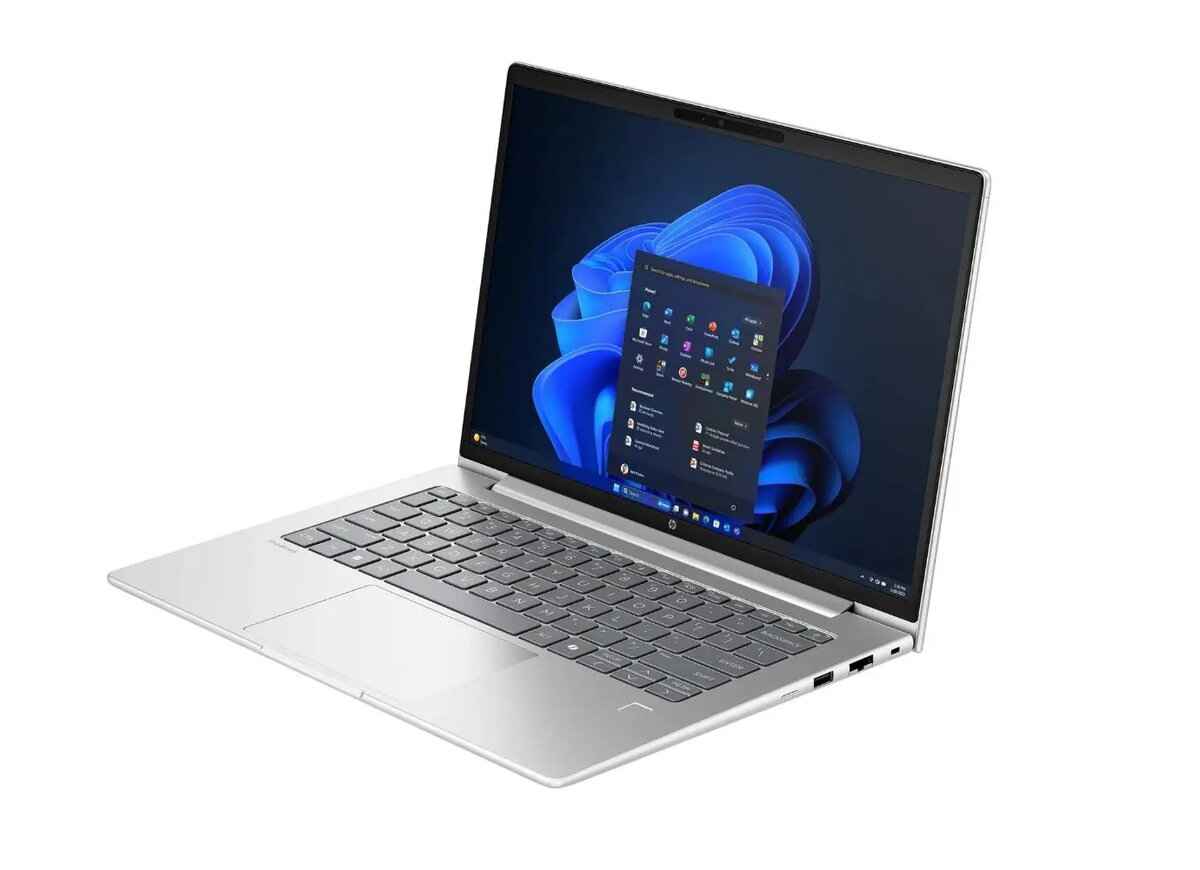
Laptop HP ProBook 4 G1a 14" WUXGA Ryzen 5 230 16GB RAM 512GB SSD DOS
Laptop HP ProBook 4 G1a 14" WUXGA Ryzen 5 230 16GB RAM 512GB SSD DOS Original price was: 564,99 €.Current price is: 550,99 €.
Back to products
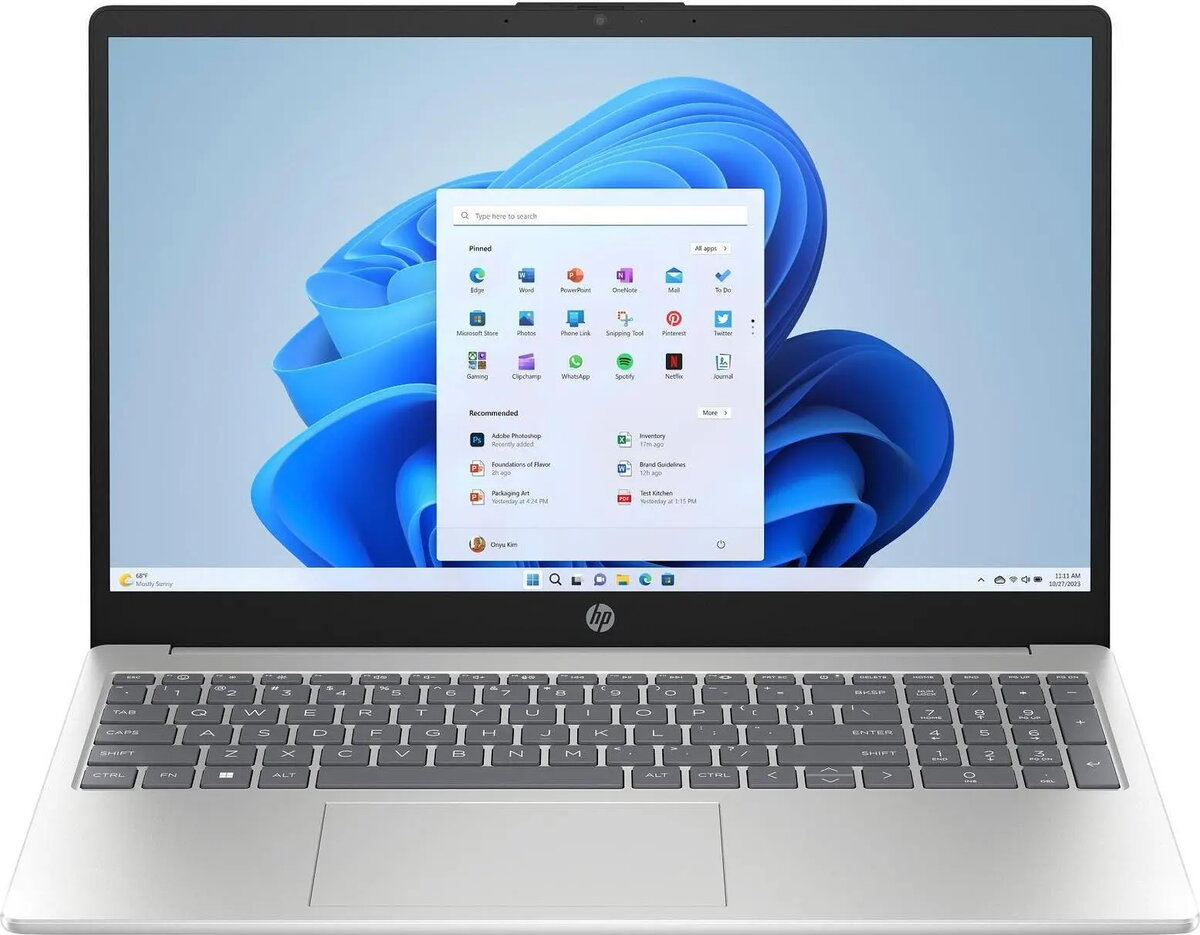
Laptop HP 15-fd0061ng D46JNEA 15.6" Full HD
Laptop HP 15-fd0061ng D46JNEA 15.6" Full HD, Intel Core 5 120U, 512GB SSD, HDMI, USB-C, FreeDOS 3.0, silver Original price was: 601,99 €.Current price is: 551,99 €.

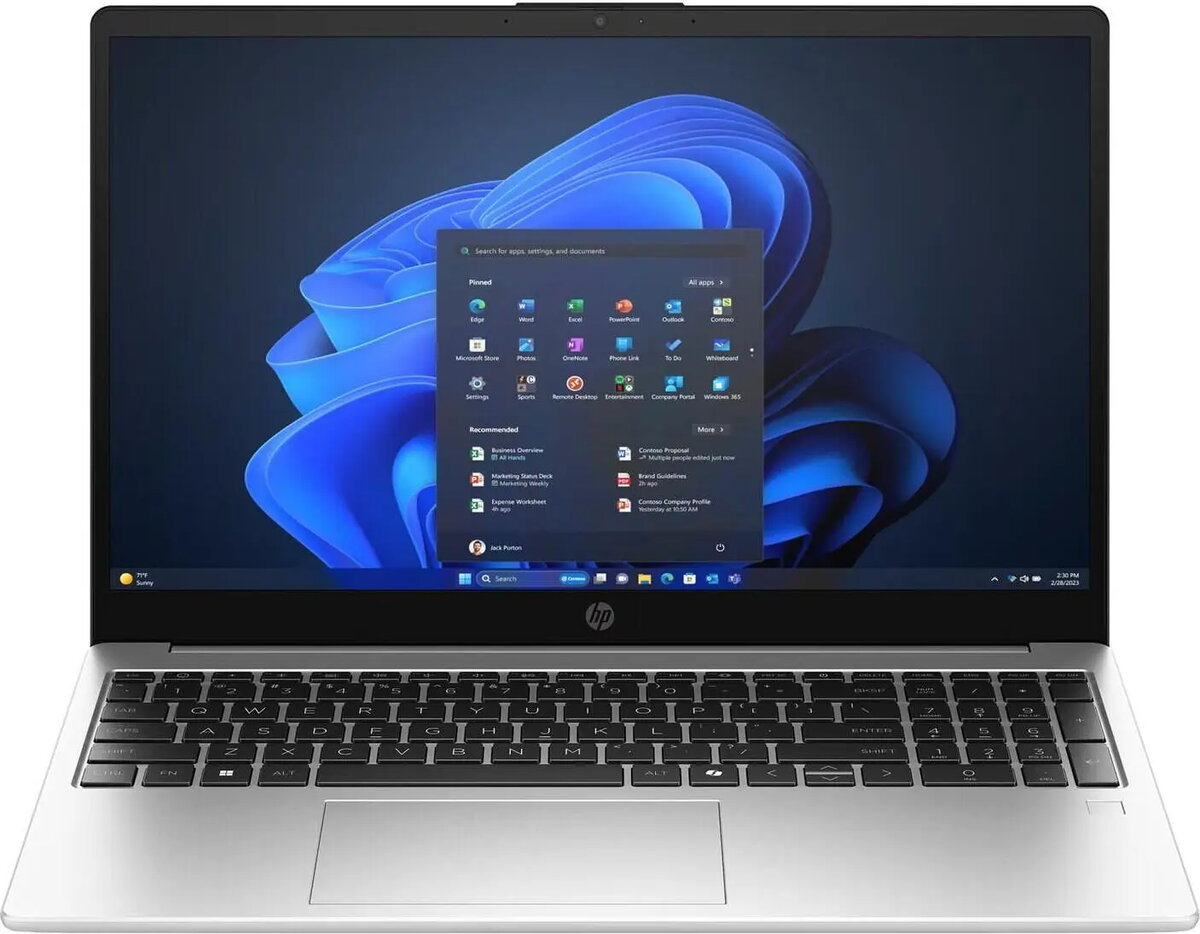
Laptop HP 250R G10 15.6″ FHD Intel Core i3-100U 16GB 512GB SSD Windows 11 Pro Silver (DE keyboard)

SKU: 11692736

Apple Shopping Event

Hurry and get discounts on all Apple devices up to 20%

Sale_coupon_20

Original price was: 575,99 €.Current price is: 569,99 €.

  • Free shipping €100
  • 30 day return
  • Warranty 1 year

Description

The HP 250R G10 is a 15.6″ Full HD laptop designed for everyday productivity. It is powered by an Intel Core i3-100U processor, paired with 16GB of RAM and a 512GB solid-state drive, and ships with Windows 11 Pro. The silver chassis houses a full HD display and a DE (German) keyboard layout, providing a compact and functional device for office tasks, web browsing and light multitasking.

Advantages

This laptop combines a power-efficient dual-core Intel Core i3 CPU with a generous 16GB of memory to handle multiple office applications and browser tabs smoothly. The 512GB SSD provides fast system boot and application load times as well as responsive file access. The 15.6″ Full HD screen delivers clear text and adequate screen real estate for spreadsheets and documents, while the Windows 11 Pro operating system adds business-oriented features such as domain join, enhanced security and remote management capabilities.

Suitable for

  • Office productivity: word processing, spreadsheets and presentations
  • Web browsing and cloud-based applications
  • Video conferencing and virtual meetings
  • Light multitasking and everyday business workloads
  • Students needing a reliable device for study and assignments

Key specifications

  • Display: 15.6-inch Full HD (1920 x 1080) screen
  • Processor: Intel Core i3-100U (power-efficient mobile CPU)
  • Memory: 16 GB RAM
  • Storage: 512 GB solid-state drive (SSD)
  • Operating system: Windows 11 Pro
  • Color and finish: Silver chassis
  • Keyboard layout: German (DE) physical keyboard

How to use

Power on the laptop using the top-row power button and complete the Windows 11 Pro setup by following on-screen prompts for language, region and user account preferences. Use the preinstalled system tools to configure network connections, security settings and automatic updates. Install office and productivity applications from trusted sources or the Microsoft Store. Regularly store important files on the internal SSD and use cloud backup or external storage for additional data protection. Connect external displays, mice or keyboards via available ports when extended workspace is needed.

Usage recommendations

For consistent performance, keep the system updated with the latest Windows updates and drivers, avoid running a large number of heavy background applications simultaneously, and use power plans appropriate to your workload. For mobility, use a padded laptop sleeve to protect the silver chassis and ensure adequate ventilation during prolonged use to prevent thermal throttling.

Overview