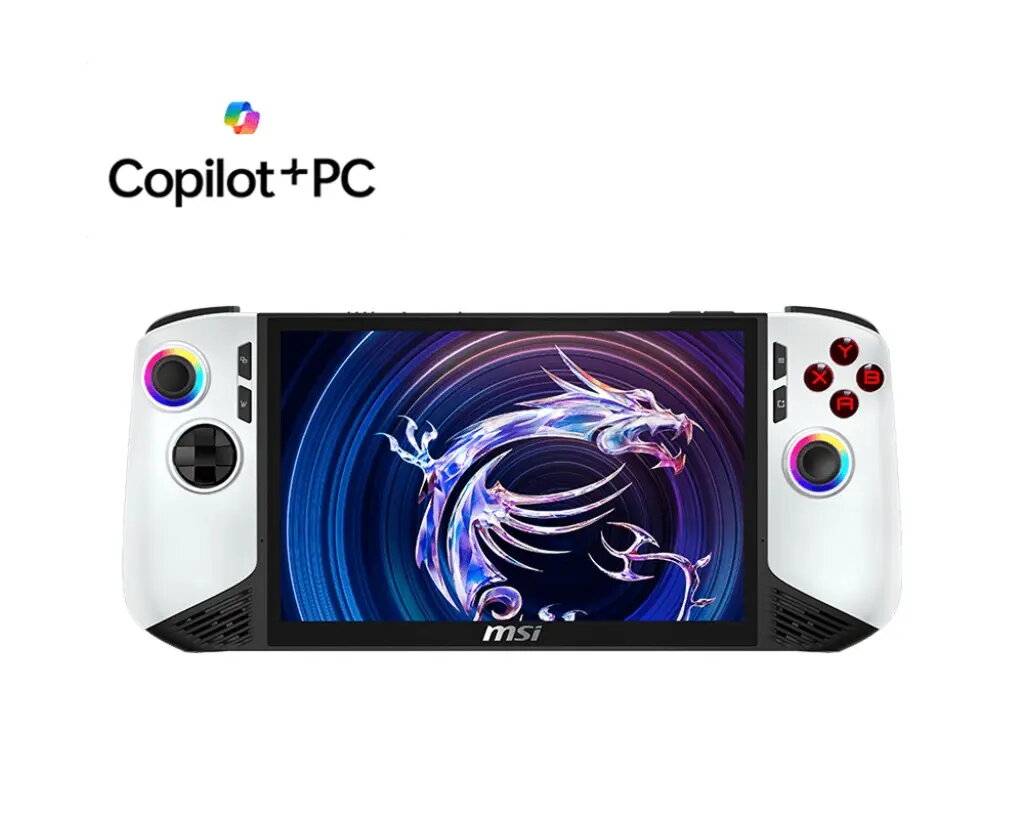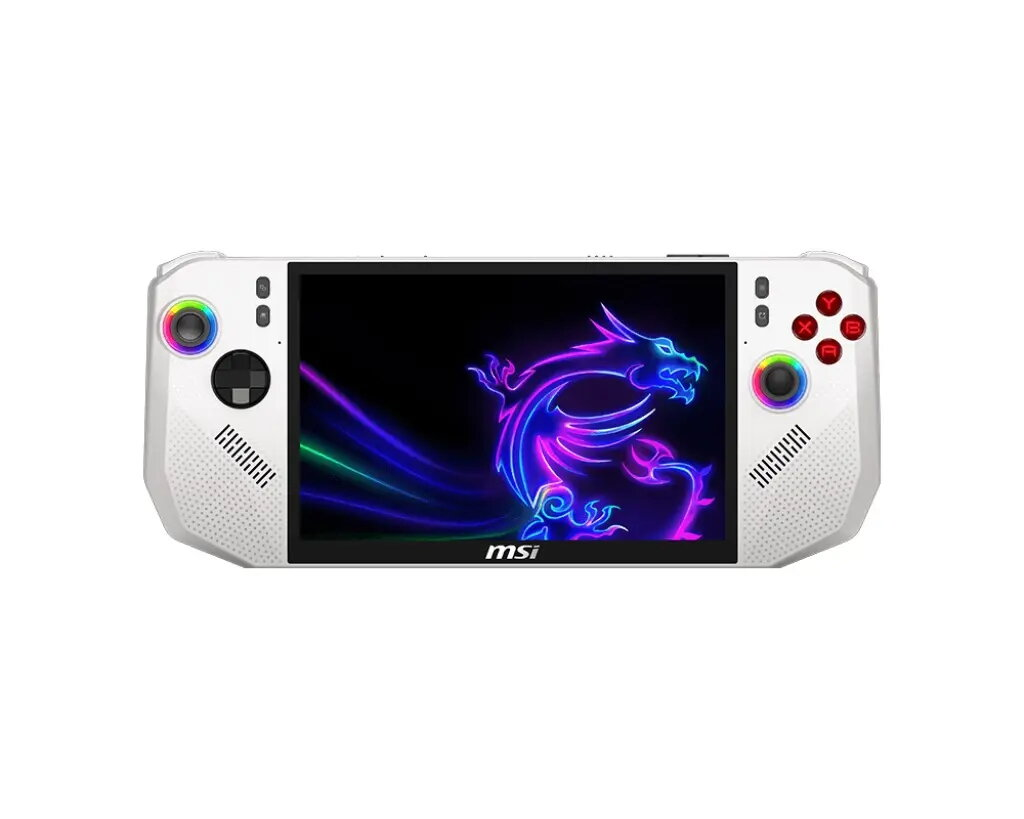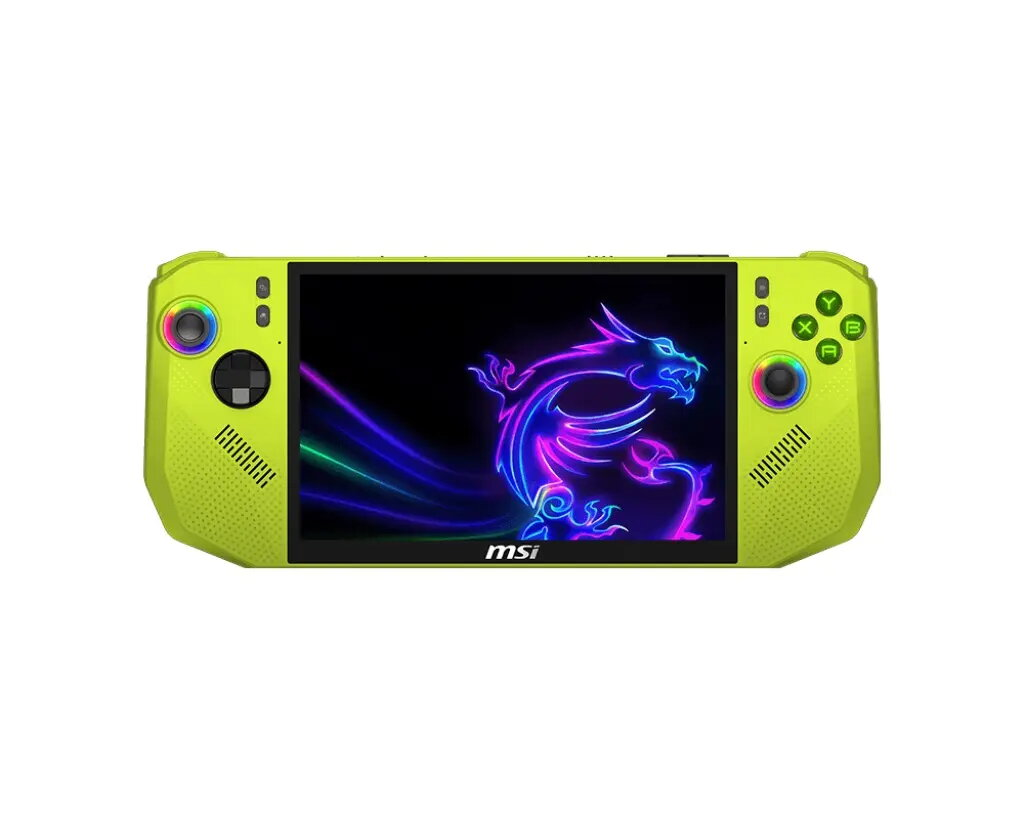
Game Console MSI Claw 8”FHD+/Ryzen Z2/24G/1/AMD/W11H polar

SKU: 11558598

Apple Shopping Event

Hurry and get discounts on all Apple devices up to 20%

Sale_coupon_20

Original price was: 985,99 €.Current price is: 829,99 €.

  • Free shipping €100
  • 30 day return
  • Warranty 1 year

Description

The MSI Claw 8” FHD+ is a portable game console built around a Ryzen Z2 processor and integrated AMD graphics, paired with 24GB of system memory. Its 8-inch Full HD+ display provides a crisp image suitable for modern titles, while the compact chassis and balanced cooling allow gaming sessions away from a desk. The device runs Windows 11 Home, enabling compatibility with a wide range of PC games, digital stores and productivity applications on a handheld form factor.

Advantages

This handheld combines a mobile-oriented Ryzen Z2 platform with a large 24GB memory allocation to support multitasking and smoother frame delivery in many games. The FHD+ 8-inch screen delivers higher-than-standard resolution for a handheld of this size, improving detail and readability. Running Windows 11 Home ensures broad software compatibility, and the integrated AMD graphics provide a unified solution that balances performance and power consumption in a compact unit.

Suitable for

  • Portable PC gaming and cloud gaming sessions
  • Indie and mainstream titles that run on Windows
  • Media playback and streaming on the go
  • Light content creation, browsing and productivity tasks

Key specifications

  • Display: 8-inch Full HD+ (FHD+) panel with compact form factor
  • Processor family: Ryzen Z2 mobile-class CPU
  • Memory: 24 GB system RAM
  • Graphics: Integrated AMD graphics
  • Operating system: Windows 11 Home
  • Form factor: handheld portable console with integrated controls

How to use

Charge the console fully before first use and power it on using the dedicated power control. Sign into your Microsoft account to access the Windows 11 Home environment and install games from your preferred stores or launch cloud gaming services through a web client or dedicated app. Adjust display brightness and power settings in the system menu to balance battery life and performance. Connect compatible accessories such as headsets, external controllers, or a dock via available ports or wireless options to expand functionality.

Usage recommendations

For optimal performance during extended play, keep the device in a well-ventilated area, use the system power profile that prioritizes performance when needed, and ensure drivers and Windows updates are current. Use a quality gamepad or headset for the best input and audio experience, and store the console in a padded case when transporting it to prevent impact damage.

Overview