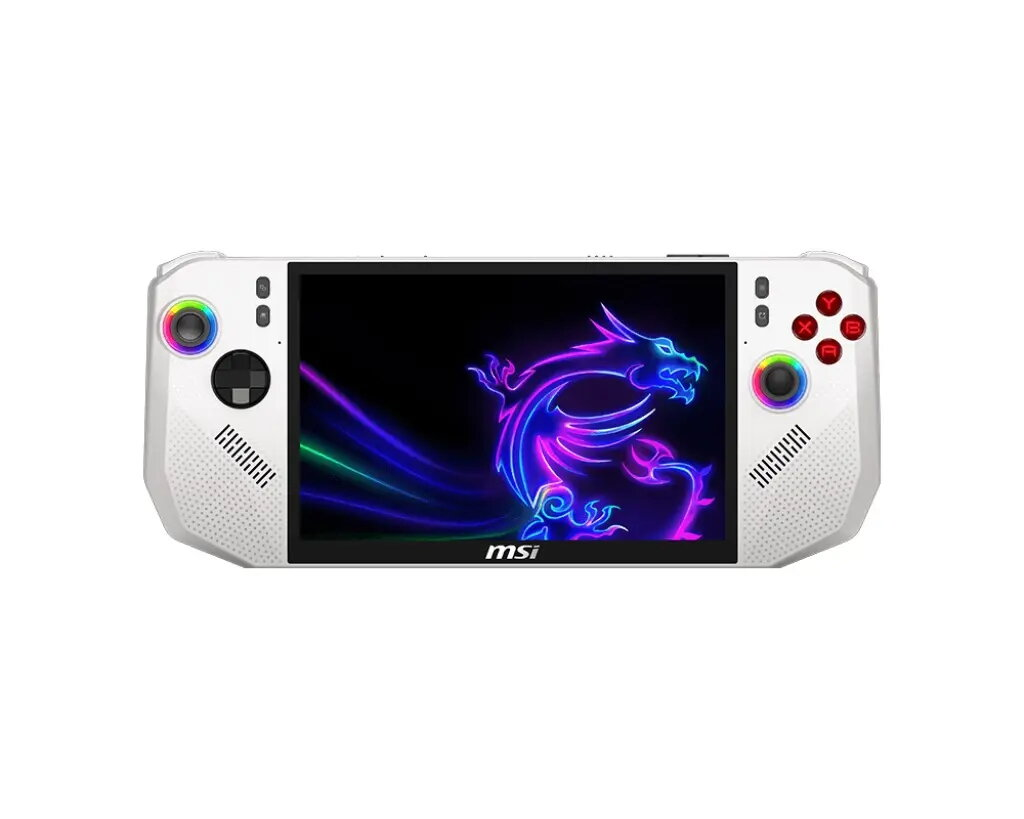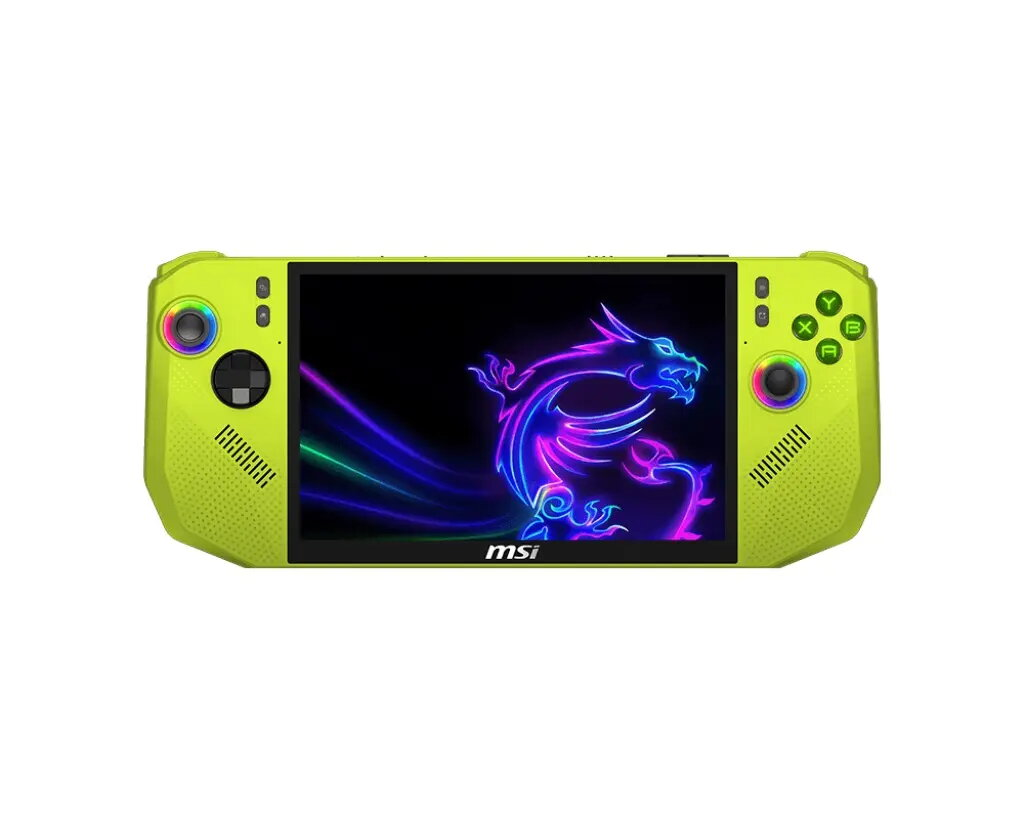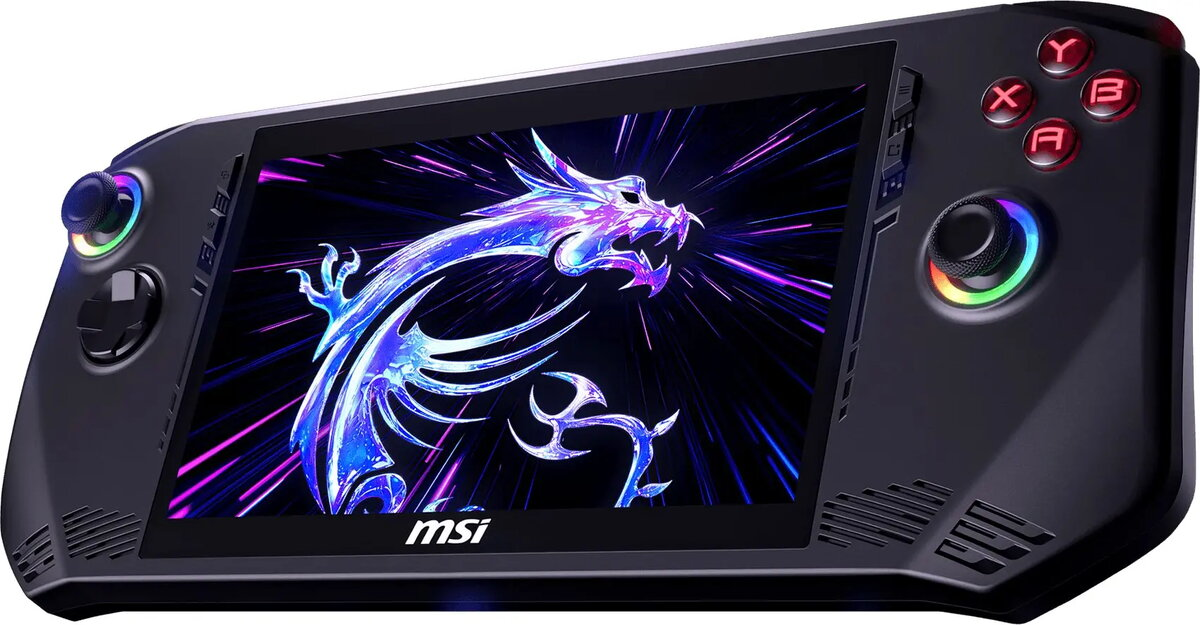
Handheld gaming PC MSI Claw 8” FHD+ – AMD Ryzen Z2, 24 GB RAM, 1 TB storage, Windows 11 Home, green

SKU: 11555032

Apple Shopping Event

Hurry and get discounts on all Apple devices up to 20%

Sale_coupon_20

993,99 

  • Free shipping €100
  • 30 day return
  • Warranty 1 year

Description

The MSI Claw 8″ FHD+ is a handheld gaming PC that combines a compact form factor with desktop-class performance. It features an 8-inch Full HD+ display, an AMD Ryzen Z2 processor, 24 GB of system memory and 1 TB of internal storage, and runs Windows 11 Home. The device is built for mobile gaming, streaming and productivity, offering a balance of processing power, memory capacity and local storage to run modern games and applications on the go.

Advantages

The handheld provides a high-resolution FHD+ screen in an 8-inch diagonal, delivering clear visuals for games and media in a portable size. The AMD Ryzen Z2 processor offers multiple CPU cores and integrated graphics performance suitable for many desktop-class titles and emulator workflows. With 24 GB of RAM, the device supports smooth multitasking and improved performance for resource-intensive applications. A 1 TB internal drive gives space for large game libraries and media files while Windows 11 Home ensures compatibility with a wide range of PC games and software.

Suitable for

  • Portable gaming of AAA and indie PC titles
  • Game streaming and capture while traveling
  • Emulation and retro gaming
  • Everyday productivity and web applications
  • Local media playback and photo/video viewing

Key specifications

  • Display: 8-inch FHD+ panel with high pixel density for handheld viewing
  • Processor: AMD Ryzen Z2 series mobile SoC with multi-core CPU and integrated GPU
  • Memory: 24 GB RAM for multitasking and smooth application performance
  • Storage: 1 TB internal solid-state storage for games and media
  • Operating system: Windows 11 Home for broad software compatibility
  • Form factor: Handheld console layout with integrated controls and compact chassis
  • Connectivity: Standard wireless and wired interfaces typical for handheld gaming PCs

How to use

Power on the MSI Claw and complete the initial Windows 11 Home setup following on-screen prompts. Install desired games and applications either from digital stores or by transferring files to the internal storage. Use the integrated controls and the touchscreen (if available) to play games directly on the device; external peripherals such as a controller, keyboard or mouse can be connected for alternative control schemes. For best performance, keep the system firmware and drivers updated through official MSI tools and Windows Update.

Usage recommendations

For extended gaming sessions, ensure adequate ventilation around the device and consider using a stand or cooling accessory to maintain performance. When installing large game libraries, monitor available storage and use external drives or cloud services for overflow. Use Windows power plans to balance battery life and performance depending on whether you prioritize mobility or maximal frame rates.

Overview