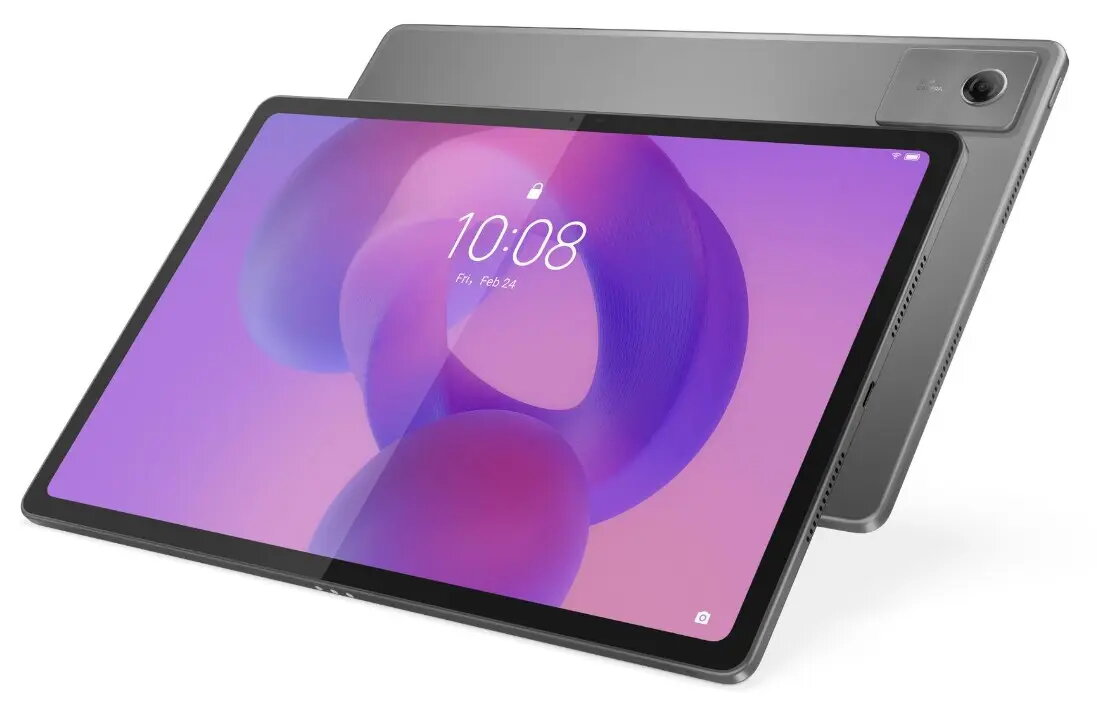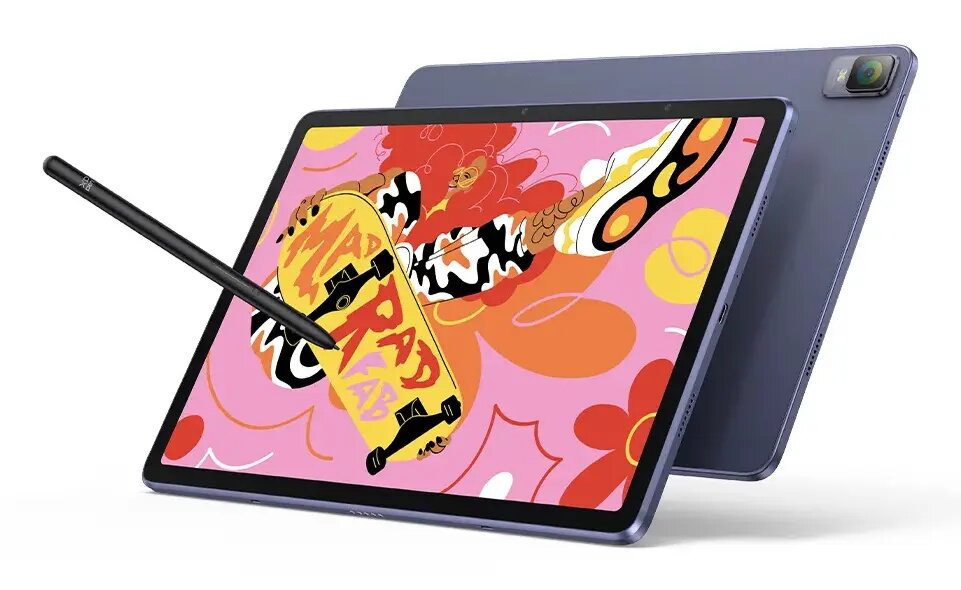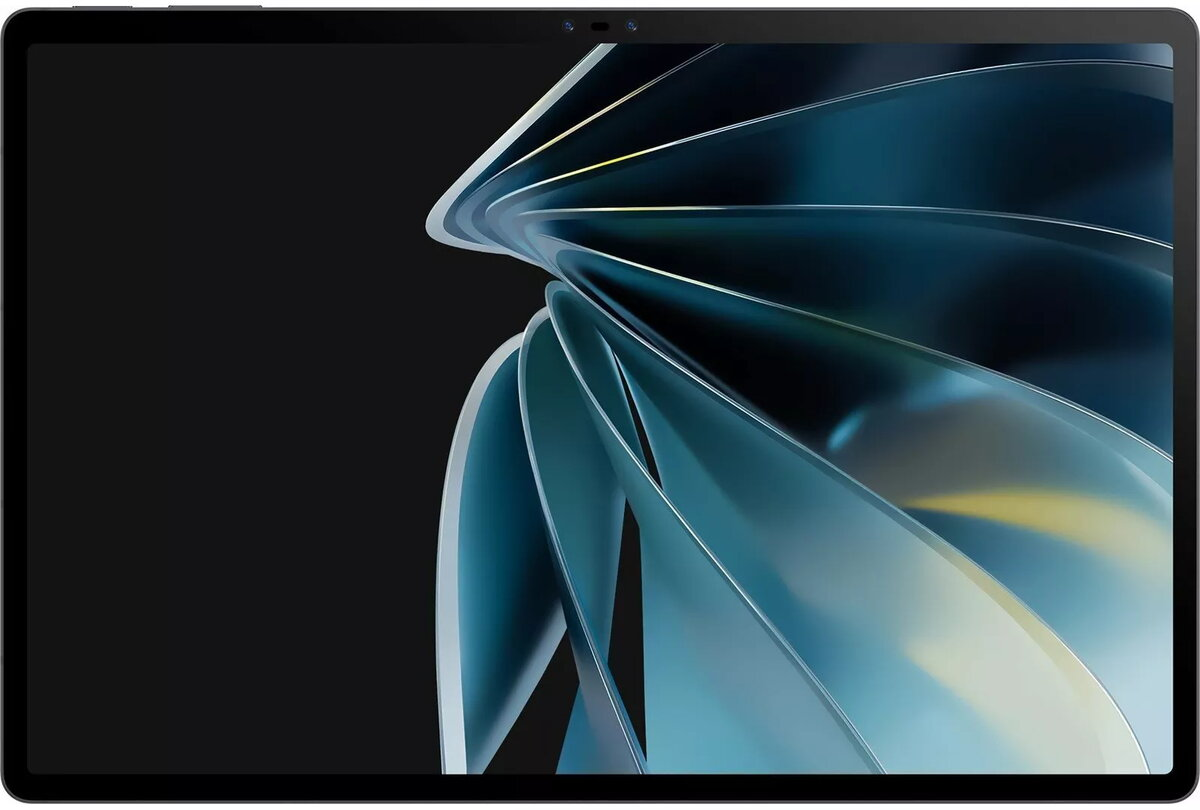
Graphic tablet XPPen Magic Drawing Pad 12.2″ IPS display 2160×1440 2540 lpi USB/Bluetooth 256GB Android 12 Grey

SKU: 12235353

Apple Shopping Event

Hurry and get discounts on all Apple devices up to 20%

Sale_coupon_20

750,99 

  • Free shipping €100
  • 30 day return
  • Warranty 1 year

Description

XPPen Magic Drawing Pad is a 12.2″ graphic tablet with an IPS display (2160×1440) designed for mobile digital creation. It runs Android 12, includes 256 GB internal storage and supports MicroSD cards and Wi‑Fi. The 3:2 aspect ratio and paper-like X-Paper display with reduced glare provide a natural drawing surface while the tablet offers USB and Bluetooth connectivity for wired or wireless use. The package includes a pressure-sensitive stylus with high resolution pen input suitable for sketching, illustration and on-the-go editing.

Advantages

The tablet combines a high-resolution IPS screen and a paper-feel surface to deliver accurate color reproduction and a tactile drawing experience. A powerful stylus with very high pressure sensitivity and tilt support enables fine line control and expressive strokes. Built-in Android 12 and generous internal storage allow standalone operation without a connected computer, while USB and Bluetooth connections provide flexible options for pairing with other devices.

Suitable for

  • Digital sketching and concept art
  • Illustration and line art
  • Photo editing and retouching on the go
  • Note-taking and digital handwriting
  • Mobile creative work when a desktop is not available

Key specifications

  • Display diagonal: 12.2″ (31 cm)
  • Display resolution: 2160 × 1440 pixels
  • Aspect ratio: 3:2
  • Display type: IPS with anti-glare/X-Paper surface
  • Color coverage: high sRGB gamut (approximately 97% sRGB)
  • Color depth: 16.77 million colors
  • Pen resolution: 2540 lpi
  • Pen pressure levels: 16,384
  • Pen tilt support: up to 60°
  • Internal storage: 256 GB
  • Expandable storage: MicroSD (TransFlash) support
  • Operating system: Android 12
  • Connectivity: USB and Bluetooth; Wi‑Fi supported
  • Form factor: slim, lightweight tablet in grey

How to use

Power on the tablet and complete the initial Android setup. Insert a MicroSD card if additional storage is needed. Charge the device as required and connect the stylus — it is battery-free and ready to use with EMR tracking. Use the built-in drawing apps or install preferred Android creative apps from available sources. Switch between wired USB and Bluetooth connections according to workflow: connect via USB for a stable link to a computer or use Bluetooth and Wi‑Fi for wireless file transfer and cloud sync.

Usage recommendations

For optimal results, enable the display’s soft light settings to reduce blue light during long sessions and use screen protectors designed for pen interaction to preserve the X-Paper texture. Calibrate pen settings inside your chosen drawing application to match pressure sensitivity and tilt behavior. Keep the device charged and use a MicroSD card for additional project storage when working with large image files.

Overview

Compatible memory cards:MicroSD (TransFlash)
Display diagonal:12.2 “
Display resolution:2160 x 1440
Internal storage capacity:256 GB
Operating system installed:Android 12
Product colour:Grey