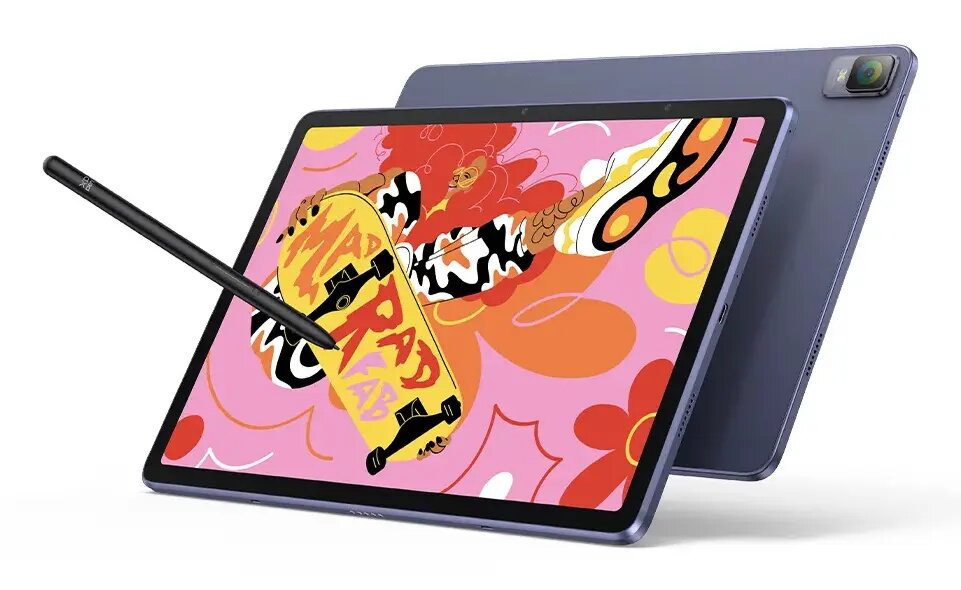
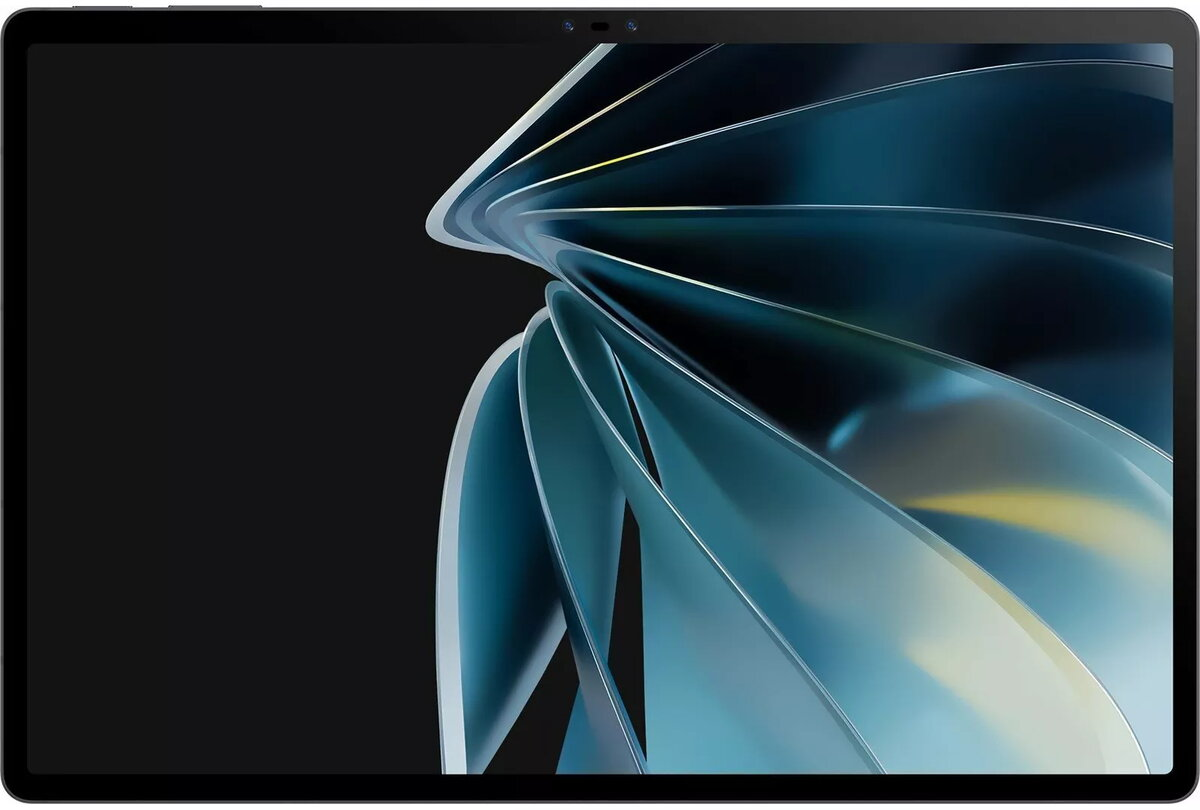
The Nubia Pad 3D 12.4″ is an Android tablet with a large 12.4-inch display and a 120Hz refresh rate, driven by a Qualcomm Snapdragon 888 processor. Equipped with 8GB of RAM and 128GB of internal storage, the tablet supports smooth multitasking and storage for apps, media, and documents. The display and system performance are balanced to deliver responsive navigation and immersive video playback on a portable device intended for both entertainment and productivity.
Advantages
The combination of a 12.4″ high-refresh display and a Snapdragon 888 chipset provides fluid visuals and capable application performance for mainstream to demanding mobile tasks. With 8GB RAM, the device handles multiple apps and browser tabs simultaneously, while 128GB of onboard storage offers room for media libraries and installed applications. Android OS ensures compatibility with a wide range of apps and services. The larger screen size supports comfortable reading, video streaming and split-screen workflows.
Suitable for
- Watching high-frame-rate video and streaming content
- Web browsing, email and productivity apps
- Running multiple apps in split-screen or background
- Viewing and editing documents, spreadsheets and presentations
- Casual mobile gaming and multimedia consumption
Key specifications
- Display: 12.4-inch panel with 120 Hz refresh rate
- Processor: Qualcomm Snapdragon 888
- Memory: 8 GB RAM
- Storage: 128 GB internal storage
- Operating system: Android
- Connectivity: Wi‑Fi and standard tablet wireless connections
- Form factor: Large-screen tablet optimized for media and productivity
How to use
Power on the tablet using the side power button, follow the Android setup wizard to connect to a Wi‑Fi network and sign in with a Google account if desired. Install apps from the Google Play Store or side-load approved applications, adjust display settings to take advantage of the 120Hz refresh rate, and configure storage or cloud backup options to manage files. Use split-screen or multi-window modes for multitasking and connect Bluetooth peripherals such as keyboards, mice, or headphones for extended productivity and media control.
Usage recommendations
For best results, keep Android and installed apps updated, enable adaptive brightness or manual brightness adjustments to suit ambient light, and use Wi‑Fi for large downloads or streaming to reduce cellular data usage. Consider using a protective case and a screen protector for everyday handling and transport. When performing intensive tasks or extended gaming sessions, ensure adequate ventilation and avoid blocking speaker or cooling areas.




 Free shipping €100
 30 day return
 Warranty 1 year

 Overview