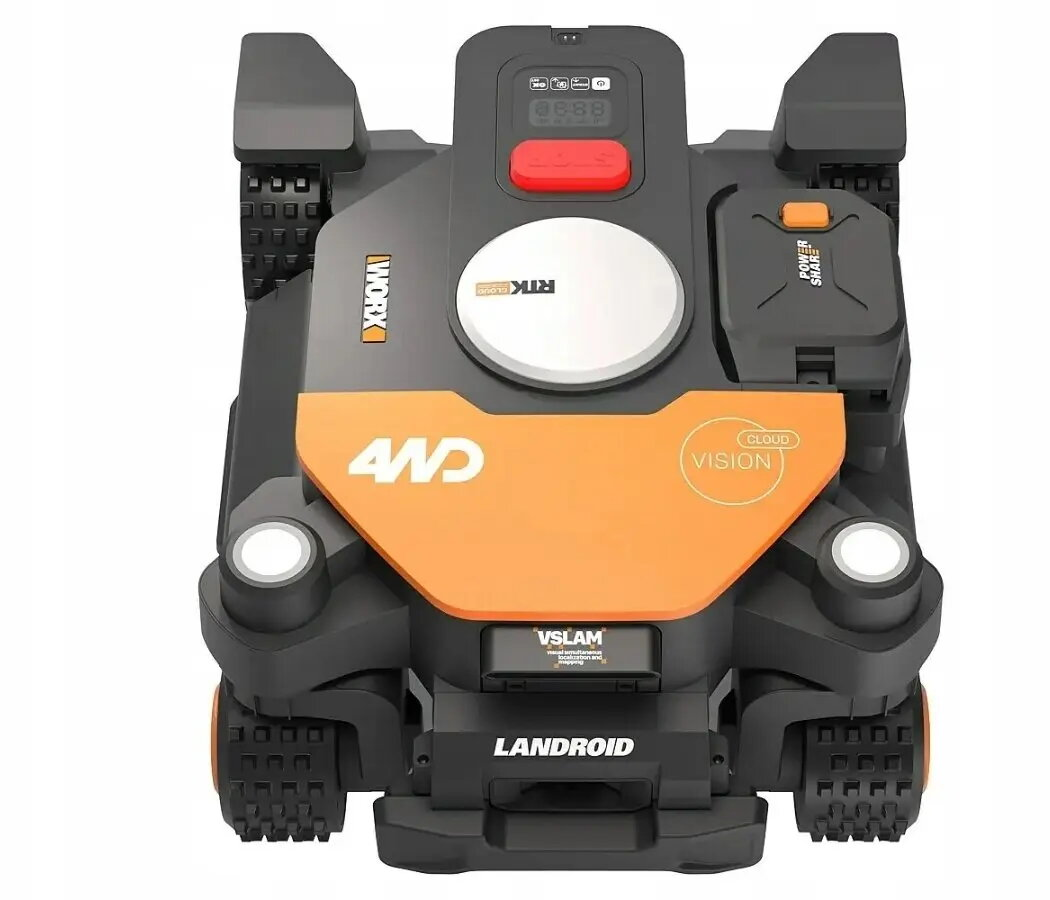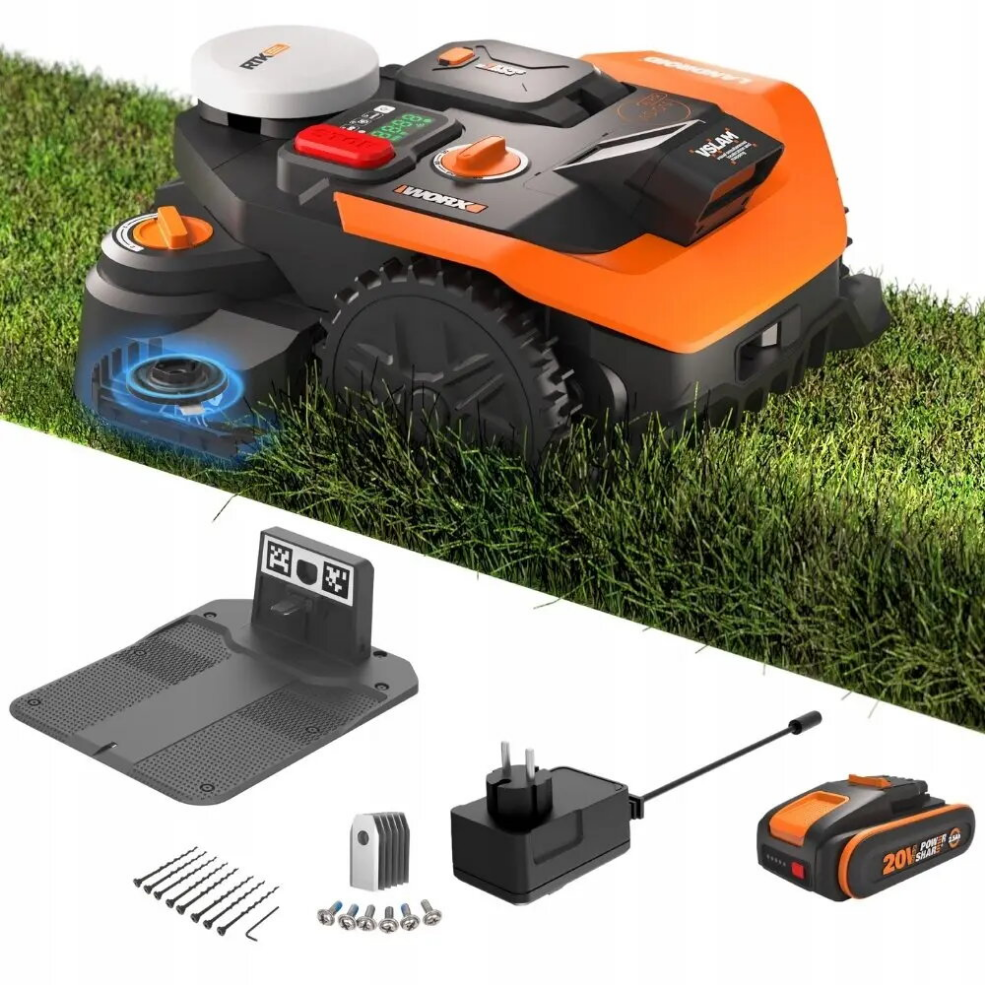
Robot lawn mower WORX Landroid Vision Cloud WR365E for up to 650 m², stereo camera, RTK support

SKU: 12087323

Apple Shopping Event

Hurry and get discounts on all Apple devices up to 20%

Sale_coupon_20

874,99 

  • Free shipping €100
  • 30 day return
  • Warranty 1 year

Description

WORX Landroid Vision Cloud WR365E is a robotic lawn mower engineered for autonomous maintenance of residential lawns and small gardens up to 650 m². The mower combines stereo camera vision with RTK support to improve navigation precision and obstacle awareness. It performs scheduled mowing cycles, returns to its charging station automatically, and adapts cutting patterns to the complexity of the terrain to maintain a consistent grass height with minimal manual intervention.

Advantages

The stereo camera system enables visual mapping and helps the mower detect and avoid obstacles while working. RTK support provides enhanced positioning accuracy to keep mowing lines consistent and reduce overlaps or missed spots. Designed for everyday outdoor use, the unit handles slopes and varied terrain, automatically adjusts mowing schedules, and docks for recharging without user intervention.

Suitable for

  • Small to medium residential lawns up to 650 m²
  • Yards with mixed lawn features, paths and garden beds where visual obstacle detection is beneficial
  • Owners who prefer automated, scheduled lawn maintenance with minimal manual effort

Key specifications

  • Maximum recommended area: up to 650 m²
  • Navigation: stereo camera vision with RTK positioning support
  • Operating modes: scheduled autonomous mowing with terrain-aware adjustments
  • Obstacle handling: visual detection and avoidance
  • Power and charging: automatic return to charging station and automated recharge cycles
  • Slope capability: suitable for typical residential inclines (check local terrain compatibility)

How to use

Install the charging station on a flat, stable surface with access to a power outlet, and position the mower within the recommended boundary of the work area. Follow the setup procedure to allow the mower to create an initial map using its stereo camera and, if used, enable RTK support according to the provider instructions. Configure mowing schedules, desired cut height and operating limits via the onboard controls or the compatible mobile app. Regularly clear the work area of loose debris and ensure the charging contacts and blade assembly are clean for reliable operation.

Usage recommendations

For best results, perform periodic checks of the cutting blades and underside for grass buildup, update the mower software when updates are available, and verify RTK connectivity if higher positioning accuracy is required. Store the unit and charging station in a sheltered area during prolonged adverse weather or winter months to prolong service life.

Overview