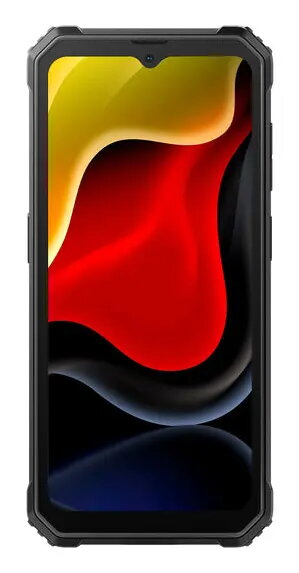
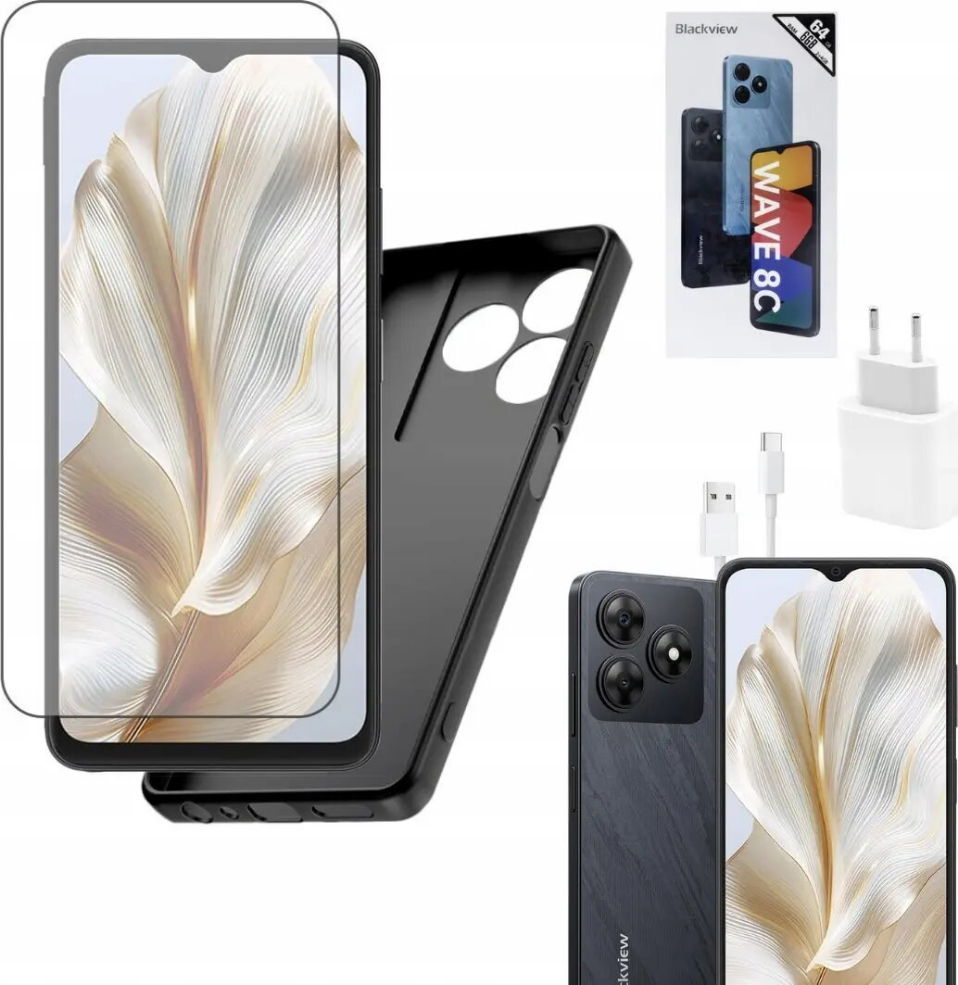
BLACKVIEW Wave 8c is an entry-level smartphone with 2GB of physical RAM, 4GB of virtual RAM and 64GB of onboard storage presented in a compact black housing. The device is engineered for everyday communication, web browsing and media playback, providing essential smartphone functions in a budget-friendly form factor. The storage can be expanded via microSD support, enabling additional space for photos, music and applications.
Voordelen
The Wave 8c combines a simple hardware configuration and a lightweight software experience to ensure responsive performance for common tasks such as calls, messaging and social media. Its 64GB internal storage offers room for a basic app set and media files, while the virtual RAM feature helps improve multitasking when switching between applications. The black finish gives the device a neutral, unobtrusive look suitable for everyday use.
Geschikt voor
- Voice calls and text messaging
- Social networking and instant messaging apps
- Web browsing and email
- Media playback (music and video streaming)
- Light multitasking and basic apps
Belangrijkste specificaties
- Physical RAM: 2GB
- Virtual RAM: 4GB
- Internal storage: 64GB (expandable via microSD, if supported)
- Colour: Black
- Device class: entry-level smartphone designed for everyday use
Gebruiksaanwijzing
Insert an active SIM card and follow the on-screen setup assistant to configure language, Wi‑Fi and account settings. Install required apps through the device app store and transfer media files from a computer or cloud service. Use the settings menu to manage storage, enable virtual RAM features if available, and adjust display, sound and connectivity preferences. For expanding storage, insert a compatible microSD card in the dedicated slot and format it as prompted by the system.
Gebruiksaanbevelingen
For optimal day-to-day operation, keep the system software and installed applications updated, limit background app activity to conserve available RAM, and maintain a moderate number of active apps to preserve responsiveness. Use an external microSD card for media storage to free up internal space for applications and system functions.




 Free shipping €100
 30 day return
 Warranty 1 year

 Overview