Terug naar de producten
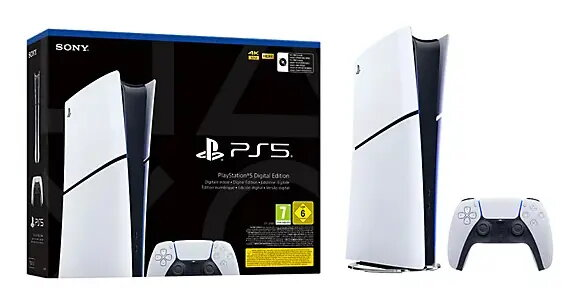
Game Console Sony PlayStation 5 Slim Digital Edition
Game Console Sony PlayStation 5 Slim Digital Edition Original price was: 568,99 €.Current price is: 369,99 €.

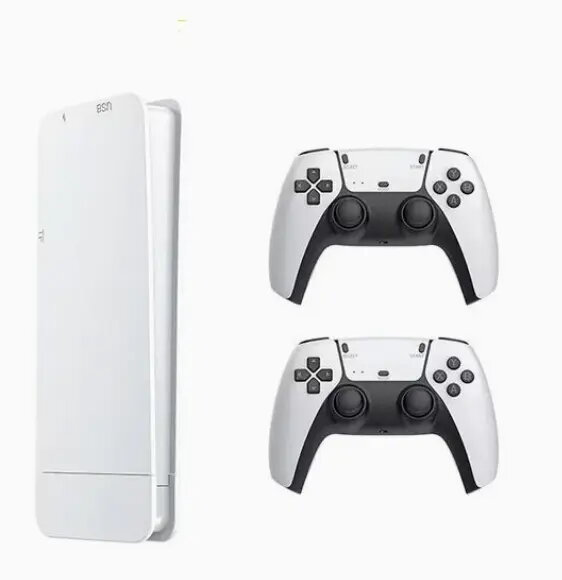
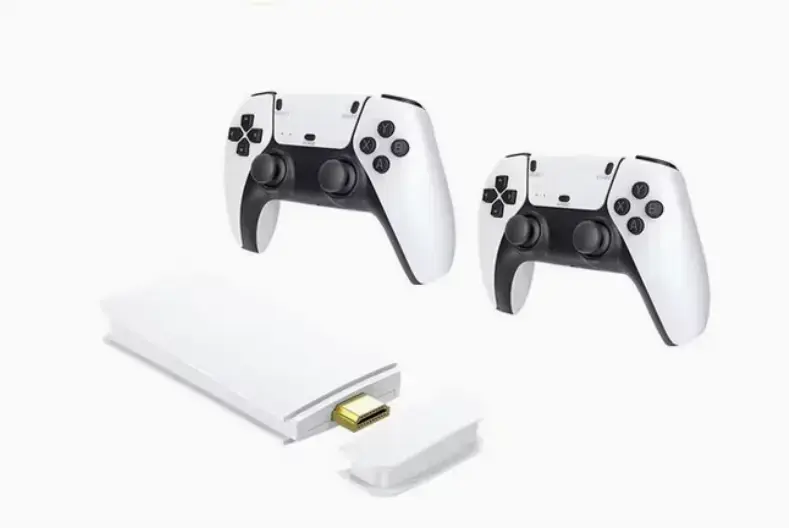
Game Console SJGAM M15 Plus Retro Game Console 20 emulators 20000 games 2x Controllers ROM15-HDMI RoGer

SKU: 11425501

Apple Shopping Event

Hurry and get discounts on all Apple devices up to 20%

Sale_coupon_20

35,99 

  • Free shipping €100
  • 30 day return
  • Warranty 1 year

Beschrijving

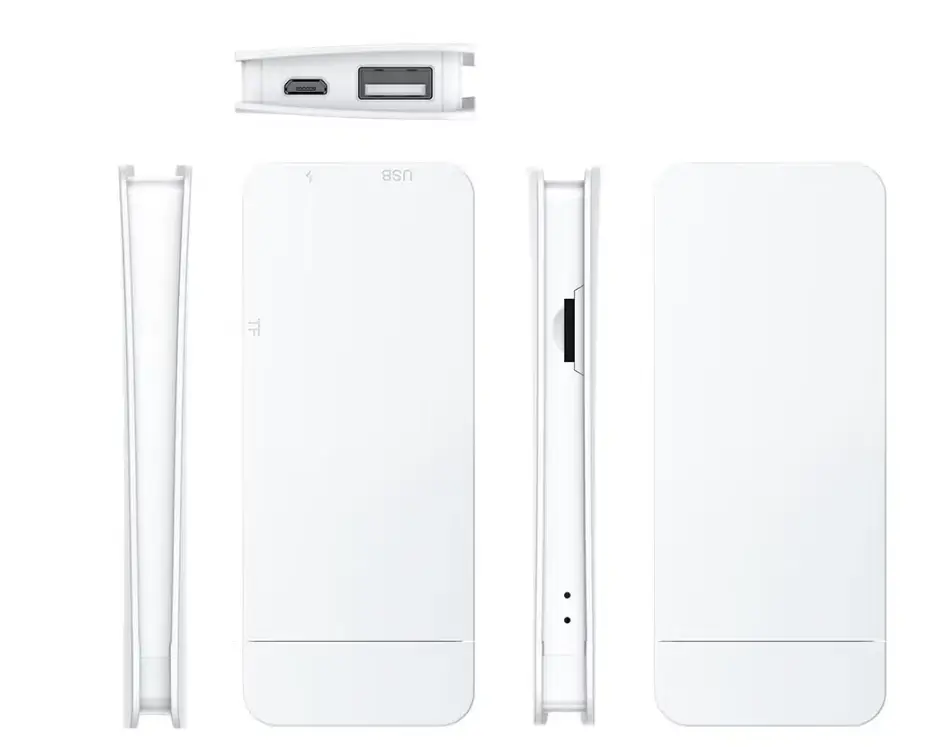
The RoGer M15 Retro Game Console (ROM15-HDMI) is a TV game console preloaded with more than 20 emulators and over 20,000 classic titles. It runs on a Linux-based RetroArch system, connects to modern displays via HDMI, and includes two 2.4G wireless controllers for multiplayer play. Video output supports 1280×720, 1920×1080 and 4K resolutions, and the device is equipped with a GB2 CPU and 256MB DDR3 RAM.

Voordelen

The console offers a large built-in library of games and broad emulator compatibility, allowing play of arcade and legacy console titles. Wireless controllers with low-latency connections provide comfortable two-player functionality. The unit supports multiple display resolutions including Full HD and 4K, and uses an open-source RetroArch environment for stable emulation and language flexibility.

Geschikt voor

  • Playing arcade classics and retro console games
  • Local multiplayer sessions with two players
  • Connecting to modern TVs and monitors via HDMI
  • Users who prefer a plug-and-play retro gaming solution

Belangrijkste specificaties

  • Operating system: Linux (RetroArch open source)
  • Emulators: 20+ supported platforms
  • Games included: 20,000+ pre-installed titles
  • CPU: GB2
  • RAM: DDR3 256MB
  • Video output resolutions: 1280×720, 1920×1080, 4K
  • Controllers: 2.4G wireless gamepads (two players supported)
  • Device type: TV game console

Gebruiksaanwijzing

Connect the RoGer M15 to a TV or monitor using the HDMI cable, power on the console and the wireless controllers will pair via the included 2.4G receivers. Use the RetroArch interface to select an emulator and a preloaded game. Adjust display resolution in system settings if needed for optimal image quality. No additional software installation is required for the preloaded titles.

Gebruiksaanbevelingen

For best performance, use a stable HDMI connection and place wireless receivers away from large metal objects or other Wi‑Fi/2.4GHz interference sources. If controller response seems delayed, re-pair the gamepads or replace batteries. Ensure the TV input is set to the correct HDMI port and select the preferred resolution in the console settings.

Overview