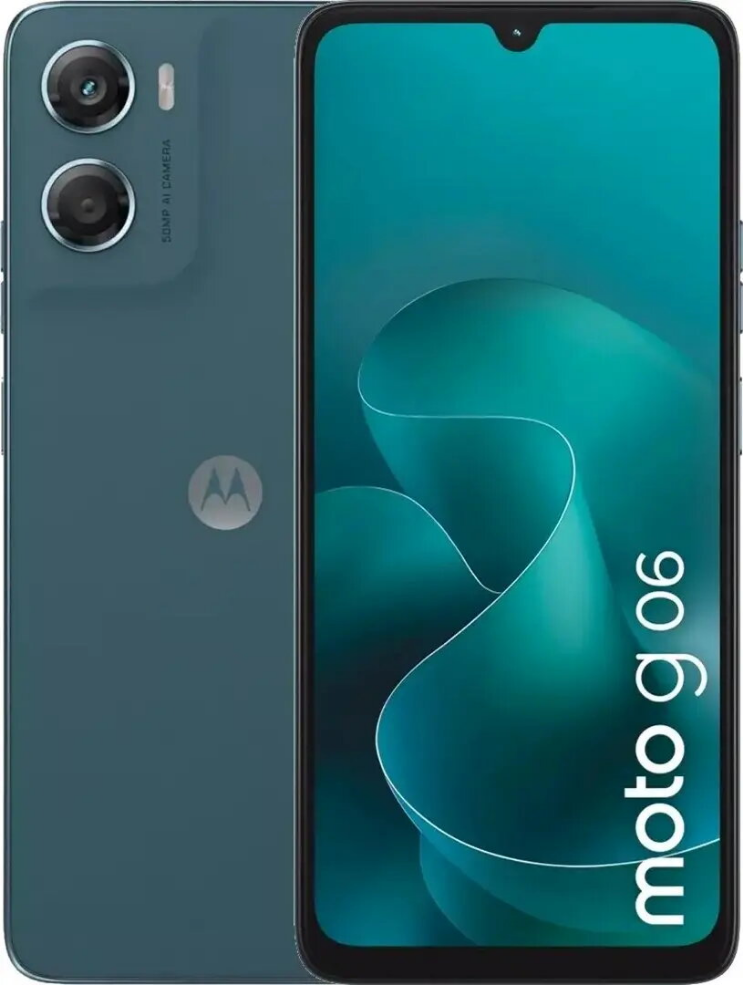
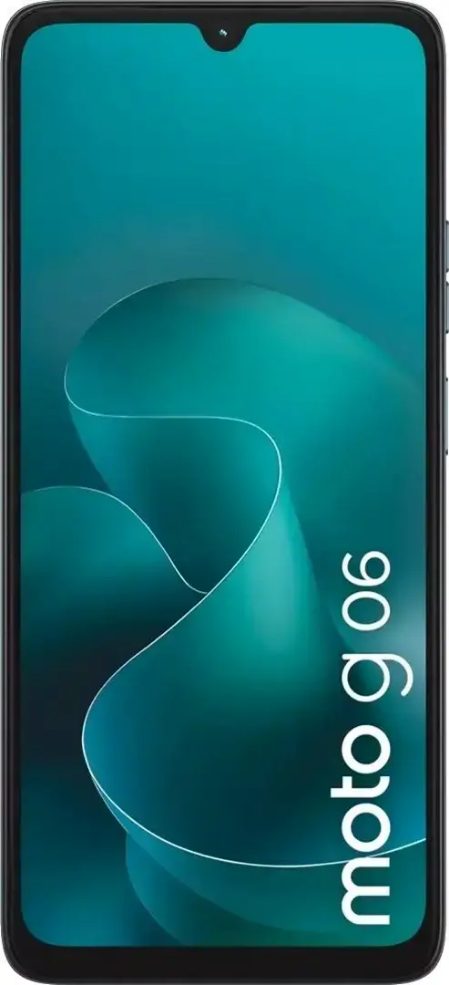
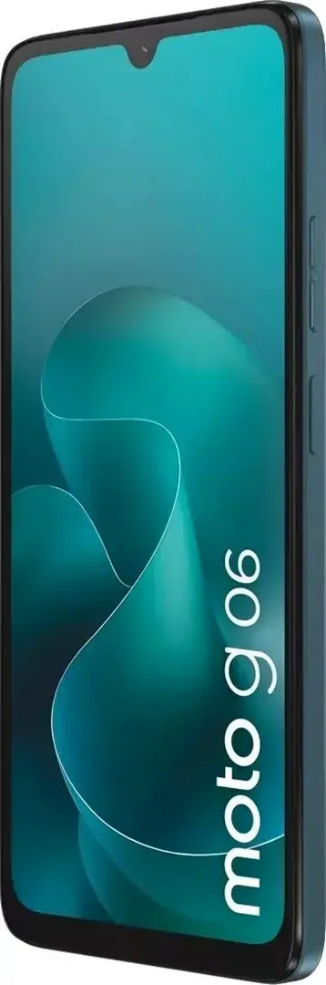
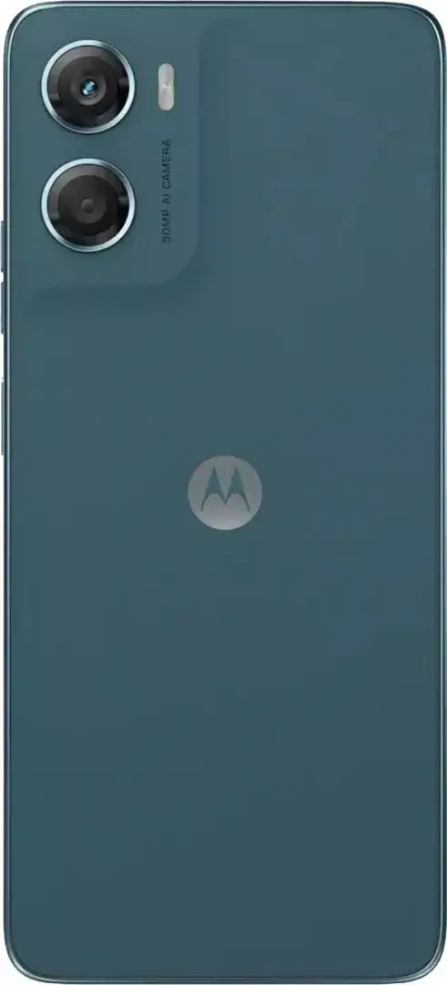
Smartphone Motorola Moto G06 4GB RAM 64GB storage Dual SIM Tapestry

SKU: 11686239

Apple Shopping Event

Hurry and get discounts on all Apple devices up to 20%

Sale_coupon_20

99,99 

  • Free shipping €100
  • 30 day return
  • Warranty 1 year

Beschrijving

Motorola Moto G06 4GB RAM 64GB storage Dual SIM Tapestry is a compact Android smartphone engineered for everyday communication, media playback and app use. The dual-SIM design allows separate work and personal numbers or local and roaming SIMs. With 4 GB of RAM and 64 GB of internal storage, the device delivers responsive performance for common multitasking and stores photos, apps and media with scope for additional storage if required. The Tapestry finish offers a textured look and feel that improves grip and resists visible fingerprints.

Voordelen

The Moto G06 balances practical performance and straightforward functionality in a lightweight form factor. Its dual-SIM capability, adequate memory configuration and expandable storage support make it suitable for users who need reliable daily connectivity without complex setup. The textured Tapestry finish reduces slippage and maintains a consistent appearance. Standard connectivity options and a simple software environment support stable calling, messaging and app usage.

Geschikt voor

  • Everyday calling and messaging
  • Running social apps and light multitasking
  • Media playback (music and video streaming)
  • Travel and business use with two SIMs
  • Users who prefer a textured, non-reflective finish

Belangrijkste specificaties

  • Memory: 4 GB RAM
  • Internal storage: 64 GB, expandable via microSD
  • SIM: Dual-SIM support
  • Operating system family: Android
  • Finish: Tapestry textured rear
  • Connectivity: standard cellular, Wi‑Fi and Bluetooth support
  • Display: compact screen size suitable for one‑hand use
  • Battery: built for daily usage cycles

Gebruiksaanwijzing

Insert one or two nano-SIM cards in the dedicated slots and complete the initial Android setup using your Google account to restore apps and data if desired. Configure network preferences and app permissions in system settings. Use the storage settings to manage internal space and insert a microSD card to expand capacity for photos and media. Regularly update system and app software through the Settings menu to maintain performance and security.

Gebruiksaanbevelingen

Protect the device with a slim case to preserve the Tapestry finish while maintaining grip. For optimal performance, keep available storage above 10–15% and close background apps that are not in use. When travelling, assign roaming and local numbers to separate SIM slots to manage costs. Charge with the manufacturer-recommended adapter and avoid extreme temperature exposure to preserve battery life.

Overview